
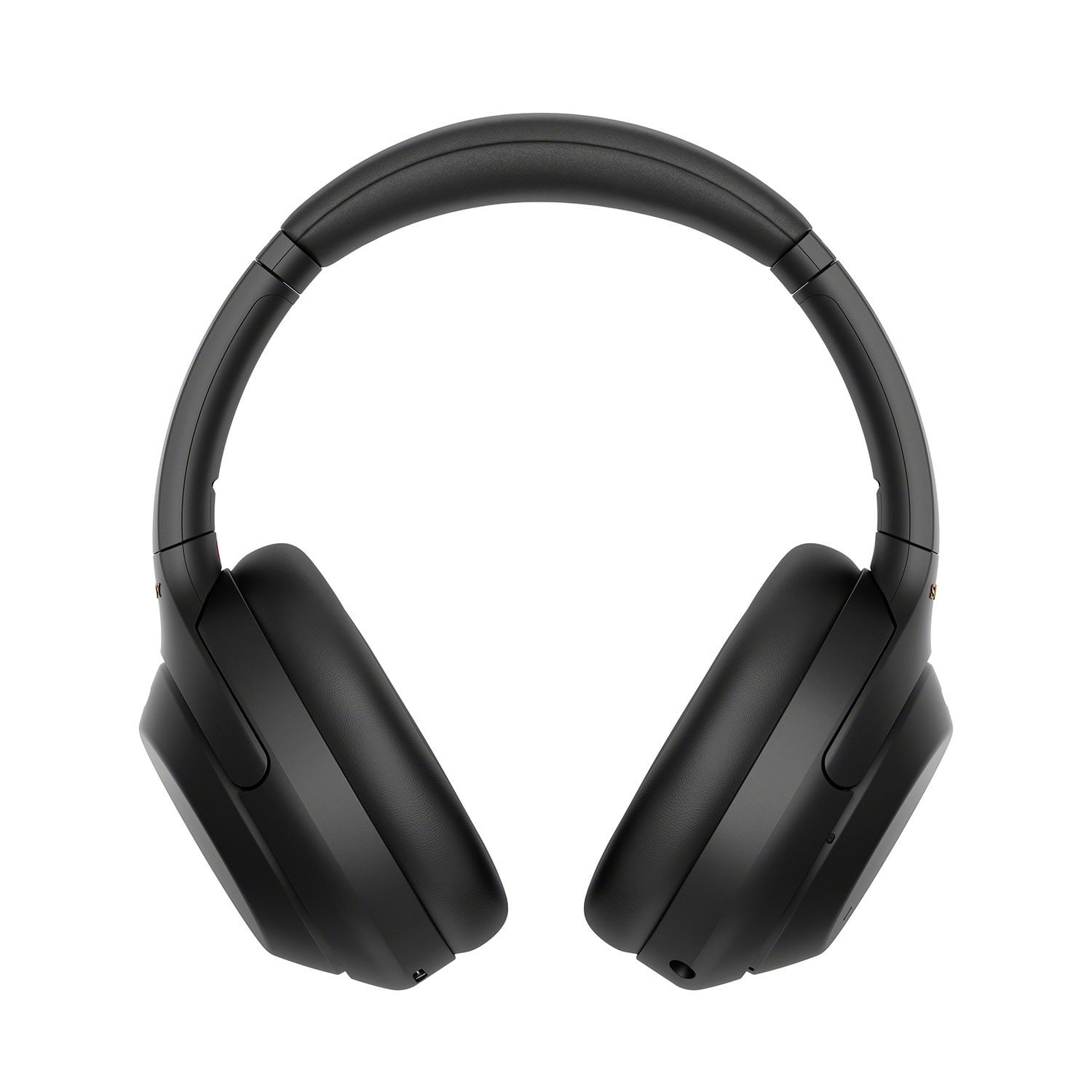
 Customer reviews for Sony WH1000XM4 Noise-Cancelling Over-the-Ear Wireless Bluetooth Headphones for
Member photos


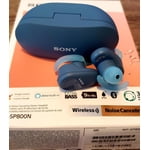 +14 images
Verified Purchase
Headphones did not work
I was so excited to receive my new Sony Headphones only to find out that they didn’t work as they were not able to charge. I thought I bought the headphones brand new but they looked used. Even though I received a refund I would have rather liked to keep the headphones and for them to work.
Hi Jakaylen, <br /><br />We are sorry to hear your headphones does not charge. I can definitely see how this would be frustrating for you.<br /><br />We do have good information and troubleshooting steps why the WH-1000XM4 does not charge on this link here: https://www.sony.com/electronics/support/wireless-headphones-bluetooth-headphones/wh-1000xm4/articles/00267822<br /><br />Resetting the headphones may also help resolve the issue. Visit this link on how to reset the headphones: https://helpguide.sony.net/mdr/wh1000xm4/v1/en/contents/TP0002752743.html<br /><br />In any case that you need our assistance, you can email us at socialsupport@am.sony.com with the following details:<br /><br />Name:<br />Walmart Username:<br />Model Number:<br />Issue:<br />Telephone Number:<br /><br />Sincerely,<br />Jess
Verified Purchase
Always beeping at you
The smart system adjusts the settings based on where you are. If you walk between rooms this thing beeps at you to notify you of something. I bought these to listen to music and every song will be interrupted by thing thing beeping at me. I tried disabling all the smarts. That worked for a while. But then I connected it to another device and the beeping started all over again. I gave them to my wife. Ill buy something else. Really frustrated with these.
Hi Timothy, thank you for purchasing our industry-leading noise canceling headphones. We're sorry to hear that you have an issue with your SONY unit. Please follow this link to isolate the issue: <br /><br />https://www.sony.com/electronics/support/wireless-headphones-bluetooth-headphones/wh-1000xm4/articles/00229328<br /><br />If you are unable to resolve your concern, please email us at socialsupport@am.sony.com with the following details: Name: Username: Model Number: Issue: Telephone Number: <br /><br />~Earl
Verified Purchase
SADLY DISAPPOINTED
I LOVE SONY PRODUCTS, AND HAVE ALWAYS PURCHASED SONY PRODUCTS. I HAD SONY WIRELESS BLUETOOTH HEADPHONES THAT I LOVED. BUT THEY DISAPPEARED AND NEVER FOUND. I JUST BOUGHT ANOTHER HEADPHONE SET... BUT WHEN I USE THEM FOR MY PHONE, "HANDSFREE" PEOPLE CAN BARELY HEAR ME. THE BLUETOOTH WORKS BUT THE SOUND AND CONNECTION IS POOR AND TERRIBLY DISAPPOINTING. NOT THE SAME.
Hi Bonita,<br /><br />We're so sorry to hear you are having issues with your WH-1000XM4 Headphones, particularly with mic during a call and sound quality. Make sure to install the latest software version of the headphones (via the Sony Headphones Connect app) for optimum performance. The software includes key features, applications, bug fixes, and feature improvements.<br /><br />During a call, the HFP (Hands-free Profile) or HSP (Headset Profile) profile is used and you do get to use the headset's microphone this way. Please note that sound quality may become low due to the conditions of the communication line and you will notice a bit of quality difference.<br /><br />Bluetooth wireless communication range or Sound interruption may occur in the [AUTO] (Priority on sound quality) mode, depending on the setting of your BLUETOOTH device and ambient conditions. If you haven't yet, the situation may be improved by changing the playback quality. If the connection is unstable, such as when producing only intermittent sound, select the “Priority on stable connection” mode. <br /><br />A separate article is also available if during a call using the headphones, you can't hear the voice of the caller or they can't hear your voice: https://www.sony.com/electronics/support/wireless-headphones-bluetooth-headphones/wh-1000xm4/articles/00267840<br /><br />In any case that you need our assistance, you can email us at socialsupport@am.sony.com with the following details: <br /><br />Name: <br />Walmart Username: <br />Model Number: <br />Issue: <br />Telephone Number:<br /><br />Sincerely,<br />Jess
Verified Purchase
Didn't work a full year.
I absolutely loved these at first, the quality seemed spectacular and legitimately life-changing. But they suffer from a common failure which leads to an extremely high-pitched and hearing-damaging squealing sound issuing unexpectedly from one side or the other. A quick search online shows this failure was not uncommon on the previous version as well. That being said, if you disable the feature, the headphones remain usable and are otherwise of good quality.
Hi WoodyMutt, We regret to hear you are having an issue with your Sony wireless noise canceling headphones. This is definitely not the customer experience we want you to have. If you already updated the firmware of your headphones (https://www.sony.com/electronics/support/wireless-headphones-bluetooth-headphones/wh-1000xm4/downloads) and initialized the unit to factory settings (https://helpguide.sony.net/mdr/wh1000xm4/v1/en/contents/TP0002752746.html) and still having the same issue, you can email us at socialsupport@am.sony.com with the following details so we can better assist you: Name: Sony website Username: Model Number: Issue: Telephone Number: We value you being a Sony customer. Sorry for the inconvenience and hope to speak directly to try to resolve this matter. Thank you for letting us help assist you. Sincerely, Vincent
Verified Purchase
TOTALLY USELESS
I purchased these headphones to use while talking on the phone during meetings. So far no one can hear me clearly while I am wearing the headphones. VERY DISAPPOINTED!!! I did my research that these came very highly rated from a number of reputable tech websites. However, since I am not able to use them while talking on the phone they are TOTALLY USELESS AND A WASTE OF MONEY.
Hi Ned S, We are sorry to hear about the issue you are having. This is usually not the case for our headphones nor the experience we want you to have. For call quality concerns, we recommend performing the following steps: Install the latest firmware update. Initialize the headset. Turn off the headset while the USB Type-C cable is disconnected and then press and hold the (power) button and the CUSTOM button simultaneously for 7 seconds or more. The indicator (blue) flashes 4 times, and the headset is initialized. If you are unable to resolve your concern, please email us at socialsupport@am.sony.com with the following details: Name: Username: Model Number: Issue: Telephone Number: Sincerely, Sam
Verified Purchase
Worth it
I was a little hesitant to spend so much on headphones, but they are totally worth it. I'm autistic and it's impossible to get anything done with the background noise my roommates make (constantly and very loud!). These have completely changed my ability to work. I am so focused and not nearly so agitated. They are worth the money for sure.
Hi autisticb, You made the right choice! We're thrilled that you found the perfect headphones for your lifestyle. Intelligent and intuitive, the WH-1000XM4 headphones offer further improvements to our industry-leading noise cancelation, exceptional sound quality, and smart listening that adjusts to your behavior and your location. Using the Sony Headphones Connect app, Ambient Sound Control lets you adjust the volume of background sound and gives you the option to allow voices alone to be heard. Meanwhile, the Equalizer lets you customize sound levels to suit your music. Thanks for choosing Sony! -Ralph
Verified Purchase
Right Ear ANC started making fluttering noises
I bought this 3 months ago and for the first month or so it was performing great but now the ANC has started making more staticky noises that are not usual. It only happens with the right ear of headphones and starts making fluttering noises that were significantly louder in comparison to the left ear.
Hi d_ltran, This is not the experience that we want you to have. If you hear buzzing, popping, crackling, or vibration noises from your Bluetooth® headphones that sound different than the more common static or distortion sounds caused by environmental interference issues, please email the below information to socialsupport@am.sony.com. Apologies if you disclosed some of this information in your review and to customer service, we just want to ensure that we have your accurate details at the time of communication. Full Name: Sony.com Username: Telephone Number: Sony Headphones Model Number: Additional Information regarding your experience with the WH1000XM4. We are sorry for the inconvenience and hope to speak to you to resolve this matter. We appreciate you and thanks again for shopping Sony! Sincerely, -Ralph Sony Social Support
Verified Purchase
Great Noise Cancelling Headset
I had purchased a cheaper type of noise cancelling headset and they wouldn't stay on. These Sony headsets worked great. Just took them on their first air trip and the noise reduction was wonderful. In fact, the noise filtering is so good, I was missing when the Flight Attendants wanted to get me a drink. Easy to charge, easy to use, and must importantly, they work great.
Hi SoCalifCarGuy, Thank you for the awesome review! We're thrilled you're enjoying the excellent noise cancelling feature, quick charging, ease of use, and overall performance of your new Sony WH-1000XM4. Intelligent and intuitive, the WH-1000XM4 headphones offer further improvements to our industry-leading noise cancelation, exceptional sound quality, and smart listening that adjusts to your behavior and your location. Using the Sony Headphones Connect app, Ambient Sound Control lets you adjust the volume of background sound and gives you the option to allow voices alone to be heard. Meanwhile, the Equalizer lets you customize sound levels to suit your music. Thanks for choosing Sony. -Sam
Verified Purchase
Comfortable to wear but software needs tweaking
The noise cancellation is fantastic. They are very comfortable to wear for long periods of time. That being said - I connect mine to two devices simultaneously. The transfer across the devices is not good. There is a lot of disturbance/stutter even if the "Sound Quality Mode" is set appropriately.
Hi Skwork, While we are glad to hear that you are happy with the noise-cancelling feature and comfort of the WH-1000XM4 Headphones, we are sorry to hear that you are experiencing audio stutter on the headphones and you are having trouble with the multipoint connection. We'd love to troubleshoot the issues that you are having and make this a better experience for you. In the meantime, please follow these steps to troubleshoot the issues. First, please make sure that the headphones are up to date as this will improve the overall performance of the headphones. You may use the Headphones Connect app to update the WH-1000XM4 Headphones. For the audio, please make sure that the sound quality mode is set to “Priority on stable connection” mode. Bluetooth communications may be disabled, or noise or audio dropout may occur under the following conditions. -When there is a human body between the headset and the Bluetooth device In this case, put the Bluetooth device in the same direction as the antenna of the headset to improve the Bluetooth communications. -There is an obstacle, such as metal or a wall, between the headset and the Bluetooth device. In places with wireless LAN, where a microwave oven is used, electromagnetic waves are generated, etc. -The situation may be improved by changing the wireless playback quality settings or fixing the wireless playback mode to SBC on the transmitting device. For details, refer to the operating instructions supplied with the transmitting device. -Because Bluetooth devices and wireless LAN (IEEE802.11b/g/n) use the same frequency band (2.4 GHz), microwave interference may occur and result in noise, audio dropouts, or communications being disabled if this headset is used near a wireless LAN device. In such a case, perform the following steps. -If this headset is used within 10 m (30 feet) of a wireless LAN device, turn off the wireless LAN device. -Use this headset and the Bluetooth device as near to each other as possible. -If you are enjoying music with your smartphone, the situation may be improved by shutting down unnecessary apps or restarting your smartphone. For the multipoint connection, please make sure to download the Sony | Headphones Connect app on one of the devices and make sure it has the latest update. Both source devices must support Bluetooth capability. When pairing the headphones with any device, make sure to select WH-1000XM4, rather than LE_WH-1000XM4 on the source device. It may take up to one minute before WH-1000XM4 appears on the screen. For more information and troubleshooting steps on this, you may check our related article for multipoint connection on this link: https://www.sony.com/electronics/support/wireless-headphones-bluetooth-headphones/wh-1000xm4/articles/00249936 Should you need further assistance, please contact us for help. Please email the below information to socialsupport@am.sony.com Apologies if you disclosed some of this information in your review and to customer service, we just want to ensure that we have your accurate details at the time of communication. Full Name: Sony.com Username: Telephone Number: Model Number: Issue: Regards, Carl
Verified Purchase
Issues after 3 months of usage
I bought this 3 months ago and I’m starting to have issues. The control panel will let me raise and lower volume but won’t let me play or pause videos/music. On top of that the equalizer doesn’t work anymore too, I’ve tried changing it in many ways but it all sounds the same. I rested it, cleaned the sensor softly, tried changing all the setting in the headphone app but to no avail.
Hi Prince esco, This is not the experience that we want you to have. This isn't normally the case with the WH1000XM4. For issues with the control panel, you may refer to the troubleshooting steps on this link: https://helpguide.sony.net/mdr/wh1000xm4/v1/en/contents/TP0002758108.html Regarding the equalizer function, reinstalling the app may also help resolve the issue. If you tried resetting the headphones, initializing the XM4 may help resolve those issues. Refer to the steps below: -Turn off the headset while the USB Type-C cable is disconnected and then press and hold the (power) button and the CUSTOM button simultaneously for 7 seconds or more. The indicator (blue) flashes 4 times, and the headset is initialized. This operation resets volume settings, etc. to the factory settings, and deletes all pairing information. In this case, delete the pairing information for the headset from the device and then pair them again. The headphones come with a 1-year manufacturer's warranty. If still not resolved, please contact our product support team through (https://us.esupport.sony.com/support/s/support-contact?language=en_US&category=headphones) or you can send an email with the below information to socialsupport@am.sony.com. Full Name: Sony.com Username: Telephone Number: Sony Headphones Model Number: Issue: Additional Information regarding your experience with the WH1000XM4. Sincerely, -Ralph Sony Social Support