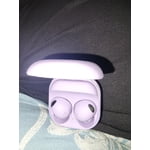
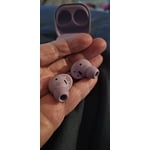
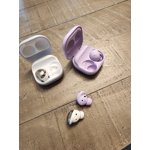
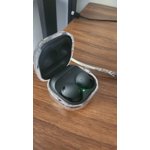
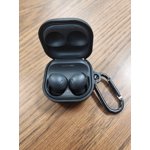
A step backwards
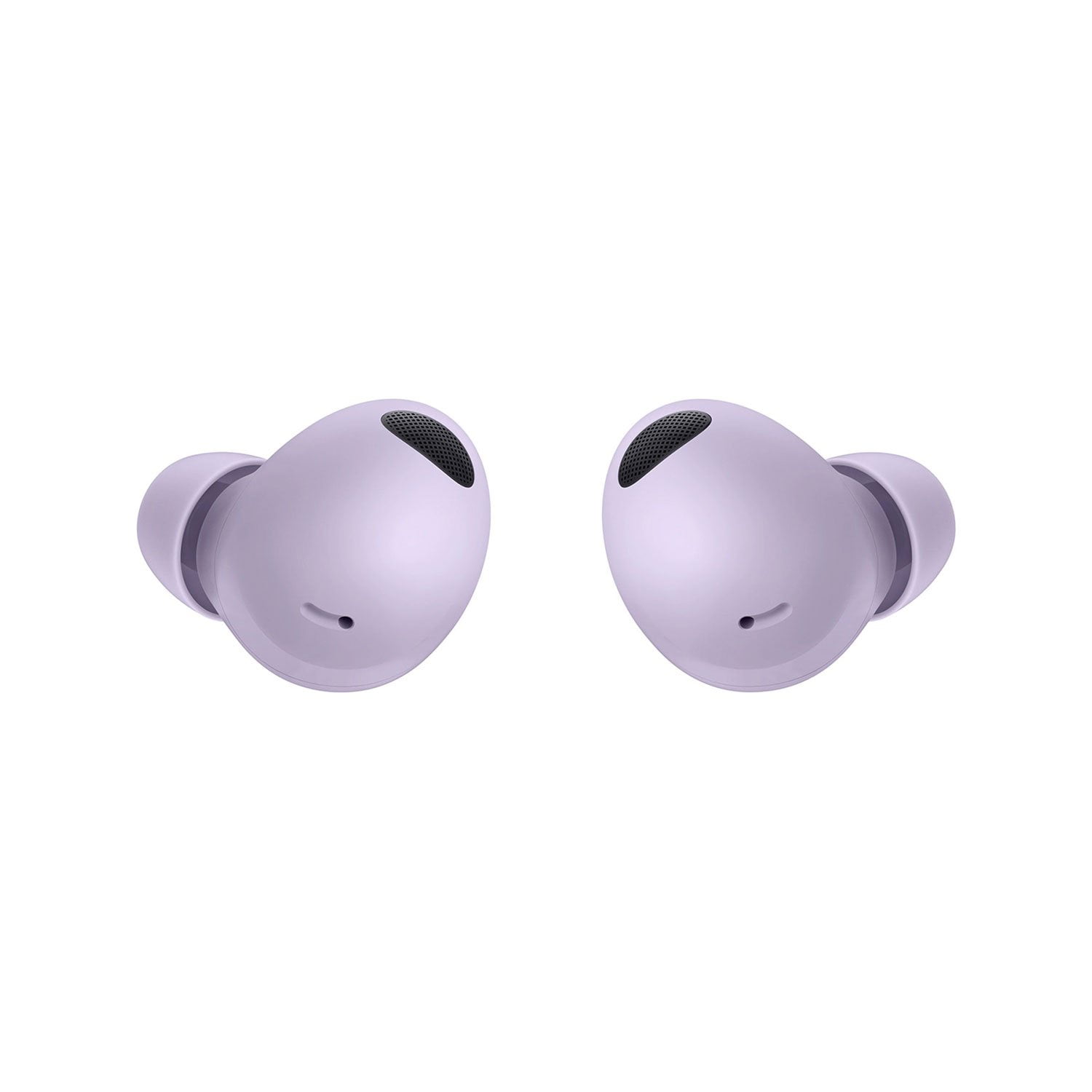
Bad fit, if you're working out or in some kind of construction job these constany need to be adjusted, always falling out, guides don't help, Bluetooth is choppy, music cuts in and out periodically, never had that issue with previous version, if I answer a phone call through my watch sound won't go through my buds it'll go through my watch which I never had an issue with with the original buds pro, sound always went to my headphones even if I answered through my phone or my watch, you can't have just one headphone in for the ambient sound to work you have to have both, which is dumb since the original could do it, music does sound better, but every other feature took a step backwards, definitely not worth the orice
reply from Social Commerce
Hello there Matt488,
Thank you for finding the unobstructed time out of your bustling day to share your sentiments with us about your Samsung Galaxy Buds2 Pro. We value your honesty as we improve the design and functionality of our product line while we stay committed to constant innovation. Our goal is for our customers to feel like they are having the most amazing experiences when using our products. Samsung provides a 12-month warranty for manufacturing defects in materials and workmanship, linked below. In the past, you may have worn earbuds that either pinched your ears or were too loose. Both options are equally uncomfortable, whether you're out jogging or just listening to music. Thankfully, you'll never have those problems with your Samsung earbuds. If they don't fit right, you can simply swap the earbud tips and wingtips. If you wear your buds correctly, it will help ensure they remain comfortable while providing the best sound and call quality possible. With the Buds2 Pro, you can use the Earbud fit test to make sure you’re wearing them correctly. From the Galaxy Wearable app, tap Earbud settings, and then tap Earbud fit test. Put the earbuds in your ears and then tap Start to begin the test. We also offer the Comply Tips Designed for Galaxy Buds2 Pro. These foam tips easily attach to the device and feature a comfortable, custom in-ear fit. Fun fact, these tips were designed to fit in the charging case while charging. If your Galaxy Buds, Galaxy Buds+, Galaxy Buds Live, or Galaxy Buds Pro disconnect from your phone often, it may be due to a poor Bluetooth connection or because you are wearing the earbuds incorrectly. You should check that the earbuds are properly inserted into your ears, that your Bluetooth connection is secure, and that your earbuds' software is up to date. Check out the Samsung article titled, "Galaxy Buds disconnect from phone often" for some helpful troubleshooting steps you can take in the privacy of your home to resolve your Bluetooth connectivity. Thank you for being an unwavering Samsung customer.
- Debra
smsng.us/Samsung-Support
smsng.us/Facebook-Messenger
smsng.us/Warranty-Info
smsng.us/Twitter-Messages
smsng.us/Samsung-Community
https://www.samsung.com/us/support/answer/ANS00082785/
https://www.samsung.com/us/mobile/mobile-accessories/buds/comply-tips-designed-for-samsung-galaxy-buds2-pro-black-gp-s32111410/#benefits
https://www.samsung.com/us/support/troubleshooting/TSG01208805/