Skip to Main Content
Sam's Club
Sam's Club
All Departments
All Services
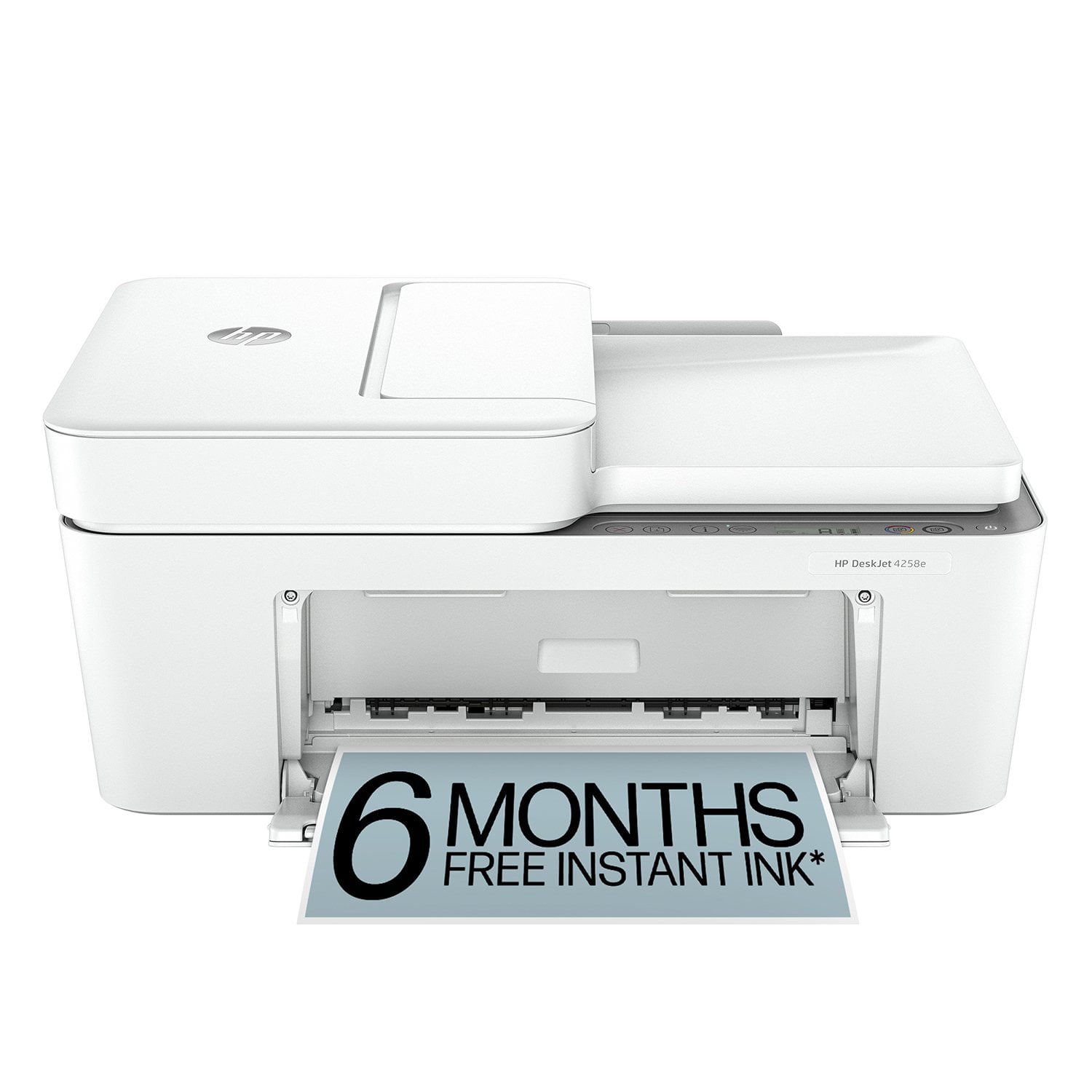
Customer reviews for HP DeskJet 4258e Wireless All-in-One Inkjet Printer, 6 Months Instant Ink with HP+ for
HP DeskJet 4258e Wireless All-in-One Inkjet Printer, 6 Months Instant Ink with HP+

Member photos

Sort by |
Showing 21-30 of 322 reviews
Jul 11, 2026
Nancy
1 out of 5 stars review

Verified Purchase

TERRIBLE. I continually tried to connect this printer wirelessly and by USB. The USB wouldnt work offline. A friend got it working for a couple documents then I shut it off and when I turned it on again. It kept telling me the printer was not connected even though it showed it on my laptop. I used to always by HP in the past, NO MORE. I am done and will buy a Cannon or Epson. And by the way I may just pitch it out wouldnt someone else experiencing hours of frustration. if I'd return it. Just my opinion, you know.

Review from walmart.com
Helpful?22ZPR3IV2M0E13610454903
Aug 21, 2025
Lscoop
4 out of 5 stars review

Verified Purchase

Occasional home use

It was a little agravating to set up. Its ok for use at home. Printed colors werent as vivid as my last printer. Would not let me resize by changing paper/envelope setting using recommended app. After i changed HP app to the one i normally use it worked fine. It was $59, so cant complain too much.

Helpful?22ZPR3IV2M0E13610454903
Jun 21, 2026
Mrs PRK
3 out of 5 stars review

Verified Purchase

Ok

It was very difficult to set this up on my network because there was minimal installation instructions. I ended up having to pay someone to get it installed properly. Also, I do not like the fact that you have to manually feed the paper in if you want to do two sided copy since my Printer is located on the other side of the room where my computer is. This would be especially difficult if you were doing a multi page document.The automatic sheet feeder only works for scanning and copying and if you don’t guide it yourself the scans come out slightly crooked. I have not used the sheet feeder yet for copying purposes, but assume the same thing will happen. You cannot load a large quantity of paper either for printing purposes. Although I am somewhat dissatisfied with this Printer, I do not want to go through the whole process of getting yet another Printer now that this one isset up and working

Review from hp.com
Helpful?22ZPR3IV2M0E13610454903
Jun 11, 2026
JHvette
4 out of 5 stars review

Verified Purchase

Prints well, but

The 4255 printer prints are clear and clean. The only problem is with the paper loading process. When you want to print on the opposite side of the page I have trouble getting the paper to load back in unless I pull all the paper back out and then reload it again.

Review from hp.com
Helpful?22ZPR3IV2M0E13610454903
Jun 28, 2026
DebiD
5 out of 5 stars review

Verified Purchase

Easy Set Up & Use

We don't do a lot of printing in our house and wanted something simple to setup and use. The HP DeskJet AIO Printer fit the bill. We opted to use the trial auto ink refill. We got our 1st order of ink within just a few days of setup. We use the bluetooth print option in our home. So far, it's been perfect.

Review from hp.com
Helpful?22ZPR3IV2M0E13610454903
Mar 23, 2026
Nikki K
3 out of 5 stars review

Verified Purchase

Decent home economy printer

I purchased this printer on sale for $70, which initially felt like a great deal. However, it does require a monthly subscription of about $8 for paper and ink, which is something to keep in mind. One of the biggest drawbacks is the limited internal memory—it only reliably prints about five pages at a time. If you need to print longer documents, you have to break them into smaller sections, which is frustrating and time-consuming. Had I known this upfront, I probably wouldn’t have purchased it, but unfortunately it’s too late to return. That said, the print quality is good and it prints quickly. It’s definitely an upgrade from our previous printer, but it still falls short of higher-end models. Overall, it’s decent for light, everyday use, but not ideal if you frequently print larger documents.

Helpful?22ZPR3IV2M0E13610454903
Apr 17, 2026
Gary Gann
1 out of 5 stars review

Verified Purchase

HP Printer shows no black ink. Right out of the bo

After set up showed black cartridge was out of ink. Trouble shot it cleaned witl alcohol and clened pin. Still shows no blabk ink. Color prints ok.

Helpful?22ZPR3IV2M0E13610454903
Dec 19, 2025
Miguel
1 out of 5 stars review

Verified Purchase

Horrible subscription based printer

Horrible product. Not user friendly, app is horrible

Helpful?22ZPR3IV2M0E13610454903
Jul 5, 2026
Anonymous
3 out of 5 stars review

Verified Purchase

printer doesn't work with my chrome pad

submitted one review already. Printer did not work with my chrome pad. couldn't get network connected in spite of all the AI and people help so I sent it back.

Review from hp.com
Helpful?22ZPR3IV2M0E13610454903
Jul 12, 2026
ACPete
4 out of 5 stars review

Verified Purchase

Good Printer

I just purchased this printer to replace another HP printer that was vastly superior -- but died of old age. It's pretty good but doesn't seem to do two sided copies automatically. So I'm learning to find the single page I need.

Review from hp.com
Helpful?22ZPR3IV2M0E13610454903