Skip to Main Content
Sam's Club
Sam's Club
All Departments
All Services
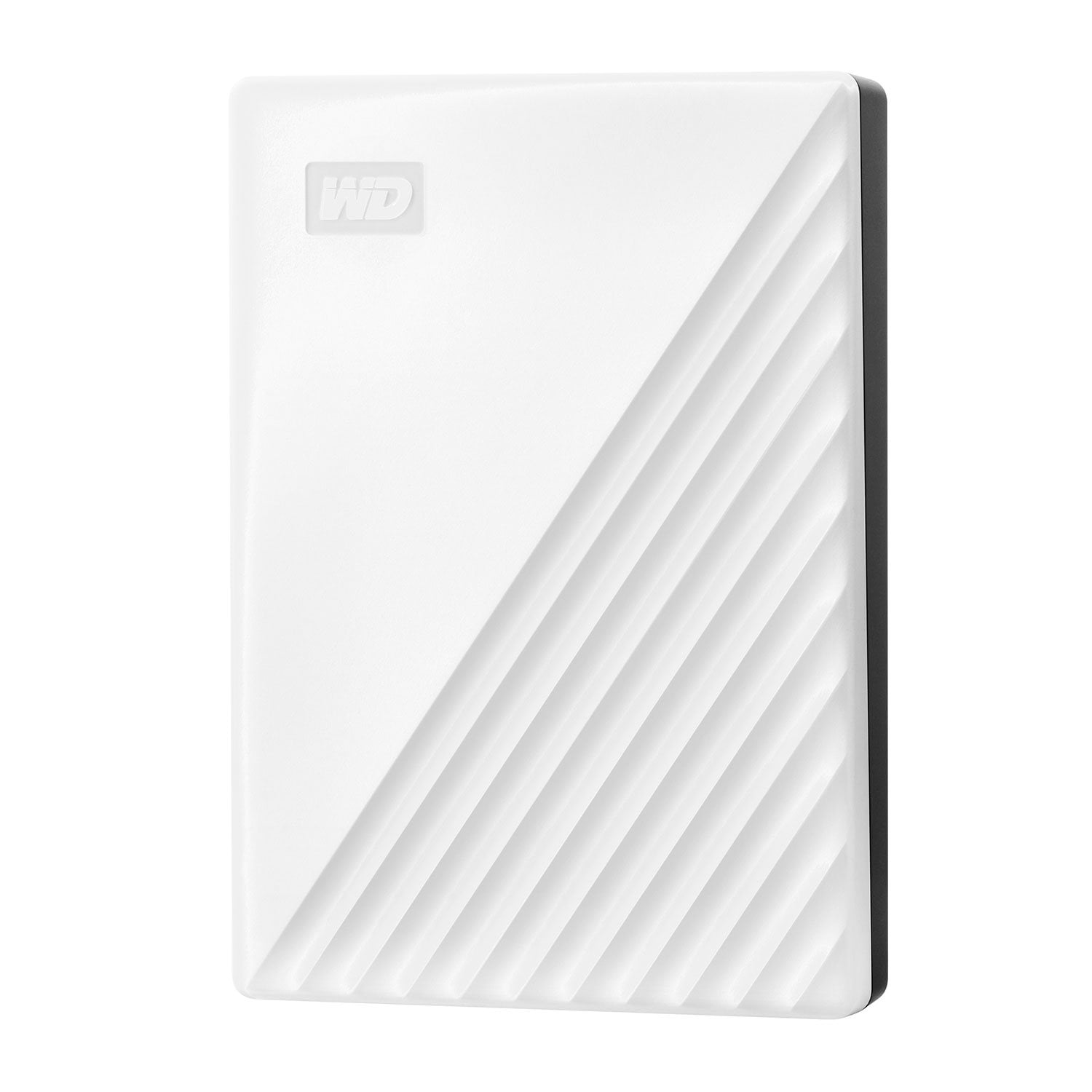
Customer reviews for My Passport 5TB Portable Hard Drive, White for
My Passport 5TB Portable Hard Drive, White
4.4 out of 5 stars
stars
181 ratings78 reviews
  1. 5 stars78% (141)
  2. 4 stars7% (12)
  3. 3 stars4% (8)
  4. 2 stars2% (3)
  5. 1 star9% (17)

Member photos

Sort by |
Showing 51-60 of 78 reviews
Jan 29, 2025
Reviewer name: John
5 out of 5 stars
5 out of 5 stars review

Verified Purchase

good

best price for the same 5TB model

Helpful?4RQEXZKFLFFK13608058775
Oct 2, 2024
Reviewer name: Carolyn Yoder
5 out of 5 stars
5 out of 5 stars review

Verified Purchase

Describes it completely

Awesome for storing personal data

Helpful?4RQEXZKFLFFK13608058775
Oct 18, 2024
Reviewer name: Rock H
5 out of 5 stars
5 out of 5 stars review

Verified Purchase

Works great.

It works great. Met my expectations.

Helpful?4RQEXZKFLFFK13608058775
Dec 7, 2024
Reviewer name: Doug
5 out of 5 stars
5 out of 5 stars review

Verified Purchase

5TB for $100 can't be beat!

Outstanding price for 5TB

Helpful?4RQEXZKFLFFK13608058775
Oct 28, 2024
Reviewer name: Peter
5 out of 5 stars
5 out of 5 stars review

Verified Purchase

Worth the money- very slim - fast

Review from walmart.com
Helpful?4RQEXZKFLFFK13608058775
Feb 3, 2024
Reviewer name: Joe Tokish
5 out of 5 stars
5 out of 5 stars review

Verified Purchase

This drive is very fast.

Great buy

Helpful?4RQEXZKFLFFK13608058775
Feb 5, 2024
Reviewer name: MarkW
5 out of 5 stars
5 out of 5 stars review

Really fast drive with lots of storage

This is a really fast drive that I divided into two equal partitions, one for Time Machine and one for storage. I reformatted it to use on my Mac Mini, and also bought a USB-C cable so I could plug it into a Thunderbolt 4 port. It's also the best deal available, getting 5 TB for the price. So far, I'm very happy with it.

Helpful?4RQEXZKFLFFK13608058775
Nov 16, 2024
Reviewer name: Laura
1 out of 5 stars
1 out of 5 stars review

Save yourself the headache

Followed all the instructions for reformatting for use with a Mac, including installing the million pieces of software needed, and it still won't work. I'm still not able to move a single file onto the new, completely empty drive because I'll get an error message saying the device is full. Product support is useless and the Knowledge Base articles for troubleshooting even more so. Returning this immediately and going back to my trusty old plug-and-play Lacie/Seagate drives.

Helpful?4RQEXZKFLFFK13608058775
reply from Western Digital Team

Hi, We are sorry for the inconvenience caused to you. Please be informed that the WD My Passport External drive comes preformatted in NTFS format for Windows OS, In order to use the drive for macOS you can reformat the drive with macOS supported HFS+J file system by using this link: https://support-en.wd.com/app/answers/detailweb/a_id/8200/related/1 Please be informed that reformatting is a data destructive process, please backup the data from the drive before reformatting it. If you need any technical assistance then please feel free to contact us by opening a ticket directly at (https://support-en.wd.com/app/askweb)

Oct 16, 2024
Reviewer name: Lak
1 out of 5 stars
1 out of 5 stars review

DO NOT DROP!!!

DO NOT DROP!!! I accidentally dropped mine on the carpet, and now it no longer works. All my memories and travel videos are gone! Very disappointed. I contacted support Sunday October 13th, 2024, but they couldn’t help with data recovery. They said I’d need to contact a third-party service, which could cost me thousands of dollars. :-( Make sure to handle it with extreme care!

Helpful?4RQEXZKFLFFK13608058775
reply from Western Digital Team

Hello Lak, We are sorry for the inconvenience caused to you. Please be aware that we recommend that hard drives should be handled with care. Special handling is required to protect them from damage. If you have any queries, We'd request you kindly open a support ticket at (https://support-en.wd.com/app/askweb) and, we'd be more than happy to help.

Mar 25, 2025
Reviewer name: Ron
1 out of 5 stars
1 out of 5 stars review

Verified Purchase

Not easily usable

Doesn’t support a USB-C connection with a proprietary end on the drive side. Didn’t want to mess with ordering a separate cable.

Helpful?4RQEXZKFLFFK13608058775
reply from Western Digital Team

Hi, We apologize for the inconvenience caused to you. Please be informed that WD My Passport uses a Micro-B USB 3.0 port on the drive side, not USB-C. You'll need a compatible cable or an adapter to connect it to a USB-C port.