
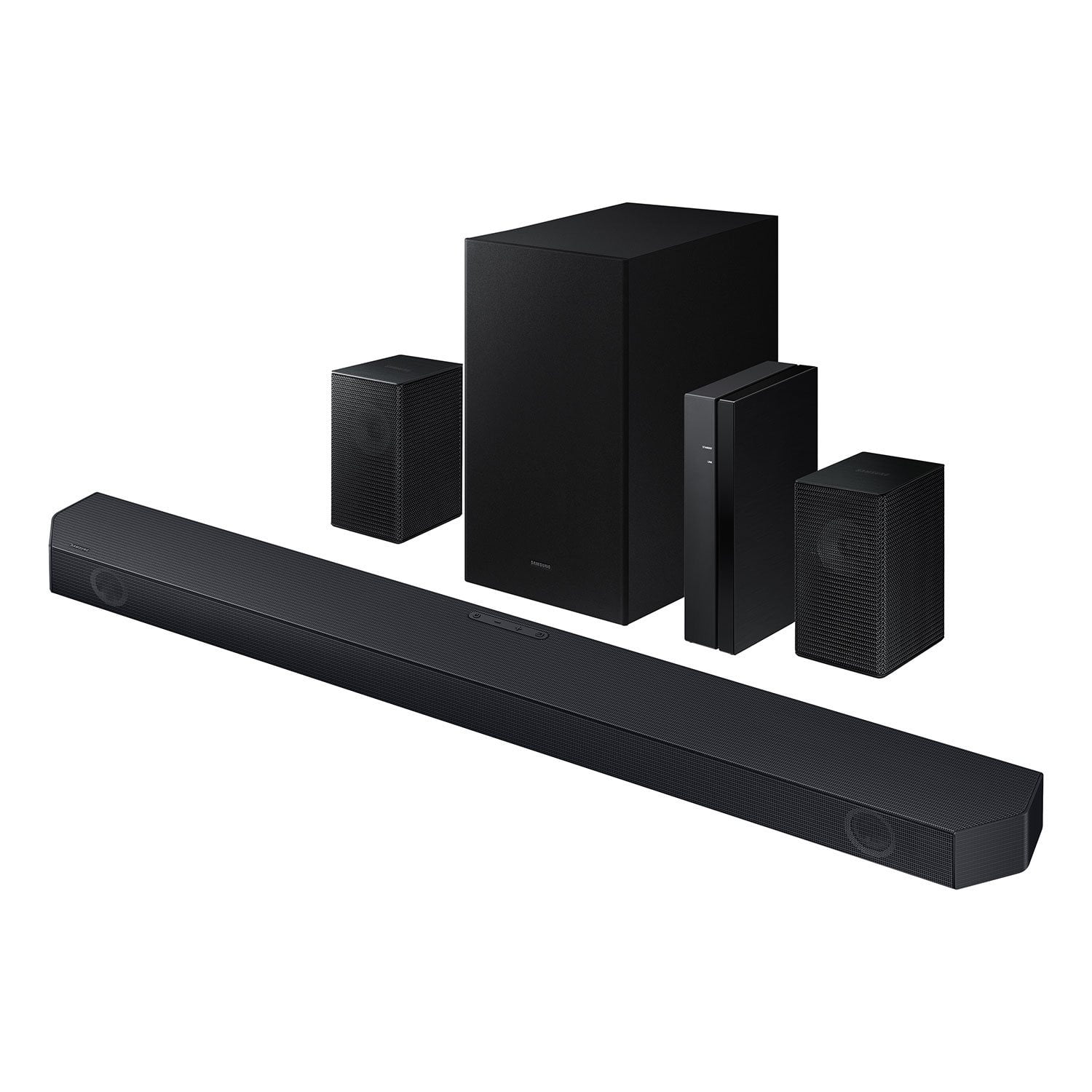
 Customer reviews for SAMSUNG Q-series 5.1 Channel Sound Bar with Wireless Subwoofer, Q-Symphony & Dolby ATMOS Audio for
SAMSUNG Q-series 5.1 Channel Sound Bar with Wireless Subwoofer, Q-Symphony & Dolby ATMOS Audio
4.5 out of 5 stars
stars
525 ratings400 reviews
Member photos
- +59 images





Sort by |
Showing 321-330 of 400 reviews
Nov 8, 2024
Reviewer name: Jorge2525
5 out of 5 stars review
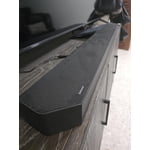
Fantastic audio system
Review from Samsung US
Helpful?
Jun 20, 2025
Reviewer name: gcaptos
5 out of 5 stars review
Pure clear sound all around the room
Review from Samsung US
Helpful?
Apr 23, 2025
Reviewer name: Marcus53002
5 out of 5 stars review
Great features and realistic sound !
Review from Samsung US
Helpful?
Mar 21, 2025
Reviewer name: Venky10
3 out of 5 stars review
Product is good but could be great
Review from Samsung US
Helpful?
reply from Samsung Solutions
Jul 24, 2025
Reviewer name: LOLBE445
5 out of 5 stars review
Amazing sound
Review from Samsung US
Helpful?
Oct 14, 2024
Reviewer name: No your business
5 out of 5 stars review
Verified Purchase
Easy setup
Helpful?
Aug 7, 2024
Reviewer name: Esau
5 out of 5 stars review
Verified Purchase
Great sound
Helpful?
Jan 27, 2025
Reviewer name: Bill
5 out of 5 stars review
Verified Purchase
Great
Helpful?
Oct 10, 2024
Reviewer name: Kw
5 out of 5 stars review
Verified Purchase
Easy set up
Helpful?
Dec 25, 2024
Reviewer name: Saheralbile
5 out of 5 stars review
Verified Purchase
Samsung serie q 5.1
Helpful?