
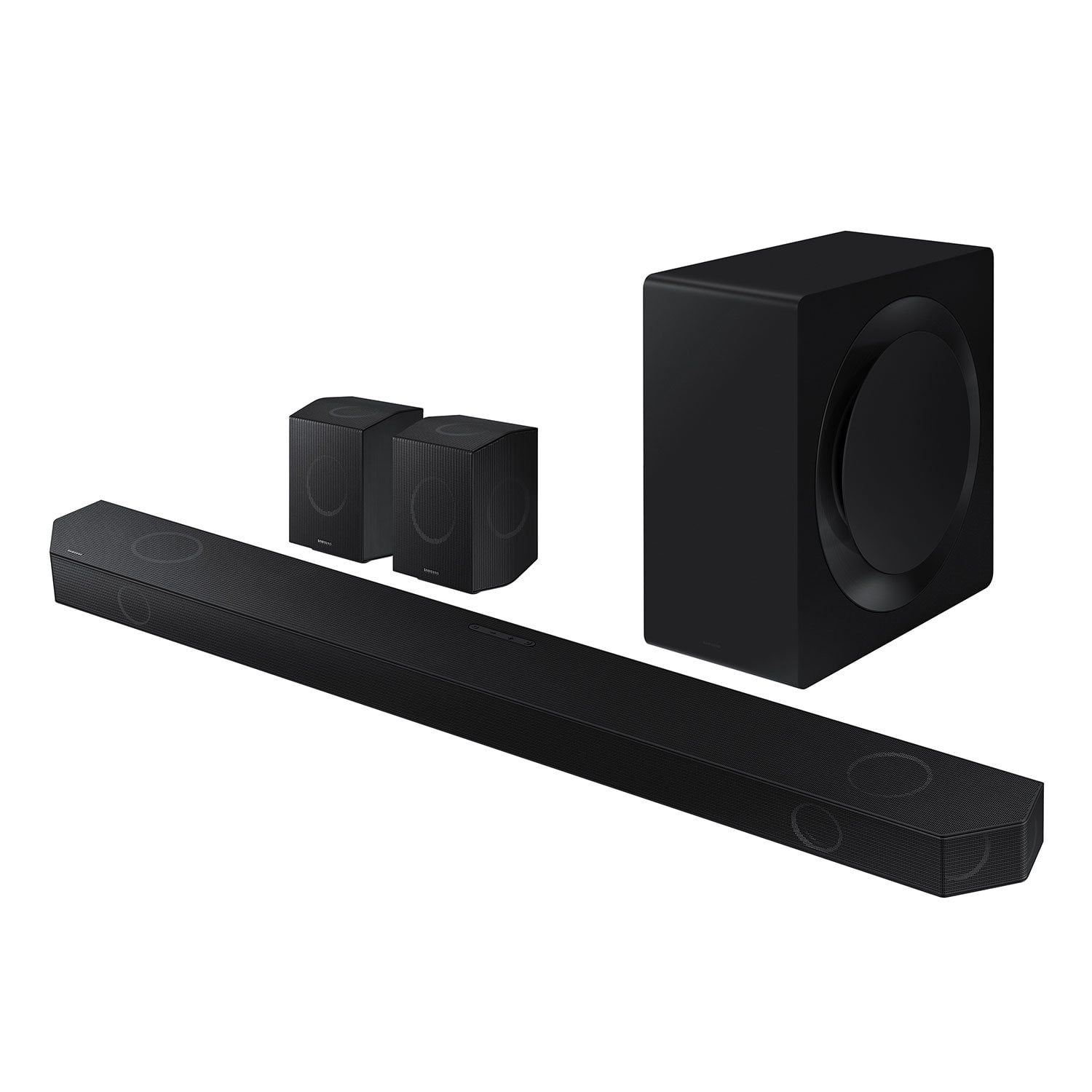
 Customer reviews for SAMSUNG 11.1.4 Channel Sound Bar with Wireless Subwoofer, Q-Symphony & Dolby ATMOS Audio for
Member photos
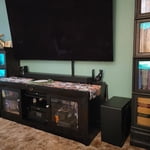

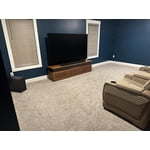


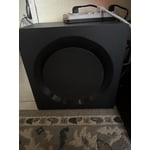

 +258 images
The best soundbar I've ever experienced.
[This review was collected as part of a promotion.] If the title doesn't say it all, then let me break it down further; The bass is powerful and rumbly. The highs are crisp and clear. The mid level frequencies give music and media the depth of audio fidelity you should expect from a high quality technology manufacturer with decades in the game of manufacturing and innovation. The sound profile built into the speaker combined with it's ability to adjust its sound projection according to the specific acoustics of the room it is in has been a game changer. The seamless integration to my Samsung Qled TV and Samsung Galaxy S phone have been a pleasure to experience and one of the greatest conveniences that can be had in this situation. The Samsung ecosystem is incredible, and I look forward to having my own "smart home" one day.
Absolutely amazing!!
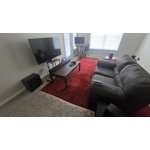
[This review was collected as part of a promotion.] So I bought this sound system ON CLEARANCE and I do have to admit... this is the best "toy" I've bought for myself and my home!!! This PEEFECT AND LOVELY sound system rattles and vibrates MY WHOLE HOUSE at a volume level of ONLY 25!! I am always turning to my windows to look/check outside because the base/sound from the subwoofer LITERALLY feels and sounds like a car with its sound system blasting, rumbling, bumping had pulled into my drive way, or is creeping by my house hahaha!!!!

I love the sound effects and surrounding sounds
[This review was collected as part of a promotion.] I use my Samsung Q990D soundbar every day, and it has completely transformed my entertainment and gaming setup. Whether I’m streaming movies, gaming online, or just listening to music, the soundbar delivers crystal-clear dialogue, deep bass, and immersive surround sound that fills the entire room. • 🎮 For gaming, the 4K/120Hz passthrough and directional audio make every moment intense and lifelike. • 🎬 For movies, Dolby Atmos brings the cinema experience home—explosions feel real, and voices are perfectly balanced. • 📺 For streaming and daily use, it connects easily to my TV and mobile devices through Wi-Fi and Bluetooth, making it convenient to switch between platforms. • 🏫 Even for school work, when I need to listen to educational videos or join virtual lessons, the clarity makes a big difference. The wireless subwoofer and rear speakers fit perfectly in my space, and the setup was super easy. It’s not just a soundbar—it’s part of my daily routine.

Bang bang on the buck
[This review was collected as part of a promotion.] he sound quality is pristine, with crystal-clear highs, rich mids, and deep, resonant bass that fills the room without overpowering it. Every note and sound effect is rendered with remarkable precision, creating a layered and dynamic listening experience. Whether it’s the subtle rustle of leaves in a film or the intricate instrumentation in a music track, the clarity is astounding. What truly sets this system apart is its Dolby Atmos implementation. The three-dimensional soundstage wraps around you, making you feel like you’re inside the scene or concert. Sounds move seamlessly from all directions—above, beside, and behind—creating an unparalleled sense of immersion. Watching an action movie, I could hear helicopters whirring overhead and raindrops falling around me, while music felt like a live performance unfolding in real time. The setup is also versatile, handling everything from explosive blockbusters to delicate classical pieces with finesse. Dialogue remains crisp and distinct, even during intense scenes, and the spatial audio enhances gaming by pinpointing directional cues with accuracy
Real sound from wireless technology.
[This review was collected as part of a promotion.] I have had alot of high dollar sound systems. They do not even come close to this Samsung Q series sound system. This Q series surround sound is very easy to setup. Get your speakers how you would like to hear the big sound come from behind you, or from the side. After you get it setup, find one of your favorite movies and let her play. Sound from this system is very clear, low sound from the sub woofer is a heart pounding. Midrange sound coming from the side, straight at you. It is very clear. No guess work on how to setup the rest of the speakers up. If you have ever setup a surround sound system before it's like walking in the park. Nice crisp Midrange. With highs and lows combined this will rock your world. If your looking for a very nice game room sound system look no further. Most sound systems when you first turn on your gaming console or TV has a little hiss to them. This setup does not. I would recommend this setup to my family, friends or neighbors. This an A1 setup with big sound
Great Surround Sound
[This review was collected as part of a promotion.] This soundbar offers good surround sound with ok bass. Always better than having just a TV to push out the sound. Have always had trouble with the Amazon Alexa part of this soundbar and could never configure that correctly to get the functionality of the Alexa to power on the TV for example. One other thing to add: no fault of the length of the soundbar, however because of the unevenness of the studs behind my drywall I was unsuccessful to be able to center the soundbar to be wall mounted under the TV so on top of the TV stand it goes. Best investment for any OLED TV or QLED TV and works with well with Samsung SmartThings app.

Whe it works ,it works really good.
[This review was collected as part of a promotion.] I use this system in my home theater. I have connected a Roku ultra, xbox x, and a 85" QE1C QLED 4K tv. The sound bar continiously disconnects from the tv. Not allowing the Q-Symphony feature to work. I have to unplug the power and replug to get it to work. This happens almost everytime. However when it does work it is amazing, the sound is great and it feels like a movie theater. Another issue I have is the wireless satelite speakers, they still require electrical power, therefore they are not 100% wireless.
Hello LEDpiranah, We appreciate you taking a few moments to review the Samsung HW-Q990D Soundbar. Updating the firmware on your soundbar gives you all the benefits of the latest improvements. When the Soundbar is connected to the Internet, Auto Update allows software to update automatically even when the Soundbar is turned off. You can also update by using the SmartThings app. If not connected to the internet, you can download it onto a USB device, and then upload it to your soundbar - no wireless connection required. Connect the USB drive that contains the update firmware to the SERVICE port of the Soundbar. 1.Go to the Samsung Electronics website (www.samsung.com) → click on the “Support” option in the upper left corner. 2.Click on “Manuals & Software” from the pop-up list > TVs & Home Theater > Home Theater > Select your model 2. Download the firmware file (USB type). 3. Unzip the file to create a folder with the file name. 4. Store the created folder in a USB and then connect it to the Soundbar. 5. A sequence of “UPDATE” > “BYE” > “ON” will appear on the display 3 times. This will take around 6 minutes. - During update, do not turn it off or remove the USB. - If “UPDATE” does not appear on the display window, remove the power cord from the Soundbar and then reconnect it. - When the latest version is installed, no update is performed. - Depending on the USB type, update may not be supported. 6. After the 3 cycles are complete, the Soundbar will restart and last source used will appear on the display for about 20 seconds and then it will go off (“UPDATE” > “BYE” > “ON”) 3 times “D.IN” > off If you need more help, Samsung is here for you. Please call us at 1-800-SAMSUNG, 8AM - 12AM EST (Ask for Soundbars), 7 days a week. Our Live Chat agents are also available by clicking on the ‘Support’ link on our website. ~ Samsung Solutions
Best soundbar I've ever had
[This review was collected as part of a promotion.] I've had countless number of soundbars throughout my life but this is one soundbar that gives me a very clear dialogue and makes Dolby Atmos worth it. I'm already thinking of buying two more for my sibling's and parent's room.
Is there something better?
[This review was collected as part of a promotion.] I use my soundbar for movies, games, tv shows, news, whatever! This thing is unparalleled in sound. Night mode shuts it up (enough). I don't know how I lived without voice enhancement. Still, I haven't even mentioned the Alexa functionality with the built-in mic. But, the best part? Pairing this bad boy with my phone to listen to music. I haven't yet found out how loud this unit gets, but it fills the entire house with sound at less than 50 percent volume. I'm glad I bought this!
This product sound great but not for the price
[This review was collected as part of a promotion.] The quality of the soundbar, surround speakers and woofer is good but it's not quite goood enough for the price purchased. I was expecting more with that price tag and the surround speakers are heavy and bulk but not having the performance for the size and same with the woofer.
Hello NKumar, We appreciate you providing your feedback and experience with the HW-Q990D soundbar. Please know there are a wide range of audio adjustments available to tune the sound to your liking. You can manually optimize your audio experience by pressing the SOUND CONTROL button (which looks like a gear), you can set the audio function such as Auto EQ, Spacefit sound, AVA, Voice Enhance mode, Night mode, Sync, Surround speaker mode, Virtual. The desired item can be adjusted using the Up/Down buttons. Alternatively, you can press and hold the SOUND CONTROL button for about 5 seconds to adjust the sound for each frequency band. 150Hz, 300Hz, 600Hz, 1.2kHz, 2.5kHz, 5kHz, and 10kHz are selectable using the Left/Right buttons and each can be adjusted to a setting between -6 to +6 using the Up/Down buttons. You can try quickly optimizing the audio by pressing the SOUND MODE button on your remote, and then select the desired sound effect by choosing STANDARD, SURROUND SOUND, GAME, or ADAPTIVE SOUND. To control the volume of each speaker, press the CH LEVEL button on the provided remote. Then select CENTER LEVEL, SIDE LEVEL, WIDE LEVEL, FRONT TOP LEVEL, REAR LEVEL, or REAR TOP LEVEL. Once you find the channel you are looking for, adjust the volume between -6 to +6 by using the Up/Down buttons. There are multiple ways to control the bass levels for your new Soundbar. 1) Using the WOOFER button on the provided Soundbar remote. Use the woofer button by pushing forward or pulling backward on the button itself to adjust the bass levels between -12 or -6/+6. If you want to reset the bass to 0 then push the button in. 2) When you press the TONE CONTROL button, you can adjust the treble or bass levels between -6/+6. Alternatively, you can adjust all of these same settings and more within the SmartThings app. Download the app for your iOS or Android device and then connect your Soundbar to Wi-Fi. From here, you will be able to adjust all of the same settings as the provided remote, but with the added benefit of being able to see the changes on your smart device. If you need more help, Samsung is here for you. Please call us at 1-800-SAMSUNG, 8AM - 12AM EST (Ask for Soundbars), 7 days a week. Our Live Chat agents are also available by clicking on the ‘Support’ link on our website. ~ Samsung Solutions