Great overall value for a basic label maker. The A/C adapter alone costs almost as much as this printer bundled with the adapter and what amounts to 1.5 cartridges of tape.
The keyboard means this type of label maker may be used as is to create simple labels and very portable since it uses readily available AA batteries or the included A/C adapter. However, this particular model does have fewer font choices (two), frames (twenty), symbols (90), and storage slots (5) to select from versus more expensive models. This was less than the ten years+ older PT-2730 model I was trying to replace.
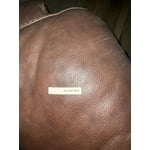
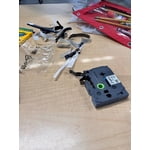
Tape sticks well, but surprisingly leave little or no residue behind when removed. Mine have come off easily. No Goo Gone needed. Text remains visible in indoor and outdoor applications (I've used them on my doors, mailbox, bins in the attic, household, etc.). The last much longer than non-laminated tapes. Because the tape is laminated, there is some waste at the beginning of each tape. The reason for this is the printer "prints" and then has to apply the laminate over the printed area. This is accomplished by the unique design of the tape cartridges these Brother models take. One can save tape by using the "chain" print feature instead of printing and cutting labels individually. One can save money on tapes by buying generic, but your results may vary with that.
First of all, you may want to go to Brother's website to compare. This model is a great value if one needs a basic standalone label maker only with limited fonts, frames, and memory storage, which is all I thought I want when trying to replace the PT-2730. This one also prints .75" tall labels versus 1" or 1.5" tall labels other models have. It only prints two lines of text versus more, and I occasionally use mine to print a label with an address on it.
I prefer the keyboard models over the Cube for two main reasons.
First reason. Being an owner of a previous model that is over 10 years old, one realizes the value of the keyboard. My older model could also connect to the pc and create labels that way too. Newer keyboard models can connect via pc or the older phone app which still works on newer devices. The Cube can connect and create labels through the software, older phone app, and a newer phone app. However, the keyboard allowed me to use my older model even though it wasn't supported by software anymore and never was supported by an app. It turns out Brother did release a driver for Windows over the summer for this older model, but Mac support appears to have been abandoned. Even for newer printers, features on Mac are not the same as what is available on Windows. Therefore a Cube that may still work could eventually have to be replaced just because there is no app support for it on newer devices, and there is no physical keyboard to use it as a standalone. One could just use an older device that would still run the app. Windows users will probably get longer support with more features.
Power Options. Be aware that some Cubes do not seem to have an option for A/C adapter. They run on a rechargeable battery only. The rechargeable battery may be difficult to find later. If it is not charged, you will have to wait for it to have some charge before using. Right now, it is almost half the cost of the Cube to replace that battery. I've had good success using rechargeable AA batteries with my keyboard model, so there's that if rechargeable is a factor in your decision. And I have the option of using the A/C adapter.
In the end, I returned this printer unopened. The keyboard model I would get, probably the pt-d610bt, to replace the PT-2730 does come with the adapter. Unfortunately Sam's does not carry this model right now. I would miss the ability to create and print labels using a computer and like the idea of being able to use it with an app too.

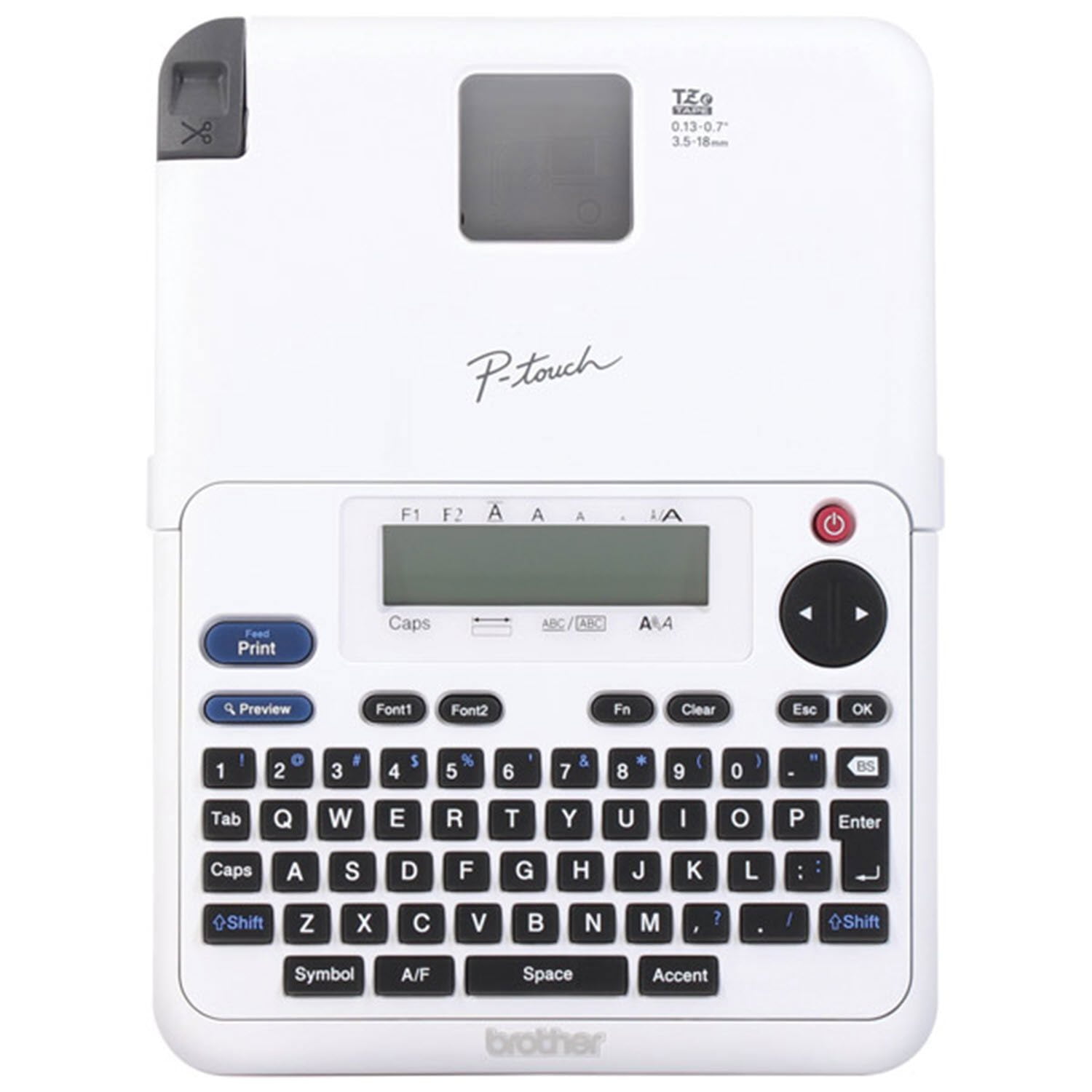 Customer reviews for Brother P-Touch Home & Office Label Maker PT-2040SC for