Skip to Main Content
Sams Club
Sams Club
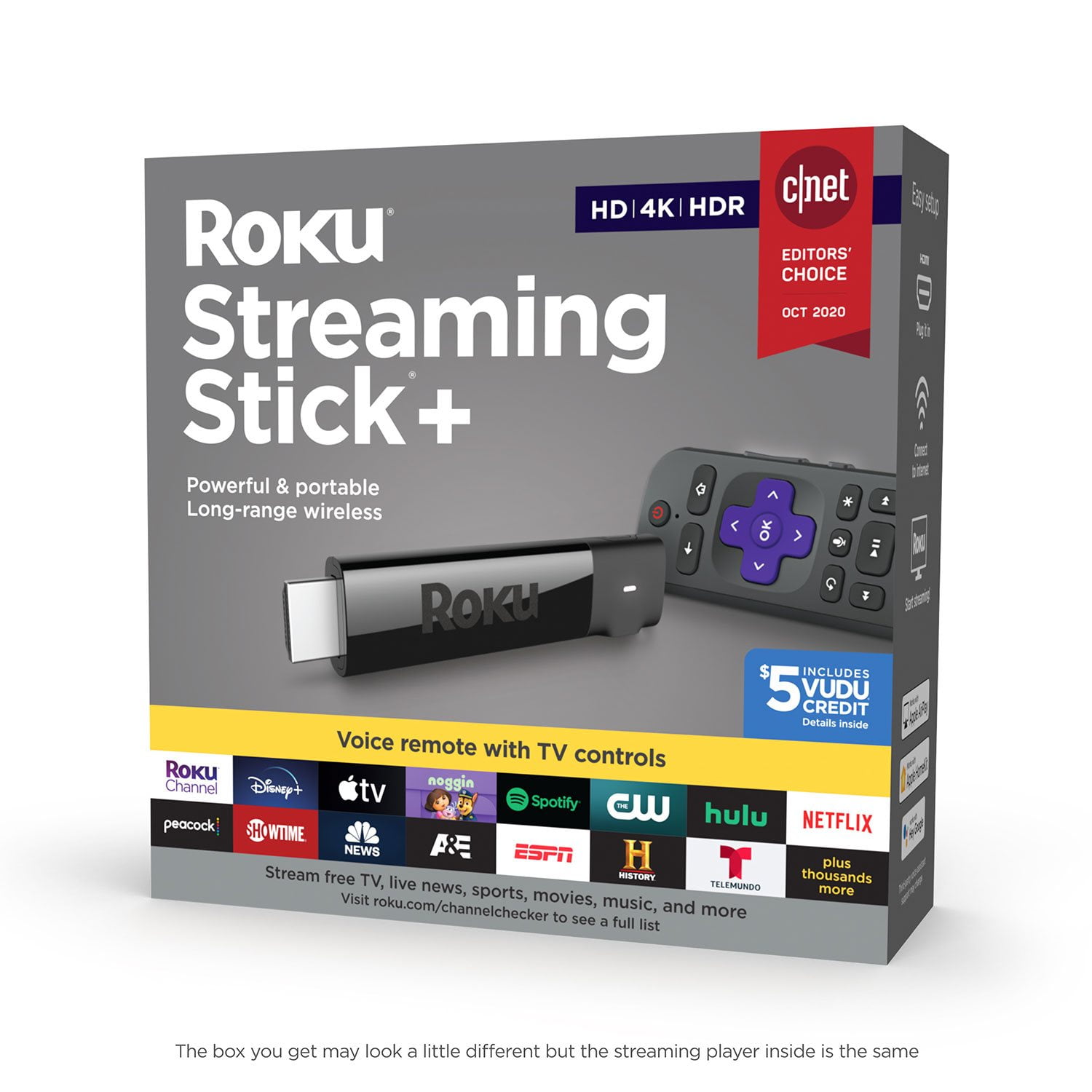
Customer reviews for Roku Streaming Stick+ HD/4K/HDR Streaming Device with Long-range Wireless and Voice Remote with TV Controls for
Roku Streaming Stick+ HD/4K/HDR Streaming Device with Long-range Wireless and Voice Remote with TV Controls
4.6 out of 5 stars
stars4,767 ratings4,412 reviews
  1. 5 stars75% (3,597)
  2. 4 stars14% (688)
  3. 3 stars4% (196)
  4. 2 stars2% (110)
  5. 1 star4% (176)
Sort by |
Showing 961-970 of 4,412 reviews
Mar 6, 2019
Cyberpower678
2 out of 5 stars review

It has issues Roku refuses to properly investigate

When I initially bought this item, I thought it was amazing. I was going to use this for travel and attach it to my 4K TV when at home. I possess the Samsung HW-N950 Harmon/Kardon sound system. It is a sound bar, with additional speakers, that can produce 7.1.4 surround sound and is capable of decoding every sound format out there. DTS/DCA, DTS-HD MA, Dolby Atmos, and of course TrueHD and standard audio formats. The sound system has HDCP 2.2 4K HDR/Dolby vision passthru support. In other words, it takes the audio and passes the video on to the TV. I found it to be an excellent match to the Roku Streaming Stick+ as it's able to pass all of the through. Here's where the problems start to come. When playing Netflix or Amazon Prime, content providers that enforce content streaming protection with HDCP, when playing anything that has true surround sound, I can only watch one episode, or movie, before the sound drops. When the sound is gone, all of Roku is silent. Until I either reboot Roku or reset the HDMI connection, while NOT streaming a video from Netflix or Amazon will it come back. If I reset the connection while I'm streaming, I will get an HDCP 2.2 compliance error for about 3 seconds before it disappears. My TV is HDCP 2.2 compliant. So, I now have a sound issue. It must either be the sound bar, or the Roku. Except that when I play 4K content with DTS-HD MA audio on my Plex server, my sound will never drop. So I start to connect other devices including an older Roku, and they all work fine. Playing Netflix on an Apple TV, playing Netflix on old Roku 3, no issues. So with the error message I get and the issue with the 4K Roku, I deduce that it's having issues detecting HDCP 2.2 compliance through the sound bar. So I contact Roku, and after sending me through the standard troubleshooting steps try to explain to them that they have a firmware issue. Of course I get the response, it can't be a firmware issue because it's up to date. What? So after a lot of hassle, they forced a replacement unit on me, and unsurprisingly it didn't work either. So now they push blame on Samsung. For good measure I contacted them, but they have never had anyone complain about sound dropouts with that device as it's able to decode every sound format out there. They will be coming to take a look at it just to be sure. I wish Roku was like that but they adamantly refuse to acknowledge the possibility that this is an issue with the Roku's firmware. They chalk it up to incompatibility with the sound bar. I must have missed that section in their product description. Absolutely not happy with this product and their service. I will be going with a different company.

Review from roku.com
Helpful?3POE4PQDG786665260513
Dec 24, 2017
Dragon
5 out of 5 stars review

Best Streaming Stick

Roku is probably the best streaming stick overall. Apple TV is fine if you are already invested with iTunes, but you have to pay for everything. Amazon Fire Stick is good if you have Amazon Prime, and has some free video/media content. Google Chromecast works great for Google Play, and can easily find free video/media content. But Roku has what seems to be the easiest interface to setup and learn and use, plus makes searching for free video/media content relatively simple.

Review from roku.com
Helpful?3POE4PQDG786665260513
Sep 14, 2018
RonC
5 out of 5 stars review

Great Product.

I purchased the Roku to replace my Sony smart dvd player I had been using to stream HULU, Netflix and YouTube. The Sony kept losing connection to my wireless router which was a distance from my dvd player. The router is new OnHub. Setting up my stick was a snap using my smart phone and the easy instructions. Remote feels sturdy, well made and simple to use . I noticed the speed of connection right away. buffering is a thing of the past. I plan on getting another stick for the bedroom TV. I've had the stick for about a month and so far it works great.

Review from roku.com
Helpful?3POE4PQDG786665260513
Dec 17, 2017
JDM1961
4 out of 5 stars review

So Far So Good

I think you have to have a product longer than 24 hours to give an accurate review. So far so good is all I will say for now. It operates as advertised. Better set up and walk through this time around. Hope it stays this way both now and in the future.

Review from roku.com
Helpful?3POE4PQDG786665260513
Feb 13, 2018
sly fox
5 out of 5 stars review

new roku

I waited to install because I knew I would have to install all the passwords for the different services i have. Sling was nice as it offered additional features i hadn't had before. It was also nice to just have one remote that controlled the tv. Other than the time & set up it was great & all my previously selected channels were brought over. Want to use the old roku in my bedroom, but it didn't say if i could.

Review from roku.com
Helpful?3POE4PQDG786665260513
Feb 28, 2019
Kerina
5 out of 5 stars review

Having fun

We finally got rid of cable, added Sling TV on top of our Amazon Prime, Netflix and Hulu subscriptions, and replaced the cable boxes with these handy little Roku Sticks. I found a free app on the roku that gives me the local news, all the other channels I watched are on the Sling TV, and we are saving $100 a month.

Review from roku.com
Helpful?3POE4PQDG786665260513
Nov 28, 2017
grp61
5 out of 5 stars review

Great picture, faster streaming, love the remote!

We cut cable several years ago and bought a Roku 2 to try. We liked it so much, we bought Roku 3s for our other TVs and have been really happy with them. Recently, we switched from HULU + to HULU Live and have had problems with it constantly refreshing, so we decided to purchase a new Roku to see if that would help--and it did! We bought the Roku Streaming Stick + and love it. The picture quality is awesome, the new remote has an on/off button and volume control for the TV, and best of all, HULU Live stopped refreshing and my husband is happy! Now, I want another one for the other TVs. :)

Review from roku.com
Helpful?3POE4PQDG786665260513
Sep 5, 2019
John
5 out of 5 stars review

Maximizes 4K TV performance

I thought a new 4k TV with a WebOS could handle Youtube TV, but it can't. I know a Cert.TV tech. that has a Roku plugged into every TV he owns. And after I installed a Roku 4K things were flying. The Roku 4K is a bigger stick with a better IC and more memory and is still.#1.

Review from roku.com
Helpful?3POE4PQDG786665260513
Jan 2, 2018
cheryls
5 out of 5 stars review

fast

I like my new stick, much faster than the last one. I enjoy being able to use just the Roku stick remote to control everything instead of having to use the tv remote too. The only thing that would make it better would be mute. I hate to listen to the commercials.

Review from roku.com
Helpful?3POE4PQDG786665260513
Feb 27, 2018
TEDELAO
4 out of 5 stars review

Many great features

So far, I am impressed by the ability to control volume from my Roku remote! I am, however, somewhat discouraged by something that happened at least 5 times last night while watching a one hour show. The voice completely cut-out and the picture may have even skipped a few frames. I don't know that it's related to the stick but I own 5 other Roku's that have NEVER done that.

Review from roku.com
Helpful?3POE4PQDG786665260513