We already had a Streaming Stick (model 3500). I am blind, and so I was glad when I found out that newer models have a screen reader called Audio Guide. So when my wife wanted units for the bedrooms, I had my chance to upgrade, and the new one is not the one that's going to the bedroom! I hope the following will help someone who is blind to set up the unit using Audio Guide. (Maybe someone else has already written something like this, I didn't see a way to search the reviews.) I did not take notes during the process, so I hope my memory is correct.
I was able to set it up without much help-- I plugged in the power, put the batteries in the remote (yes, both batteries point the same direction), waited 30 seconds or so, and pressed the * four times. On my remote the * is the right-most key on the row below the cursor cross. When started it identified the current context-- "... select language English button". After selecting my wi-fi network the on-screen keyboard for the wi-fi password appeared and was spoken. There is a grid of letters, and on its right are numbers. Between the right-most number column and the "a" column are two columns that contain buttons for special things like switching to punctuation, space, etc. For punctuation select Symbols. I had problems entering the password-- it quit talking after a little while. My wife told me that the arrows still moved the highlight, but there was no speech and the feedback clicks for key presses ceased. The only thing I found to do was to unplug and reconnect the power and start over. When it restarts, Audio Guide fortunately remains enabled, and you hear a sound while it is restarting. This problem happened many times (and also on an Express Plus). It didn't always happen at the same place-- one time I had finished entering the password and was looking for the Connect button when it stopped. (It might stop after a certain length of time but I didn't check.) Later that day I was finally able to get through entering the password-- at the bottom of the column that contains the buttons to switch character sets is a button called Connect, which completes the input process. One other thing I noted was that I did not find a way to read the characters I had already entered, which my wife told me appear on the screen. Also, I found that I often had to press a key more than once, so you need to be sure you hear the feedback click for each key press.
In the following screens, if you make a selection and a new screen is not spoken, try looking for another control by arrowing right.
I found no straightforward way to repeat a message spoken by Audio Guide. You can often repeat the current item by moving away from it and back (if there is something to move to), but if you miss a message it may be repeated within a couple of minutes, or you may have to back up one step and proceed to it again. This proved to be a problem with the screen that presents the link code. You can press * after which one of the choices is to get a new code. For the link code it would be well for Audio Guide to speak it phonetically, and/or to allow it to be reviewed a character at a time by pressing left/right arrow.
After you successfully enter the link code and agree to the terms, you will go to a page where you can add channels. Be aware that some channels are already selected-- JAWS says "selected..." instead of "add channel". There is a heading called "Summary" at the end that shows what channels will be added.
When you are setting up the remote to control the TV volume and power, it asks you if music is playing. Of course, when the music stops because it has the right code, the speech from Audio Guide also stops. The focus is on Yes, so press OK and sound will be restored.
After the unit was set up, I initially found that some channels did not seem to be voiced. When I chose Netflix the first time, it said "launching Netflix", and after that nothing. Pressing arrow keys produced clicks but no other feedback. This happened with some other channels as well. There were other channels that were voiced. I went to one of these and then back to Netflix with the same results. Fortunately, Netflix worked after power cycling. I still can't get YouTube to talk. (I contacted support about YouTube, who confirmed that it doesn't talk.)
PBS partially talks-- for example, the Related Shows menu item speaks but the show items don't.
A note about entering the email address for Netflix. Each time you enter a character it speaks the characters entered so far. However, it spoke multiple zeros as one zero. (I didn't try other numbers.) Also, be aware that near the bottom of the keyboard are buttons ".com" and for some popular email sites like Hotmail, Gmail, and Yahoo.
Voice search looks promising, as searching with the on-screen keyboard is slow!, but when I held the microphone button and said, "Find Brain Games on Netflix," it found Brain Games on several channels-- Hulu, Amazon Video, and something else, but not Netflix. (I found it on Netflix via the search within Netflix.)
Many thanks to Roku for implementing Audio Guide!
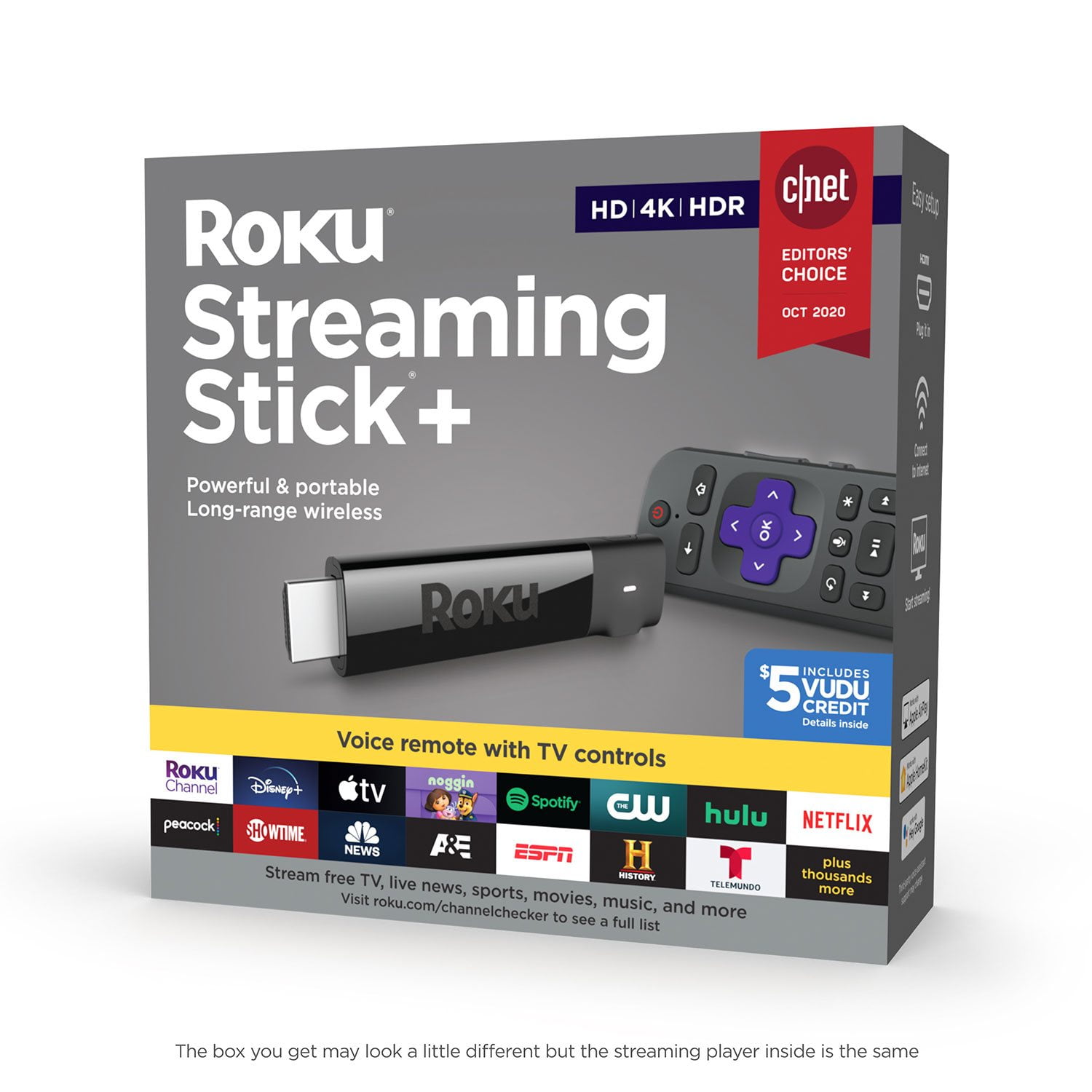
Here is the key layout of my remote, from top to bottom (the little tab protrudes from the bottom end) (rows terminated by semicolon (;)):
(TV) on/off;
back, home;
[cursor cross];
refresh?, microphone, *;
rewind, play/pause, forward;
Netflix, Sling;
Hulu, Voodoo;

 Customer reviews for Roku Streaming Stick+ HD/4K/HDR Streaming Device with Long-range Wireless and Voice Remote with TV Controls for