Skip to Main Content
Sam's Club
Sam's Club
All Departments
All Services
Customer reviews for SAMSUNG 32” Class H5000F Series LED HD Smart Tizen TV for
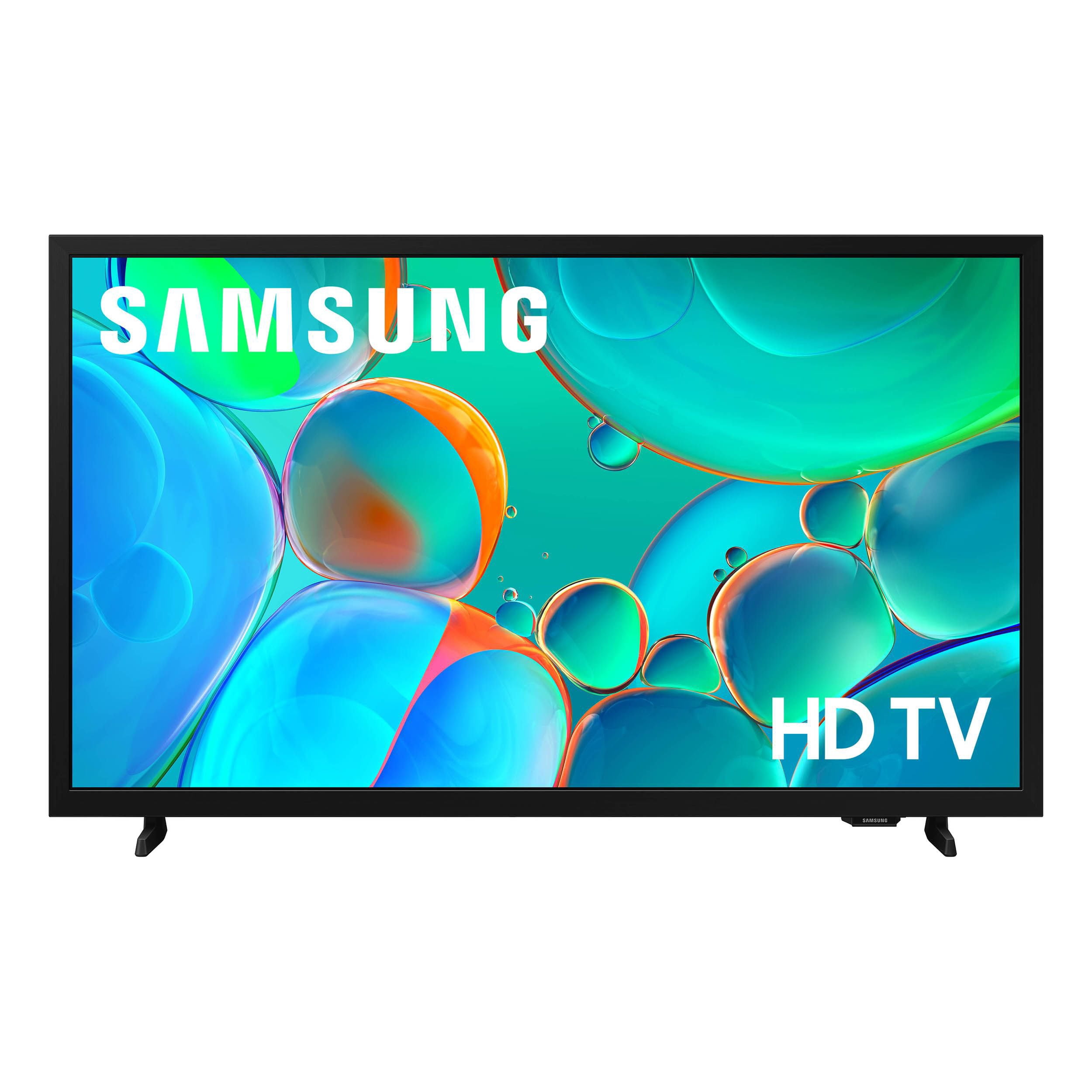
SAMSUNG 32” Class H5000F Series LED HD Smart Tizen TV
4.6 out of 5 stars
stars
3,618 ratings3,606 reviews
  1. 5 stars75% (2,724)
  2. 4 stars16% (591)
  3. 3 stars4% (154)
  4. 2 stars2% (64)
  5. 1 star2% (85)
Sort by |
Showing 981-990 of 3,606 reviews
May 12, 2026
Reviewer name: Stooph
5 out of 5 stars
5 out of 5 stars review

Perfect!

[This review was collected as part of a promotion.] I needed a small tv for the dining area in my kitchen. This Samsung tv is the perfect size. The picture quality is very good and the sound settings allow me to emphasize voices and dialog which is especially helpful since the kitchen is a noisy place. I wish I had purchased another one for my guest room.

Review from Samsung US
Helpful?3BXE5P3J9PH420390161112
Jun 26, 2026
Reviewer name: Samsung girl
5 out of 5 stars
5 out of 5 stars review

Samsung the name says it all

[This review was collected as part of a promotion.] I always buy Samsung products when possible, from phones, tvs, to washing machines. Can always count on a great product, when it comes to Samsung. TV is a great buy with good quality picture and sound. Will always be a Samsung buyer

Review from Samsung US
Helpful?3BXE5P3J9PH420390161112
Jun 22, 2026
Reviewer name: Michelle
4 out of 5 stars
4 out of 5 stars review

SAMSUNG TV

[This review was collected as part of a promotion.] Great TV! Not blurry or fuzzy looking has a great picture and very colorful images..Its basically everything u would want out of a Television Do wish I'd went a lil bigger..But, overall great investment..

Review from Samsung US
Helpful?3BXE5P3J9PH420390161112
Jul 4, 2026
Reviewer name: TD76
5 out of 5 stars
5 out of 5 stars review

Great picture

[This review was collected as part of a promotion.] Enhanced high definition smart t.v.! And that is exactly what this television is! The picture quality and overall contrast is incomparable! And designed to fit in places you have always wanted a television before.

Review from Samsung US
Helpful?3BXE5P3J9PH420390161112
May 21, 2026
Reviewer name: Adriana
2 out of 5 stars
2 out of 5 stars review

Volume stops working and TV goes MUTE by itself.

[This review was collected as part of a promotion.] My problem with its TV was the sounds volume. After using the TV for a few hours the volume was off completely mute. I had to turn Off The TV for a few minutes and then turn on again so the volume will work again. It is very frustrating When you're watching a show and the TV goes mute by itself. I want a TV that has a good sounds good volume In a good image Quality .

Review from Samsung US
Helpful?3BXE5P3J9PH420390161112
reply from Samsung Advisor

Hi Adriana, Thank you for your review and for sharing your experience with your H5000F TV. If you’re not hearing any sound, whether using TV speakers or an external audio device, here are several steps that can help get things working again. 1. Start with Basic Checks • Make sure the TV isn’t muted and the volume is turned up. • If using an external audio device, ensure it’s powered on, set to the correct source, and the volume is turned up there as well. • Unplug your TV for 30 seconds, then plug it back in and power it on. 2. HDMI ARC / eARC Connection • Use a certified High-Speed HDMI cable with Ethernet. Connect it to the HDMI eARC ports on both the TV and the soundbar/receiver. • Enable these settings: o Settings > All Settings > Sound > Expert Settings > HDMI eARC Mode = Auto o Settings > All Settings > General & Privacy > External Device Manager > Anynet+ (HDMI-CEC) = On • Check the digital audio format: Settings > All Settings > Sound > Expert Settings > Digital Output Audio Format o If you're not sure what your connected device supports, set it to Auto. 4. Bluetooth Audio Connection • Pair your Bluetooth device: Settings > All Settings > Sound > Sound Output > Bluetooth Speaker List • If your Bluetooth device doesn’t appear or won’t connect, move it closer to the TV, ensure it’s in pairing mode, and select Scan. • If paired but no sound, unpair the device and try reconnecting. 5. Wi-Fi / Wireless Speakers • Confirm the speakers and the TV are on the same Wi-Fi network. Use: Settings > All Settings > Sound > Sound Output > Wi-Fi Speaker Surround Setup • Reboot both the TV and the Wi-Fi speakers, and check your router for connection strength. 6. Other Helpful Tips • Run a Sound Test: Settings > Support > Device Care > Self Diagnosis > Sound Test • Update TV firmware to rule out compatibility issues: Settings > Support > Software Update > Update Now • If using a cable box or external streaming device, double-check that the device’s audio output settings are set to HDMI or the appropriate output. If you still don’t hear sound after following these steps, please don’t hesitate to reach out so we can assist further. You can call Samsung Support at 1-800-SAMSUNG, available from 8AM – 9PM EST Mon – Fri, 8AM – 6PM Sat – Sun. You can also visit the Samsung website and click on ‘Support’ for: • Live Chat • Manuals, Software, & Warranty Info ~ Samsung Advisor

Jun 1, 2026
Reviewer name: samsungtventhusuast67
5 out of 5 stars
5 out of 5 stars review

Great value

[This review was collected as part of a promotion.] It sure is great, best part for me is that it's compact and I'm able to transport it in my 4 door sedan. It also intuitively turns on when I press the power button on my Xbox and the resolution and frame rate are very good for gaming.

Review from Samsung US
Helpful?3BXE5P3J9PH420390161112
May 2, 2026
Reviewer name: Chelloh505
5 out of 5 stars
5 out of 5 stars review

Remarkable value amazing product

[This review was collected as part of a promotion.] I am amazed with the quality of the product compared to other brand names that I could have purchased ! However this one was definitely a more suitable product for my home especially considering The the modest price point 5 stars and definitely more bang for your buck ! And from a brand that you can trust ! In comparison to other brands at this price point ° honestly there was no comparison once I was viewing them side by side ! The contrast , the color; tint, was more pronounced! Making this brand the best decision! Without a doubt! Even the sound quality was above remarkable compared to the others ! If you want the best product ! Aka you definitely will be satisfied here! Especially when you leave with a new television and still have some money in your pockets !

Review from Samsung US
Helpful?3BXE5P3J9PH420390161112
Apr 28, 2026
Reviewer name: Viktorias a
5 out of 5 stars
5 out of 5 stars review

Easy to set up fast

[This review was collected as part of a promotion.] I was really impressed with how easy the TV was to set up and to make my own, it literally felt so light in the box, and it was the perfect size for my room, the sound, the color everything was great and and the movies. And even TV channels came in perfect\n I wouldn't ask for anything better. The stand was easy to remove or to add-on. And everything was just very simple and easy, I had no issues with the TV at all. I didn't need a repair, but I was able to get a new TV.Easily when my cats broke mine because I had a warranty.I really like to internet connection.Everything is super fast and great

Review from Samsung US
Helpful?3BXE5P3J9PH420390161112
Jul 5, 2026
Reviewer name: Chuck
1 out of 5 stars
1 out of 5 stars review

Terrible TV

[This review was collected as part of a promotion.] This tv is horrible! There is no sleep timer button on the remote so you have to complete 8 steps to set a timer. The guide screen is not easy to use. Sometimes I have to turn the tv off and start all over. I never should have bought it.

Review from Samsung US
Helpful?3BXE5P3J9PH420390161112
reply from Samsung Advisor

Hi Chuck, We appreciate your feedback and are sorry to hear the H5000F TV is not meeting your standards. For optical performance, please ensure your TV is up to date with the latest Firmware. Go to Settings> Support> Software Update. If you need additional support, Samsung is here to help. Please call us at 1-800-SAMSUNG (8AM – 9PM EST Mon – Fri, 8AM – 6 PM Sat – Sun), or reach us via text 24/7. You can also visit ‘Support’ on our website for: • Live Chat • Manuals, Software, & Warranty Info ~ Samsung Advisor

Jun 1, 2026
Reviewer name: MasaFreah
5 out of 5 stars
5 out of 5 stars review

Amazing deal

[This review was collected as part of a promotion.] I was looking for something affordable yet smart for my kids room, and the Samsung H5000F completely delivered. The 32-inch LED panel fits perfectly without taking over the room, and the picture quality is vibrant and sharp thanks to the PurColor feature. What really blew me away was the Object Tracking Sound Lite the audio actually feels like it's following the action on screen! Driven by Samsung's smooth One UI smart capabilities, it's easily the best budget-friendly TV you can grab right now. Highly recommend!

Review from Samsung US
Helpful?3BXE5P3J9PH420390161112