Skip to Main Content
Sam's Club
Sam's Club
All Departments
All Services
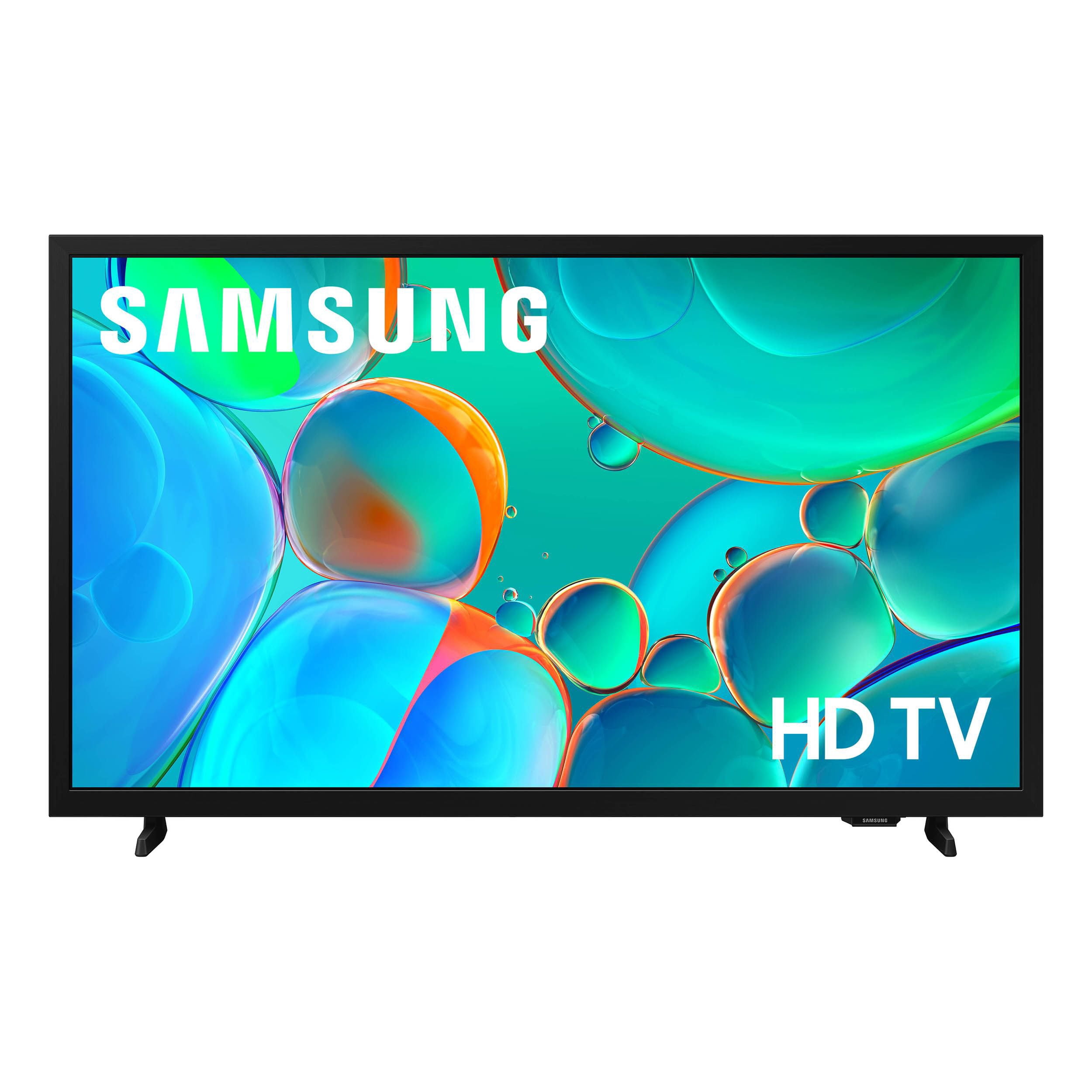
Customer reviews for SAMSUNG 32” Class H5000F Series LED HD Smart Tizen TV for
SAMSUNG 32” Class H5000F Series LED HD Smart Tizen TV
4.6 out of 5 stars
stars
3,617 ratings3,605 reviews
  1. 5 stars75% (2,723)
  2. 4 stars16% (591)
  3. 3 stars4% (154)
  4. 2 stars2% (64)
  5. 1 star2% (85)
Sort by |
Showing 951-960 of 3,605 reviews
Jun 5, 2026
Reviewer name: Barb
2 out of 5 stars
2 out of 5 stars review

Disappointed.

[This review was collected as part of a promotion.] Not happy with this Samsung TV. Does not have the control that other--higher priced Samsung TV's have. Had I known this, I would not have bought it or taken it even if it was free! I cannot get the picture lighter and there is very, very llimited contrast adjustments. I never for a minute thought I could buy a "walmart"version Samsung that has fewer controls. At this point, why by a Samsung? I could have bought any off brand TV with the same picture! Very disappointed.

Review from Samsung US
Helpful?3BXE5P3J9PH420390161112
reply from Samsung Advisor

Hi Barb, We’re sorry to hear you’re not fully satisfied with the picture quality on your Samsung H5000F TV. If the image appears too dark, we suggest disabling certain energy-saving features, which can automatically adjust brightness and affect how the screen looks. Go to: Settings > All Settings > General & Privacy > Power and Energy Saving, then turn off Brightness Optimization, Energy Saving Solution, Motion Lighting, and/or Contrast Enhancer. You can also adjust the Picture Mode to better suit your environment: Settings > All Settings > Picture > Picture Mode • Standard – Default mode for general viewing • Dynamic – Brighter and clearer, ideal for well-lit rooms • Movie – Best for dark room viewing • Eco – Energy-saving mode • Filmmaker Mode – Preserves content as intended by creators To fine-tune brightness, go to: Home > left directional key > Settings > All Settings > Picture > Expert Settings, then adjust the Brightness level (0–50) to your preference. Lastly, please make sure your TV is running the latest firmware: Home > Home > left directional key > Settings > Support > Software Update > Update Now We hope these tips help improve your viewing experience. If you need further support, feel free to contact us at 1-800-SAMSUNG (8AM – 9PM EST Mon – Fri, 8AM – 6PM Sat – Sun). LiveChat is also available via the ‘Support’ link on our website. ~ Samsung Advisor

May 20, 2026
Reviewer name: 2sams
5 out of 5 stars
5 out of 5 stars review

Love my 2 Samsung TV's

[This review was collected as part of a promotion.] I have two Samsung TVs in different sizes. I boughy the second one because I was so happy with the first. I like the ease of use with the remote controls, the programs available to me in a very great number and ease with which I can move around the c=screen to get the program I want. The quality of the picture is made so beautifully by the brightness and the contrast is fabulous. The technoloogy that enhances the experience, i.e. the immersion makes the picture like reality. I am very happy to have the knnowledge that there will be secure help if I need it. Don't hesitate to enjoy a Samsung TV.

Review from Samsung US
Helpful?3BXE5P3J9PH420390161112
Jun 22, 2026
Reviewer name: Beck123
5 out of 5 stars
5 out of 5 stars review

Awesome picture

[This review was collected as part of a promotion.] The pitcher quality in the soundtrack was just amazing. Very detailed great work. I thought the size of the TV was perfect brightness was on point. It was very sharp. Looked really nice. Contrast was perfect. I think the color blend was nice.Interface needs a little bit of work.It wasn't perfect.The security was perfect on it.I really liked it made me feel secure and ready to go

Review from Samsung US
Helpful?3BXE5P3J9PH420390161112
May 11, 2026
Reviewer name: Robert
5 out of 5 stars
5 out of 5 stars review

Absolutely love the TV

[This review was collected as part of a promotion.] I love my Samsung tv I got it because I have Samsung phone it easy to stream phone to tv here soon im gonna get a bigger Samsung tv when I got the extra cash and a newer phone to love Samsung products thank you Samsung

Review from Samsung US
Helpful?3BXE5P3J9PH420390161112
May 12, 2026
Reviewer name: Nano Banana 2
5 out of 5 stars
5 out of 5 stars review

#(^_^) greatest!

[This review was collected as part of a promotion.] Samsung H5000F Key FeaturesThis 2025 model is designed for smaller spaces like bedrooms or kitchens and includes several modern smart features:Smart Platform: Runs on the One UI Tizen operating system, providing access to streaming apps and over 2,700 free channels via Samsung TV Plus.Visual Enhancements: Features HDR (High Dynamic Range) for improved contrast and PurColor for more realistic color reproduction.Audio: Includes Object Tracking Sound Lite, which allows audio to follow the movement of objects on the screen for a more immersive experience.Security: Built-in Samsung Knox Security helps protect personal data and connected devices.

Review from Samsung US
Helpful?3BXE5P3J9PH420390161112
Jun 5, 2026
Reviewer name: Bought the best
5 out of 5 stars
5 out of 5 stars review

If you want the best picture quality buy Samsung.

[This review was collected as part of a promotion.] We purchased a different brand of TV and returned it as the picture guality wasn't as we expected. So we took a 65 inch back to the store and purchased a Samsung TV and couldn't be happier. Beautiful picture couldn't be happier.

Review from Samsung US
Helpful?3BXE5P3J9PH420390161112
Apr 29, 2026
Reviewer name: MyDaddy
3 out of 5 stars
3 out of 5 stars review

Slightly good as a child's first Samsung product

[This review was collected as part of a promotion.] pretty good TV then our problem by lifting it out on vehicle mounting it on the wall turning on and off little small for me to see you but it was pretty good pretty decent security I give it a three

Review from Samsung US
Helpful?3BXE5P3J9PH420390161112
reply from Samsung Advisor

Hi MyDaddy, Thank you for your purchase and feedback on the H5000F TV. It's great to hear your child is enjoying their first Samsung product! Please know we are available if you ever have any questions, or need any help. You can reach us at 1-800-SAMSUNG (8AM – 9PM EST Mon – Fri, 8AM – 6 PM Sat – Sun) or reach us via text 24/7. You can also visit ‘Support’ on our website for: • Live Chat • Manuals, Software, & Warranty Info ~ Samsung Advisor

Jul 11, 2026
Reviewer name: DYEKIRK
4 out of 5 stars
4 out of 5 stars review

Great Features

[This review was collected as part of a promotion.] Hello! I love the TV ever since I moved in. It provides great features, sound, and visuals. The sound for the TV is honestly crazy because I live in an apartment with three other people so I keep it low and I'm still able to hear really well. The pictures or screen visuals are so insane too because the quality is top tier. I also love how you can modify the apps that you utilize and also how there's a distinction between live TV and regular cable with movies.

Review from Samsung US
Helpful?3BXE5P3J9PH420390161112
Apr 13, 2026
Reviewer name: TRAIN
5 out of 5 stars
5 out of 5 stars review

Great Durability

[This review was collected as part of a promotion.] Well its been around 12 years since I purchased this replacing TV that had a tube. It was easy to install; the clarity of the picture was brilliant and sharp and can read the numbers on every jersey of each player. This model will be retired to the "mancave" once a new Samsung is purchased

Review from Samsung US
Helpful?3BXE5P3J9PH420390161112
Jun 5, 2026
Reviewer name: MPMom
1 out of 5 stars
1 out of 5 stars review

Don't use this tv with streaming services

[This review was collected as part of a promotion.] While this has the same image quality of a samsung monitor which is good, the software for streaming services SUCKS!!!! The samsung remote doesn't support speech recognition although a roku device will. But if you use the roku remote, you can't change the volume. I regularly have to power surge the TV because it won't go to the channel or screen I want. I've owned this for less than a year, but i'm already planning to replace it with a Sony

Review from Samsung US
Helpful?3BXE5P3J9PH420390161112
reply from Samsung Advisor

Hi MPMom, We appreciate your feedback on the H5000F. For optimal performance, please ensure your TV is running the latest firmware. You can check this by going to: Home > left directional key > Settings > Support > Software Update To further optimize performance, try running Device Care, which checks memory, clears unused cached data, and closes background apps: Home > left directional key > Settings > Support > Device Care > Start Device Care If issues continue, please reach Samsung Support at 1-800-SAMSUNG (8AM – 9PM EST Mon – Fri, 8AM – 6PM Sat – Sun). LiveChat is also available via the ‘Support’ link on our website. ~ Samsung Advisor