Skip to Main Content
Sam's Club
Sam's Club
All Departments
All Services
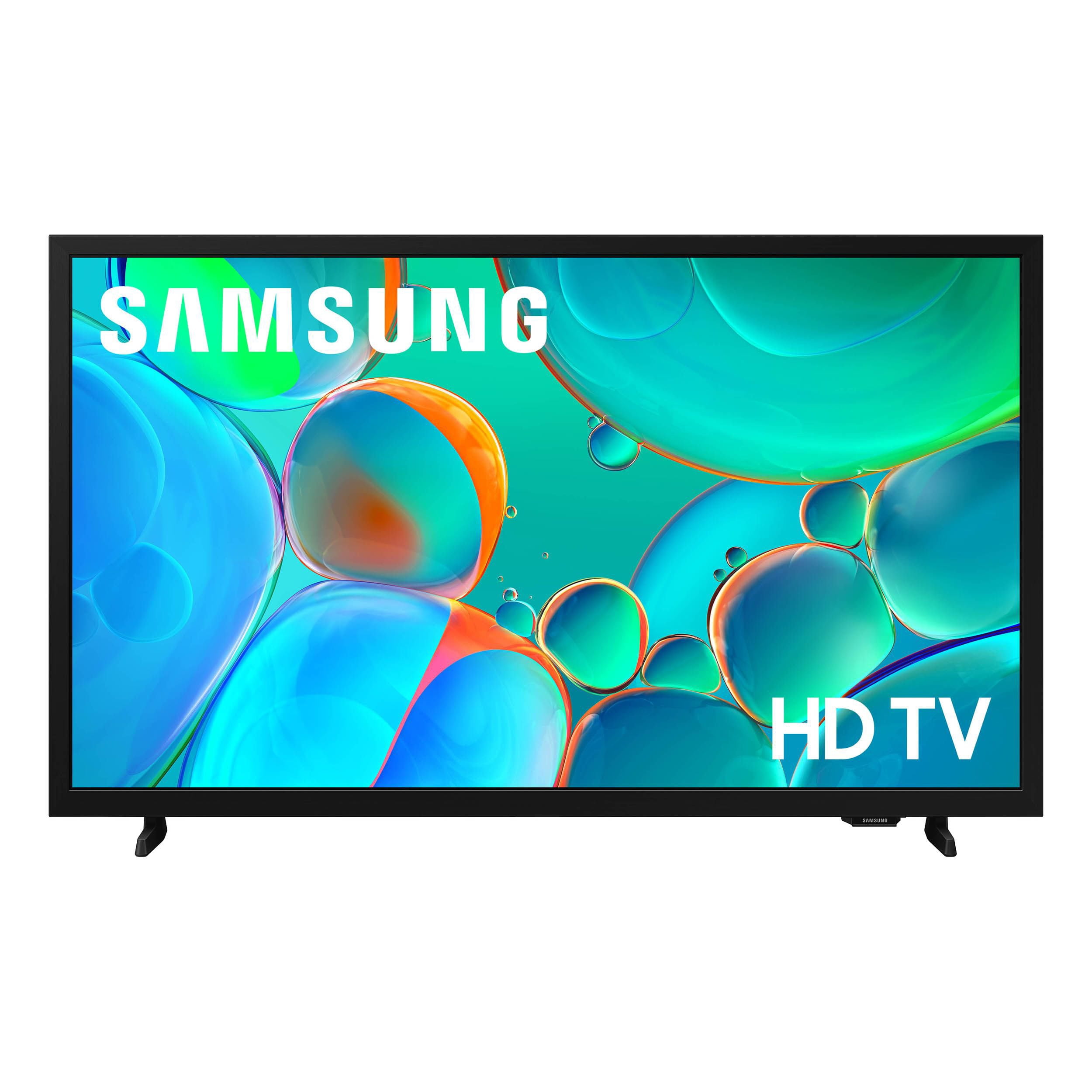
Customer reviews for SAMSUNG 32” Class H5000F Series LED HD Smart Tizen TV for
SAMSUNG 32” Class H5000F Series LED HD Smart Tizen TV
4.7 out of 5 stars
stars
2,241 ratings2,241 reviews
  1. 5 stars77% (1,724)
  2. 4 stars17% (371)
  3. 3 stars4% (82)
  4. 2 stars1% (30)
  5. 1 star2% (34)
Sort by |
Showing 901-910 of 2,241 reviews
Mar 23, 2026
Valerie
5 out of 5 stars review

Great TV and features!

[This review was collected as part of a promotion.] I love the Samsung. Beautiful picture and clear sound. I especially like all the extras like great channels, help features, ease of operation, etc.

Review from Samsung US
Helpful?3BXE5P3J9PH420390161112
Feb 17, 2026
Anonymous
5 out of 5 stars review

Great

[This review was collected as part of a promotion.] it was really good and nice amazing but I have I have seen the quality is really good and the experience is nice

Review from Samsung US
Helpful?3BXE5P3J9PH420390161112
Mar 23, 2026
Peggy
5 out of 5 stars review

Great features great picture.

[This review was collected as part of a promotion.] Has great color and the features are amazing. The fact i can do pic on pic. And the HD is out of this world.

Review from Samsung US
Helpful?3BXE5P3J9PH420390161112
Mar 23, 2026
Peach
5 out of 5 stars review

Features are amazing

[This review was collected as part of a promotion.] The brightness and picture on the TV is amazing. The way it hangs on my wall and all my friends can see it with no issue is great

Review from Samsung US
Helpful?3BXE5P3J9PH420390161112
Feb 18, 2026
Takis
5 out of 5 stars review

WORTH BUYING

[This review was collected as part of a promotion.] Great reviews online. It was the reason I made this purchase. The picture is great on this TV. I recommend buying it!

Review from Samsung US
Helpful?3BXE5P3J9PH420390161112
Feb 17, 2026
Danpitz
5 out of 5 stars review

Great features

[This review was collected as part of a promotion.] Great sound and pictures use it every day its my kitchen tv comes in handy for news and weather updates

Review from Samsung US
Helpful?3BXE5P3J9PH420390161112
Feb 17, 2026
LynP65
5 out of 5 stars review

BEST Product purchase

[This review was collected as part of a promotion.] One of the BEST TV's I've ever owned! I would highly recommend this TV to anyone. The quality is and brightness, and sound is fantastic.

Review from Samsung US
Helpful?3BXE5P3J9PH420390161112
Mar 24, 2026
Kesha
4 out of 5 stars review

is my family's favorite!

[This review was collected as part of a promotion.] I absolutely love it and would recommend it. Bit wouldn't recommend trying to carry upstairs yourself. Brightness is great. Love the screen! Gets a 100 from my family!

Review from Samsung US
Helpful?3BXE5P3J9PH420390161112
Feb 17, 2026
Aunt Lala
5 out of 5 stars review

Best tv

[This review was collected as part of a promotion.] Perfect color. I didn't have to adjust any of the settings. Easy to personalize. It's so real looking that you feel like your watching things in real life and the security features are amazing!

Review from Samsung US
Helpful?3BXE5P3J9PH420390161112
Feb 17, 2026
Mesh_04Card
3 out of 5 stars review

Subpar resolution/brightness

[This review was collected as part of a promotion.] Well gor the brightness at times it feels dim especially while watching certain movies who's color resolution is more grey tone.

Review from Samsung US
Helpful?3BXE5P3J9PH420390161112
reply from Samsung Advisor

Hi Mesh_04Card, We’re sorry to hear that the picture on your Samsung H5000F TV appears too dark. If this isn’t meeting your expectations, there are several settings you can adjust to improve the overall brightness and clarity of your screen. First, try disabling certain energy-saving features that may be dimming the screen automatically. Go to: Settings > All Settings > General & Privacy > Power and Energy Saving, then turn off Brightness Optimization, Energy Saving Solution, Motion Lighting, and/or Contrast Enhancer. Next, adjust the Picture Mode to better match your viewing environment: Settings > All Settings > Picture > Picture Mode and choose from the following: • Dynamic – Brighter and clearer for well-lit rooms • Standard – Balanced for most environments • Movie – Ideal for watching in a dark room • Eco – Designed for energy savings You can also manually adjust brightness by going to: Settings > All Settings > Picture > Expert Settings > Brightness. Use the slider to set a level that suits your preferences (0–50). Finally, we recommend making sure your TV has the latest software installed: Settings > Support > Software Update > Update Now We hope these tips help improve your viewing experience. If you need further assistance with setup or adjustments, feel free to contact Samsung Customer Support at 1-800-SAMSUNG, available daily from 8AM - 12AM EST. You can also visit the Samsung website and click on ‘Support’ for: • Live Chat • Manuals, Software, & Warranty Info ~ Samsung Advisor