Skip to Main Content
Sam's Club
Sam's Club
All Departments
All Services
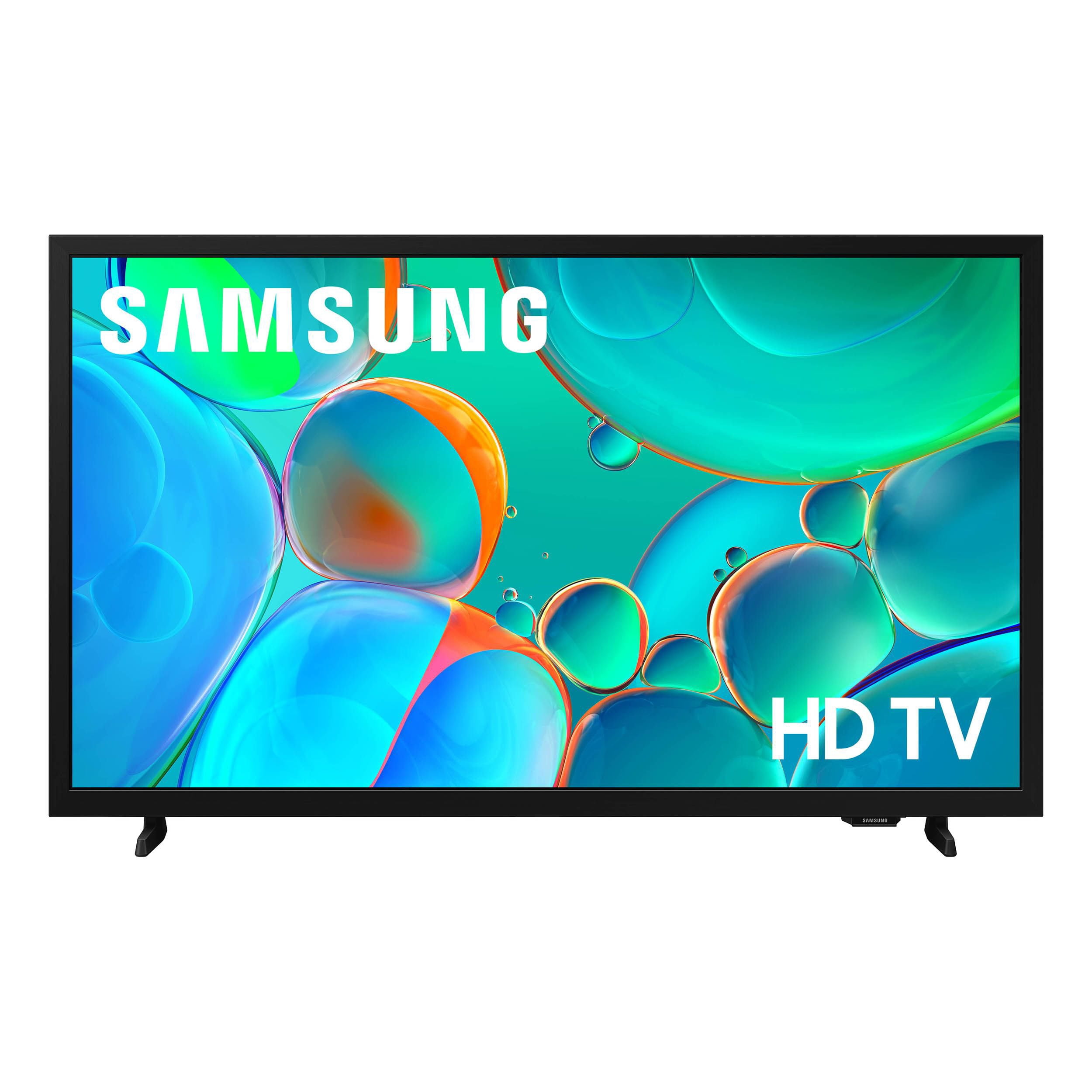
Customer reviews for SAMSUNG 32” Class H5000F Series LED HD Smart Tizen TV for
SAMSUNG 32” Class H5000F Series LED HD Smart Tizen TV
4.6 out of 5 stars
stars
2,960 ratings2,957 reviews
  1. 5 stars76% (2,250)
  2. 4 stars16% (479)
  3. 3 stars4% (120)
  4. 2 stars2% (49)
  5. 1 star2% (62)
Sort by |
Showing 481-490 of 2,957 reviews
Jul 17, 2026
Reviewer name: JESUS IS LORD
5 out of 5 stars
5 out of 5 stars review

Samsung Supreme

[This review was collected as part of a promotion.] As much as I love my Samsung as 21FEI needed my screen back. Samsung Tv Youtube don't watch Monday night Raw on my phone without missing something LOL this TV has surpassed my expectations. The contrast the picture, even the sound the color adjusted multiple ways, the amount of channels you get just by being in a member of Samsung Blown away , I would recommend this tv to anyone seamless connectivity

Review from Samsung US
Helpful?3BXE5P3J9PH420390161112
Jun 1, 2026
Reviewer name: Vegasshage22
5 out of 5 stars
5 out of 5 stars review

Great produvt

[This review was collected as part of a promotion.] I really like how clear the picture is and its got all the ports fpr my ps4. EASY Menu. You can really get ihto a game like f0rtnite better than my old tv because the picture is better. Its got more features than i can possibly try. Qll arounf good tv.

Review from Samsung US
Helpful?3BXE5P3J9PH420390161112
May 27, 2026
Reviewer name: MizzEmilette187
3 out of 5 stars
3 out of 5 stars review

Good Budget TV for Casual Watching

[This review was collected as part of a promotion.] The picture quality is decent for a smaller budget TV. Colors look good, streaming apps work well, and it's easy to set up. It's a nice option for a bedroom, dorm, or casual everyday watching. The smart features are simple to use, which is another plus. The reason it loses stars is because it only has HD resolution instead of Full HD or 4K, so the picture is not as sharp as newer TVs. The sound quality is also pretty average, especially at higher volume. Some people may notice occasional lag when switching apps or loading menus too. Overall, it's a good value TV if you want something affordable and reliable, but it's not the best choice for gaming, sports, or people wanting premium picture quality.

Review from Samsung US
Helpful?3BXE5P3J9PH420390161112
reply from Samsung Advisor

Hi MizzEmilette187, We appreciate your feedback on the picture quality of Samsung’s H5000F TV. If the image doesn’t quite match your preferences, there are several adjustments you can make to better suit your viewing environment and content type. First, please ensure your TV is running the latest firmware, as updates may include important picture quality enhancements. Go to: Home > Left directional button > Settings > Support > Software Update > Update Now To explore picture mode options, navigate to: Home > Left directional button > Settings > All Settings > Picture > Picture Mode. Options include: • Standard – Ideal for general viewing • Dynamic – Brighter and more vibrant for well-lit spaces • Eco – Optimized for energy efficiency • Movie – Best for viewing in low light You can further customize your image by going to: Settings > All Settings > Picture > Expert Settings, where you can adjust Brightness, Contrast, Color Tone, Sharpness, Contrast Enhancer, and more. To improve your sound, try different Sound Modes (Standard, Optimized, Amplify), or fine-tune your setup in Expert Settings under: Settings > All Settings > Sound If you have any questions or need help, we’re always here. Call 1-800-SAMSUNG from 8AM – 9PM EST Mon – Fri, 8AM – 6PM Sat – Sun, or connect with a LiveChat agent anytime by selecting ‘Support’ on our website. ~ Samsung Advisor

Jun 1, 2026
Reviewer name: Sinful Italian 612
4 out of 5 stars
4 out of 5 stars review

Awesome picture and resolution!

[This review was collected as part of a promotion.] I love this TV so much that when my cat knocked my original one-off the stand, and had broken it, I tried for 2 days to use my spare tv, well.... Lets just say I couldn't hack it, I had to run out and buy a new one because the quality and clarity of the picture in the sound were incomparable to my Samsung, and it just didn't amount to the same experience that I had with my original Samsung TV. I love the brightness, as I watch a lot of TV in the dark, I'm like a bat so t ok speak, lol..... and it is very easy to interface with my other electronics!

Review from Samsung US
Helpful?3BXE5P3J9PH420390161112
Jul 6, 2026
Reviewer name: RamZ
5 out of 5 stars
5 out of 5 stars review

Easy Setup

[This review was collected as part of a promotion.] I plugged in the TV without much attention to the manual. There was no need to connect cable there were so many apps available that I've turned in the cable box. Adding a antenna gave me clear access to local channels.

Review from Samsung US
Helpful?3BXE5P3J9PH420390161112
Jul 5, 2026
Reviewer name: NONE
2 out of 5 stars
2 out of 5 stars review

SUCKS

[This review was collected as part of a promotion.] Your "smart" t.v. keeps adding channels I have taken alot of time deleting. I have saved my choices and IT STILL ADDS MORE STATIONS THAT I DON'T WANT. AND IT SUGGESTS STREAMING SERVICES I DON'T WANT. AND IT DOESN'T COME WITH A HARD COPY USER MANUAL THAT IS MUCH EASIER TO USE THAN TRYING TO READ IT OFF THE SCREEN WHERE I DON'T KNOW WHAT TO ASKK FOR IN THE MENU! BRING BACK ANALOGUE T.V.S!!!!!!!!...

Review from Samsung US
Helpful?3BXE5P3J9PH420390161112
reply from Samsung Advisor

Hi None, We appreciate your feedback. If you need assistance, please don’t hesitate to call 1-800-SAMSUNG (8AM – 9PM EST Mon – Fri, 8AM –6 PM Sat – Sun), or reach us via text 24/7. You can also visit ‘Support’ on our website for: • Live Chat • Manuals, Software, & Warranty Info ~ Samsung Advisor

Jul 5, 2026
Reviewer name: LovesTV
3 out of 5 stars
3 out of 5 stars review

The good and bad

[This review was collected as part of a promotion.] Sound and picture quality are great, especially for the low cost. The remote is terrible and has way too many buttons compared to my other simple Samsung remote. I also think this runs slower to commands than I would expect for the Samsung brand.

Review from Samsung US
Helpful?3BXE5P3J9PH420390161112
reply from Samsung Advisor

Hi LovesTV, Thank you for your feedback. For optimal performance, please ensure your TV is running the latest Firmware. Go to Settings> Support> Software Update. Samsung remotes are designed to offer convenient control, but we understand if you’d prefer to use a universal remote. Many third-party remotes work well with Samsung TVs, though setup steps may vary by brand and model. To get started, we recommend checking the manufacturer’s instructions for programming codes and pairing methods. If you run into any trouble or have compatibility questions, Samsung Support is happy to help. You can reach us at 1-800-SAMSUNG (8AM – 9PM EST Mon – Fri, 8AM – 6PM Sat – Sun). LiveChat agents are also available at the ‘Support’ link on our website. ~Samsung Advisor

Jun 5, 2026
Reviewer name: Barb
2 out of 5 stars
2 out of 5 stars review

Disappointed.

[This review was collected as part of a promotion.] Not happy with this Samsung TV. Does not have the control that other--higher priced Samsung TV's have. Had I known this, I would not have bought it or taken it even if it was free! I cannot get the picture lighter and there is very, very llimited contrast adjustments. I never for a minute thought I could buy a "walmart"version Samsung that has fewer controls. At this point, why by a Samsung? I could have bought any off brand TV with the same picture! Very disappointed.

Review from Samsung US
Helpful?3BXE5P3J9PH420390161112
reply from Samsung Advisor

Hi Barb, We’re sorry to hear you’re not fully satisfied with the picture quality on your Samsung H5000F TV. If the image appears too dark, we suggest disabling certain energy-saving features, which can automatically adjust brightness and affect how the screen looks. Go to: Settings > All Settings > General & Privacy > Power and Energy Saving, then turn off Brightness Optimization, Energy Saving Solution, Motion Lighting, and/or Contrast Enhancer. You can also adjust the Picture Mode to better suit your environment: Settings > All Settings > Picture > Picture Mode • Standard – Default mode for general viewing • Dynamic – Brighter and clearer, ideal for well-lit rooms • Movie – Best for dark room viewing • Eco – Energy-saving mode • Filmmaker Mode – Preserves content as intended by creators To fine-tune brightness, go to: Home > left directional key > Settings > All Settings > Picture > Expert Settings, then adjust the Brightness level (0–50) to your preference. Lastly, please make sure your TV is running the latest firmware: Home > Home > left directional key > Settings > Support > Software Update > Update Now We hope these tips help improve your viewing experience. If you need further support, feel free to contact us at 1-800-SAMSUNG (8AM – 9PM EST Mon – Fri, 8AM – 6PM Sat – Sun). LiveChat is also available via the ‘Support’ link on our website. ~ Samsung Advisor

Jun 22, 2026
Reviewer name: Jpkz
5 out of 5 stars
5 out of 5 stars review

Beautiful picture easy to operate

[This review was collected as part of a promotion.] I only buy Samsung TV's they are absolutely the best picture in town. I purchased this one as a mother's day gift to replace a 20 year old Sony and was totally blown away with the picture. Me Mum's loves it as well. Especially how easy it is to operate.

Review from Samsung US
Helpful?3BXE5P3J9PH420390161112
Jul 5, 2026
Reviewer name: Chuck
1 out of 5 stars
1 out of 5 stars review

Terrible TV

[This review was collected as part of a promotion.] This tv is horrible! There is no sleep timer button on the remote so you have to complete 8 steps to set a timer. The guide screen is not easy to use. Sometimes I have to turn the tv off and start all over. I never should have bought it.

Review from Samsung US
Helpful?3BXE5P3J9PH420390161112
reply from Samsung Advisor

Hi Chuck, We appreciate your feedback and are sorry to hear the H5000F TV is not meeting your standards. For optical performance, please ensure your TV is up to date with the latest Firmware. Go to Settings> Support> Software Update. If you need additional support, Samsung is here to help. Please call us at 1-800-SAMSUNG (8AM – 9PM EST Mon – Fri, 8AM – 6 PM Sat – Sun), or reach us via text 24/7. You can also visit ‘Support’ on our website for: • Live Chat • Manuals, Software, & Warranty Info ~ Samsung Advisor