Join Now
Skip to Main Content
Sam's Club
Sam's Club
All Departments
All Services
Customer reviews for SAMSUNG 32” Class H5000F Series LED HD Smart Tizen TV for
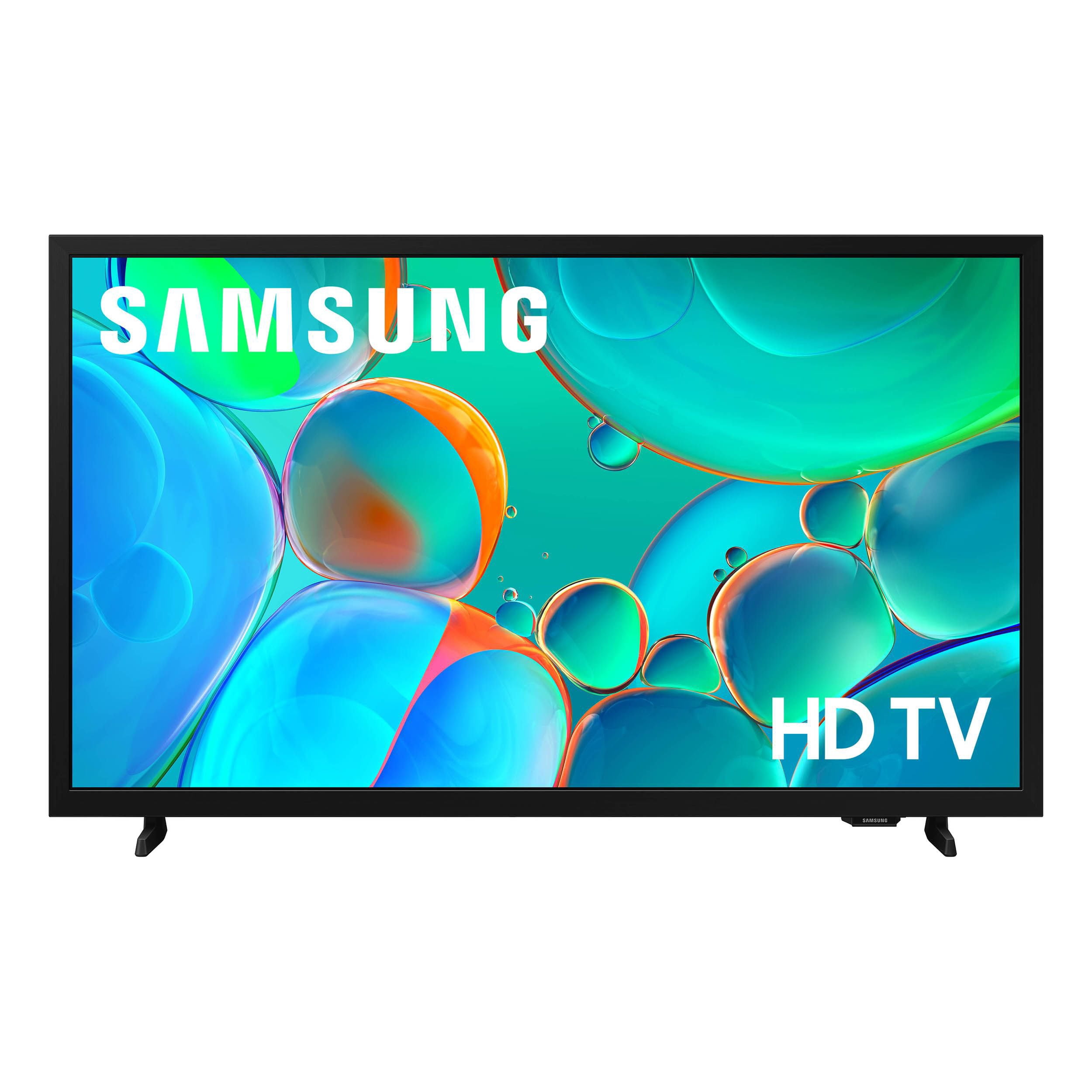
SAMSUNG 32” Class H5000F Series LED HD Smart Tizen TV
4.6 out of 5 stars
stars
3,617 ratings3,605 reviews
  1. 5 stars75% (2,723)
  2. 4 stars16% (591)
  3. 3 stars4% (154)
  4. 2 stars2% (64)
  5. 1 star2% (85)
Sort by |
Showing 2,801-2,810 of 3,605 reviews
Jun 16, 2025
Reviewer name: ABDULELAH
5 out of 5 stars
5 out of 5 stars review

This product is of very high quality.Thank you ver

[This review was collected as part of a promotion.] Excellent in terms of quality and use for live broadcast matches, whether sports channels or use for surveillance cameras Thank you Samsung

Review from Samsung US
Helpful?3BXE5P3J9PH420390161112
May 28, 2025
Reviewer name: AjayCa
5 out of 5 stars
5 out of 5 stars review

The sound system on the TV is great

[This review was collected as part of a promotion.] I love using my Samsung TV to watch action packed movies cause that graphics have a similar feel of being in a movie theater and watching the movie for the first time.

Review from Samsung US
Helpful?3BXE5P3J9PH420390161112
Feb 16, 2026
Reviewer name: Thomas
3 out of 5 stars
3 out of 5 stars review

Verified Purchase

Useable at best

Highly Disappointed!

Review from walmart.com
Helpful?3BXE5P3J9PH420390161112
reply from Samsung

Hi Thomas, We're sorry to hear you are not satisfied with your purchase. If there's anything we can do to assist you, please do not hesitate to reach out to us at 1-800-SAMSUNG, available daily from 8AM - 12AM EST. You can also visit the Samsung website and click on ‘Support’ for: • Live Chat • Manuals, Software, & Warranty Info ~ Samsung Advisor

Mar 21, 2026
Reviewer name: Punkin
4 out of 5 stars
4 out of 5 stars review

Verified Purchase

It works great

Review from walmart.com
Helpful?3BXE5P3J9PH420390161112
Feb 13, 2026
Reviewer name: James
5 out of 5 stars
5 out of 5 stars review

Verified Purchase

great product

Review from walmart.com
Helpful?3BXE5P3J9PH420390161112
Jan 30, 2026
Reviewer name: nina
5 out of 5 stars
5 out of 5 stars review

Verified Purchase

I enjoy this TV.

Review from walmart.com
Helpful?3BXE5P3J9PH420390161112
Jan 18, 2026
Reviewer name: rhonda
5 out of 5 stars
5 out of 5 stars review

Verified Purchase

set up was easy

Review from walmart.com
Helpful?3BXE5P3J9PH420390161112
Aug 1, 2026
Reviewer name: Mike
1 out of 5 stars
1 out of 5 stars review

Verified Purchase

this tv sucks

Review from walmart.com
Helpful?3BXE5P3J9PH420390161112
Jun 20, 2026
Reviewer name: PinkTink
5 out of 5 stars
5 out of 5 stars review

Love it.

[This review was collected as part of a promotion.] It has great features. Really good price, great picture and has Bluetooth. The only thing I wish it had was that is ability to connect to hearing aids. Other than that it's absolutely great.

Review from Samsung US
Helpful?3BXE5P3J9PH420390161112
Jun 16, 2026
Reviewer name: Direct purchase
1 out of 5 stars
1 out of 5 stars review

On/off issue

[This review was collected as part of a promotion.] TV constantly turns off on its own. Not an internet or cable issue. This product is useless to me and will have to be junked.

Review from Samsung US
Helpful?3BXE5P3J9PH420390161112
reply from Samsung Advisor

Hi Direct purchase, Thank you for sharing your experience. We’re sorry to hear your H5000F TV is turning on and off unexpectedly. This kind of power cycling can often be resolved with a few troubleshooting steps: 1. Check the power cable for secure connection and signs of damage. If it’s bent, pinched, pressed by furniture, or shows wear, replacing it may resolve the issue. 2. Unplug the TV from the wall outlet for 30 seconds, then plug it back in and test operation. 3. Update the TV’s software (if the TV remains on long enough). Note that a power interruption during an update can cause further issues, so only proceed if the TV is staying on reliably. Go to: Settings > Support > Software Update > Update Now 4. If your TV is connected to SmartThings, it may be turning on from a signal sent through the network. You can disable this feature by going to: Home > left directional key > Settings > All Settings > Connection > Network > Expert Settings > Power On with Mobile = Off If none of these steps resolve the issue, your TV may need service. Please give us a call at 1-800-SAMSUNG (8AM – 9PM EST Mon – Fri, 8AM – 6PM Sat – Sun). Our LiveChat agents are also available at the ‘Support’ link on our website. ~ Samsung Advisor