Skip to Main Content
Sam's Club
Sam's Club
All Departments
All Services
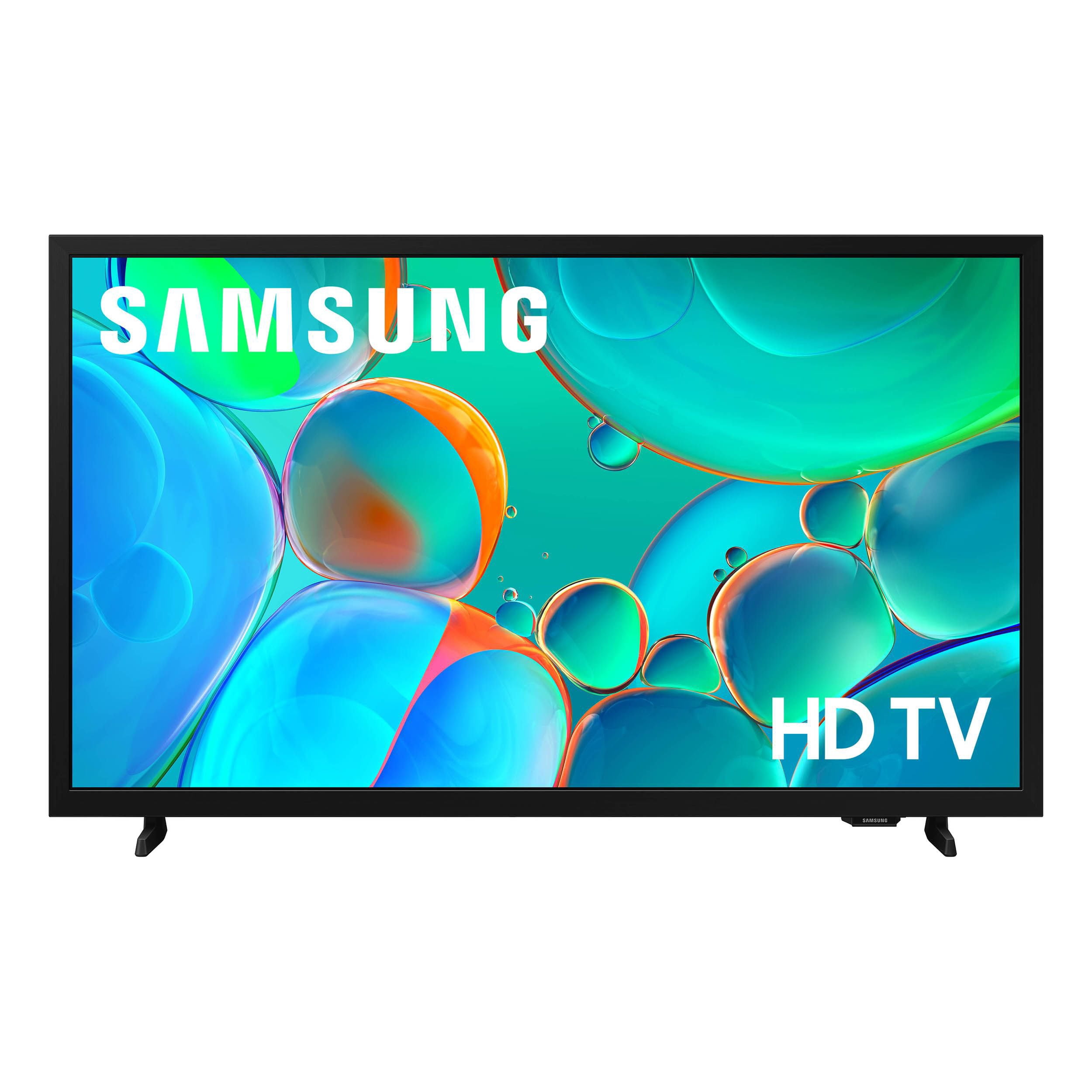
Customer reviews for SAMSUNG 32” Class H5000F Series LED HD Smart Tizen TV for
SAMSUNG 32” Class H5000F Series LED HD Smart Tizen TV
4.6 out of 5 stars
stars
3,617 ratings3,605 reviews
  1. 5 stars75% (2,723)
  2. 4 stars16% (591)
  3. 3 stars4% (154)
  4. 2 stars2% (64)
  5. 1 star2% (85)
Sort by |
Showing 2,701-2,710 of 3,605 reviews
Feb 24, 2026
Reviewer name: AkittyVaughn
5 out of 5 stars
5 out of 5 stars review

Great user interface!

[This review was collected as part of a promotion.] Reasonable interface, very user friendly and I really like the picture; very clear but not pixelated-looking. Would definitely recommend!

Review from Samsung US
Helpful?3BXE5P3J9PH420390161112
Mar 24, 2026
Reviewer name: Aims
5 out of 5 stars
5 out of 5 stars review

HD amazing

[This review was collected as part of a promotion.] Love it wasn't sure how clear and bright it would be but its perfe t in contrast to othersive had.interface great. Immersion yep. Top security!

Review from Samsung US
Helpful?3BXE5P3J9PH420390161112
Feb 17, 2026
Reviewer name: Dreadking
5 out of 5 stars
5 out of 5 stars review

Great features

[This review was collected as part of a promotion.] Your TV love the colorBest contrast is great tell her the TV is great I would rather have this TV than any other TV my kids love it the family lover

Review from Samsung US
Helpful?3BXE5P3J9PH420390161112
Feb 18, 2026
Reviewer name: Laylow84
5 out of 5 stars
5 out of 5 stars review

HD

[This review was collected as part of a promotion.] I see everything in HD and it's awesome like im at the movies.... I Have to go Bigger love Samsung TV

Review from Samsung US
Helpful?3BXE5P3J9PH420390161112
Mar 9, 2026
Reviewer name: Obie
3 out of 5 stars
3 out of 5 stars review

All Apps Are Created Equal

[This review was collected as part of a promotion.] In its day, the H5000F was top of the line but now it's outdated. The remote as a mouse feature is still cool but I can't get a few apps like HBO MAX without a Firestick being connected

Review from Samsung US
Helpful?3BXE5P3J9PH420390161112
reply from Samsung Advisor

Hi Obie, Thank you for sharing your experience. Please know that you can customize your Home screen by installing, removing or adding your favorite apps to the Home screen. Here's how: Searching for & Installing Apps 1. From the Home screen, press left on the remote’s directional pad. 2. Navigate to and select Search. 3. Using the search bar, enter the content or app you’d like to find. 4. Navigate to and select the app you’d like to install, then select Install. Note: Previously installed apps can be accessed on the Settings screen. Adding & Managing Apps on Home Screen 1. Go to App Settings (these can be found at the bottom of the Apps screen) and select the app you want to move. The following options will be available: a. Add to Home: Move the app to your desired location on the Home screen. b. Delete: Delete app. c. Lock/Unlock: Lock the app with a PIN so only you can use it. When the app is selected again, you will be prompted to enter the PIN to unlock it. d. Reinstall: Reinstall the app. e. View Details: View the app’s information and details. If you need more help with app management, please don’t hesitate to reach Samsung Support at 1-800-SAMSUNG, available daily from 8AM - 12AM EST. You can also visit the Samsung website and click on ‘Support’ for: • Live Chat • Manuals, Software, & Warranty Info ~ Samsung Advisor

Mar 23, 2026
Reviewer name: Mann
5 out of 5 stars
5 out of 5 stars review

Great features.

[This review was collected as part of a promotion.] The product provides great quality and entertainment for the whole family. Thank you for invention of the product.

Review from Samsung US
Helpful?3BXE5P3J9PH420390161112
Feb 17, 2026
Reviewer name: L00kout
5 out of 5 stars
5 out of 5 stars review

Great Quality

[This review was collected as part of a promotion.] The Quality is so good on the Samsung TV it lags but not alot it's perfect for watching your favorite movies/ TV shows. It is perfect for me and I bet if you purchase it it would be for you

Review from Samsung US
Helpful?3BXE5P3J9PH420390161112
Dec 1, 2025
Reviewer name: WalmartCustomer
4 out of 5 stars
4 out of 5 stars review

Verified Purchase

[This review was collected as part of a promotion.] This tv is very slow to respond to the remote and the picture quality is not quite as good as I was expecting but overall it's a good quality for the very low price.

Review from walmart.com
Helpful?3BXE5P3J9PH420390161112
Feb 26, 2026
Reviewer name: Anonymous
5 out of 5 stars
5 out of 5 stars review

Awesome colors and brightness

[This review was collected as part of a promotion.] The nicest TV I've ever had from Samsung and in life. Super nice picture, the colors are so vibrant and bright! Looks way more expensive than it is!

Review from Samsung US
Helpful?3BXE5P3J9PH420390161112
Feb 17, 2026
Reviewer name: SammyT1004
5 out of 5 stars
5 out of 5 stars review

Great tv

[This review was collected as part of a promotion.] Great tv with great color and just the right size for my bedroom. Love the volume and the picture

Review from Samsung US
Helpful?3BXE5P3J9PH420390161112