Skip to Main Content
Sam's Club
Sam's Club
All Departments
All Services
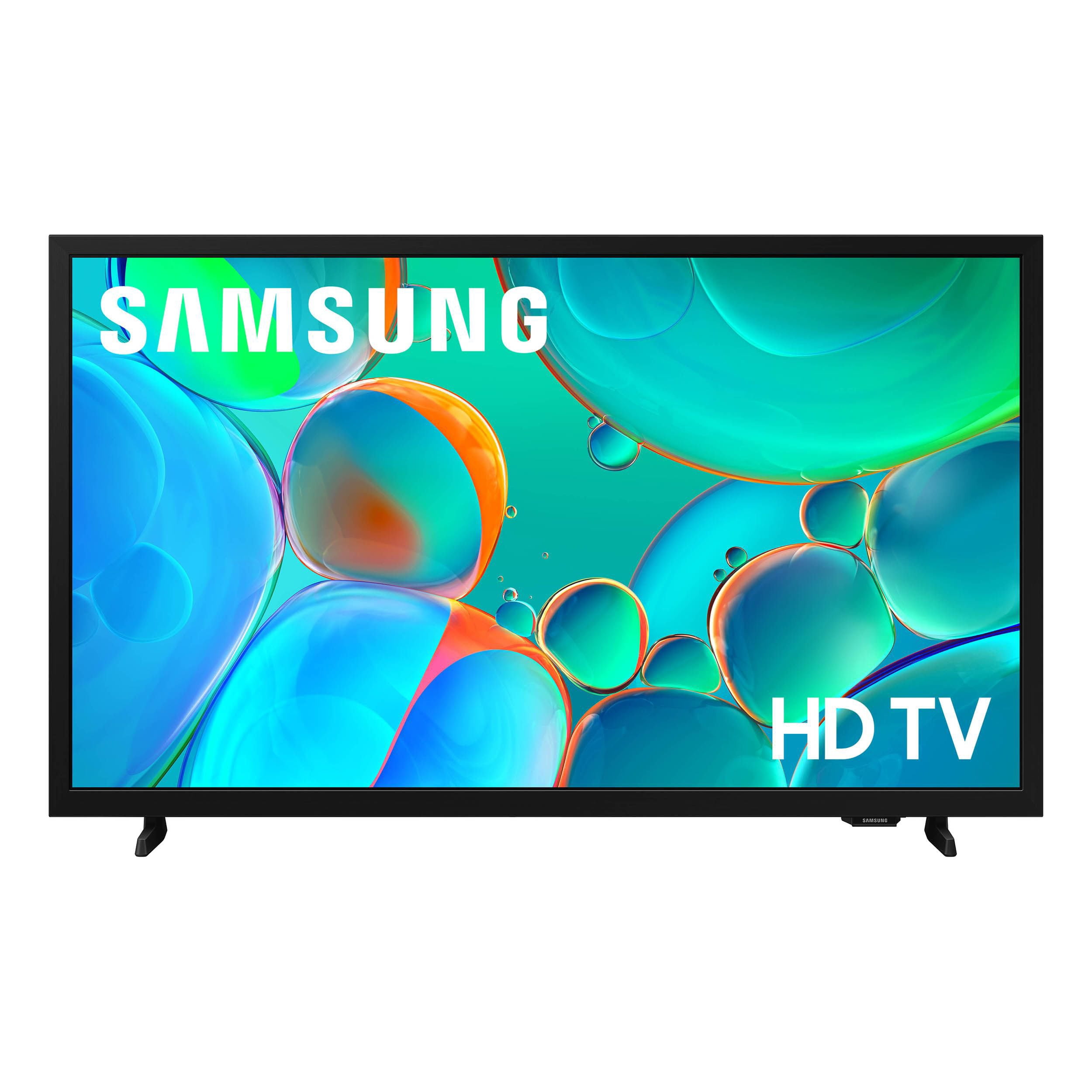
Customer reviews for SAMSUNG 32” Class H5000F Series LED HD Smart Tizen TV for
SAMSUNG 32” Class H5000F Series LED HD Smart Tizen TV
4.6 out of 5 stars
stars
3,618 ratings3,606 reviews
  1. 5 stars75% (2,724)
  2. 4 stars16% (591)
  3. 3 stars4% (154)
  4. 2 stars2% (64)
  5. 1 star2% (85)
Sort by |
Showing 2,631-2,640 of 3,606 reviews
Feb 17, 2026
Reviewer name: Sj559
5 out of 5 stars
5 out of 5 stars review

Amazing TV

[This review was collected as part of a promotion.] TV has great picture quality and the interface has easy to use guide would highly recommend this TV

Review from Samsung US
Helpful?3BXE5P3J9PH420390161112
Feb 17, 2026
Reviewer name: Mesh_04Card
3 out of 5 stars
3 out of 5 stars review

Subpar resolution/brightness

[This review was collected as part of a promotion.] Well gor the brightness at times it feels dim especially while watching certain movies who's color resolution is more grey tone.

Review from Samsung US
Helpful?3BXE5P3J9PH420390161112
reply from Samsung Advisor

Hi Mesh_04Card, We’re sorry to hear that the picture on your Samsung H5000F TV appears too dark. If this isn’t meeting your expectations, there are several settings you can adjust to improve the overall brightness and clarity of your screen. First, try disabling certain energy-saving features that may be dimming the screen automatically. Go to: Settings > All Settings > General & Privacy > Power and Energy Saving, then turn off Brightness Optimization, Energy Saving Solution, Motion Lighting, and/or Contrast Enhancer. Next, adjust the Picture Mode to better match your viewing environment: Settings > All Settings > Picture > Picture Mode and choose from the following: • Dynamic – Brighter and clearer for well-lit rooms • Standard – Balanced for most environments • Movie – Ideal for watching in a dark room • Eco – Designed for energy savings You can also manually adjust brightness by going to: Settings > All Settings > Picture > Expert Settings > Brightness. Use the slider to set a level that suits your preferences (0–50). Finally, we recommend making sure your TV has the latest software installed: Settings > Support > Software Update > Update Now We hope these tips help improve your viewing experience. If you need further assistance with setup or adjustments, feel free to contact Samsung Customer Support at 1-800-SAMSUNG, available daily from 8AM - 12AM EST. You can also visit the Samsung website and click on ‘Support’ for: • Live Chat • Manuals, Software, & Warranty Info ~ Samsung Advisor

Feb 13, 2026
Reviewer name: Ymust
4 out of 5 stars
4 out of 5 stars review

Security??

[This review was collected as part of a promotion.] Amazing quality and all, but I only wish security option was a little bit better. Multiple people can sign inand on and log me off which I hate, but everything else is amazing.

Review from Samsung US
Helpful?3BXE5P3J9PH420390161112
Feb 6, 2026
Reviewer name: KLove2K
5 out of 5 stars
5 out of 5 stars review

Great price.

[This review was collected as part of a promotion.] The colors is good, although the TV scene is a little. It's ok, for the price at hand, superb. Keep it up with affordable.

Review from Samsung US
Helpful?3BXE5P3J9PH420390161112
Mar 23, 2026
Reviewer name: Jonboy90
5 out of 5 stars
5 out of 5 stars review

Great features

[This review was collected as part of a promotion.] Works well. Brightness is awesome good storage. Interface is sleek. Contrast and immersion quality is good and no security issues.

Review from Samsung US
Helpful?3BXE5P3J9PH420390161112
Feb 27, 2026
Reviewer name: Blackbull
5 out of 5 stars
5 out of 5 stars review

Perfect brightness

[This review was collected as part of a promotion.] The brightness levels were perfect especially at night wasn't so bright that we had to adjust like most tv very nice picture

Review from Samsung US
Helpful?3BXE5P3J9PH420390161112
Feb 9, 2026
Reviewer name: TwinMom
5 out of 5 stars
5 out of 5 stars review

Recommend for a small space

[This review was collected as part of a promotion.] I bought this for my kids's room and I'm satisfied and they love it! I couldn't have made a better purchase! It has perfect brightness and contrast! I struggle with that a lot with TVs!

Review from Samsung US
Helpful?3BXE5P3J9PH420390161112
Feb 6, 2026
Reviewer name: Slick
5 out of 5 stars
5 out of 5 stars review

Great features and color. The sound is good.

[This review was collected as part of a promotion.] Everything from color, sound, security and brightness is fabulous. The contrast , interface and Immersion is great features.

Review from Samsung US
Helpful?3BXE5P3J9PH420390161112
Mar 23, 2026
Reviewer name: BNORMDAMAN
5 out of 5 stars
5 out of 5 stars review

Amazing color and brightness

[This review was collected as part of a promotion.] this has beautiful picture and sound it's amazing amazing I prefer to watch my little 32-in other than my other large screen TVs that isn't Samsung in my house because the picture is way better.

Review from Samsung US
Helpful?3BXE5P3J9PH420390161112
Feb 17, 2026
Reviewer name: Danpitz
5 out of 5 stars
5 out of 5 stars review

Great features

[This review was collected as part of a promotion.] Great sound and pictures use it every day its my kitchen tv comes in handy for news and weather updates

Review from Samsung US
Helpful?3BXE5P3J9PH420390161112