Skip to Main Content
Sam's Club
Sam's Club
All Departments
All Services
Customer reviews for SAMSUNG 32” Class H5000F Series LED HD Smart Tizen TV for
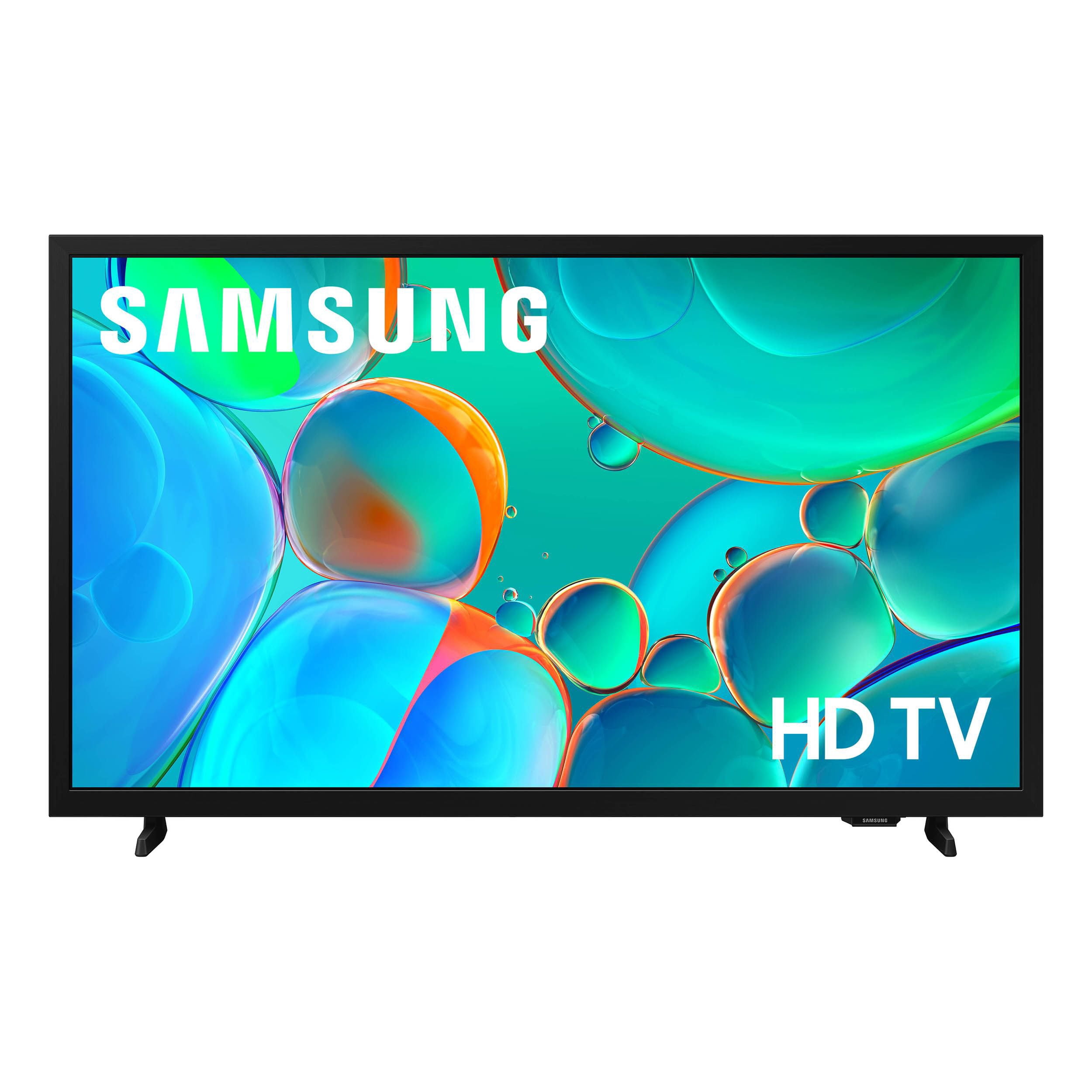
SAMSUNG 32” Class H5000F Series LED HD Smart Tizen TV
4.6 out of 5 stars
stars
3,619 ratings3,607 reviews
  1. 5 stars75% (2,725)
  2. 4 stars16% (591)
  3. 3 stars4% (154)
  4. 2 stars2% (64)
  5. 1 star2% (85)
Sort by |
Showing 2,611-2,620 of 3,607 reviews
Feb 17, 2026
Reviewer name: Missbee
4 out of 5 stars
4 out of 5 stars review

Great

[This review was collected as part of a promotion.] Love my tv just wish the sound was a little better I have it all the way turned up and its still a little hard to hear. But I'm also hard of hearing 😕

Review from Samsung US
Helpful?3BXE5P3J9PH420390161112
Mar 20, 2026
Reviewer name: Artsy crafty
5 out of 5 stars
5 out of 5 stars review

Perfect size for guest room/office

[This review was collected as part of a promotion.] Just right for my office/guest room. Clear image, easy to use, and move to other side of room when I have guests.

Review from Samsung US
Helpful?3BXE5P3J9PH420390161112
Feb 17, 2026
Reviewer name: Tunacan Timmy
5 out of 5 stars
5 out of 5 stars review

The best you can get!

[This review was collected as part of a promotion.] For the price and value this is the TV for you. Especially since these are supported by Samsung longer than other brands.

Review from Samsung US
Helpful?3BXE5P3J9PH420390161112
Mar 23, 2026
Reviewer name: Porchhonky304
5 out of 5 stars
5 out of 5 stars review

Samsung products

[This review was collected as part of a promotion.] Great service. Would recommend to anyone. Ive been using Samsung for years. I would never go anywhere else

Review from Samsung US
Helpful?3BXE5P3J9PH420390161112
Feb 17, 2026
Reviewer name: MoHoSuave
5 out of 5 stars
5 out of 5 stars review

Brightness is Great!

[This review was collected as part of a promotion.] My TV is in a place where part of the day the sun hits the screen. Even during that time, the screen is bright enough to see what's going on very well.

Review from Samsung US
Helpful?3BXE5P3J9PH420390161112
Nov 22, 2025
Reviewer name: WalmartCustomer
5 out of 5 stars
5 out of 5 stars review

Verified Purchase

[This review was collected as part of a promotion.] not sure about quality yet. waiting on screws to arrive to hang on mount. current screws are too short.

Review from walmart.com
Helpful?3BXE5P3J9PH420390161112
Feb 19, 2026
Reviewer name: PURPLE QUEEN
5 out of 5 stars
5 out of 5 stars review

Picture

[This review was collected as part of a promotion.] ITS A VERY nice Picture And clear sound. Great size the contrast is pretty good and set up and security is an easy set up

Review from Samsung US
Helpful?3BXE5P3J9PH420390161112
Feb 17, 2026
Reviewer name: Needlenoggin
3 out of 5 stars
3 out of 5 stars review

Great screen, weird sound balance

[This review was collected as part of a promotion.] Great display and image, but the sound wavers with different movies/shows. Sometimes it's very quiet, sometimes it's very loud. It could be the DVD player or connections, but it's not consistent.

Review from Samsung US
Helpful?3BXE5P3J9PH420390161112
reply from Samsung Advisor

Hi Needlenoggin, Thank you for sharing your experience with volume fluctuations on your Samsung H5000F TV. Sudden changes in volume can often be related to audio settings or content differences between sources or apps. Please try the following adjustments to help stabilize your TV's audio: 1. Enable Auto Volume. Go to: Settings > All Settings > Sound > Expert Settings > Auto Volume. This feature helps maintain a consistent volume level when switching channels or apps. 2. Change Sound Mode. Try a different sound mode to see if one offers a more stable output: Settings > All Settings > Sound > Sound Mode (We recommend Standard or Amplify for more even performance.) 3. Check External Devices. If you're using a soundbar, receiver, or other audio device, check that its volume leveling or dynamic range settings aren’t interfering with the TV’s audio. 4. Update Firmware. Ensure your TV is running the latest software, as updates may include audio improvements: Settings > Support > Software Update > Update Now If the issue persists after these steps, please don’t hesitate to reach Samsung Customer Support at 1-800-SAMSUNG, 8AM – 12AM EST, 7 days a week. LiveChat is also available via the ‘Support’ link on our website. ~ Samsung Advisor

Feb 17, 2026
Reviewer name: Benway
5 out of 5 stars
5 out of 5 stars review

Great tv for the price.

[This review was collected as part of a promotion.] The tv has a perfect balance between contrasts. The different modes help you focus on what important to you.

Review from Samsung US
Helpful?3BXE5P3J9PH420390161112
Feb 16, 2026
Reviewer name: Mary
5 out of 5 stars
5 out of 5 stars review

Crystal clear

[This review was collected as part of a promotion.] Love the brightness. Color and contrast is excellent. The clarity and sharpness of the pictures is most important to ms

Review from Samsung US
Helpful?3BXE5P3J9PH420390161112