Skip to Main Content
Sam's Club
Sam's Club
All Departments
All Services
Customer reviews for SAMSUNG 32” Class H5000F Series LED HD Smart Tizen TV for
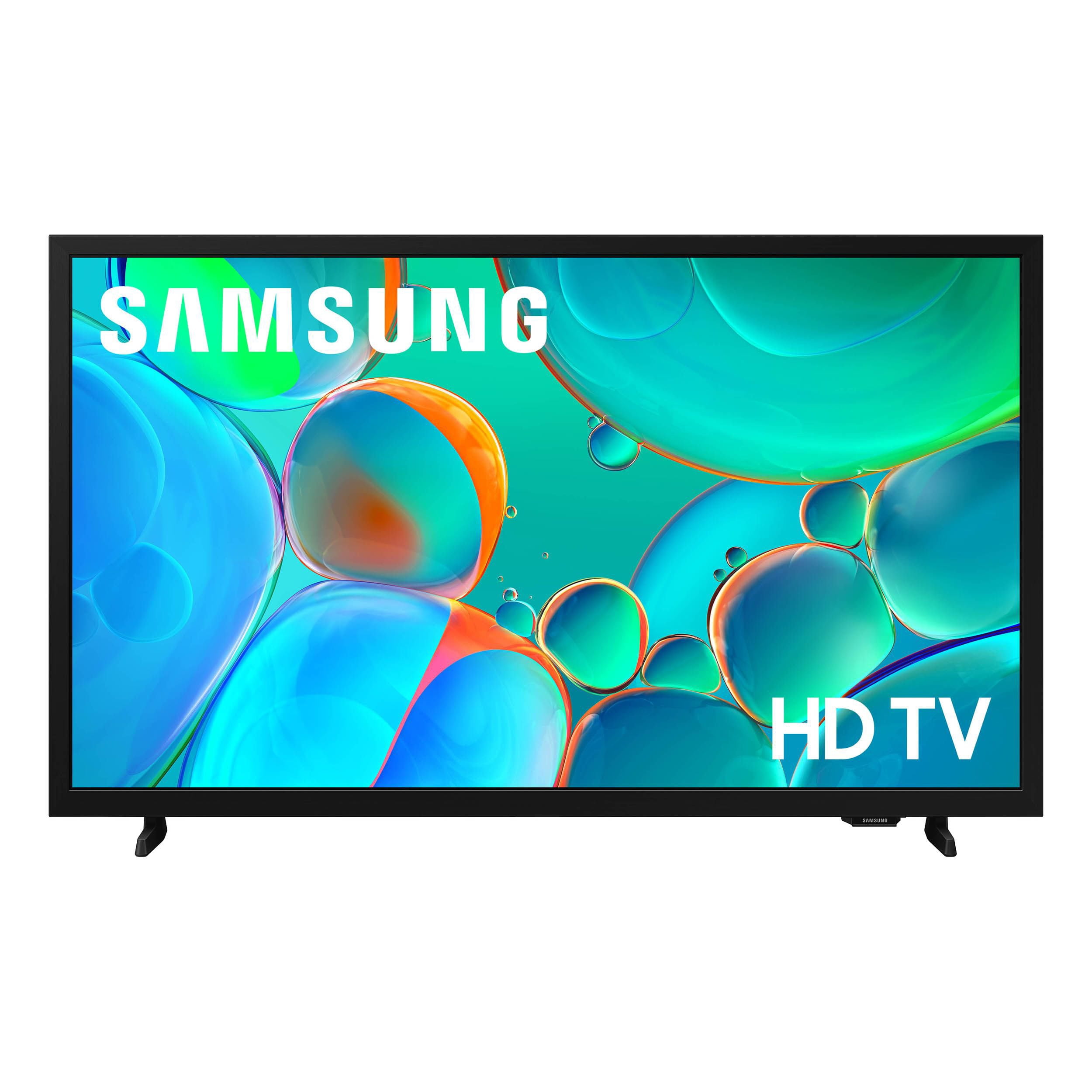
SAMSUNG 32” Class H5000F Series LED HD Smart Tizen TV
4.7 out of 5 stars
stars
2,229 ratings2,229 reviews
  1. 5 stars77% (1,719)
  2. 4 stars17% (368)
  3. 3 stars4% (81)
  4. 2 stars1% (28)
  5. 1 star1% (33)
Sort by |
Showing 101-110 of 2,229 reviews
Nov 22, 2025
Rajib
5 out of 5 stars review

Verified Purchase

Awesome product I like the size of the TV it fits real well beautiful picture thank you

Review from walmart.com
Helpful?3BXE5P3J9PH420390161112
Dec 22, 2025
WalmartCustomer
5 out of 5 stars review

Verified Purchase

[This review was collected as part of a promotion.] This is a gift

Review from walmart.com
Helpful?3BXE5P3J9PH420390161112
Jan 2, 2026
Anne
5 out of 5 stars review

Verified Purchase

worked as described after creating a Samsung account

Review from walmart.com
Helpful?3BXE5P3J9PH420390161112
Jun 14, 2026
CrochetQueen
4 out of 5 stars review

Samsung Tv

[This review was collected as part of a promotion.] It has good speakers and TV the screen is crystal clear and movies and TV programs look better on it.

Review from Samsung US
Helpful?3BXE5P3J9PH420390161112
Jun 13, 2026
anonymous
5 out of 5 stars review

Verified Purchase

Impressive!

Review from walmart.com
Helpful?3BXE5P3J9PH420390161112
Dec 25, 2025
Benjamin
5 out of 5 stars review

Stunning Clarity and Vibrant Color

[This review was collected as part of a promotion.] ​I am beyond impressed with the picture quality of this Samsung TV. Even though it is a standard HD model, the PurColor technology makes every scene look incredibly vivid and lifelike. The contrast is sharp, and the setup process was seamless from start to finish. ​The Smart TV interface is snappy and intuitive, making it easy to jump between Netflix, YouTube, and live cable. It's the perfect blend of performance and value—highly recommended for anyone looking to upgrade their bedroom or living room setup without breaking the bank.

Review from Samsung US
Helpful?3BXE5P3J9PH420390161112
Nov 25, 2025
Tom
5 out of 5 stars review

Verified Purchase

Perfect for our spair bedroom , alway had good luck with Samsung TVs and for less then 100.00 bucks on Black Friday sale deal made it even better .

Review from walmart.com
Helpful?3BXE5P3J9PH420390161112
May 5, 2026
Kaotik
5 out of 5 stars review

Great TV

[This review was collected as part of a promotion.] Picture is great, colors are wonderful. Simple to navigate menus. Overall very pleased

Review from Samsung US
Helpful?3BXE5P3J9PH420390161112
May 5, 2026
A Parskie
5 out of 5 stars review

Beautiful picture

[This review was collected as part of a promotion.] I love this television. The picture quality is beautiful. It's just what I needed.

Review from Samsung US
Helpful?3BXE5P3J9PH420390161112
Jun 20, 2026
Jeank
1 out of 5 stars review

No sound!

Picture is fine but no sound. Unfortunately we planned to use this tv at our summer home and did not even take it out of the box until after the return time had expired. We connected blue tooth speaker which works but is totally unsatisfactory for viewing pleasure.

Review from Samsung US
Helpful?3BXE5P3J9PH420390161112
reply from Samsung Advisor

Hi Jeank, Thank you for your review. If you're not hearing sound from your H5000F TV, please try the following: • Check your volume and mute settings, and confirm external speakers are powered on. • If using HDMI ARC/eARC, make sure you’re using a certified HDMI cable and go to: Settings > All Settings > Sound > Expert Settings > HDMI eARC Mode = Auto. Also enable Anynet+ (HDMI-CEC) under External Device Manager. • For Optical, be sure the external audio device is on before connecting, and set Sound Output = Optical. • For Bluetooth, try unpairing and reconnecting: Settings > Sound > Sound Output > Bluetooth Speaker List • For Wi-Fi speakers, use: Sound Output > Wi-Fi Speaker Surround Setup and make sure both devices are on the same network. You can also try running a Sound Test: Settings > Support > Device Care > Self Diagnosis > Sound Test If your issue continues, we’re happy to help at 1-800-SAMSUNG (8AM – 9PM EST Mon – Fri, 8AM – 6PM Sat – Sun). Our LiveChat agents are also available by clicking the ‘Support’ link at Samsung.com. ~ Samsung Advisor