Skip to Main Content
Sam's Club
Sam's Club
All Departments
All Services
Customer reviews for SAMSUNG 98” Class Q7FD Series QLED 4K UHD Vision AI Smart Tizen TV for
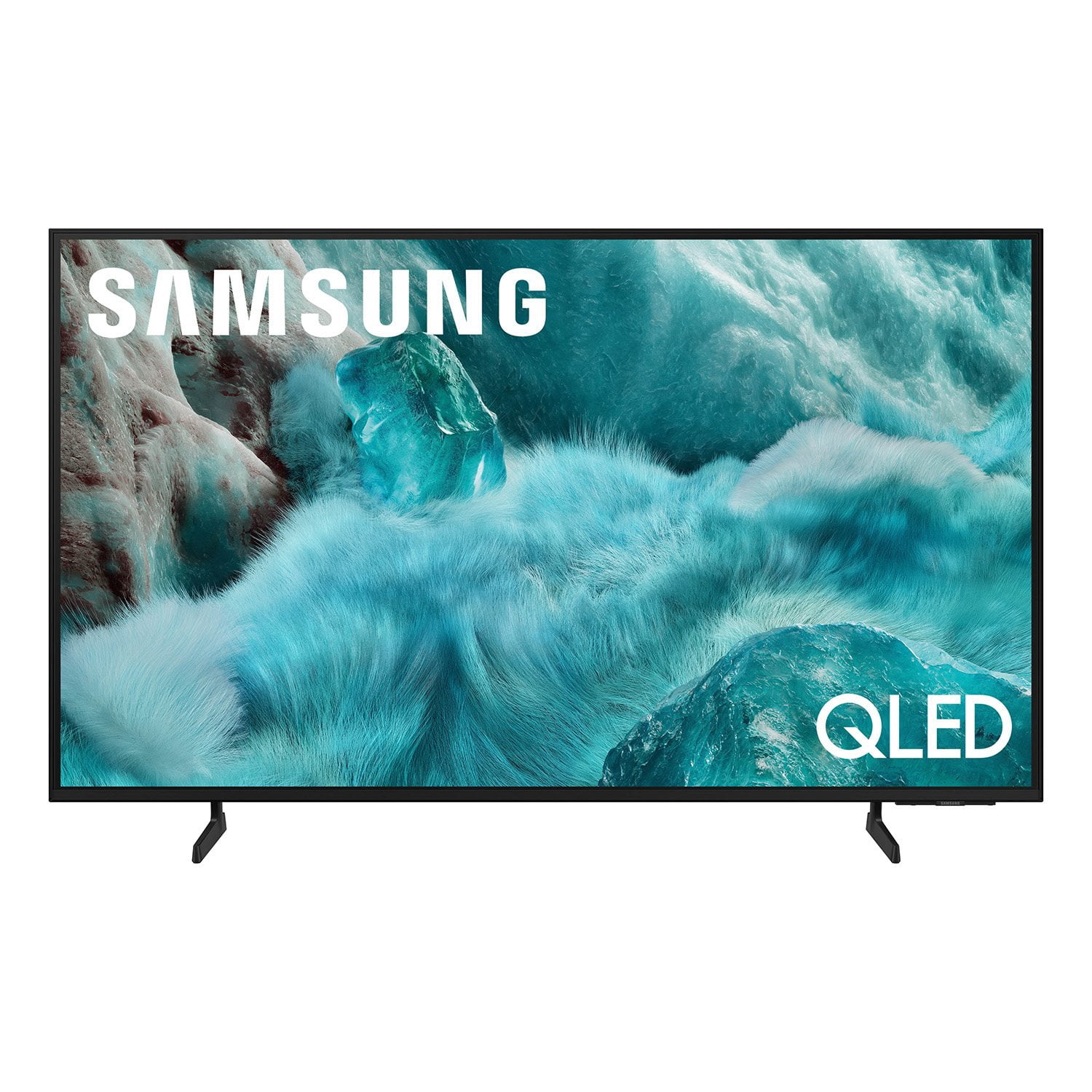
SAMSUNG 98” Class Q7FD Series QLED 4K UHD Vision AI Smart Tizen TV
4.7 out of 5 stars
stars
3,282 ratings3,282 reviews
  1. 5 stars78% (2,556)
  2. 4 stars15% (484)
  3. 3 stars4% (137)
  4. 2 stars1% (41)
  5. 1 star2% (64)
Sort by |
Showing 2,131-2,140 of 3,282 reviews
Dec 11, 2025
Reviewer name: Ebonyqueen88
5 out of 5 stars
5 out of 5 stars review

I love the size of my T.V

[This review was collected as part of a promotion.] This TV is great. The colors just pop and the screen is so clear. It's almost like watching live. The sound quality is the one best I've ever heard from. A TV. I love the bluetooth sound brand the stand it sits on. It was well worth the cost and I'm so very satisfied with every part of my t.v so far.

Review from Samsung US
Helpful?1Y0A5D9ENOZG20182819134
Dec 20, 2025
Reviewer name: Disappointed
1 out of 5 stars
1 out of 5 stars review

TV lost picture after 8 months

[This review was collected as part of a promotion.] Very disappointed ….. I thought I was buying a reliable product. It was a beautiful tv until the picture went 2 weeks ago. Haven’t even had it 8 months. All our other tvs are Samsung and I expected to have it for awhile. I’d like to get a replacement or at least credit for it to buy another tv.

Review from Samsung US
Helpful?1Y0A5D9ENOZG20182819134
reply from Samsung Specialist

Disappointed, It’s unfortunate to hear about your experience with Samsung’s Q7F TV. We’re committed to delivering quality, value, and the best possible product experience. This TV is backed by a 1-year limited manufacturer’s warranty, which includes authorized repair for eligible defects when purchased brand-new from an authorized retailer. To review full warranty terms, you can enter your model number here: https://www.samsung.com/us/support/warranty/ We’d appreciate the opportunity to assist further. Please contact Samsung Customer Support at 1-800-SAMSUNG (8AM – 12AM EST, 7 days a week), or connect with a LiveChat agent by clicking the ‘Support’ link on our website. ~ Samsung Specialist

Oct 14, 2025
Reviewer name: 55Kingdom
5 out of 5 stars
5 out of 5 stars review

This TV is exactly what was described/advertised

[This review was collected as part of a promotion.] Our old TV was a 65-inch Samsung we bought back in 2016, which is still working fantastic (which we are still using in the basement). Therefore, we are confident that our new Samsung will perform like and last as long as the old one. So far, the TV is fantastic, it is exactly what was described/advertised. It has a great picture and responds almost immediately when using the remote. Again, we couldn't be happier with our old and our new Samsung TV's.

Review from Samsung US
Helpful?1Y0A5D9ENOZG20182819134
Oct 13, 2025
Reviewer name: Lottie143
5 out of 5 stars
5 out of 5 stars review

This is a great value TV. Samsung is 2nd to none.

[This review was collected as part of a promotion.] The ease of use , and features, plus the affordability of this TV only make this Samsung TV stand out more from the crowd. The picture quality is astounding, I have guests commenting about it all the time. This makes my 5th Samsung tv and would not own anything else. I currently own 3 and I am still using my first one which is 17 years old. You just can’t go wrong this brand. Love my Samsung TV’s .

Review from Samsung US
Helpful?1Y0A5D9ENOZG20182819134
Dec 21, 2025
Reviewer name: Aegian132
5 out of 5 stars
5 out of 5 stars review

Real Step Up

[This review was collected as part of a promotion.] We upgraded our 9 year old Samsung 55" Curved SUHD to this model. I loved the 55" Curved TV, My wife came back with very poor vision on her last optometry appointment. This was a huge upgrade for Colors, text crispness, and has a very panametric fell to the view. It helps her Huge! We were still able to use our older Samsung HW550 Soundbar and it sounds like it was new. Thums up all around.

Review from Samsung US
Helpful?1Y0A5D9ENOZG20182819134
Nov 6, 2025
Reviewer name: Insanityangie
5 out of 5 stars
5 out of 5 stars review

The future

[This review was collected as part of a promotion.] This TV is amazing. I have a 75 inch, and it's a totally different experience. It's way better than watching a movie at the theater. The picture is so good I can see some actors' pores. I highly recommend this TV if you want to step into the future.

Review from Samsung US
Helpful?1Y0A5D9ENOZG20182819134
Oct 13, 2025
Reviewer name: Hiker4
2 out of 5 stars
2 out of 5 stars review

Disappointed

[This review was collected as part of a promotion.] I watch movies, sports, soaps. The features are difficult to operate. Its definitely not user friendly. I still cannot figure it out. Very difficult. There is a pop ad from AI wanting me to do somwthing. I dont even understand what it wants me to do. I have to wait for it to clear to continue seeing the tv. I dont need that! I had a smart samsung tv and the picture was great. This tv has an awful picture quality. The images appear olive tone, there are shadows. Sometimes the background is bluish. I get some red freckles sometimes that ruin the vision. The face colors are weird, sometimes olive, sometimes very red. I tried to adjust the picture to no avail. I wish I would have known it was going to be so bad, I would have bought something else. Oh well, live and learn. Will definitely NOT RECOMEND THIS TV TO ANYONE.

Review from Samsung US
Helpful?1Y0A5D9ENOZG20182819134
reply from Samsung Brand Ambassador

Hiker4, Thank you for sharing your feedback with us. To help you get the most from your TV, you can download the full e-Manual and more by visiting Samsung’s website, then navigating to: Support > Manual & Software > TVs & Home Theater. From there, you can search for and select your TV model to view or download the available guides. The e-Manual & User Guide are also conveniently built into your TV: Settings > Support > Tips and User Guides. Your TV includes Learn Menu Screen, an accessibility feature that provides audio guidance for on-screen menus. When enabled, your TV will announce the name and function of each menu item as you scroll, without making any changes. This feature is particularly helpful for users who are visually impaired or new to Smart TV menus. To enable, go to: Settings > All Settings > General & Privacy > Accessibility > Learn Menu Screen. To exit, press the Return key twice. If the image isn’t meeting your expectations, there are several adjustments you can make to improve your viewing experience. First, please ensure your TV is running the latest firmware, as updates may include important picture quality enhancements. Go to: Home > Left directional button > Settings > Support > Software Update > Update Now Then, select a Picture Mode that best fits your environment: Home > Home > left directional key > Settings > All Settings > Picture > Picture Mode 1. Standard – Default mode for general viewing 2. Dynamic – Brighter and clearer in well-lit rooms 3. Eco – Optimized for energy saving 4. Movie – Best for watching in dark environments 5. Filmmaker Mode – Preserves content exactly as intended by creators You can also enhance your experience by enabling AI Mode, which automatically adjusts picture and sound based on your surroundings and usage patterns: Settings > All Settings > Advanced Features > AI Mode Settings > AI Mode If these adjustments don’t improve your picture quality, feel free to contact Samsung Customer Support at 1-800-SAMSUNG, available 8AM – 12AM EST, 7 days a week. You can also LiveChat with an agent or find helpful guides by visiting the ‘Support’ section of our website. ~ Samsung Pro

Oct 15, 2025
Reviewer name: AnotherSamsungfanatic
5 out of 5 stars
5 out of 5 stars review

Mancavefanatic

[This review was collected as part of a promotion.] I love the clean edges on the big screen. I love how you can add photos of family to be displayed when the TV is off.. I love the brightness of color and the darkness of the black space which makes the pictures almost look like 3-D display. I look forward to watching my favorite movies over again just like they looked in the movies theater. Suddenly, TV is exciting again.

Review from Samsung US
Helpful?1Y0A5D9ENOZG20182819134
Oct 21, 2025
Reviewer name: Audiophile
4 out of 5 stars
4 out of 5 stars review

Reliable and worth the money

[This review was collected as part of a promotion.] This TV is great! My place is a little on the smaller side and this was the biggest TV that would work. The picture is fantastic and can be either tailored through assisted settings or can be tuned up completely manually. The sound is solid and has a lot of options. I added a Q series sound bar and that is also very customizable too! Depending on what setting you are using, it can be really loud (like when using with a gaming console). It important to know that different video services also play at slightly different volumes (bc of the services themselves). I've never even needed to turn it above 50 bc it kicks out the sound so well. I had an older model and getting used to the new layout for menus took me a little while to get used to navigating. After a little while of practice, its actually easier to use than the series 5 menus. I strongly recommend this tv!!

Review from Samsung US
Helpful?1Y0A5D9ENOZG20182819134
Nov 7, 2025
Reviewer name: Veronica
3 out of 5 stars
3 out of 5 stars review

Great picture and sound

[This review was collected as part of a promotion.] Super easy to set up. 11on the bad side, not enough memory for streaming content. Have to reset on the regular or it ceases to work. Slow on connecting to the internet. Good as an alternative room TV, but not as a main room tv. There are better Samsung devices out there.

Review from Samsung US
Helpful?1Y0A5D9ENOZG20182819134
reply from Samsung Specialist

Veronica, We value your feedback regarding the response time of your TV. For the best performance, please ensure the latest firmware version is installed: Home > left directional key > Settings > Support > Software Update You can also improve responsiveness by running the built-in Device Care tool, which checks system memory, clears cached data, and closes background apps: Home > left directional key > Settings > Support > Device Care > Start Device Care If you need further assistance, please contact Samsung Support at 1-800-SAMSUNG, available 8AM – 12AM EST, 7 days a week. LiveChat is also available through the ‘Support’ link on our website. ~ Samsung Specialist