Skip to Main Content
Sam's Club
Sam's Club
All Departments
All Services
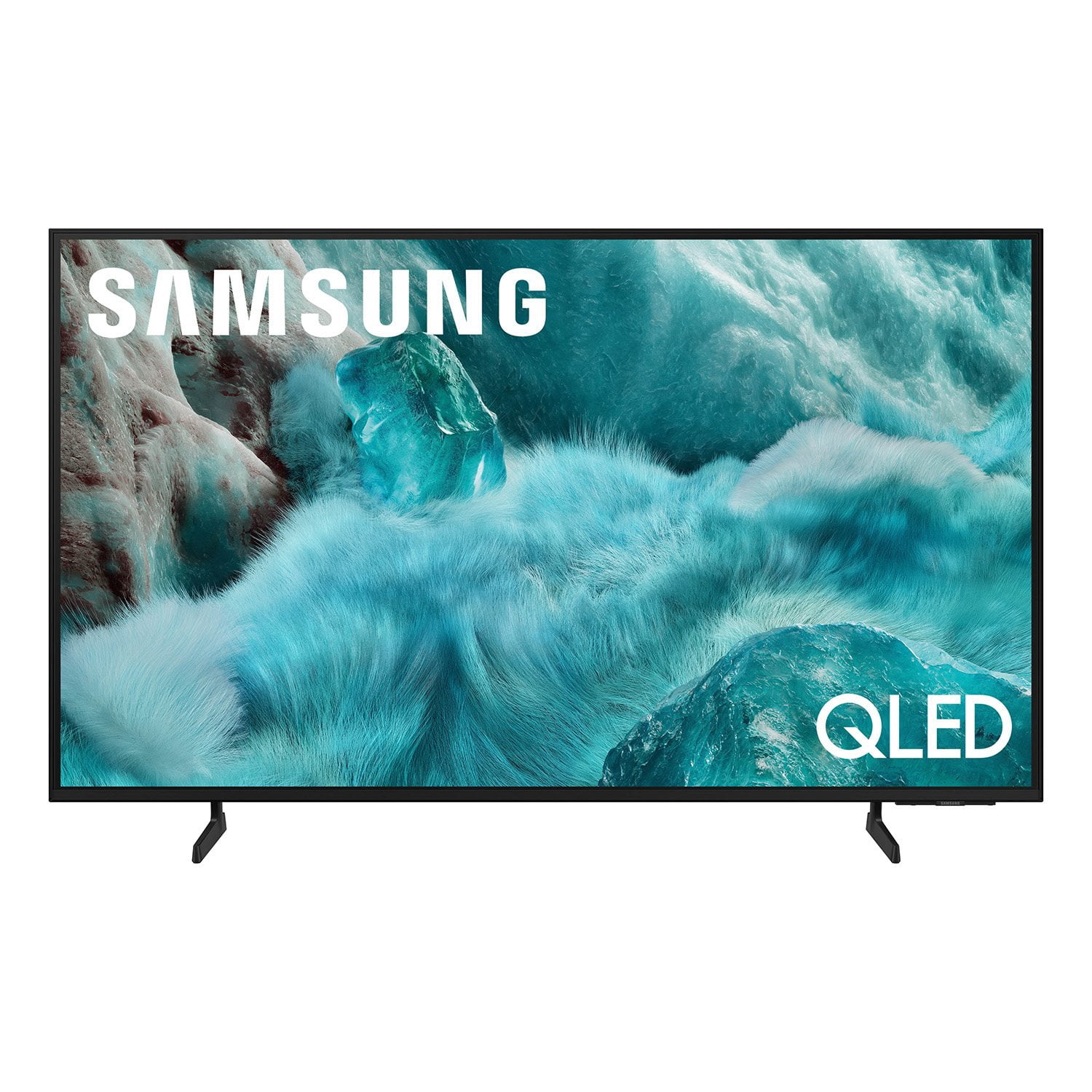
Customer reviews for SAMSUNG 98” Class Q7FD Series QLED 4K UHD Vision AI Smart Tizen TV for
SAMSUNG 98” Class Q7FD Series QLED 4K UHD Vision AI Smart Tizen TV
4.7 out of 5 stars
stars
3,282 ratings3,282 reviews
  1. 5 stars78% (2,556)
  2. 4 stars15% (484)
  3. 3 stars4% (137)
  4. 2 stars1% (41)
  5. 1 star2% (64)
Sort by |
Showing 2,121-2,130 of 3,282 reviews
Sep 14, 2025
Reviewer name: SansNC
5 out of 5 stars
5 out of 5 stars review

Welive our Samsung TV

[This review was collected as part of a promotion.] I really like this tv. The ease of conjecture to all my samsung devices is great. The picture quality is amazing. I wish there was some free artwork and that uploading photos to the TV was a bit easier.

Review from Samsung US
Helpful?1Y0A5D9ENOZG20182819134
Dec 6, 2025
Reviewer name: HRamirez
4 out of 5 stars
4 out of 5 stars review

Picture is whole different level

[This review was collected as part of a promotion.] The picture is totally different from tvs a year old . Once you watch a movie or game on this TV all other television seems to be cloudy, or faded. I was skeptical aswell, but proven wrong and I'm ok with that.. My only problem is I have to save up to purchase one for bedroom..

Review from Samsung US
Helpful?1Y0A5D9ENOZG20182819134
Oct 14, 2025
Reviewer name: LuBell
4 out of 5 stars
4 out of 5 stars review

The picture is clear as can be.

[This review was collected as part of a promotion.] Finally decided to upgrade to a SmartTV, sure wish I was as smart as the TV as I am technology challanged. Set up was fairly easy. Not sure if the TV is now registered. While the TV was registering, somethingbpopped up that covered the resitration number, then the registration disappeared. I quickly got used to the larger size, my old TV was only 26 inches. Got help from my neighbor's son to explain how to adjust the volume and change channels. It's been nice until I lost electricity and the "guide" no longer lists the name of shows. And I don't have my local channel 8. Will have to call the Geek Squad to help find channel 8 and figure out how to list names of shows. Sure wish the instructions were printed larger.

Review from Samsung US
Helpful?1Y0A5D9ENOZG20182819134
Aug 30, 2025
Reviewer name: ApparentlyJohn
5 out of 5 stars
5 out of 5 stars review

Couldn't be happier with my TV

[This review was collected as part of a promotion.] Picture is incredibly vibrant and crisp. Connects with my Samsung soundbar surround system wirelessly with zero latency issues. It runs any app with ease with no delays at all when starting one up. The Freesync Ultimate is a big bonus since I spend most of my time playing fast paced competitive video games and it has no trouble with fast moving pictures. Also incredible to watch football on game day.

Review from Samsung US
Helpful?1Y0A5D9ENOZG20182819134
Oct 14, 2025
Reviewer name: Imborg
5 out of 5 stars
5 out of 5 stars review

Samsung 43

[This review was collected as part of a promotion.] I use my Samsung to watch over the air TV. Samsung was my pick for the Samsung extras. Samsung plus is the big reason to purchase this TV. I own 7 (seven) Samsung TV and I will not buy anything else. Great picture, beautiful color. My largest TV is a 55".

Review from Samsung US
Helpful?1Y0A5D9ENOZG20182819134
Sep 5, 2025
Reviewer name: gy15455
4 out of 5 stars
4 out of 5 stars review

Exceeded expectations.

[This review was collected as part of a promotion.] Primarily using the TV for streaming movies and sports. Easy to navigate, impressive picture. Sound ok but recommend a soundbar. Accessing this particular model on Samsung’s site for specs isn’t very easy and the startup instructions included with the tv left a bit to be desired but overall pleased with the purchase.

Review from Samsung US
Helpful?1Y0A5D9ENOZG20182819134
Oct 4, 2025
Reviewer name: WrenchWrecker
4 out of 5 stars
4 out of 5 stars review

Samsung has outdone themselves with few exceptions

[This review was collected as part of a promotion.] When I purchased my 43" smart t.v., its was actually at the recommendation of my neighbors stating that Samsung had finally grown into its previous reputation of being a reliable brand when it came to the stream ability and ease of use with its casting features. I was kinda reluctant to take my neighbor at his recommended word, but, after having it for only 3 weeks, im glad I did. Getting use to everything its capable of doing has been so easy to figure out and remember that I now doubt that I'll ever settle for any other brand t.v. except for Samsung. Thank you Samsung for proving my doubts to be those made out of ignorance. Im glad you could finally prove my fears to be irrational.

Review from Samsung US
Helpful?1Y0A5D9ENOZG20182819134
Sep 6, 2025
Reviewer name: gotarheels
3 out of 5 stars
3 out of 5 stars review

Always wanted a Samsung

[This review was collected as part of a promotion.] I watch a lot of tv!! I have been extremely disappointed in the brightness of the tv. It seems all of the programs are darker than my old set. I am also not extremely happy with the tiny device to turn it on and change the channels I admit I am older, and computer illiterate,but Not everyone who buys your tv's are. I do not know how to download or upload!

Review from Samsung US
Helpful?1Y0A5D9ENOZG20182819134
reply from Samsung Specialist

gotarheels, We’re sorry to hear you’re not fully satisfied with the picture quality on your Samsung Q7F TV. If the image appears too dark, we suggest disabling certain energy-saving features, which can automatically adjust brightness and affect how the screen looks. Go to: Settings > All Settings > General & Privacy > Power and Energy Saving, then turn off Brightness Optimization, Energy Saving Solution, Motion Lighting, and/or Contrast Enhancer. You can also adjust the Picture Mode to better suit your environment: Settings > All Settings > Picture > Picture Mode • Standard – Default mode for general viewing • Dynamic – Brighter and clearer, ideal for well-lit rooms • Movie – Best for dark room viewing • Eco – Energy-saving mode • Filmmaker Mode – Preserves content as intended by creators To fine-tune brightness, go to: Home > left directional key > Settings > All Settings > Picture > Expert Settings, then adjust the Brightness level (0–50) to your preference. Lastly, please make sure your TV is running the latest firmware: Home > Home > left directional key > Settings > Support > Software Update > Update Now We hope these tips help improve your viewing experience. If you need further support, feel free to contact us at 1-800-SAMSUNG, 8AM – 12AM EST, 7 days a week. LiveChat is also available via the ‘Support’ link on our website. ~ Samsung Specialist

Sep 2, 2025
Reviewer name: Hutchinson
5 out of 5 stars
5 out of 5 stars review

Dude buy this TV!!!!

[This review was collected as part of a promotion.] If you're reading this review you're probably already ready to invest. Maybe you desire a different size but I assure you from my real life unsolicited advice, Samsung is a knockout everytime and I'd assume you already know that, I love this TV and you will too.

Review from Samsung US
Helpful?1Y0A5D9ENOZG20182819134
Dec 20, 2025
Reviewer name: Jpinswfl
5 out of 5 stars
5 out of 5 stars review

Incredible

[This review was collected as part of a promotion.] I got this tv for my sons room, they like to game and watch movies I am absolutely amazed by the incredible I mean absolute incredible quality on this tv. The picture is so crisp and clear I’ve never seen anything like it. Now I am in the market for this tv in my living room.

Review from Samsung US
Helpful?1Y0A5D9ENOZG20182819134