
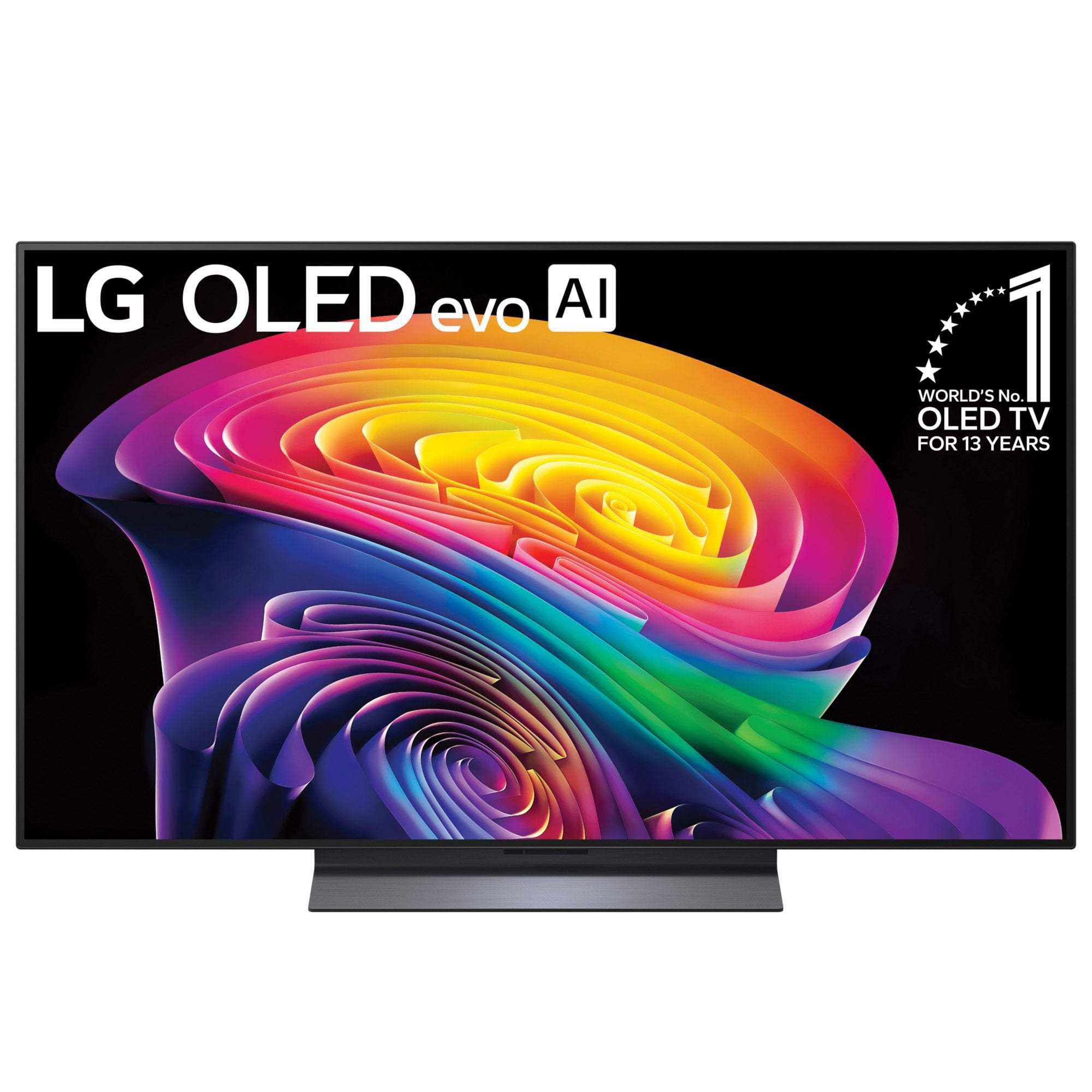
 Customer reviews for LG 48" Class OLED evo C6 Series 4K Smart TV for
Great Picture bad sound
TV is great the picture is beautiful. With all the attention spent on the picture there should have been and equal balance on the sound and speakers as well. For the money spent on this tv I shouldn't have to spend equal amount on a sound bar to make this tv a 5 star.
Hello! Your new LG TV delivering a beautiful picture is exactly the kind of excellent visual quality we aim to provide. We appreciate your feedback regarding the sound balance and built-in speakers, and we will be sharing your notes with our product team to ensure our future audio designs match up perfectly with our screens. Thank you for your review. ^James
WiFi Connectivity Issues
This TV is nice but I am having the same issues with an older model which is what made me want to upgrade in the first place. The problem is the tv disconnects from the WiFi and then struggles to connect back. This tv which is a brand spanking new 2025 model, sometimes doesn't even search for the WiFi when it disconnects itself from the WiFi. This is the second time within a week this has happened and if it continues I will more than likely ask for a refund as I'm not paying for a high end tv for it to have WiFi connection issues. Seems to be a pattern with LG TVs. The WiFi connection issues literally throws the product into the trash as far as wanting to keep this TV.
Hi, Terry. Thank you for sharing your thoughts about your LG TV. We understand your feedback regarding the network connectivity challenges you are experiencing with your new OLED65C5PUA. To resolve this, you can run an internal diagnostic test on your TV settings by pressing the Settings button on your remote, selecting Support, navigating to Quick Help, and opening Check Items to initiate the Self-Diagnosis of TV Settings. This will identify if any internal settings or automatic IP configurations are dropping the link with your router. For more step-by-step guidance on network troubleshooting, you can view this resource: https://www.youtube.com/watch?v=R9WXbgDTlLI. Please send us an email at lgdigitalcare@lg.sprinklrsupport.com if you need further assistance on inquiries and questions. ^James
Good, but good be cheaper and more reliable
I now have 3 LG OLED's. They keep getting better and the prices are very slowly getting cheaper, at least when they're on sale. My main issue is that for this amount of money, they should last. So why does LG keep trying to sell me an extended warranty?
Hello, Neal! We appreciate hearing from a long‑time OLED fan! — three TVs deep is some serious loyalty. We’ll make sure your note about extended warranty offers gets shared with our product team so they can keep fine‑tuning the ownership experience. If you ever need anything down the road, feel free to reach out to @LGUSSupport.^James
Bad experience
[This review was collected as part of a promotion.] I purchaged this during independence day sale with price guarantee. Later they gave free soundbar for new order and they did not price match.
Hi, Bob. We appreciate you sharing your rating and feedback regarding your LG OLED77C5PUA TV. We hear your thoughts concerning the promotional price guarantee policy and the inclusion of promotional audio equipment bundles. Pricing may change regularly based on seasonal promotions. You can find more details regarding how special pricing and promotional offers are applied across varying seasonal windows at https://www.lg.com/us/shop-lg/shop-faq?srsltid=AfmBOoqScVyAwQkMSm5hjhLcz8cgM8UXYCQ9u7oCUzjVp6ZBIplMbRzF. We want to help ensure your home entertainment setup operates perfectly and comfortably for your household. Please send us an email at lgdigitalcare@lg.sprinklrsupport.com if you need further support. ^James
[This review was collected as part of a promotion.] Very happy so far except too many streaming Icons to c when starting up in order to watch my regular cable stations
Hello. Thank you for sharing your thoughts about your LG OLED65C5AUA TV! We are delighted to hear that you are happy with the unit overall. We understand your inquiry regarding the home screen layout and the extra icons when starting up your TV. To make accessing your cable channels easier, you can turn on the Home Auto Launch setting or set your TV to automatically open to the last used input like your cable box upon power-on via the General/System settings menu. For more feedback or questions, please send us an email at lgdigitalcare@lg.sprinklrsupport.com. ^James
Great picture quality
I'm very pleased with this OLED TV as the picture quality is awesome. The TV looks nice and sits nicely on a TV stand provided with this model. Everyone is enjoying the awesomeness of this TV.
Hello! It's wonderful to hear that your LG OLED65C5PUA is bringing so much excitement to your home with its breathtaking picture quality and stylish stand setup. We are delighted to know that everyone is enjoying the impressive viewing experience it delivers. If you ever need any assistance in the future, please feel free to reach out to @LGUSSupport. ^James
Beautiful TV with great soundbar
This is by far the best TV we've ever owned. Beautiful vibrant colors. Paired it with LG S90TR soundbar and combined its nearly like being in a theatre. The TV controls are straight forward and intuitive.
Hi there, Bocco! Thanks for the review. Love hearing your TV and soundbar are giving you that theater‑like experience at home. If you ever need help with anything down the road, @LGUSSupport is always here for you. #LifesGood ❤️ ‑Rich
Rough start great result
Out of the box, my TV was buggy. Sound would stop working (even the sound test was silent), it would disconnect from ARC, apps would crash (no remote function, except to change volume, settings, go to home screen). I downloaded the firmware from the website (which did nothing at first) then did the factory reset and viola, everything fixed. Why didn't LG support ever suggest this? (they only had me ungplug the TV which only temporarily fixes these issues). Why would I need to do this out of the box? Also, the mute button being on the volume down is really dumb-to lower my volume 20% I now have to individually hit volume down 20 times because I can't hold it for 2 seconds? Also, please attach the light sensor function to individual picture modes, I want full eye searing HDR when I want it and a nice dark picture when I want it, but the light sensor limits HDR brightness by default-really dumb-it's not just for power savings. Also setting all picture modes to +20 cold and color saturation to 60 is made everything look neon and the AI settings mode used tiny blurry images. The sound AI audio clips where so compressed and muddy that through the terrible built in speakers I just got a headache. Guys, please offer a better range of picture presets so we can have a good out of the box experience. Please fix the software updates. Please fix the mute button fiasco. I was 1 day away from a return.
Hello, Wrigley! We appreciate you sharing your experience with your LG TV, and it’s great to hear that after the reset everything is now running smoothly. We’re glad the LG unit is delivering the performance you expected once fully set up. Your thoughts on the mute button layout, picture presets, and light‑sensor behavior are genuinely helpful—feedback like this plays a big role in shaping future improvements. For more feedback or questions, please send us an email at lgdigitalcare@lg.sprinklrsupport.com. Thanks for choosing LG! #LifesGood ^James
Get pictures sound format ok
The TV is thin and light and has an amazing picture. I have had LG before and I am trying to get used to the format but with all the new technologies and apps it's not the same. I don't care for the remote wheel pointer ( not for older folks) Although the TV is great I prefer the home format of my previous brand. We did get an awesome price the included wall install. Over all the that's what sold me and I was curious about the AI features but I think it's above my understanding. I would like easier access when my TV is turned on to show you tube TV and the 4 or 5 favorite channels without all the other stuff all over the screen.. We have been having lagging with connection and we have 1tb speed.
Hi. Thanks for sharing your thoughts about your LG TV! It’s great to hear you’re loving the thin design and stunning picture quality. Adjusting to a new interface—especially with today’s wave of apps and features—can definitely feel like a shift, and your feedback about the remote pointer and home screen layout is truly appreciated. It sounds like you made a smart move with that wall‑install deal, too. If you ever want help simplifying your home screen or improving your connection experience, we’re always here to support you. You can refer to this helpful link to address any connectivity issues: https://www.lg.com/us/support/help-library/lg-tv-troubleshooting-internet-connection-issues--20153143469055LST For more feedback or questions, please send us an email at lgdigitalcare@lg.sprinklrsupport.com. Thanks for choosing LG! #LifesGood ^James
Not worth the money
Not worth the money for sure. Nothing is intuitive or plug and play. Doing anything in the settings is difficult and finding simple, basic features (like inputs?) is much more complicated than it should be. My last tv, you plug the PC/laptop into the HDMI and you get video. Not at all on this overpriced thing. The picture is fine, sound is okay but I use a sound bar so no a factor. I cannot stand the voice remote or "SMART" TV garbage. Useless to me, I will never talk to any electronics, but there are no decent options that aren't "SMART". This one had the best reviews, I don't get it though, especially not for the price. It takes a ton of research to figure out basic settings. There's no manual, not even online that I have found, so you have to search random posts. Terrible
Hi. Thank you for taking the time to share your detailed experience with your LG TV. We appreciate how clearly you described what’s been difficult for you, especially when it comes to navigating inputs, using the remote, and locating a proper manual. It’s great that the picture and sound quality are working well for you, even if the setup and interface haven’t felt as straightforward as you expected. To allow us to properly investigate the details of your specific product model and to see how we can assist with the setup and input‑related issue you’re encountering, please send us an email at lgdigitalcare@lg.sprinklrsupport.com if you need further assistance. You can also refer to this helpful link for guides, and feature explanations: https://www.lg.com/us/support/help-library/lg-tv-how-to-troubleshoot-your-lg-magic-remote--1427121727809OLT ^James