Skip to Main Content
Sam's Club
Sam's Club
All Departments
All Services
Customer reviews for SAMSUNG 65” Class U8000H Series Crystal UHD 4K Vision AI Companion Smart Tizen TV for
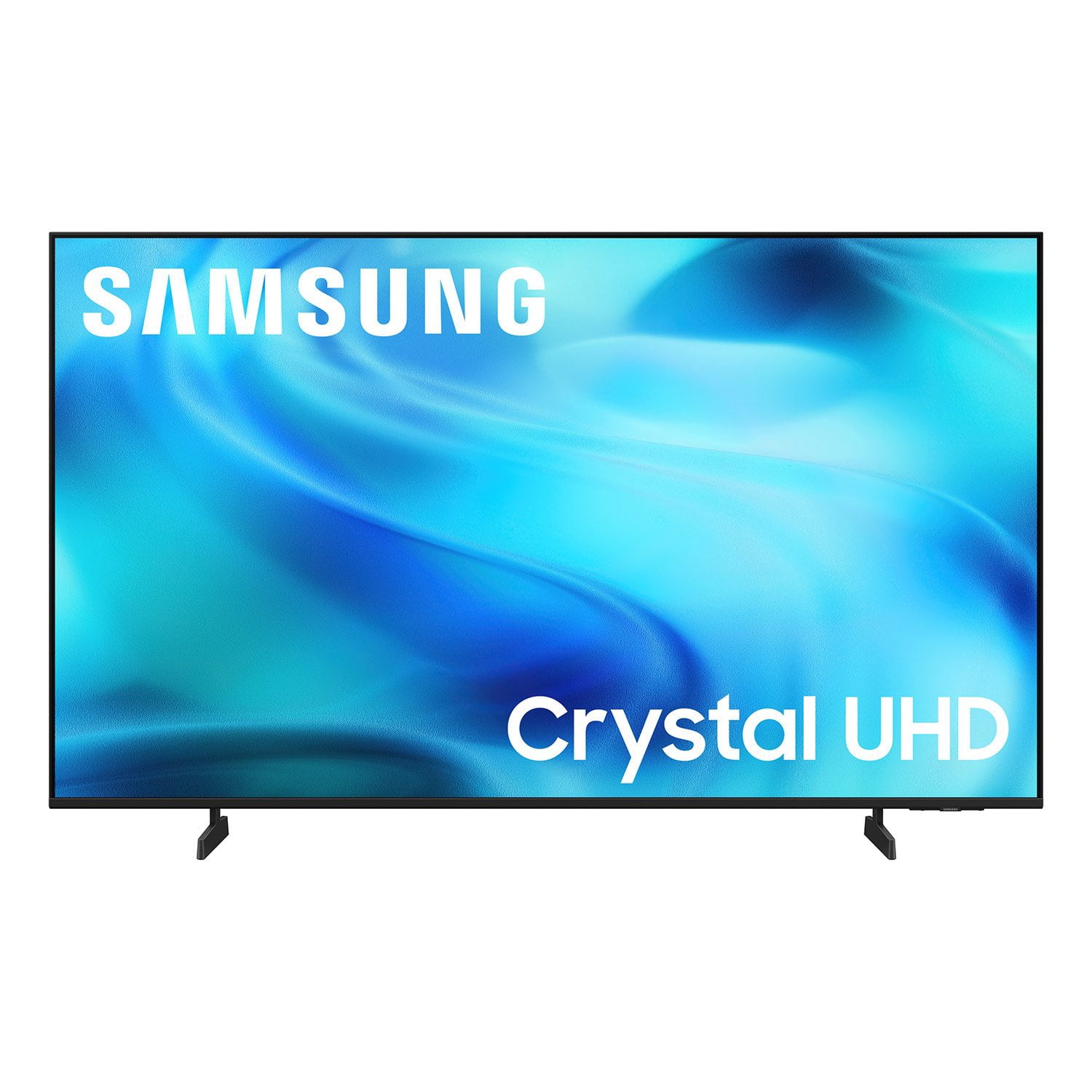
SAMSUNG 65” Class U8000H Series Crystal UHD 4K Vision AI Companion Smart Tizen TV
4.7 out of 5 stars
stars
718 ratings712 reviews
  1. 5 stars78% (563)
  2. 4 stars14% (104)
  3. 3 stars4% (30)
  4. 2 stars2% (13)
  5. 1 star1% (8)
Sort by |
Showing 81-90 of 712 reviews
Oct 5, 2026
Reviewer name: Qwerty10y
5 out of 5 stars
5 out of 5 stars review

Best tv Ive owned

[This review was collected as part of a promotion.] After years I upgraded to this Samsung tv. The user interface is detailed and simple. Brightness is great even with sunlight. The colors are vibrant and a pleasure to look at. Plus the remote also controls other devices like my sound bar. Overall it's been a highly surprising upgrade.

Review from Samsung US
Helpful?6DMR7T6N290P20100069019
Sep 22, 2026
Reviewer name: Duncanville
5 out of 5 stars
5 out of 5 stars review

Great TV

[This review was collected as part of a promotion.] The TV is clear and has a beautiful picture. It was fairly easy to install. The one thing I had a problem was the changer. It take a while to get use to. I have had many. Samsung products and I had not had any issues with them. SAMSUNG IS THE BEST.

Review from Samsung US
Helpful?6DMR7T6N290P20100069019
Sep 21, 2026
Reviewer name: Invictus
5 out of 5 stars
5 out of 5 stars review

Great mid range tv

[This review was collected as part of a promotion.] Amazing value for a good 65 inch tv that will work in a living room that has windows that output a decent amount of light into the room. It has a good enough contrast to make movies pop too, just don't expect it to beat a oled and you will be happy. I also game on a pc connected to this tv and it works very good too.

Review from Samsung US
Helpful?6DMR7T6N290P20100069019
Oct 5, 2026
Reviewer name: MGoos
3 out of 5 stars
3 out of 5 stars review

Tv start up is too complicated and annoying

[This review was collected as part of a promotion.] I don't like the opening home page that requires several steps to reach what you want to view. I wish you could set it so it opened to live tv or option to open to certain station . I'd like to not have to be prompted to Samsung tv always first because we rarely view it and it is an annoyance

Review from Samsung US
Helpful?6DMR7T6N290P20100069019
reply from Samsung Advisor

Hi MGoos, Thank you for your review. While your U8000HD TV may currently default to Samsung TV Plus when powered on, you can customize what your TV does at startup by adjusting the Start Screen Options. To do this, navigate to: Settings > All Settings > Advanced Features > Start Screen Option and choose from the following: 1. Start with Smart Hub Home – Automatically launches Smart Hub when the TV is turned on. You can enable or disable this option based on your preference. 2. Autorun Samsung TV Plus – Automatically launches Samsung TV Plus when the TV is turned on. If this option is turned off, the last used source will be displayed instead. 3. Autorun Multi View Casting – If you cast YouTube content from your mobile device, the TV will automatically display the content using Multi View. 4. Autorun Multi View Mirroring – When you screen mirror your mobile device, Multi View will automatically open to show your device’s screen. 5. Autorun Last App: The last used app is automatically run when you turn on the TV. You can turn this function on or off. Press the Select button at the current menu If you need help adjusting these settings or have any other questions, please contact Samsung Support at 1-800-SAMSUNG (8AM – 9PM EST Mon – Fri, 8AM – 6PM Sat ). LiveChat agents are also available by clicking on the ‘Support’ link on our website. ~ Samsung Advisor

Sep 21, 2026
Reviewer name: Sum1special2you
4 out of 5 stars
4 out of 5 stars review

Great TV

[This review was collected as part of a promotion.] The tv has Nice reception. Clear picture on the TV. Samsung TVs are generally a very good choice for everyday viewing, with strong picture quality, attractive designs, and a user-friendly smart-TV system.

Review from Samsung US
Helpful?6DMR7T6N290P20100069019
Sep 16, 2026
Reviewer name: Jrock
5 out of 5 stars
5 out of 5 stars review

Affordable high quality

[This review was collected as part of a promotion.] I bought this Samsung TV because of the deal it was the price of the TV was so cheap I couldn't believe it so I couldn't help but to buy it it's a crystal UHD 4K 55 in the sound of it is phenomenal in the picture is Chris and clear the Smart Hub on it is phenomenal as well many apps to choose from different inputs for your other sources of video and very lightweight which gives it an easy job to hang it on the wall I couldn't say anything but how phenomenal the price and quality is Samsung always impresses me

Review from Samsung US
Helpful?6DMR7T6N290P20100069019
Sep 21, 2026
Reviewer name: jimmysgrl16
5 out of 5 stars
5 out of 5 stars review

Best TV I have ever had

[This review was collected as part of a promotion.] I absolutely love this TV! At first I thought it was going to be too big. But it is actually the perfect size for our living room. The picture is awesome 👌. It is very seamless with the picture. The brightness and contrast work great. The venue is easy to understand and use.

Review from Samsung US
Helpful?6DMR7T6N290P20100069019
Sep 20, 2026
Reviewer name: DenRussell
2 out of 5 stars
2 out of 5 stars review

Impossible to view in a bright environment

[This review was collected as part of a promotion.] Like all Samsung televisions, this one is reliable, but the screen image “disappears” when there is any light in the room. Great for dark or darkened room, but definitely not a good choice for a room with any sunlight whatsoever.

Review from Samsung US
Helpful?6DMR7T6N290P20100069019
reply from Samsung Advisor

Hi DenRussell, We’re sorry to hear you’re not fully satisfied with the picture quality on your Samsung U8000H TV. If the image appears too dark, we suggest disabling certain energy-saving features, which can automatically adjust brightness and affect how the screen looks. Go to: Settings > All Settings > General & Privacy > Power and Energy Saving, then turn off Brightness Optimization, Energy Saving Solution, Motion Lighting, and/or Contrast Enhancer. You can also adjust the Picture Mode to better suit your environment: Settings > All Settings > Picture > Picture Mode • Standard – Default mode for general viewing • Dynamic – Brighter and clearer, ideal for well-lit rooms • Movie – Best for dark room viewing • Eco – Energy-saving mode • Filmmaker Mode – Preserves content as intended by creators To fine-tune brightness, go to: Home > left directional key > Settings > All Settings > Picture > Expert Settings, then adjust the Brightness level (0–50) to your preference. Lastly, please make sure your TV is running the latest firmware: Home > left directional key > Settings > Support > Software Update > Update Now We hope these tips help improve your viewing experience. If you need further support, feel free to contact us at 1-800-SAMSUNG (8AM – 9PM EST Mon – Fri, 8AM – 6PM Sat – Sun). LiveChat is also available via the ‘Support’ link on our website. ~ Samsung Advisor

Oct 3, 2026
Reviewer name: Lydz81
5 out of 5 stars
5 out of 5 stars review

I love my new tv

[This review was collected as part of a promotion.] I love the picture and the sound quality of the tv. I live in a loud household and have had trouble hearing other tvs we had. This 1 is no problem at all. Also the picture is very clear and bright, easy to see.

Review from Samsung US
Helpful?6DMR7T6N290P20100069019
Oct 5, 2026
Reviewer name: dee D
5 out of 5 stars
5 out of 5 stars review

Very nice TV

[This review was collected as part of a promotion.] I really like this TV has great sound a good picture and lots of free TV stations which I feel that I watch more than I do through my Netflix or Apple TV I find that I am in watching this TV more than the one in the living room, I absolutely love it

Review from Samsung US
Helpful?6DMR7T6N290P20100069019