Join Now
Skip to Main Content
Sam's Club
Sam's Club
All Departments
All Services
Customer reviews for SAMSUNG 65” Class U8000H Series Crystal UHD 4K Vision AI Companion Smart Tizen TV for
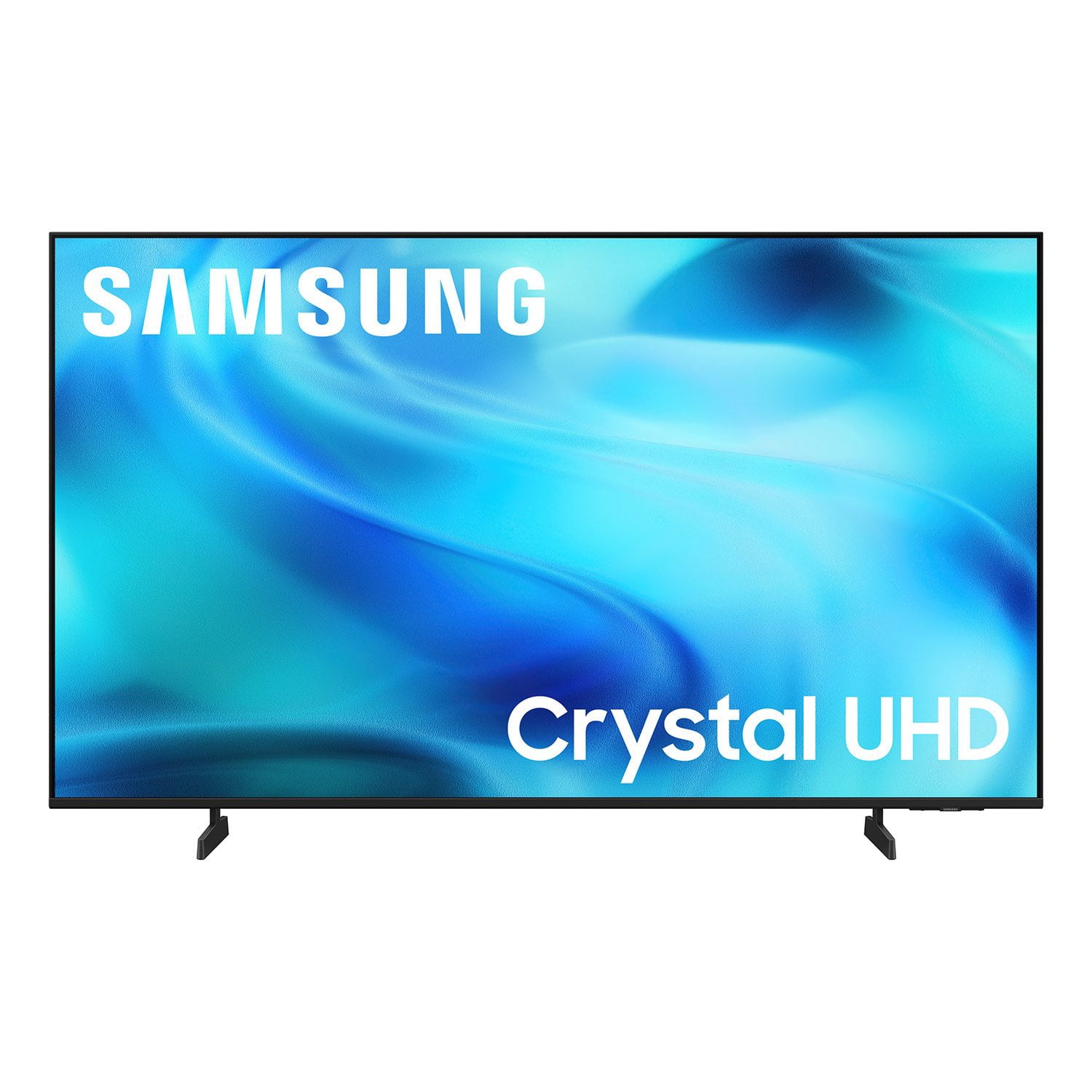
SAMSUNG 65” Class U8000H Series Crystal UHD 4K Vision AI Companion Smart Tizen TV
4.7 out of 5 stars
stars
718 ratings712 reviews
  1. 5 stars78% (563)
  2. 4 stars14% (104)
  3. 3 stars4% (30)
  4. 2 stars2% (13)
  5. 1 star1% (8)
Sort by |
Showing 171-180 of 712 reviews
Sep 6, 2026
Reviewer name: Tiffney
5 out of 5 stars
5 out of 5 stars review

Beautiful Color

[This review was collected as part of a promotion.] The Brightness of the TV screen. Is so clear and crisp. I love the apps and different options you can use. The responsiveness is A1. I love this Samsilung tv, my phone is a Samsung also. They work well together.

Review from Samsung US
Helpful?6DMR7T6N290P20100069019
Sep 9, 2026
Reviewer name: Gumby
4 out of 5 stars
4 out of 5 stars review

Picture Perfect

[This review was collected as part of a promotion.] It's a great TV, wonderful picture quality, fantastic options that give you the ability to customize the picture that will be perfect for your viewing pleasure. The only drawback that I have is that I am not able to use my existing surround sound system.

Review from Samsung US
Helpful?6DMR7T6N290P20100069019
Aug 20, 2026
Reviewer name: Dynamic1
3 out of 5 stars
3 out of 5 stars review

Easier app adding

[This review was collected as part of a promotion.] I'm not impressed with the functionality of the televisions ability to add tv apps. Because I'm not very high tech savvy, adding apps is not clear to me and I have no idea how to do it. Other brands, such as LG, are far more simplistic. In fact most every app available is already in the tv. The owner just has to scroll through them to find what they are looking for.

Review from Samsung US
Helpful?6DMR7T6N290P20100069019
reply from Samsung Advisor

Hi Dynamic1, Thank you for sharing your experience. Please know that you can customize your Home screens by installing, removing or adding your favorite apps to Apps Home and/or For You Home screen. Here's how: Searching for & Installing Apps 1. From the Home screen, press up on the remote’s directional pad. 2. Navigate to and select Search. 3. Using the search bar, enter the content or app you’d like to find. 4. Navigate to and select the app you’d like to install, then select Install. Note: Previously installed apps can be accessed on the Settings screen. Adding & Managing Apps on Home Screen 1. Go to App Settings (these can be found at the bottom of the Apps screen) and select the app you want to move. The following options will be available: a. Add to Home: Move the app to your desired location on the Home screen. b. Delete: Delete app. c. Lock/Unlock: Lock the app with a PIN so only you can use it. When the app is selected again, you will be prompted to enter the PIN to unlock it. d. Reinstall: Reinstall the app. e. View Details: View the app’s information and details. If you need more help with app management, please don’t hesitate to reach Samsung Support at 1-800-SAMSUNG (8AM – 9PM EST Mon – Fri, 8AM – 6PM Sat – Sun) or through LiveChat under the ‘Support’ section of our website. ~ Samsung Advisor

Aug 5, 2026
Reviewer name: Tony
4 out of 5 stars
4 out of 5 stars review

Great TV, Bad Remote Functionality With Multiple

[This review was collected as part of a promotion.] The TV itself works great and the quality is superb. The only frustration is that I have 2 Samsung TV's hung side by side, and you really need to make a option (besides using the app) to differentiate the remote controls for each TV.

Review from Samsung US
Helpful?6DMR7T6N290P20100069019
Aug 21, 2026
Reviewer name: Solarwind
5 out of 5 stars
5 out of 5 stars review

The Class Crystal UHD 4K Smart TV is outstanding !

[This review was collected as part of a promotion.] My 58" Class Crystal UHD is absolutely outstanding. The picture is clear and crisp. The contrast is unmatched to what I had become accustom to on prior units. The brightness is perfect for watching sports. The color uniformity is consistent across the entire screen (even the corners). There's no blurriness so low-resolution is pretty much non-existent. The refresh rate could be faster. The setup was easy and gave a number of custom options including numerous streaming apps. I also like the simplicity of the remote.

Review from Samsung US
Helpful?6DMR7T6N290P20100069019
Sep 5, 2026
Reviewer name: Crystal tv Samsung
4 out of 5 stars
4 out of 5 stars review

Great tv, clear and sounds great!

[This review was collected as part of a promotion.] I really like the picture quality and the tv, you can use your phone to adjust tv which is awesome, only thing I do not like is his small the given remote is, it's so tiny easy to lose but the quality of tv sound is amazing very happy with this product

Review from Samsung US
Helpful?6DMR7T6N290P20100069019
Sep 5, 2026
Reviewer name: Alex
5 out of 5 stars
5 out of 5 stars review

Great Television

[This review was collected as part of a promotion.] Outstanding television. The picture is crystal clear and the sound is great. Also, this television is simple to operate overall, and I am able to easily add many streaming services. In all, I am highly pleased with the particular television.

Review from Samsung US
Helpful?6DMR7T6N290P20100069019
Sep 5, 2026
Reviewer name: Brian
3 out of 5 stars
3 out of 5 stars review

Not a fan!

Not great. Refers to AI companion but does NOT include microphone on remote so somewhat useless unless you like to awkwardly type! Has a really bad receiver for antenna TV. No way to make shortcuts. I don't like it and am going to sell it for a loss!

Helpful?6DMR7T6N290P20100069019
reply from Samsung

Hi Brian, Thank you for sharing your review. Your TV Works With Alexa, meaning you’ll need to connect a standalone Alexa device such as an Echo speaker, to control compatible smart home devices and some experiences on your TV. Here are the steps: 1. Download both the Amazon Alexa and Samsung SmartThings apps, if you don't already have them. Both are available for iOS or Android devices. 2. Make sure your Alexa device and TV are both connected to the same Wi-Fi network. 3. Your TV must be enabled within the SmartThings app. If not, make sure you are signed in with your Samsung account on the TV: Settings > All Settings > Samsung Account 4. Log in to the SmartThings app with the same Samsung account. Tap Devices, and if your TV isn’t already shown, tap + to add it to the app. 5. In the Alexa app, enable the SmartThings skill and sign into your Samsung account. This will automatically connect your Samsung TV to Alexa and let you use voice commands to control your television. If you need more help, we’re here. Give us a call at 1-800-SAMSUNG (8AM – 9PM EST Mon – Fri, 8AM – 6PM Sat – Sun). You can also connect with a LiveChat agent through the Support link on our website. ~ Samsung Advisor

Aug 20, 2026
Reviewer name: Erika
4 out of 5 stars
4 out of 5 stars review

Hdmi connection

[This review was collected as part of a promotion.] The view itself is amazing. My electronics are mostly Samsung so I keep them all in the Samsung account. However, ive been having hdmi connection problems with this 2026 upgrade version. The hdmi is very seldomly detected. At times, I have to disconnect and reconnect to use the hdmi feature. The previous Samsung tv did not have that issue.

Review from Samsung US
Helpful?6DMR7T6N290P20100069019
Aug 1, 2026
Reviewer name: Dark Chaos 739
4 out of 5 stars
4 out of 5 stars review

A great flat screen TV

[This review was collected as part of a promotion.] This TV is definitely a good option when looking at it head on, which I already knew going in. If you're expecting to see it sideways at extreme angles, this is not the TV for you, you are going to want a different model, which I didn't need or want. I love how clear the audio is and the screen. Best thing ever, I love the fact my phone is seamless with it, being a Samsung S25 Ultra, however, my wife's iPhone Pro Max 16 can also be used to change the channel. I wish that Samsung gave me the remote control with the solar powered option, like I did with a different Samsung TV I owned prior, but got stolen. I only knocked off a star, just because I wish I did had that remote instead of traditional batteries only, but as well as the response time could be a little bit better. I have the fastest internet that I can possibly get, because we run PCS and VR systems, and the native software inside the TV has a tad of lag after being turned on for at least 20 minutes. Other than that, I mostly use it just for netflix, playing consoles, and throwing on YouTube for the kids.

Review from Samsung US
Helpful?6DMR7T6N290P20100069019