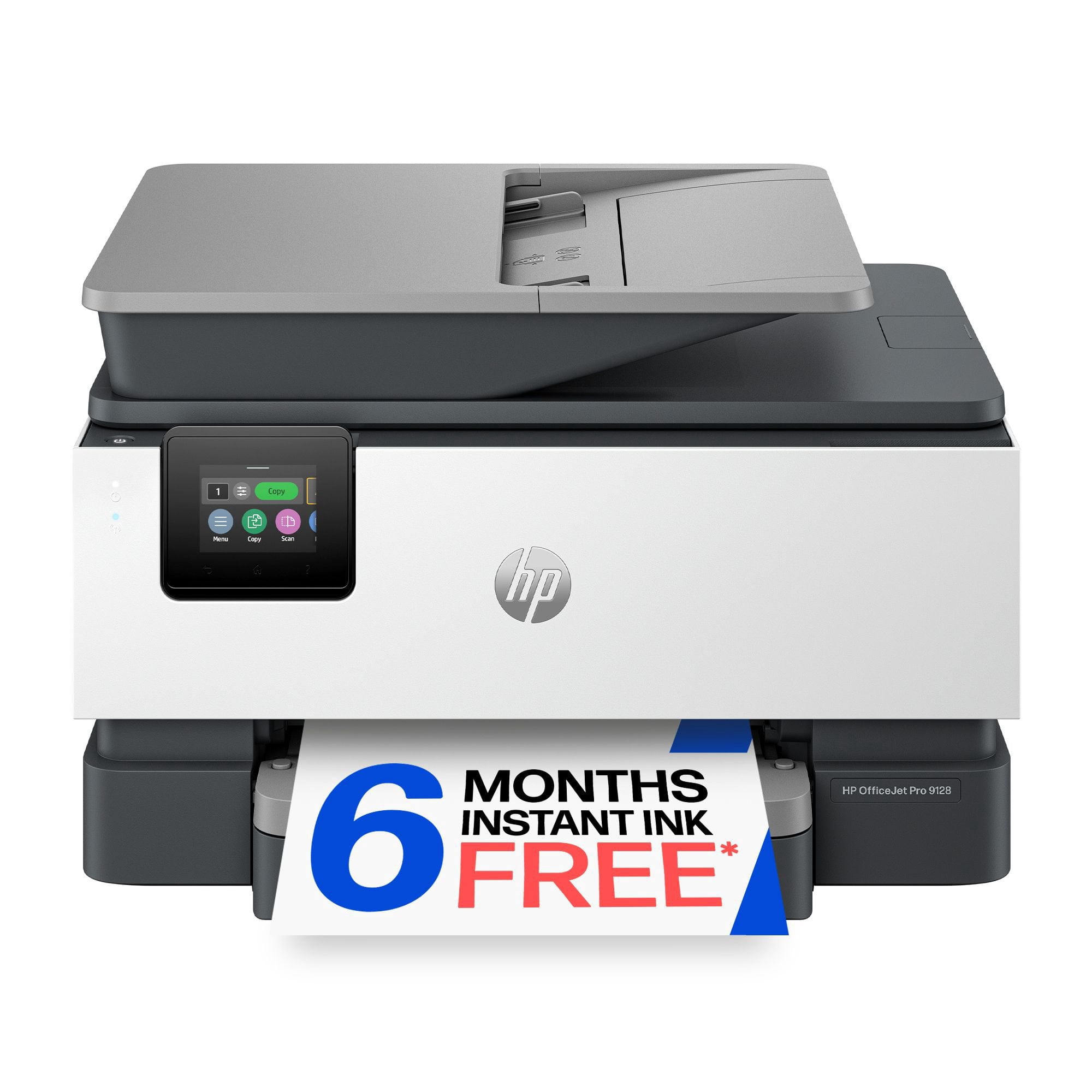
 Customer reviews for HP OfficeJet Pro 9128 Wireless All-in-One Inkjet Printer, 6 Months Instant Ink for
Member photos

 +31 images
Perfect for My Home Office and Everyday Printi
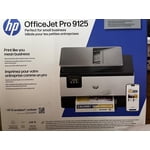
[This review was collected as part of a promotion.] Here's a more natural, human-sounding version that doesn't feel overly polished: I've been using the HP OfficeJet Pro 9125 Printer for a few days now, and so far I'm really happy with it. I work from home, so I use it almost every day for printing documents, and everything comes out looking nice and clear. I also do a lot of online shopping, so it's been really handy for printing return labels when I need them. The setup was easy, and I like being able to print from my phone or laptop without dealing with cables. One thing I like is that it works with HP Instant Ink, so I don't have to worry as much about running out of ink unexpectedly. Overall, it's been easy to use and has made both work and everyday tasks a lot more convenient.
Monster Of An All-In-One Printer!
[This review was collected as part of a promotion.] The HP OfficeJet 9122 All-In-One printer has been incredibly productive the short time I've had it.. I mainly print and fax documents, it has fulfilled these functions with ease. It boasts an impressive 20ppm in black ink, and includes a generous 250 sheet paper tray! Since I store a bunch of documents on google drive, it's cloud service allows me to print directly from the printer instead of logging into your computer. Print calibration is as easy as taking candy from a baby! It automatically prints a calibration document, and you simply put the document on the scanning glass and it does its thing! The WiFi connection is top notch, it allows fast and secure wireless printing from my desktop computer, and never goes offline when its asleep. The app is super convenient, giving me the capability to print directly from my phone when not near my computer. I don't know anyone that faxes more frequent than myself, the fax resolution affords dark and crisp lines to the receiver. The color touchscreen is extremely responsive, especially when you have chunky fingers such as mine. It can be a bit noisy, but its a small tradeoff when considering the performance and features you get in this all-in-one printer. I give it an A+!
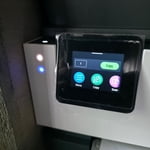
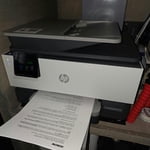
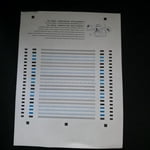
HP 9122
[This review was collected as part of a promotion.] I love my new printer! Makes my day go by easier knowing I have a reliable source to print! Also has a great sleek look. HP really nailed the balance of speed, quality, and smart features with this model. Highly recommended!
Fantastic
[This review was collected as part of a promotion.] The HP printer 9122 had a great and fast set up right out of the box. I immediately tried the Double sided printing which was fast, with great colors. It also makes a noise when done to let you know. I tried the scan option and it worked fantastic in great detail. The printing in photos had great quality. I printed on vinyl sheets to make stickers and it worked so well. This is my first HP printer and first time trying instant ink. I've had a hard time wrapping my head around the idea of instant ink but the FAQs on their official website was easy to understand. I'm looking forward to trying the monthly subscription out. This is a great investment for my family!
Good Setup Across Multiple Devices
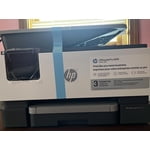
[This review was collected as part of a promotion.] I received the HP OfficeJet Pro 9120 series at a discounted rate in exchange for sharing my honest thoughts and experience. Overall, my first impressions have been positive. Right away, I appreciated the packaging design because the printer had built-in carrying handles on the sides, which made removing it from the box and placing it on my desk much easier than expected considering the weight. The box contents were simple and not overwhelming, which made setup feel approachable. Setup itself was mostly straightforward. Scanning the QR code on the printer immediately walked me through setup, and I was able to connect my phone, desktop, and laptop without much trouble. Printing setup was quick, printer discovery was fast, and I was printing within a relatively short amount of time. There were a few frustrations along the way. Some setup instructions could have been clearer, especially regarding all of the blue tape locations and paper tray adjustments. I also found scanning setup more confusing than printing setup. Printing worked almost immediately, but scanning directly from the printer to a computer required additional steps that were not immediately obvious. Performance-wise, I’ve been impressed so far. Printing is fast and relatively quiet. Color prints looked good for everyday use, even if not quite as vibrant as the original images on screen. One feature I really appreciate is automatic duplex printing and scanning. I also tested the automatic document feeder using papers that had been sitting in my work bag and were not perfectly straight. The feeder handled multiple pages well, fed evenly, and produced straight scans without issues. The HP app has also been better than expected. Besides basic printer functions, it includes free printables and coloring activities, which my three-year-old will probably enjoy. At this point, my biggest takeaway is that the hardware experience feels polished and easy to use, while some of the software workflows—particularly scanning—feel less intuitive. Overall, though, my first impression is that this has been a solid experience so far.
Surprisingly Easy Setup and Great Everyday Use
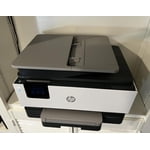
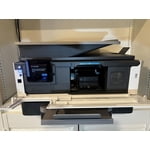
[This review was collected as part of a promotion.] I've been using the HP OfficeJet Pro 9125 for a little while now, and it's been a very smooth experience overall. The setup was refreshingly simple — you scan the QR code and HP walks you through everything step by step, so there's no feeling of needing to be a tech expert just to get it going. Because it connects to Wi Fi right away, I appreciate that it doesn't need to be tethered to a computer; I can place it wherever it fits best and easily print from different devices around the house. The touch screen is also easy to navigate without being overly complicated. Printing is quick, and the text and color quality have been consistently clean and sharp. The Smart App and the AI printing features took a little extra patience to get set up, but once they're working, they really do make everyday tasks easier. Saving recipes straight from a website is no longer a copy and paste project — the AI actually formats the page neatly, which has been a nice change. The double sided scanning with the document feeder has already saved me a lot of time — it handles multi page documents without any fuss. Mine also came with three months of Instant Ink, and they even offer an inexpensive add on for printer paper if you truly never want to think about supplies again. Overall, it's a reliable, well sized addition to my workspace, and I would highly recommend it to anyone looking for a hassle free home office printer.
This printer does everything I need!
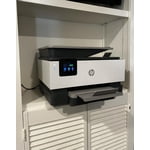
[This review was collected as part of a promotion.] I've been using this printer for everyday things at home like printing shipping labels, recipes, and occasional photos, and it's been really easy to use. Setup was pretty straightforward, and I was able to connect it to my phone and laptop without much trouble, which is really handy. I didn't even need my son to do it for me. What I like most is that it prints quickly and the print quality looks awesome. I also appreciate that it doesn't take up a ton of space. The wireless printing has been really convenient too. So far it's been reliable for normal day-to-day use, and I haven't had any major issues with it. Overall, it's been a great printer for what I need.
Great printer!
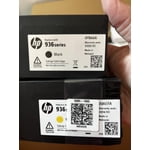
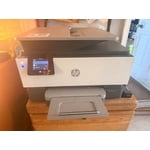
[This review was collected as part of a promotion.] The HP printer 9122 has been great to use. It was easy to set up. I really like how easy it was to load and unload the ink cartridges. I used almost all the features: scanning, double sided printing, and even used different types of paper to try out. It worked great on everything. The printer worked so fast too. it's my first time with instant ink but I'm very intrigue and can't wait to keep trying out the subscription.
A solid printer for home office
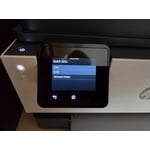
[This review was collected as part of a promotion.] The HP OfficeJet 9122 All-in-One Printer is a solid printer with several useful features, including: * Fast printing and scanning; * Convenient automatic double-sided printing and scanning; * Automatic synchronization with internet time servers, eliminating the need to manually adjust the clock when daylight saving time begins or ends. However, I encountered a few minor issues: * All four ink cartridges must be functional for the printer to operate, even if you only want to use scanning features. I understand this is standard behavior for HP OfficeJet printers, but it would be preferable if non-printing functions such as scanning could still work when an ink cartridge is empty. * HP appears to have packed too many options into the 2.7-inch control panel. Because of the small fonts and limited screen space, I occasionally selected the wrong option. One additional point worth mentioning: although the specifications state that the printer supports Windows Server platforms, the HP software installer did not work on Windows Server 2022. In addition, the Microsoft IPP Class Driver did not recognize features such as automatic double-sided printing. After some research, I was able to manually install the “HP OfficeJet 9120 Series PCL-3 (V4)” driver to make the printer function correctly on Windows Server 2022. As a result, unless you are comfortable troubleshooting drivers and manually configuring printers, the OfficeJet series like 9122 is best suited for environments running mainstream operating systems such as Windows 10, Windows 11, or macOS.
Finally an Affordable dual side scan printer
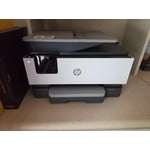
[This review was collected as part of a promotion.] I've been using the HP OfficeJet 9122 for a while now, and it's honestly become one of those things we didn't realize we'd depend on so much. Setup was quick, and getting it connected to our computers and phones was easy, so everyone in the house could start using it right away without any confusion. It's been especially nice not having to troubleshoot or spend time figuring things out. The real test came when we had to scan a 50-page double-sided legal document, which is usually the kind of task everyone avoids. Normally that would take forever, but the dual-side scanning made it incredibly simple. We just loaded everything in and let it run, no flipping pages or standing there watching it the whole time. What really impressed me was the mobile scanning feature. The AI automatically figured out the correct page orientation, so everything came through clean, straight, and in the right order without any extra effort. Print quality has been solid across the board, whether it's basic documents or color prints, and it's been reliable with no issues so far. Between work documents and random family needs like school papers and forms, it gets used a lot and hasn't slowed us down at all. It's been a great fit for our household and especially helpful for the work files I need to print and scan.