
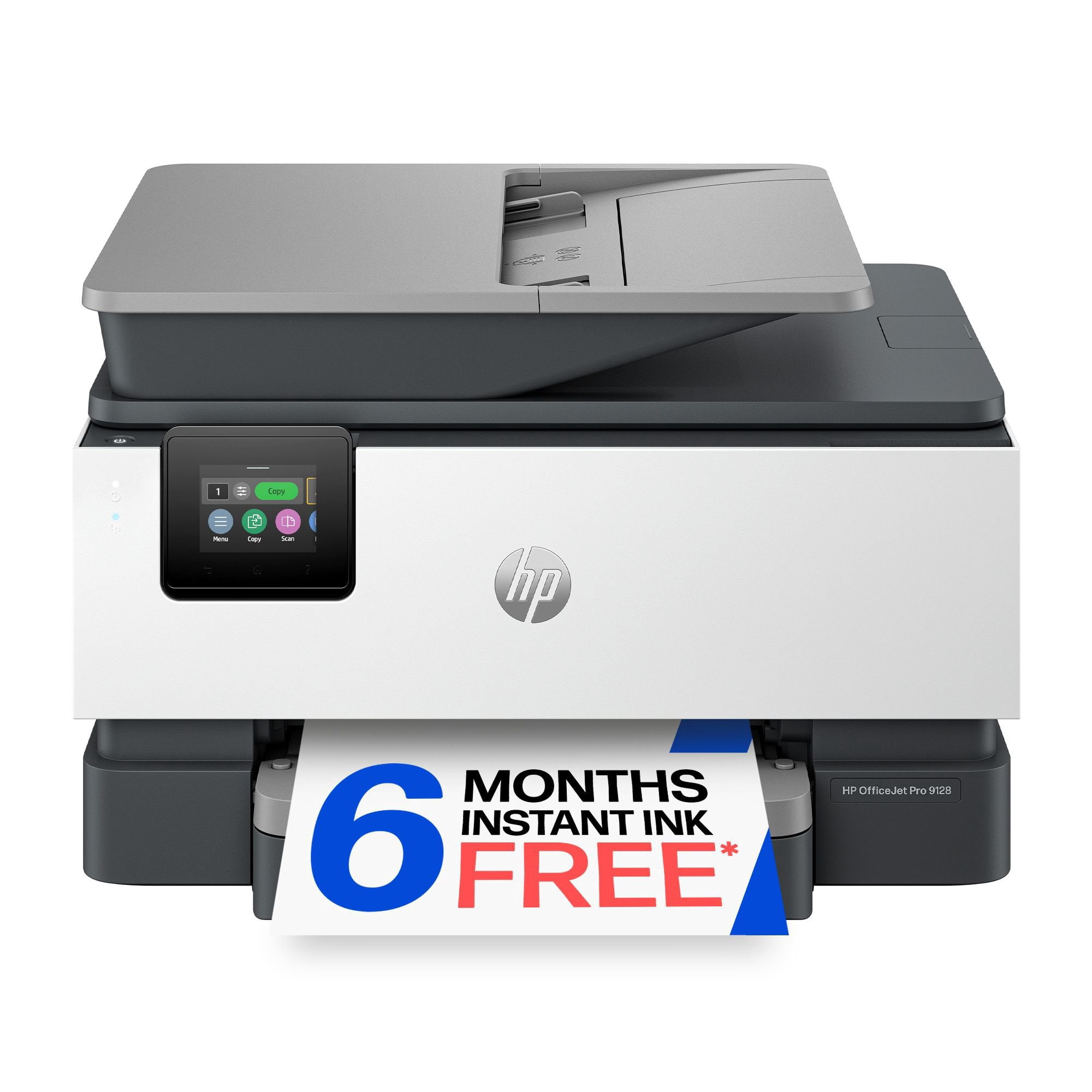
 Customer reviews for HP OfficeJet Pro 9128 Wireless All-in-One Inkjet Printer, 6 Months Instant Ink for
Nice
[This review was collected as part of a promotion.] The HP Office oJet 9122 All-In-One printer was super easy to setup. It walks you through almost every step. The printing has been of very good quality and it does it pretty fast. Although it does go through quite a bit of ink pretty fast. But that all depends on the amount of printing you are doing. The scanner makes very good copy's and you can make pdf from it to email. You can also setup printing from your phone or tablet. Over all this printer has been a great printer.
HP 9122
[This review was collected as part of a promotion.] I love my new printer! Makes my day go by easier knowing I have a reliable source to print! Also has a great sleek look. HP really nailed the balance of speed, quality, and smart features with this model. Highly recommended!
Great quality!
[This review was collected as part of a promotion.] I've been loving having this printer at home! I used to have a cheap printer so it was always slow and couldn't print photos. This printer is amazing because it prints fast and doesn't have any streaking. The only issue I had was during set-up because of the paper jam issue and the ink cartridge issue. I wished they included step-by-step instructions because I kept running into technical difficulties. However HP support was super helpful. Setup took about two hours including problem solving which is the only negative I would say. But afterwards I enjoyed using such a high quality printer. It can print, scan and fax. It turns on in under 15 seconds and can handle printing all paper and photo sizes. I would highly recommend to anyone running a small business or print a lot at home.
Solid, reliable workhorse for a home office once y
[This review was collected as part of a promotion.] I bought the HP OfficeJet 9122e All-in-One Printer a couple of weeks ago to replace an aging, sluggish printer that kept losing its wireless connection. Overall, I am very pleased with how it performs day-to-day, though the initialization process took a little patience. The Setup Experience Unboxing the printer was straightforward, but the physical setup does require a bit of space since it has a fairly substantial footprint. When you first turn it on, the printer goes through a lengthy internal calibration cycle and makes some pretty loud mechanical banging noises. Don't alarm yourself—it's just adjusting the ink cartridges, but it definitely sounds like it's working hard. Connecting to my local network via the HP Smart app on my phone was relatively smooth, though I found navigating the tiny 2.7-inch color touchscreen on the unit a bit tedious. The on-screen alphanumeric characters are small, so entering a long Wi-Fi password requires precise finger positioning. Once it was finally linked up, the dual-band self-healing Wi-Fi proved to be incredibly stable and hasn't dropped the connection once, even when printing large files from the opposite side of the house. Day-to-day, this thing is a total workhorse and prints shockingly fast. Black-and-white text for documents and bills comes out incredibly sharp honestly, it looks just as crisp as a laser printer. I've printed off a few colored pages and documents too, and the colors look great with zero smudging or ink bleeding, even on cheap, standard paper. The 35-sheet automatic document feeder and the auto double-sided printing make scanning or copying a stack of paperwork completely hands-off, and I haven't had a single paper jam yet. Plus, the main paper tray holds a ton of paper, so I'm not constantly stopping to reload it. Finally, Just keep in mind that it uses HP' to buy original HP ink cartridges, though I just signed up for their Instant Ink trial to avoid dealing with that for now. It’s also a little noisy when it first wakes up to start a print job, but it prints so fast that it’s not a huge deal. Overall, if you need a reliable, fast printer for a home office that can handle a lot of paperwork without any hassle, this is an excellent choice and feels like it's built to last.
HP OfficeJet Pro 9125: Easy Setup, Reliable Perfor
[This review was collected as part of a promotion.] I got the HP OfficeJet Pro 9125 for my home office and been happy with it so far. Setup was pretty easy and I had it connected to Wi-Fi in about 10 minutes. The HP Smart app helped a lot. I’ve printed business papers and a few photos, and everything came out looking good. It prints fast and the double-sided printing works great. I also like the Instant Ink and Instant Paper trial. It’s nice knowing I won’t have to worry about running out when I need to print something. I’ve used it from my phone a few times already and that was really convenient. Overall it’s been easy to use and works good for what I need.
Finally an Affordable dual side scan printer
[This review was collected as part of a promotion.] I’ve been using the HP OfficeJet 9122 for a while now, and it’s honestly become one of those things we didn’t realize we’d depend on so much. Setup was quick, and getting it connected to our computers and phones was easy, so everyone in the house could start using it right away without any confusion. It’s been especially nice not having to troubleshoot or spend time figuring things out. The real test came when we had to scan a 50-page double-sided legal document, which is usually the kind of task everyone avoids. Normally that would take forever, but the dual-side scanning made it incredibly simple. We just loaded everything in and let it run, no flipping pages or standing there watching it the whole time. What really impressed me was the mobile scanning feature. The AI automatically figured out the correct page orientation, so everything came through clean, straight, and in the right order without any extra effort. Print quality has been solid across the board, whether it’s basic documents or color prints, and it’s been reliable with no issues so far. Between work documents and random family needs like school papers and forms, it gets used a lot and hasn’t slowed us down at all. It’s been a great fit for our household and especially helpful for the work files I need to print and scan.
Good Setup Across Multiple Devices
[This review was collected as part of a promotion.] I received the HP OfficeJet Pro 9120 series at a discounted rate in exchange for sharing my honest thoughts and experience. Overall, my first impressions have been positive. Right away, I appreciated the packaging design because the printer had built-in carrying handles on the sides, which made removing it from the box and placing it on my desk much easier than expected considering the weight. The box contents were simple and not overwhelming, which made setup feel approachable. Setup itself was mostly straightforward. Scanning the QR code on the printer immediately walked me through setup, and I was able to connect my phone, desktop, and laptop without much trouble. Printing setup was quick, printer discovery was fast, and I was printing within a relatively short amount of time. There were a few frustrations along the way. Some setup instructions could have been clearer, especially regarding all of the blue tape locations and paper tray adjustments. I also found scanning setup more confusing than printing setup. Printing worked almost immediately, but scanning directly from the printer to a computer required additional steps that were not immediately obvious. Performance-wise, I’ve been impressed so far. Printing is fast and relatively quiet. Color prints looked good for everyday use, even if not quite as vibrant as the original images on screen. One feature I really appreciate is automatic duplex printing and scanning. I also tested the automatic document feeder using papers that had been sitting in my work bag and were not perfectly straight. The feeder handled multiple pages well, fed evenly, and produced straight scans without issues. The HP app has also been better than expected. Besides basic printer functions, it includes free printables and coloring activities, which my three-year-old will probably enjoy. At this point, my biggest takeaway is that the hardware experience feels polished and easy to use, while some of the software workflows—particularly scanning—feel less intuitive. Overall, though, my first impression is that this has been a solid experience so far.
HP powerhouse printer
[This review was collected as part of a promotion.] HP delivers again. I will admit I was hesitant about replacing my old HP officejet printer because it was so efficient and such a workhorse, but let me tell you HP continues to impress! My new HP officejet 9122 is a true powerhouse. It delivers brilliant color prints and super fast black and white documents like a dream. I didn't think HP could get faster or quieter but I do believe this printer runs smoother and faster on both color and black and white prints. I do a lot of crafting so I need a printer that can manage thicker paper as well as copy and this printer was on point! I had no issues running my cardstock or sticker paper with no complications at all. The document feeder with double sided copy feature makes copying so quick and simple as well as the double sided print feature. The instant ink offered by HP ensures I will always have ink ready when I'm low and won't run out. The printer connects to the internet and let's them know when to send more. I even send them my old cartridges in the mail and don't have to worry about polluting the environment. Another plus is the awesome HP app where you can remote print documents from anywhere and have them waiting on you when you get home. The fax machine gives great flexibility if you are working from home or need to send that last minute document securely to a business. The scan bed offers the ability to scan documents or items that won't fit through the document feeder, such as, a driver's license, social security card, and pictures. There are so many features on this powerhouse I'm sure I've still missed something, but overall it's a beast. I would highly recommend this printer.
A great affordable printer for a home office.
[This review was collected as part of a promotion.] We are super pleased with the HP OfficeJet Pro 9125 printer. It was a very easy setup and took just a few minutes to do so. The quality of the print is perfect and it looks more like a very high end professional print job and it performs like one too. Im glad to have upgraded to an HP printer and I will stay with this brand from now on because you cant beat the quality, performance, print results or the price. Highly recommended.
Fast and efficient
[This review was collected as part of a promotion.] This HP printer is really nice and slick. It took about 20 minutes to set up because the software took a while to download. That was the only downside to this printer. I printed the test print paper after that and it took less than 10 seconds to print a page. That is a fast printer for me, I really do like the slick design. It does have new features like AI integrated, which I haven't used yet. I really do recommend HP printers, this is not my first HP printer,but it is a big upgrade with it been fast.