Skip to Main Content
Sam's Club
Sam's Club
All Departments
All Services
Customer reviews for SAMSUNG 50” Class U8000H Series Crystal UHD 4K Vision AI Companion Smart Tizen TV for
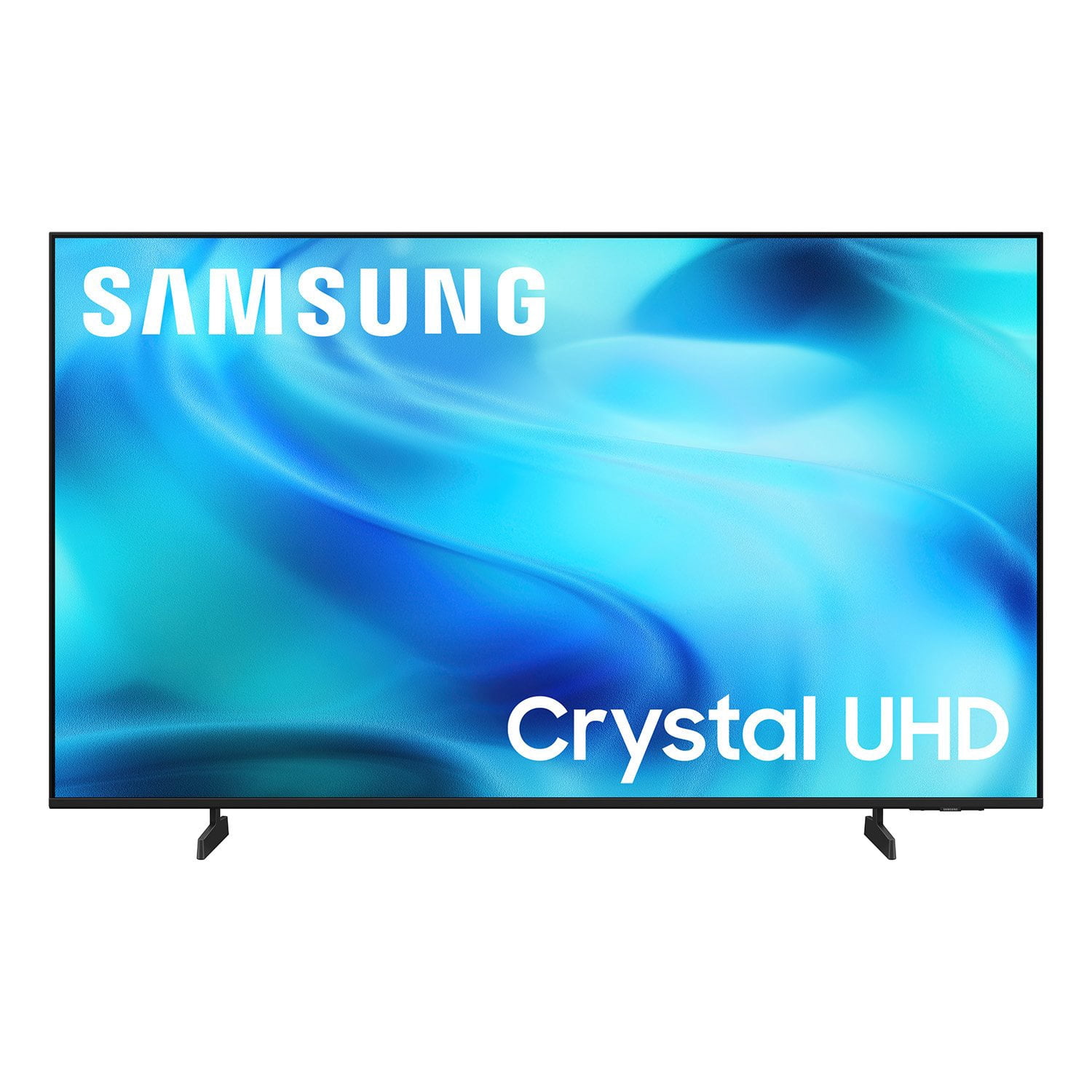
SAMSUNG 50” Class U8000H Series Crystal UHD 4K Vision AI Companion Smart Tizen TV
4.7 out of 5 stars
stars
776 ratings759 reviews
  1. 5 stars78% (609)
  2. 4 stars14% (110)
  3. 3 stars4% (32)
  4. 2 stars2% (14)
  5. 1 star1% (11)
Sort by |
Showing 221-230 of 759 reviews
Aug 22, 2026
Reviewer name: ForeverSamsung
5 out of 5 stars
5 out of 5 stars review

All expectations met

[This review was collected as part of a promotion.] I had previous bought a vizio and hisense but returned both because they were not to my expectations. I came across this Samsung and WOW! For the same price as the vizio and less than the hisense, i received much better quality! I play video games and dont feel like i lag. I watch movies and my tv shows with beautiful quality. I was skeptical at the beginning but this Samsung tv has met all if not more than all of my expectations. Thank you, Samsung!

Review from Samsung US
Helpful?3PDR7R7F67UH19901005916
Aug 5, 2026
Reviewer name: BEAR
3 out of 5 stars
3 out of 5 stars review

NO MANUAL/ LOUSY INSTRUCTIONS

[This review was collected as part of a promotion.] You include useless paperwork yet no brochure on operation The remote control is ridiculous, NO NUMBER BUTTONS to select channels. AM I SUPPOSED TO SCROLL THRU THE WHOLE TV GUIDE TO CHOOSE MY NEXT PROGRAM ? SO I AM USING MY OLD REMOTE. WHEN I TURN IT ON ITS IN LA LA LAND i HAVE TO SCROLL TO GET TO TV - LAST NIGHT AFTER I SELECTED A STATION IT TOLD ME "ANTENNA NOT CONNECTED" ? IT WAS CONNECTED !

Review from Samsung US
Helpful?3PDR7R7F67UH19901005916
reply from Samsung Advisor

Hi BEAR, We appreciate your thoughts on the U8000H TV’s remote. While it may appear minimal at first glance, many of the buttons are designed with dual or long-press functions to help reduce clutter without sacrificing functionality. For example: • Volume rocker: Push UP/DOWN to adjust volume; press and release quickly to MUTE. • Long-press Volume button: Hold for more than 1 second to access Accessibility Shortcuts. • RETURN button: Press to go back to the previous screen or menu; when watching TV, it takes you back to the previous channel. These combined functions help create a cleaner design while keeping everything you need just a button away. To help you get the most from your TV, you can download the full e-Manual and more by visiting Samsung’s website then navigating to: Support > Manual & Software > TVs & Home Theater. From there, you can search for and select your U8000H TV model to view or download the available guides. The e-Manual and Remote Control Guide are also conveniently built into your TV: Settings > Support > Tips and User Guides If you need additional help, please contact Samsung Support at 1-800-SAMSUNG (8AM – 9PM EST Mon – Fri, 8AM – 6PM Sat – Sun). LiveChat agents are also available through the ‘Support’ link on our website. ~ Samsung Advisor

Sep 5, 2026
Reviewer name: Tv Lover
4 out of 5 stars
4 out of 5 stars review

Samsung TV

[This review was collected as part of a promotion.] The TV itself has great picture quality, but switching between HDMI ports is a real hassle. It's not as simple or convenient as it should be, and figuring out how to switch from one HDMI input to another can be frustrating. I shouldn't have to spend time trying to figure out something that should be straightforward and user-friendly. Samsung really needs to improve the HDMI input switching experience.

Review from Samsung US
Helpful?3PDR7R7F67UH19901005916
Sep 5, 2026
Reviewer name: LL_Cooolk
5 out of 5 stars
5 out of 5 stars review

GO Samsung!!

[This review was collected as part of a promotion.] I'm extremely pleased with this Samsung TV! The picture quality is absolutely amazing—sharp, bright, and incredibly clear. The colors look vibrant and realistic, and everything from movies and sports to regular TV looks fantastic. The TV was very easy to set up, and the interface is smooth, responsive, and simple to navigate. Streaming apps load quickly, the sound quality is impressive, and I haven't experienced any lag or issues with performance. I also really like the sleek, modern design. It looks great in the room and feels like a premium TV. Samsung did an excellent job with this model. The overall quality, performance, picture, and features have exceeded my expectations. I'm extremely happy with my purchase and would absolutely recommend this TV to anyone looking for a great combination of picture quality, reliability, and ease of use. Definitely a 5-star purchase!

Review from Samsung US
Helpful?3PDR7R7F67UH19901005916
Jul 20, 2026
Reviewer name: JoJo
5 out of 5 stars
5 out of 5 stars review

43" Crystal UHD

[This review was collected as part of a promotion.] We were counting on Samsung's reputation and have not been disappointed. Setup was a bit time-consuming, but probably that was because we hadn't had a new television in a while. One suggestion for improvement would be to make contrasting colors on the remote; black on black is not easy to see in a darkened room We've accommodating by just using the sense of touch.

Review from Samsung US
Helpful?3PDR7R7F67UH19901005916
Aug 7, 2026
Reviewer name: Anonymous
4 out of 5 stars
4 out of 5 stars review

Remote is a pain on the butt

[This review was collected as part of a promotion.] Remote is to tiny and buttons are not user friendly. If it was for a child with small hands if would likely work. I'm a small boned female with good agility and find this remote not user friendly IMO

Review from Samsung US
Helpful?3PDR7R7F67UH19901005916
Aug 5, 2026
Reviewer name: Jango
4 out of 5 stars
4 out of 5 stars review

TV great - Remote not so much

[This review was collected as part of a promotion.] The tv is great! I will only purchase Samsung tv's. Set up was easy. The only thing I do not care for is the remote. Not sure what engineer/designer thought that eliminating the number pad was a good idea.

Review from Samsung US
Helpful?3PDR7R7F67UH19901005916
Sep 5, 2026
Reviewer name: Frankie
5 out of 5 stars
5 out of 5 stars review

Love it!

[This review was collected as part of a promotion.] Love this tv! Because my husband and I are old it's taking us a while to figure out how to operate it but so far (because of me, the wife) I have been able to maneuver it. I still have more information to explore. We actually purchased this tv because it was anti glare. The tv is in a family room with many windows and it's perfect. Thanks Samsung, we live it!!!

Review from Samsung US
Helpful?3PDR7R7F67UH19901005916
Sep 6, 2026
Reviewer name: kboo
5 out of 5 stars
5 out of 5 stars review

Love it so far

[This review was collected as part of a promotion.] My friend left me her Samsung TV after she moved I enjoyed the functionality of it but it went out with no warning so I went and bought my own I enjoyed the upgrades and the easy of all the comes with it the free apps

Review from Samsung US
Helpful?3PDR7R7F67UH19901005916
Jul 23, 2026
Reviewer name: DeeM
2 out of 5 stars
2 out of 5 stars review

Not thrilled.

[This review was collected as part of a promotion.] Not the best TV I have ever had. Setup much harder than previous TV's. Bose sound bar does not work after I bought suggested adapter. Roku streamer works some of the time. No problem on my other three TV's. Base support does not appear very sturdy. Picture OK, but no better than any others.

Review from Samsung US
Helpful?3PDR7R7F67UH19901005916
reply from Samsung Advisor

Hi DeeM, Thank you for reaching out to us. Please know you can connect an external soundbar to the U8000HD TV via HDMI or Bluetooth. If you are looking for a Samsung TV with an optical port, we recommend the QN70H TV Series and above. Please know that the TV stand was solidly designed and extensively tested for stability. If your stand seems wobbly or looks crooked, please ensure the legs are installed correctly: “R” on the right, “L” on the left. The legs should slant outward toward the edges of the TV, and you should hear a “click” once they’re fully inserted. Also, make sure the TV is placed on a flat, level surface to avoid tilt or instability. For step-by-step setup, refer to the Installation Guide included in the box, or download it at: https://www.samsung.com/us/support/downloads/ Finally, if the image doesn’t quite match your preferences, there are several adjustments you can make to better suit your viewing environment and content type. First, please ensure your TV is running the latest firmware, as updates may include important picture quality enhancements. Go to: Home > Left directional button > Settings > Support > Software Update > Update Now To explore picture mode options, navigate to: Home > Left directional button > Settings > All Settings > Picture > Picture Mode. Options include: • Standard – Ideal for general viewing • Dynamic – Brighter and more vibrant for well-lit spaces • Eco – Optimized for energy efficiency • Movie – Best for viewing in low light • Filmmaker Mode – Preserves the content creator’s intent and disables motion smoothing for supported content We hope these tips are helpful. If you need any further assistance, please don’t hesitate to call us at 1-800-SAMSUNG (8AM – 9PM EST Mon – Fri, 8AM – 6PM Sat – Sun), or reach us via text anytime. You can also visit ‘Support’ on our website for: You can also chat with one of our agents by clicking the ‘Support’ link on our website for: • Live Chat • Manuals, Software, & Warranty Info ~ Samsung Advisor