Skip to Main Content
Sam's Club
Sam's Club
All Departments
All Services
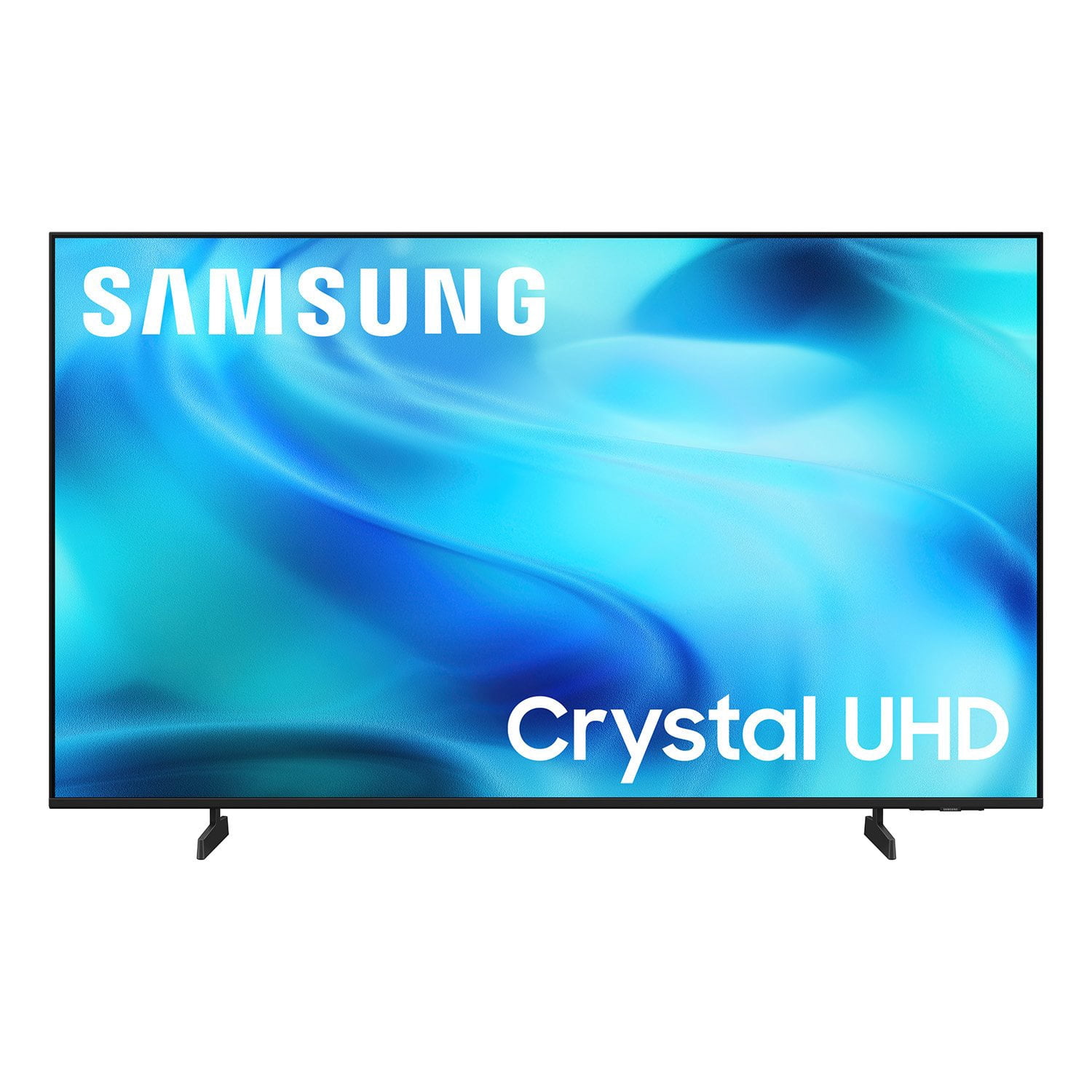
Customer reviews for SAMSUNG 50” Class U8000H Series Crystal UHD 4K Vision AI Companion Smart Tizen TV for
SAMSUNG 50” Class U8000H Series Crystal UHD 4K Vision AI Companion Smart Tizen TV
4.7 out of 5 stars
stars
773 ratings757 reviews
  1. 5 stars79% (609)
  2. 4 stars14% (109)
  3. 3 stars4% (31)
  4. 2 stars2% (14)
  5. 1 star1% (10)
Sort by |
Showing 201-210 of 757 reviews
Aug 20, 2026
Reviewer name: Dynamic1
3 out of 5 stars
3 out of 5 stars review

Easier app adding

[This review was collected as part of a promotion.] I'm not impressed with the functionality of the televisions ability to add tv apps. Because I'm not very high tech savvy, adding apps is not clear to me and I have no idea how to do it. Other brands, such as LG, are far more simplistic. In fact most every app available is already in the tv. The owner just has to scroll through them to find what they are looking for.

Review from Samsung US
Helpful?3PDR7R7F67UH19901005916
reply from Samsung Advisor

Hi Dynamic1, Thank you for sharing your experience. Please know that you can customize your Home screens by installing, removing or adding your favorite apps to Apps Home and/or For You Home screen. Here's how: Searching for & Installing Apps 1. From the Home screen, press up on the remote’s directional pad. 2. Navigate to and select Search. 3. Using the search bar, enter the content or app you’d like to find. 4. Navigate to and select the app you’d like to install, then select Install. Note: Previously installed apps can be accessed on the Settings screen. Adding & Managing Apps on Home Screen 1. Go to App Settings (these can be found at the bottom of the Apps screen) and select the app you want to move. The following options will be available: a. Add to Home: Move the app to your desired location on the Home screen. b. Delete: Delete app. c. Lock/Unlock: Lock the app with a PIN so only you can use it. When the app is selected again, you will be prompted to enter the PIN to unlock it. d. Reinstall: Reinstall the app. e. View Details: View the app’s information and details. If you need more help with app management, please don’t hesitate to reach Samsung Support at 1-800-SAMSUNG (8AM – 9PM EST Mon – Fri, 8AM – 6PM Sat – Sun) or through LiveChat under the ‘Support’ section of our website. ~ Samsung Advisor

Aug 1, 2026
Reviewer name: Frostee
5 out of 5 stars
5 out of 5 stars review

My amazing samsung 65 in crystal uhd tv

[This review was collected as part of a promotion.] Why My 65" Crystal UHD is the Center of My Home My 65-inch Crystal UHD TV has completely changed how I watch, listen, and play. What stands out first is connectivity. Using SmartThings, my phone seamlessly becomes a remote, keyboard, and content hub. I can mirror videos, share photos instantly, and control power and volume without searching for the remote. It makes everyday use effortless. Second is performance. The 4K picture is exceptionally clear with vibrant, lifelike color and smooth motion, even in fast action scenes. The sound is equally impressive — clear dialogue, balanced bass, and immersive audio that fills the room without needing additional speakers. Finally, the gaming experience. With Auto Low Latency Mode and Gaming Hub, I can pair my controller directly via Bluetooth and jump into cloud and console games with minimal lag. Motion Xcelerator keeps gameplay fluid, and the Game Bar lets me check FPS and latency in real time. It is intuitive, beautiful, and built for how we actually live, stream, and game

Review from Samsung US
Helpful?3PDR7R7F67UH19901005916
Sep 12, 2026
Reviewer name: MrsRA33
5 out of 5 stars
5 out of 5 stars review

Excellent Home Tv

[This review was collected as part of a promotion.] Excellent product quality. Love the clarity of picture and excellent auto settings that calibrate the color settings while we are watching! Remote and smart instructions are easy to navigate as well. Super easy set-up, updates and system maintenance too!

Review from Samsung US
Helpful?3PDR7R7F67UH19901005916
Aug 5, 2026
Reviewer name: Tony
4 out of 5 stars
4 out of 5 stars review

Great TV, Bad Remote Functionality With Multiple

[This review was collected as part of a promotion.] The TV itself works great and the quality is superb. The only frustration is that I have 2 Samsung TV's hung side by side, and you really need to make a option (besides using the app) to differentiate the remote controls for each TV.

Review from Samsung US
Helpful?3PDR7R7F67UH19901005916
Aug 11, 2026
Reviewer name: Abp95
5 out of 5 stars
5 out of 5 stars review

WAY beyond what you think

[This review was collected as part of a promotion.] I don't really tend to shell out this kind of money for a TV . I'm usually the type to use the one I've had forever for ever, but this is the exception. The quality of this television is phenomenal. I've never been one to be on a constant upscale but these make it more than tempting. Flawless responsiveness, piercing brightness and a depth of contrast that leaves other sets in the dust. I find myself in the living room camped upfront of this set so often its almost as if my other TVs don't exist , they almost never did. I just can't watch them anymore, I feel robbed , I feel like I'm jipping myself, I'm tempted to go find someone to steal my old TV Sets so that I can buy more Samsung without feeling the guilt or realizing where all my money went. It's gonna still be really hard to tell because these TVs are so vivid it's almost as if they aren't there and you are. I've never felt like this about a TV before. Can't believe it.

Review from Samsung US
Helpful?3PDR7R7F67UH19901005916
Aug 4, 2026
Reviewer name: Sterling
5 out of 5 stars
5 out of 5 stars review

Smart, Comprehensive, Samsung TV plus

[This review was collected as part of a promotion.] Excellent T.V. Great picture, Quality speedy responsiveness, many options for sound and picture upscaling Fps is great for high def gaming. Has a ton or great easily accessible apps.In all I love my Samsung TV and all my other Samsung devices and gadgets. Extremely convenient and comprehensive Entertaiment systems.I wouldn't change this T.V. one bit as far as its capabilities!!

Review from Samsung US
Helpful?3PDR7R7F67UH19901005916
Aug 21, 2026
Reviewer name: ElRexo
5 out of 5 stars
5 out of 5 stars review

I feel free

[This review was collected as part of a promotion.] Love it. My old TV came with a bunch of apps I had no need for and was not allowed to delete them. The old TV was always running out of space. I had to sacrifice some apps I wanted to keep the apps I needed. I added a flash disk to remedy the low space issue but the apps did not have to option to be moved to the flash disk. I have no intention to buy a TV from that corporation ever again. The brightness of my new TV is awesome and the response time is good. I have been able to install the apps I wanted. Pretty good deal for the price.

Review from Samsung US
Helpful?3PDR7R7F67UH19901005916
Jul 28, 2026
Reviewer name: Jackie
4 out of 5 stars
4 out of 5 stars review

Great reaolution!

[This review was collected as part of a promotion.] I really love all the picture stuff & it really needs no changing there & love how I can see everything so perfect. Sometimes tho it wont let me go back to my cable box except for in a small box on there. Idk what messing it up. I also dont like how I cant just restart the TV from the screen. There's no option to just restart it. I have to go thr u the trouble of unplugging it & thts really frustrating.

Review from Samsung US
Helpful?3PDR7R7F67UH19901005916
Jul 23, 2026
Reviewer name: DeeM
2 out of 5 stars
2 out of 5 stars review

Not thrilled.

[This review was collected as part of a promotion.] Not the best TV I have ever had. Setup much harder than previous TV's. Bose sound bar does not work after I bought suggested adapter. Roku streamer works some of the time. No problem on my other three TV's. Base support does not appear very sturdy. Picture OK, but no better than any others.

Review from Samsung US
Helpful?3PDR7R7F67UH19901005916
reply from Samsung Advisor

Hi DeeM, Thank you for reaching out to us. Please know you can connect an external soundbar to the U8000HD TV via HDMI or Bluetooth. If you are looking for a Samsung TV with an optical port, we recommend the QN70H TV Series and above. Please know that the TV stand was solidly designed and extensively tested for stability. If your stand seems wobbly or looks crooked, please ensure the legs are installed correctly: “R” on the right, “L” on the left. The legs should slant outward toward the edges of the TV, and you should hear a “click” once they’re fully inserted. Also, make sure the TV is placed on a flat, level surface to avoid tilt or instability. For step-by-step setup, refer to the Installation Guide included in the box, or download it at: https://www.samsung.com/us/support/downloads/ Finally, if the image doesn’t quite match your preferences, there are several adjustments you can make to better suit your viewing environment and content type. First, please ensure your TV is running the latest firmware, as updates may include important picture quality enhancements. Go to: Home > Left directional button > Settings > Support > Software Update > Update Now To explore picture mode options, navigate to: Home > Left directional button > Settings > All Settings > Picture > Picture Mode. Options include: • Standard – Ideal for general viewing • Dynamic – Brighter and more vibrant for well-lit spaces • Eco – Optimized for energy efficiency • Movie – Best for viewing in low light • Filmmaker Mode – Preserves the content creator’s intent and disables motion smoothing for supported content We hope these tips are helpful. If you need any further assistance, please don’t hesitate to call us at 1-800-SAMSUNG (8AM – 9PM EST Mon – Fri, 8AM – 6PM Sat – Sun), or reach us via text anytime. You can also visit ‘Support’ on our website for: You can also chat with one of our agents by clicking the ‘Support’ link on our website for: • Live Chat • Manuals, Software, & Warranty Info ~ Samsung Advisor

Sep 8, 2026
Reviewer name: Barry
4 out of 5 stars
4 out of 5 stars review

Samsung TV setup.

[This review was collected as part of a promotion.] Had to have my tech savy son setup the tv so I could use it. Had to have a Samsung account before I could use it. 2nd Samsung tv, 1st turned on and it worked, did half to pair with my wifi to get free channels. Great picture, just took me weeks to get my son to setup so I could watch it.

Review from Samsung US
Helpful?3PDR7R7F67UH19901005916