Join Now
Skip to Main Content
Sam's Club
Sam's Club
All Departments
All Services
Customer reviews for SAMSUNG 50” Class U8000H Series Crystal UHD 4K Vision AI Companion Smart Tizen TV for
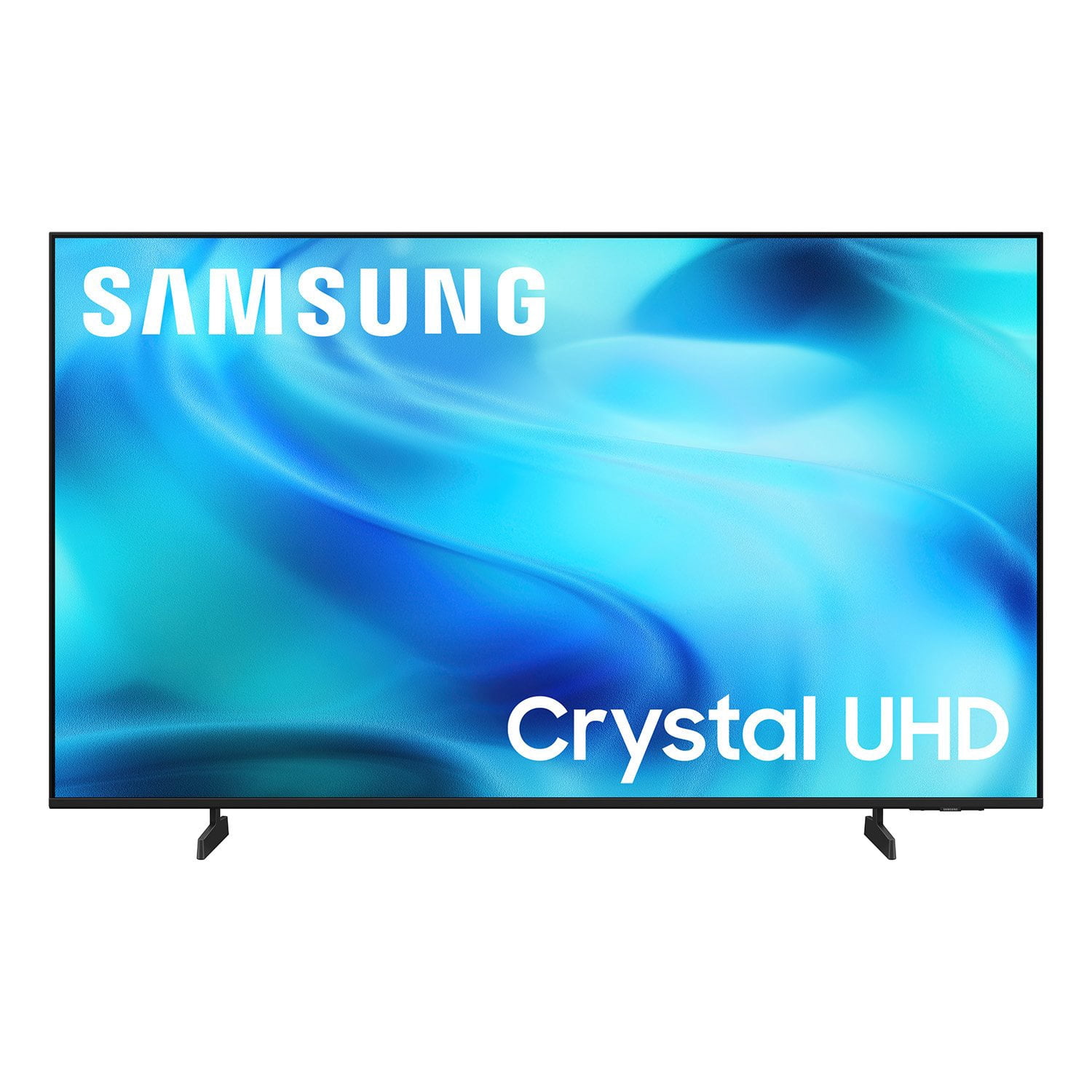
SAMSUNG 50” Class U8000H Series Crystal UHD 4K Vision AI Companion Smart Tizen TV
4.7 out of 5 stars
stars
773 ratings757 reviews
  1. 5 stars79% (609)
  2. 4 stars14% (109)
  3. 3 stars4% (31)
  4. 2 stars2% (14)
  5. 1 star1% (10)
Sort by |
Showing 141-150 of 757 reviews
Oct 17, 2026
Reviewer name: HaywoodJahbeelowme
5 out of 5 stars
5 out of 5 stars review

Would have given a 10/10

[This review was collected as part of a promotion.] Only issue I can possibly think of is that the remote doesn't have voice control despite having the ability of Vision AI. Would have given it a perfect rating if it was included

Review from Samsung US
Helpful?3PDR7R7F67UH19901005916
Nov 10, 2026
Reviewer name: Short A Nola
5 out of 5 stars
5 out of 5 stars review

Looks awesome

[This review was collected as part of a promotion.] I just bought this tv. I am replacing a 2020 75in that just went out on me. I like the new u.i. also the sound seems much better. It's also better for pairing with my tablet phone and laptop

Review from Samsung US
Helpful?3PDR7R7F67UH19901005916
Nov 5, 2026
Reviewer name: Dmh999
5 out of 5 stars
5 out of 5 stars review

What a upgrade over fire tv

[This review was collected as part of a promotion.] Color and size were perfect big upgrade from other tv's i have been watching. The sound is great wasy to use remote. Going to purchase another fir the bedroom

Review from Samsung US
Helpful?3PDR7R7F67UH19901005916
Oct 20, 2026
Reviewer name: Mike
5 out of 5 stars
5 out of 5 stars review

Great product

[This review was collected as part of a promotion.] Love this tv! From easy set up to crisp, clean picture, this is a home run! Sound quality is very good. Perfect size for our primary bedroom. Couldn't be more pleased.

Review from Samsung US
Helpful?3PDR7R7F67UH19901005916
Nov 5, 2026
Reviewer name: Henry
5 out of 5 stars
5 out of 5 stars review

Great value for this product

[This review was collected as part of a promotion.] Awesome sound and picture quality. Great deal for the price. We are satisfied with this purchase. I recommend this television for anyone on a budget. You'll love it

Review from Samsung US
Helpful?3PDR7R7F67UH19901005916
Nov 6, 2026
Reviewer name: MarkR
5 out of 5 stars
5 out of 5 stars review

Great Product

[This review was collected as part of a promotion.] Impressed with how clear the picture is. Sound is crisp and clear. Like how the home screen presents the different applications thst can be used. Very easy to set up as well.

Review from Samsung US
Helpful?3PDR7R7F67UH19901005916
Oct 31, 2026
Reviewer name: samsungguy
5 out of 5 stars
5 out of 5 stars review

Great TV for the price.

[This review was collected as part of a promotion.] Clear picture. Great sound. It's a great middle of the road TV and works well for smaller spaces. The contrast and brightness is great too. The responsiveness is great too.

Review from Samsung US
Helpful?3PDR7R7F67UH19901005916
Nov 6, 2026
Reviewer name: Greg
3 out of 5 stars
3 out of 5 stars review

Turns its self on

[This review was collected as part of a promotion.] The TV turns itself back on each time I turn it off. I've read through the manual, looked at conversation boards, used AI, reconnected the wi-fi and still the TV turns on. Incredibly annoyed!

Review from Samsung US
Helpful?3PDR7R7F67UH19901005916
reply from Samsung Advisor

Hi Greg, Thanks for sharing your experience. If your TV is powering on by itself, there are a few settings and external triggers to review: 1. Power On with Mobile – Your TV may be connected to the SmartThings app or other networked devices. To stop wake signals, turn this feature off: Settings > All Settings > Connection > Network > Expert Settings > Power On with Mobile = Off 2. Check for Active Timers – Go to Settings > All Settings > General & Privacy > System Manager > Time > Timer Settings, then disable any On Timers or Sleep Timers 3. Anynet+ (HDMI-CEC) – If your TV is connected to external HDMI devices, one of them may be triggering power-on behavior. To disable this feature: Settings > All Settings > General & Privacy > External Device Manager > Anynet+ (HDMI-CEC) = Off 4. Software Update – Make sure your TV is up to date: Settings > Support > Software Update > Update Now If you’ve ruled out all the above and your TV still powers on unexpectedly, try unplugging it for 30 seconds. Should the issue continue, please call Samsung Support at 1-800-SAMSUNG (8AM – 9PM EST Mon – Fri, 8AM – 6PM Sat). LiveChat agents are also available by clicking the ‘Support’ link on our website. ~ Samsung Advisor

Oct 20, 2026
Reviewer name: DanB
5 out of 5 stars
5 out of 5 stars review

Very good picture

[This review was collected as part of a promotion.] Picture is very good along with the sound. Only thing I wish it had was shortcut buttons so I didn't have to go to home to change streaming service if it's not one of the ones on the remote IE Hulu

Review from Samsung US
Helpful?3PDR7R7F67UH19901005916
Nov 5, 2026
Reviewer name: Leaner
4 out of 5 stars
4 out of 5 stars review

Great picture

[This review was collected as part of a promotion.] Love the picture but the remote is too small and awkward to use. Sound is wonderful as well. Easy to set up and use other than the remote. Would buy again

Review from Samsung US
Helpful?3PDR7R7F67UH19901005916