Skip to Main Content
Sam's Club
Sam's Club
All Departments
All Services
Customer reviews for SAMSUNG 85” Class M70H Series Mini LED 4K UHD Vision AI Companion Smart Tizen TV for
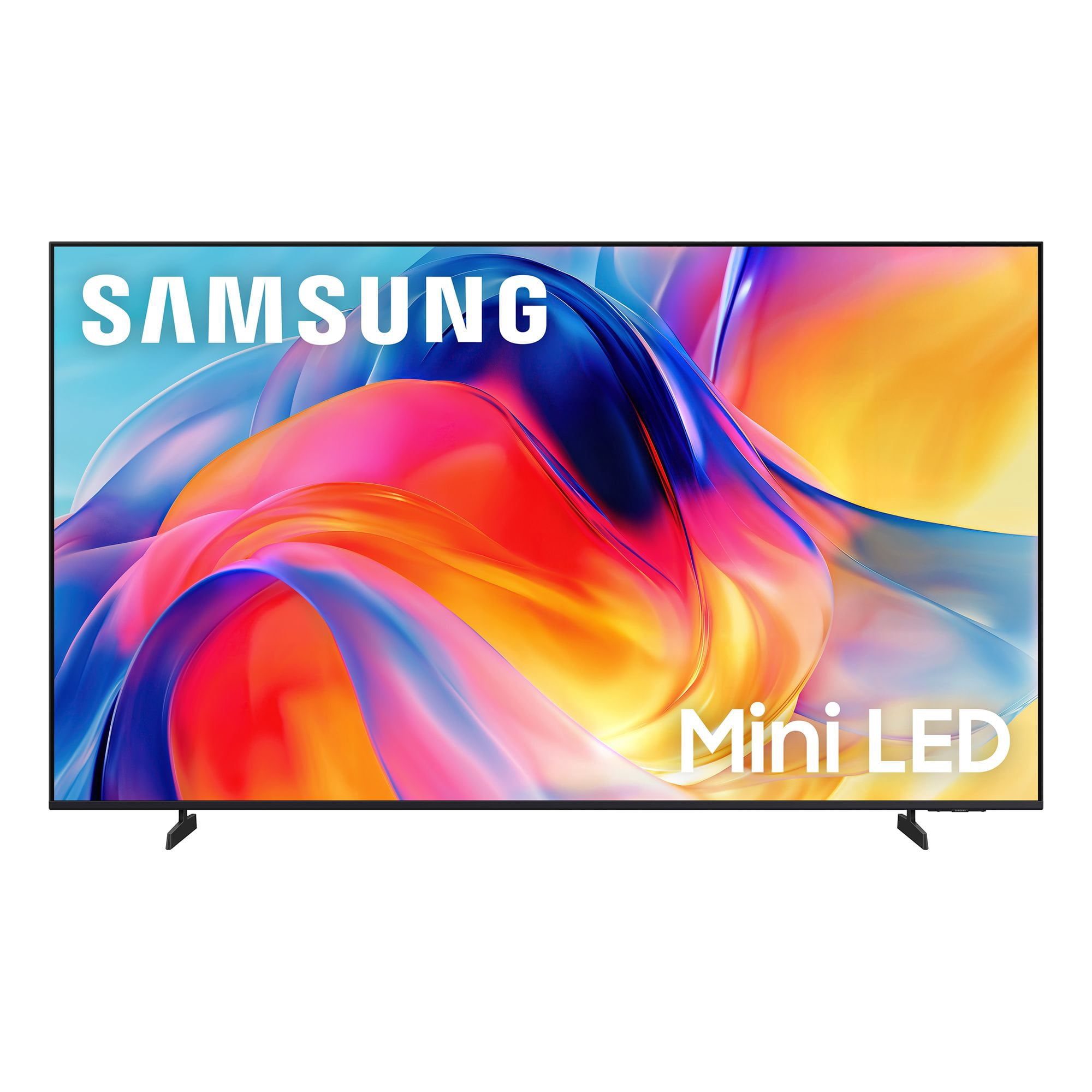
SAMSUNG 85” Class M70H Series Mini LED 4K UHD Vision AI Companion Smart Tizen TV
4.5 out of 5 stars
stars
455 ratings448 reviews
  1. 5 stars71% (323)
  2. 4 stars15% (69)
  3. 3 stars7% (31)
  4. 2 stars5% (22)
  5. 1 star2% (10)

Member photos

  • +122 images
Sort by |
Showing 361-370 of 448 reviews
Jul 20, 2026
Reviewer name: Okcbrown
5 out of 5 stars
5 out of 5 stars review

Clear precise colors with samsung
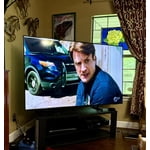
[This review was collected as part of a promotion.] I love this Samsung tv it has great color Wonderful contrast. I have had issues with too much sun and the tv is hard to see but not with this Samsung. Very easy to hook up.

Review from Samsung US
Helpful?5B1TBKY04O0L19900257824
Jun 20, 2026
Reviewer name: Tanabanana
5 out of 5 stars
5 out of 5 stars review

Great Picture!

[This review was collected as part of a promotion.] Great picture and easy to set up. I went from a curved Samsung to this and the remote is a bit different, but it didn't take long.

Review from Samsung US
Helpful?5B1TBKY04O0L19900257824
Jul 23, 2026
Reviewer name: mini
4 out of 5 stars
4 out of 5 stars review

dream machine

[This review was collected as part of a promotion.] TV has great color and picture quality the volume is ok.have not had time to play with different frequency's the only problem is does not have optical/audio connection

Review from Samsung US
Helpful?5B1TBKY04O0L19900257824
May 20, 2026
Reviewer name: OE1959
5 out of 5 stars
5 out of 5 stars review

I like the picture great colors.

[This review was collected as part of a promotion.] Has great pictures, very good sound. It was very easy to setup. The black color was great. I would buy again.

Review from Samsung US
Helpful?5B1TBKY04O0L19900257824
Jun 25, 2026
Reviewer name: Boom
5 out of 5 stars
5 out of 5 stars review

Boom

[This review was collected as part of a promotion.] Looks good I keep these on at all times and they have bot caused any issues since installing them.

Review from Samsung US
Helpful?5B1TBKY04O0L19900257824
Jul 21, 2026
Reviewer name: john
4 out of 5 stars
4 out of 5 stars review

55 Inch Class Mini LED M70HD 4K Samsung TV (2026)

[This review was collected as part of a promotion.] all good but no optical port all good but no optical port all good no optical port all good no optical port all good no optical port

Review from Samsung US
Helpful?5B1TBKY04O0L19900257824
Jul 5, 2026
Reviewer name: Ton3WicK
5 out of 5 stars
5 out of 5 stars review

Excellent TV For The Price!!

[This review was collected as part of a promotion.] I love this tv it was a choice between the tv I currently own and and the Oled model I chose the mini led because honestly the picture looked a lot better and crisp

Review from Samsung US
Helpful?5B1TBKY04O0L19900257824
Jul 5, 2026
Reviewer name: Batman
5 out of 5 stars
5 out of 5 stars review

Samsung 50 inch review

[This review was collected as part of a promotion.] Let's go Excellent color excellent contrast excellent Responsiveness excellent Please with the TV thus far

Review from Samsung US
Helpful?5B1TBKY04O0L19900257824
Jun 21, 2026
Reviewer name: Rweaver
4 out of 5 stars
4 out of 5 stars review

Great upgrade

[This review was collected as part of a promotion.] This television has been wonderful. Color, picture, and size fit the room well. The only reason for the4 instead of 5 is the apps load a little slower than I would like.

Review from Samsung US
Helpful?5B1TBKY04O0L19900257824
reply from Samsung Advisor

Hi Rweaver, Thank you for sharing your experience with the M70HD app on your TV. The issue you’re encountering may be related to network strength or stability. We recommend the following steps: 1. Connect to a 5GHz Wi-Fi network, if available 2. Use a wired LAN connection for increased stability 3. Reposition your router to reduce obstacles between the TV and the router Please also check that your TV is running the latest firmware by going to: Settings > Support > Software Update. From there, you can also enable Auto Update for added convenience. For improved app performance, we recommend running Device Care, which can help by clearing memory and closing background apps. To access it: Settings > Support > Device Care We hope these steps improve your streaming experience. If the issue continues, please reach out to us at 1-800-SAMSUNG (8AM – 9PM EST Mon – Fri, 8AM – 6PM Sat – Sun), or reach us via text anytime. You can also visit ‘Support’ on our website for: You can also chat with one of our agents by clicking the ‘Support’ link on our website for: • Live Chat • Manuals, Software, & Warranty Info ~ Samsung Advisor

Aug 5, 2026
Reviewer name: Happy tv
5 out of 5 stars
5 out of 5 stars review

Great features

[This review was collected as part of a promotion.] Great picture, great features. Great support. Totally satisfied!

Review from Samsung US
Helpful?5B1TBKY04O0L19900257824