Join Now
Skip to Main Content
Sam's Club
Sam's Club
All Departments
All Services
Customer reviews for SAMSUNG 50” Class M70H Series Mini LED 4K UHD Vision AI Companion Smart Tizen TV for
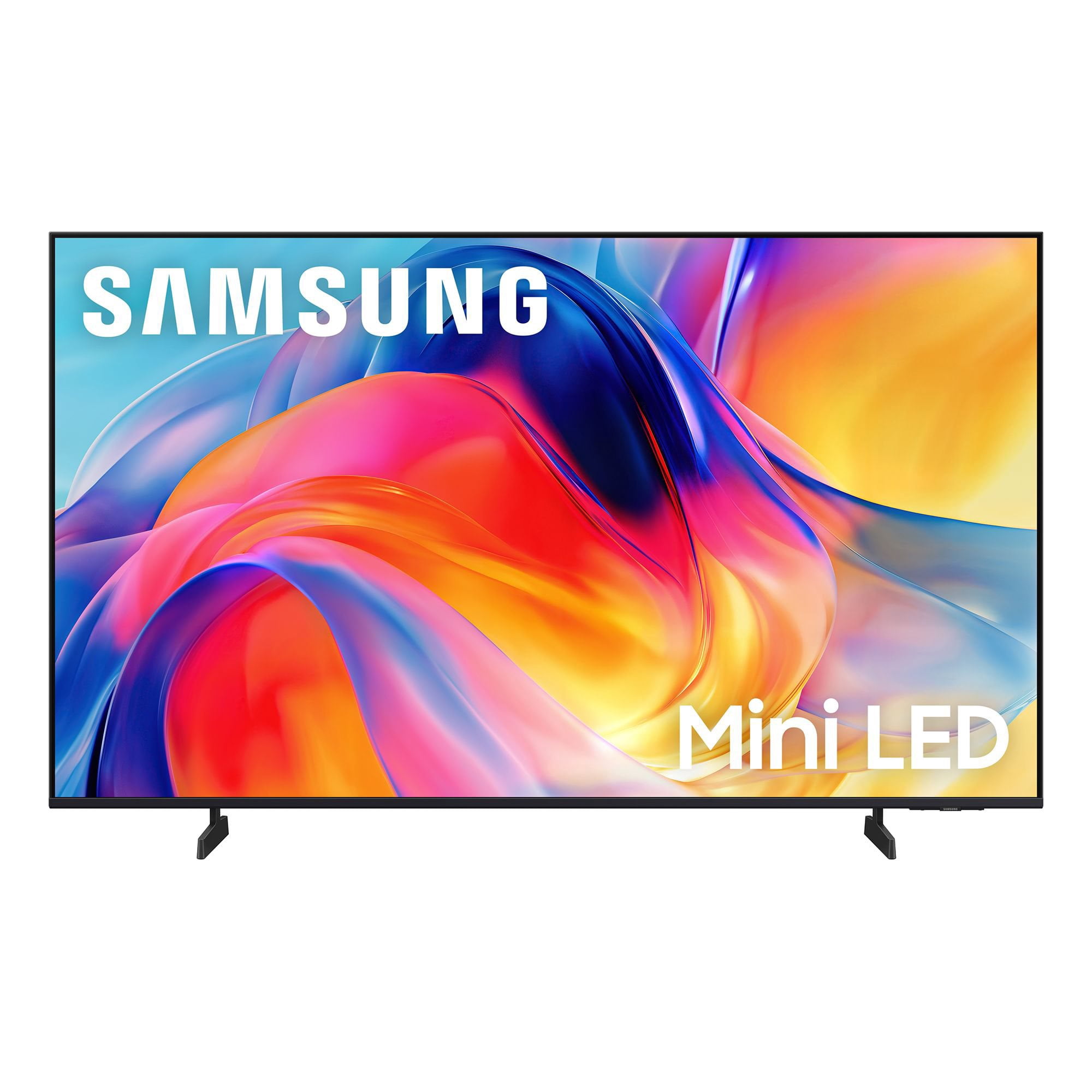
SAMSUNG 50” Class M70H Series Mini LED 4K UHD Vision AI Companion Smart Tizen TV
4.5 out of 5 stars
stars
393 ratings374 reviews
  1. 5 stars70% (276)
  2. 4 stars15% (60)
  3. 3 stars7% (28)
  4. 2 stars4% (17)
  5. 1 star3% (12)

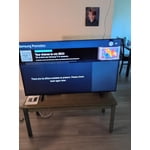
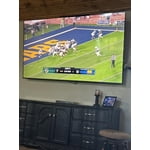
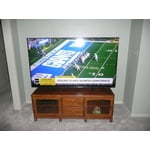
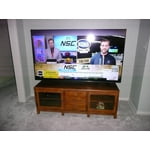
Member photos

  • +106 images
Sort by |
Showing 331-340 of 374 reviews
Jul 27, 2026
Reviewer name: Stormey3579
5 out of 5 stars
5 out of 5 stars review

Great lightweight mighty tv

[This review was collected as part of a promotion.] Awesom lightweight tv that is low maintenance and high output

Review from Samsung US
Helpful?1EVP58TZUXKR19863669143
Jul 5, 2026
Reviewer name: Ehan
2 out of 5 stars
2 out of 5 stars review

Accessibility

[This review was collected as part of a promotion.] Remote control not a good design TV apps and download not easy to do

Review from Samsung US
Helpful?1EVP58TZUXKR19863669143
reply from Samsung Advisor

Hi Ehan, Thank you for your feedback on the M70HD TV. While the Solar Cell Remote may appear minimal, many buttons offer multiple or long-press functions to help simplify the design without sacrificing functionality. For example: • Settings/Number/Color: Allows you to easily access your TV's Quick Settings and input channel numbers. • Volume rocker: Push up/down to adjust volume. Press and release quickly to mute. • Long-press Volume button: Hold for more than 1 second to open Accessibility Shortcuts. • RETURN button: Press to go back to the previous menu or screen. While watching TV, it takes you back to the previous channel. These functions allow for a more streamlined experience without adding extra buttons. Regarding app management on your TV, please know that you can customize your Home screens by installing, removing or adding your favorite apps to Apps Home and/or For You Home screen. Here's how: Searching for & Installing Apps 1. From the Home screen, press up on the remote’s directional pad. 2. Navigate to and select Search. 3. Using the search bar, enter the content or app you’d like to find. 4. Navigate to and select the app you’d like to install, then select Install. Note: Previously installed apps can be accessed on the Settings screen. Adding & Managing Apps on Home Screen 1. Go to App Settings (these can be found at the bottom of the Apps screen) and select the app you want to move. The following options will be available: a. Add to Home: Move the app to your desired location on the Home screen. b. Delete: Delete app. c. Lock/Unlock: Lock the app with a PIN so only you can use it. When the app is selected again, you will be prompted to enter the PIN to unlock it. d. Reinstall: Reinstall the app. e. View Details: View the app’s information and details. If you need more help with app management, please don’t hesitate to reach Samsung Support at 1-800-SAMSUNG (8AM – 9PM EST Mon – Fri, 8AM – 6PM Sat – Sun), or reach us via text anytime. You can also visit ‘Support’ on our website for: • Live Chat • Manuals, Software, & Warranty Info ~ Samsung Advisor

Jul 5, 2026
Reviewer name: BigMoose
5 out of 5 stars
5 out of 5 stars review

I traded in my LG for the equivalent size Samsung

[This review was collected as part of a promotion.] Only problem is the remote did not come with a Remote that had a MIC

Review from Samsung US
Helpful?1EVP58TZUXKR19863669143
Aug 20, 2026
Reviewer name: Marty
5 out of 5 stars
5 out of 5 stars review

New TV

[This review was collected as part of a promotion.] Nice sharp screen! Reasonable price. Verry satisfied.

Review from Samsung US
Helpful?1EVP58TZUXKR19863669143
Aug 5, 2026
Reviewer name: Jennifer
4 out of 5 stars
4 out of 5 stars review

Easy to use!

[This review was collected as part of a promotion.] Love the brightness and very easy to use! Has access to lots of apps and channels.

Review from Samsung US
Helpful?1EVP58TZUXKR19863669143
Jul 5, 2026
Reviewer name: Hila
5 out of 5 stars
5 out of 5 stars review

Good tv

[This review was collected as part of a promotion.] Very good no complaints good picture good brightness

Review from Samsung US
Helpful?1EVP58TZUXKR19863669143
Aug 5, 2026
Reviewer name: Todd H
2 out of 5 stars
2 out of 5 stars review

color quality

[This review was collected as part of a promotion.] Very poor picture color quality with reds and greens.

Review from Samsung US
Helpful?1EVP58TZUXKR19863669143
reply from Samsung Advisor

Hi Todd H, We appreciate your feedback on the picture quality of Samsung’s M70HD TV. If the image doesn’t quite match your preferences, there are several adjustments you can make to better suit your viewing environment and content type. First, please ensure your TV is running the latest firmware, as updates may include important picture quality enhancements. Go to: Home > Left directional button > Settings > Support > Software Update > Update Now To explore picture mode options, navigate to: Home > Left directional button > Settings > All Settings > Picture > Picture Mode. Options include: • Standard – Ideal for general viewing • Dynamic – Brighter and more vibrant for well-lit spaces • Eco – Optimized for energy efficiency • Movie – Best for viewing in low light • Filmmaker Mode – Preserves the content creator’s intent and disables motion smoothing for supported content You can further customize your image by going to: Settings > All Settings > Picture > Expert Settings, where you can adjust Brightness, Contrast, Color Tone, Sharpness, Contrast Enhancer and more. If you’d like help finding the best picture settings for your preferences, please don’t hesitate to contact Samsung Support at 1-800-SAMSUNG (8AM – 9PM EST Mon – Fri, 8AM – 6PM Sat – Sun). You can also LiveChat with an agent or explore additional resources on our website by clicking the ‘Support’ link. ~ Samsung Advisor

Jul 21, 2026
Reviewer name: WisPJC
5 out of 5 stars
5 out of 5 stars review

Great TV

[This review was collected as part of a promotion.] It’s a great TV especially for the price. Brite rich colors. Audio is great as well

Review from Samsung US
Helpful?1EVP58TZUXKR19863669143
Aug 9, 2026
Reviewer name: Traveler
5 out of 5 stars
5 out of 5 stars review

Brightness

[This review was collected as part of a promotion.] Awesome screen views , love the vivid picture and the size of screen

Review from Samsung US
Helpful?1EVP58TZUXKR19863669143
Jul 27, 2026
Reviewer name: Jammichael25
5 out of 5 stars
5 out of 5 stars review

Awesome quality and great dark colors

[This review was collected as part of a promotion.] Great product, everything that I wanted on a TV. Love the dark colors on the TV.

Review from Samsung US
Helpful?1EVP58TZUXKR19863669143