Skip to Main Content
Sam's Club
Sam's Club
All Departments
All Services
Customer reviews for SAMSUNG 55” Class M70H Series Mini LED 4K UHD Vision AI Companion Smart Tizen TV for
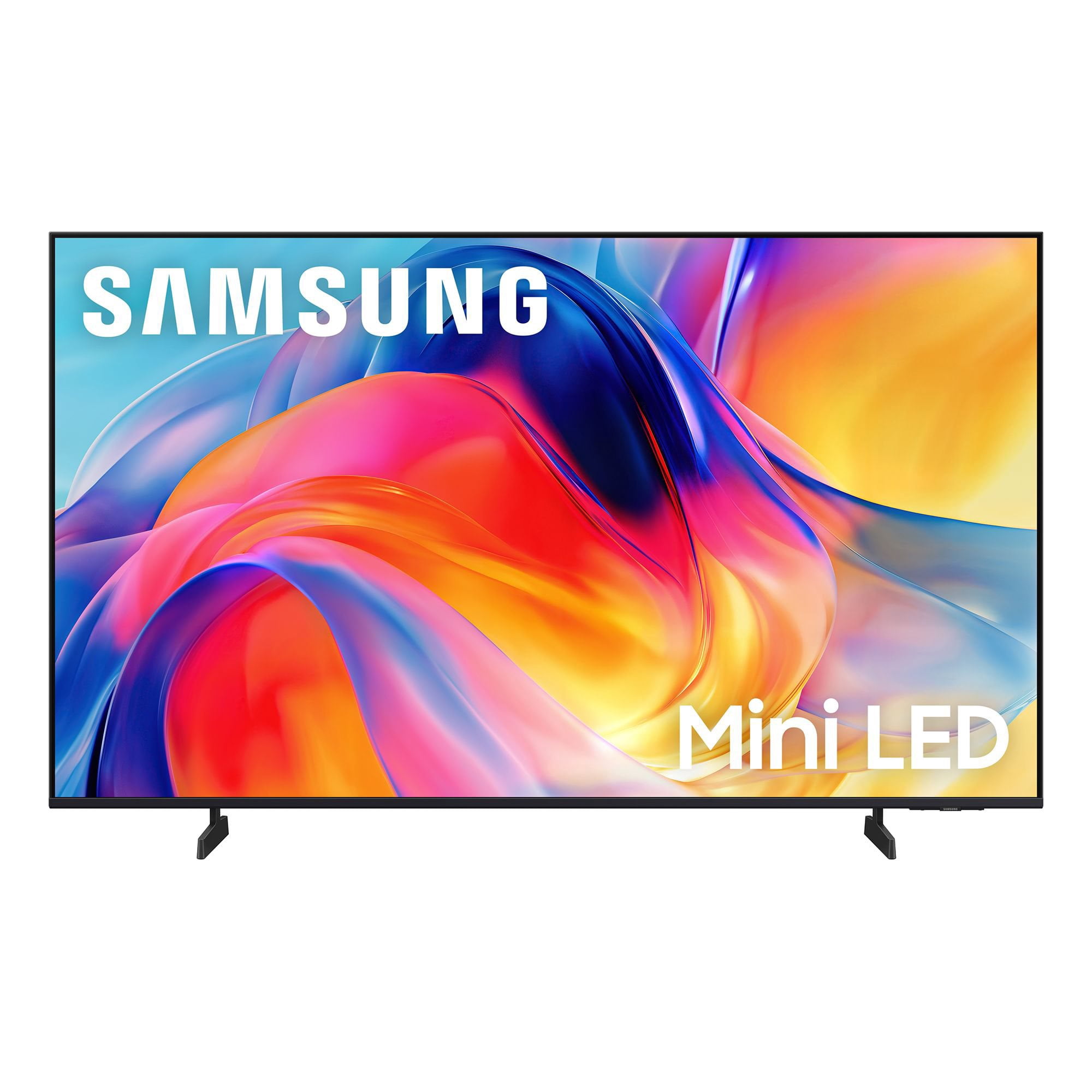
SAMSUNG 55” Class M70H Series Mini LED 4K UHD Vision AI Companion Smart Tizen TV
4.4 out of 5 stars
stars
331 ratings320 reviews
  1. 5 stars69% (230)
  2. 4 stars15% (51)
  3. 3 stars7% (24)
  4. 2 stars5% (17)
  5. 1 star3% (9)

Member photos

  • +81 images
Sort by |
Showing 151-160 of 320 reviews
Sep 5, 2026
Reviewer name: FreddyG
5 out of 5 stars
5 out of 5 stars review

Color

[This review was collected as part of a promotion.] I love everything about my television and will always speak well of samsung. The telvisiom is spevtacular and is my first damsung tv. The color is great.

Review from Samsung US
Helpful?38IP7LKS6PZ819847274541
Sep 5, 2026
Reviewer name: Ross TVs
5 out of 5 stars
5 out of 5 stars review

Great product

[This review was collected as part of a promotion.] Great product, works as expected. I purchased 5 as a matter of fact. The contrast, color and brightness are as expected. It responsiveness to the remote is good.

Review from Samsung US
Helpful?38IP7LKS6PZ819847274541
Aug 31, 2026
Reviewer name: JimC
3 out of 5 stars
3 out of 5 stars review

Unreliable shipper

The TV is fine the shipper yall use sucks. It was damaged beyond use when received by FedEx. It had been dropped at some point and the screen was shattered.

Helpful?38IP7LKS6PZ819847274541
reply from Samsung

Hi JimC, Thank you for sharing your delivery experience. We're sorry to hear your TV arrived damaged. For help correcting this, please contact Sam’s Club directly, as they will be able to assist you with a resolution. Once resolved, if you have questions about setup or features, feel free to contact Samsung Support at 1-800-SAMSUNG (8AM – 9PM EST Mon – Fri, 8AM – 6PM Sat – Sun), or connect with a LiveChat agent through our ‘Support’ page. ~ Samsung Advisor

Sep 5, 2026
Reviewer name: Tommyboy
5 out of 5 stars
5 out of 5 stars review

50in mini led

[This review was collected as part of a promotion.] picture of super bright super clear I'm going to join picture of super bright super clear I'm enjoying the TV all day

Review from Samsung US
Helpful?38IP7LKS6PZ819847274541
Sep 5, 2026
Reviewer name: SLR728
3 out of 5 stars
3 out of 5 stars review

My Samsung TV

[This review was collected as part of a promotion.] I can't find where I can add apps. I need to add the Paramount+ App and there is not a place to do that.

Review from Samsung US
Helpful?38IP7LKS6PZ819847274541
reply from Samsung Advisor

Hi SLR728, Thank you for sharing your experience. Please know that you can customize your Home screens by installing, removing or adding your favorite apps to Apps Home and/or For You Home screen. Here's how: Searching for & Installing Apps 1. From the Home screen, press up on the remote’s directional pad. 2. Navigate to and select Search. 3. Using the search bar, enter the content or app you’d like to find. 4. Navigate to and select the app you’d like to install, then select Install. Note: Previously installed apps can be accessed on the Settings screen. Adding & Managing Apps on Home Screen 1. Go to App Settings (these can be found at the bottom of the Apps screen) and select the app you want to move. The following options will be available: a. Add to Home: Move the app to your desired location on the Home screen. b. Delete: Delete app. c. Lock/Unlock: Lock the app with a PIN so only you can use it. When the app is selected again, you will be prompted to enter the PIN to unlock it. d. Reinstall: Reinstall the app. e. View Details: View the app’s information and details. If you need more help with app management, please don’t hesitate to reach Samsung Support at 1-800-SAMSUNG (8AM – 9PM EST Mon – Fri, 8AM – 6PM Sat – Sun), or visit our website for LiveChat. ~ Samsung Advisor

Aug 23, 2026
Reviewer name: Calm Nana
4 out of 5 stars
4 out of 5 stars review

It's a very good TV for the money

[This review was collected as part of a promotion.] The TV is very good quality for what I paid for it. Brightness, color, contrast are very good. I had troubles with my hearing aids, The Ring, Alexa's & trying to watch TV. I had Interference.

Review from Samsung US
Helpful?38IP7LKS6PZ819847274541
Aug 20, 2026
Reviewer name: Topguns66
4 out of 5 stars
4 out of 5 stars review

Soccer mode is pretty cool
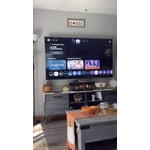
[This review was collected as part of a promotion.] Great looking picture trying to understand some of the features so many of them to adjust the Picture starting to get to hang of it, but it does look amazing

Review from Samsung US
Helpful?38IP7LKS6PZ819847274541
Sep 7, 2026
Reviewer name: Piglet
3 out of 5 stars
3 out of 5 stars review

Not very responsive

[This review was collected as part of a promotion.] There was a very noticable delay when using the remote compared to my 10 year old TV. I expected that the technology would have improved by now.

Review from Samsung US
Helpful?38IP7LKS6PZ819847274541
reply from Samsung Advisor

Hi Piglet, We appreciate your feedback regarding remote performance. If your M70HD TV is responding slowly or inconsistently to the remote, try the following steps: 1. Re-pair the remote – Stand within 1 foot of your TV and press Return and Play/Pause simultaneously for at least 5 seconds. A message should appear confirming it's connected. 2. Change the batteries. 3. Update your TV’s firmware – Go to: Settings > Support > Software Update > Update Now 4. Run Device Care to clear memory and close background apps that may slow performance: Settings > Support > Device Care > Start Device Care If these steps don’t resolve the issue, please contact Samsung Support at 1-800-SAMSUNG (8AM – 9PM EST Mon – Fri, 8AM – 6PM Sat – Sun). LiveChat is also available through the ‘Support’ link on our website. ~ Samsung Advisor

Aug 20, 2026
Reviewer name: Jab1
5 out of 5 stars
5 out of 5 stars review

Great tv

[This review was collected as part of a promotion.] Great t.v , my old one was probably 15 or more years old. The difference is amazing. New one is so clear and bright. The details are incredible.

Review from Samsung US
Helpful?38IP7LKS6PZ819847274541
Sep 5, 2026
Reviewer name: PDK1
5 out of 5 stars
5 out of 5 stars review

Review

[This review was collected as part of a promotion.] So far everything works as it should. Little difficulty in the initial setup process. But now everything functions as it should. Great price for the size!

Review from Samsung US
Helpful?38IP7LKS6PZ819847274541