Skip to Main Content
Sam's Club
Sam's Club
All Departments
All Services
Customer reviews for SAMSUNG 65” Class M70H Series Mini LED 4K UHD Vision AI Companion Smart Tizen TV for
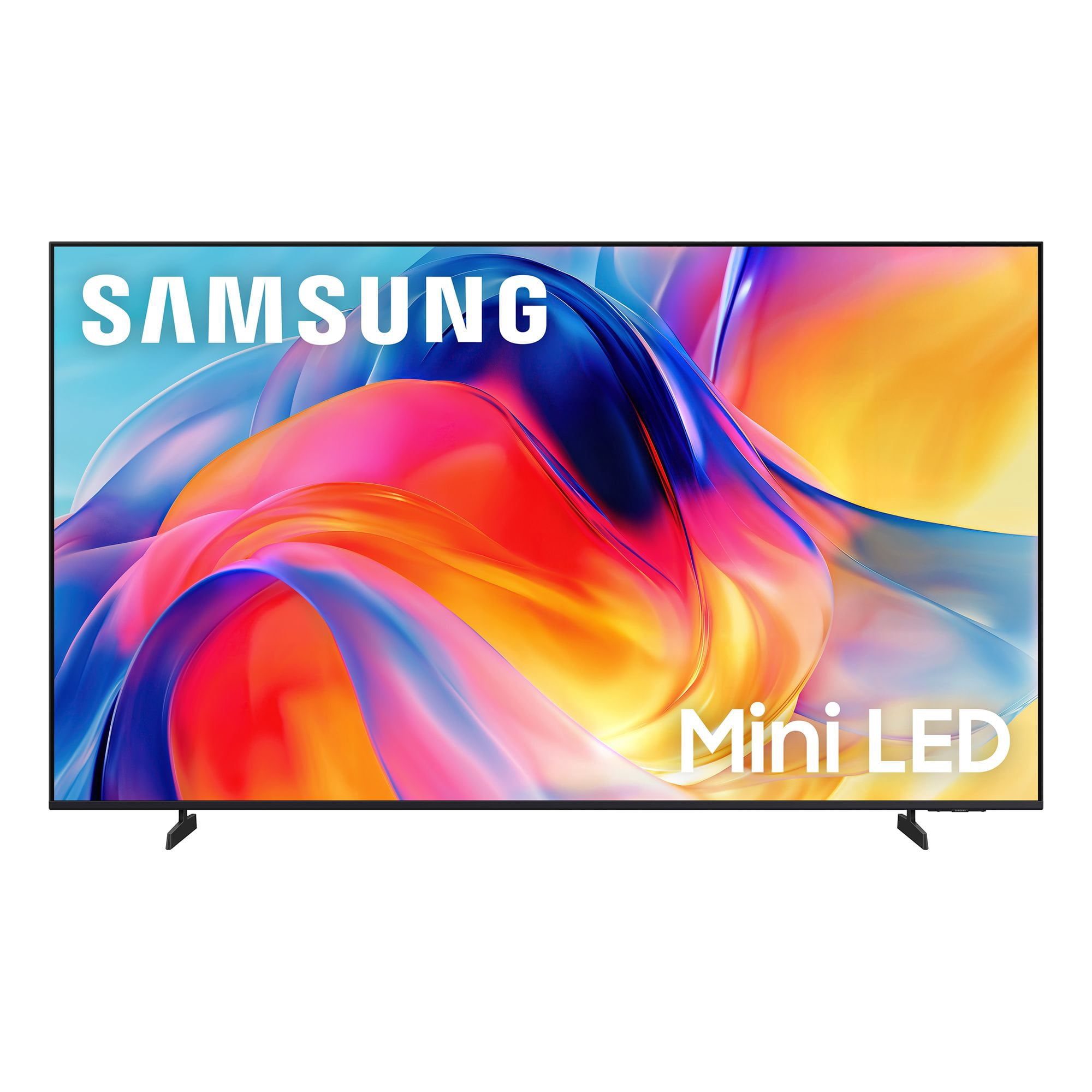
SAMSUNG 65” Class M70H Series Mini LED 4K UHD Vision AI Companion Smart Tizen TV
4.5 out of 5 stars
stars
470 ratings446 reviews
  1. 5 stars71% (336)
  2. 4 stars15% (70)
  3. 3 stars7% (32)
  4. 2 stars5% (23)
  5. 1 star2% (9)

Member photos

  • +122 images
Sort by |
Showing 71-80 of 446 reviews
Oct 5, 2026
Reviewer name: Jack
2 out of 5 stars
2 out of 5 stars review

New Samsung TV

[This review was collected as part of a promotion.] Very dissappointed in my Samsung TV. I have to use two remotes to control the TV. If I am on the smart TV homepage, I have to hunt for the HDMI feed to switch to the cable feed. 1 in every 3 times I try to turn off using the Spectrum remote, the cable box will turn off leaving the TV on. There are significant volume differences between programs requiring me to find the Samsung remote to control or mute. The installer told me that this TV does not have a port for my disc player.

Review from Samsung US
Helpful?0XWIJWU36LZK19823766916
reply from Samsung Advisor

Hi Jack, Thank you for your feedback. To allow your cable TV remote to control the TV, you will need to connect your cable box via HDMI and enable Anynet+. Go to Settings > All Settings > General & Privacy > External Device Manager > Anynet+ (HDMI-CEC) = On. Regarding the volume fluctuations you mentioned, sudden volume changes are often related to audio settings or differences between sources or apps. Please try the following adjustments to help stabilize your TV's audio: 1. Enable Auto Volume. Go to: Settings > All Settings > Sound > Expert Settings > Auto Volume. This feature helps maintain a consistent volume level when switching channels or apps. 2. Change 3. . Try a different sound mode to see if one offers a more stable output: Settings > All Settings > Sound > Sound Mode (We recommend Standard or Amplify for more even performance.) 4. Check External Devices. If you're using a soundbar, receiver, or other audio device, check that its volume leveling or dynamic range settings aren’t interfering with the TV’s audio. 5. Update Firmware. Ensure your TV is running the latest software, as updates may include audio improvements: Settings > Support > Software Update > Update Now If the issue persists after these steps, please don’t hesitate to reach Samsung Customer Support at 1-800-SAMSUNG (8AM – 9PM EST Mon – Fri, 8AM – 6PM Sat). LiveChat is also available via the ‘Support’ link on our website. ~ Samsung Advisor

Oct 5, 2026
Reviewer name: Smooth Gamer
5 out of 5 stars
5 out of 5 stars review

Great for gaming!

[This review was collected as part of a promotion.] I love this TV! The picture and sound is good! I brought this TV for my gaming system and I am not disappointed! The M70HD offers responsive performance with low input lag and smooth motion handling. Fast-paced games feel fluid, and the television's gaming enhancements help reduce motion blur during action-heavy scenes.

Review from Samsung US
Helpful?0XWIJWU36LZK19823766916
Nov 5, 2026
Reviewer name: Grams Samsung TV
5 out of 5 stars
5 out of 5 stars review

Grams Samsung TV

[This review was collected as part of a promotion.] Response is faster and works with our internet very well the picture is even better it even works with our rooftop antenna for local channels switching is easy too

Review from Samsung US
Helpful?0XWIJWU36LZK19823766916
Nov 5, 2026
Reviewer name: NewToYou
5 out of 5 stars
5 out of 5 stars review

Sharp Picture

[This review was collected as part of a promotion.] This is a really nice TV, easy to set up and use. The only issue I have had is; it would not download all my streaming channels. I had to add Roku to get some.

Review from Samsung US
Helpful?0XWIJWU36LZK19823766916
Oct 22, 2026
Reviewer name: Chiefs fan
5 out of 5 stars
5 out of 5 stars review

Nice upgrade

[This review was collected as part of a promotion.] Easy to install. Excellent color and brightness even with daylight in the room. Remote is more responsive and easier to use then previous TV. Stand is also more stable then previous same size TV

Review from Samsung US
Helpful?0XWIJWU36LZK19823766916
Nov 5, 2026
Reviewer name: Jud1
4 out of 5 stars
4 out of 5 stars review

Don't like remote. Volume/channel too close.

[This review was collected as part of a promotion.] Remote problem. When trying to control sound i get the caption on feature. Too close together. Never had Samsung Tv so trying to get use to remote.

Review from Samsung US
Helpful?0XWIJWU36LZK19823766916
Oct 27, 2026
Reviewer name: Barnabas
5 out of 5 stars
5 out of 5 stars review

Karaoke feature(with smart things)
[This review was collected as part of a promotion.] Love the brightness and Small enough for small apartments and I also love how it can be controlled by smart things and good for wide bedrooms high brightness with anti reflective coating

Review from Samsung US
Helpful?0XWIJWU36LZK19823766916
Oct 28, 2026
Reviewer name: bancros
5 out of 5 stars
5 out of 5 stars review

Beautiful Color
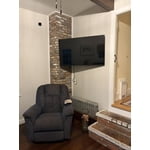
[This review was collected as part of a promotion.] The color is beautiful along with the definition. I have 4 other Samsung Tv's and so far, this is my favorite. I currently have 3 Samsung 55' tv's and 1 Samsung 40".

Review from Samsung US
Helpful?0XWIJWU36LZK19823766916
Nov 5, 2026
Reviewer name: HAGEN
4 out of 5 stars
4 out of 5 stars review

GAMES

[This review was collected as part of a promotion.] not friendly to games like XBOX etc..., Slow loading or wants you to buy subscription other than that all good nice picture sound an Price Thank YOU

Review from Samsung US
Helpful?0XWIJWU36LZK19823766916
Nov 5, 2026
Reviewer name: donman
5 out of 5 stars
5 out of 5 stars review

New TV

[This review was collected as part of a promotion.] Great picture, couldn't believe the difference in this tv and my 8 year old one. Very sharp detail and great color. Would certainly recommend. A great buy.

Review from Samsung US
Helpful?0XWIJWU36LZK19823766916