Skip to Main Content
Sam's Club
Sam's Club
All Departments
All Services
Customer reviews for Samsung 4.1 Channel Soundbar w/Subwoofer - HW C47M for
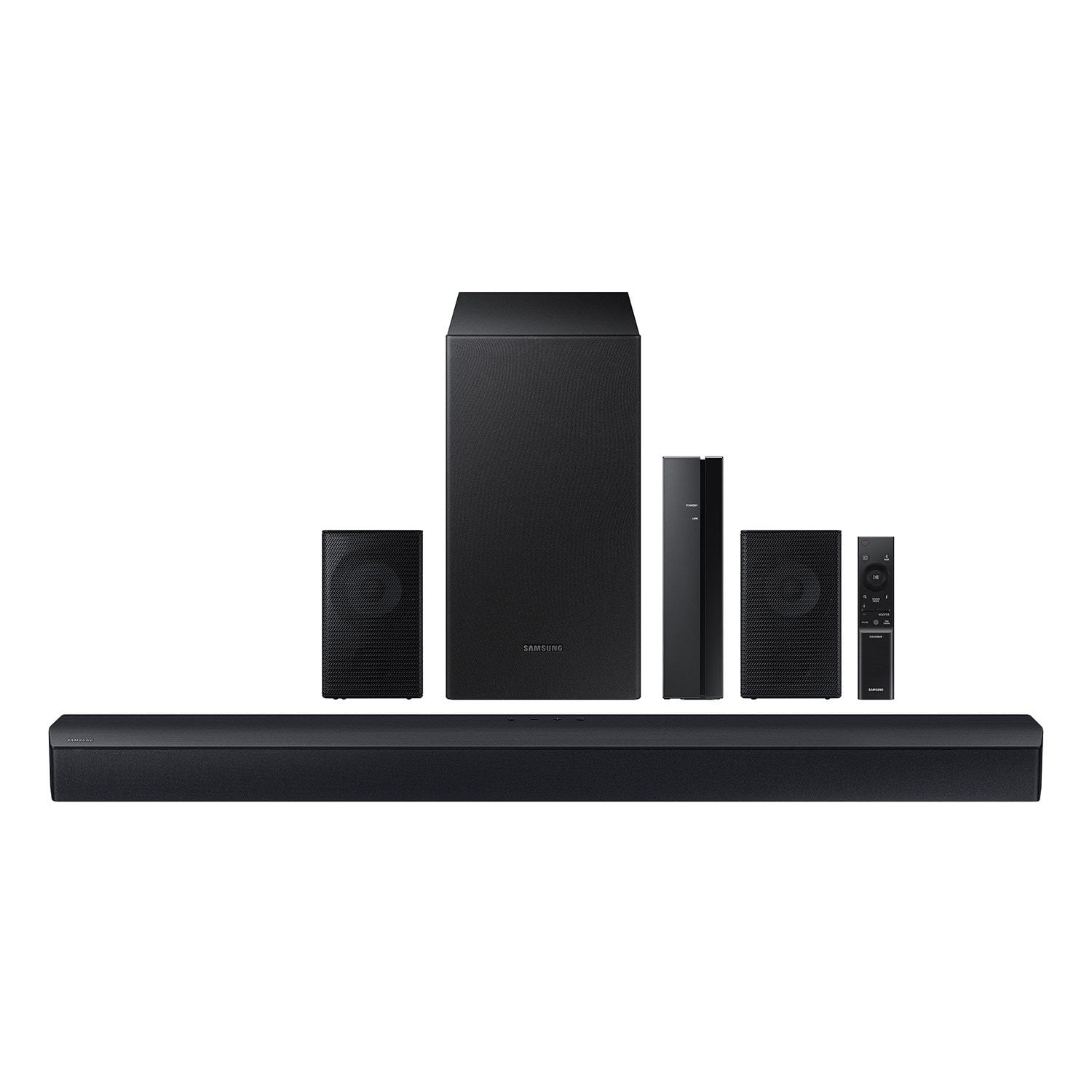
Samsung 4.1 Channel Soundbar w/Subwoofer - HW C47M
4.2 out of 5 stars
stars
800 ratings790 reviews
  1. 5 stars66% (531)
  2. 4 stars12% (98)
  3. 3 stars6% (48)
  4. 2 stars5% (38)
  5. 1 star11% (85)
Sort by |
Showing 761-770 of 790 reviews
Dec 3, 2023
Reviewer name: BDubzz
5 out of 5 stars
5 out of 5 stars review

Spectacular clear surround sound

[This review was collected as part of a promotion.] Easy set up. Surround sound great for movies and gaming.

Review from Samsung US
Helpful?6U2SK3AEJBKZ19585623078
Sep 18, 2024
Reviewer name: LovesExperiencingTheMusic
5 out of 5 stars
5 out of 5 stars review

The clarity of this product is incredibly detailed

[This review was collected as part of a promotion.] I use this product to listen to music, watch football games and watch movies.

Review from Samsung US
Helpful?6U2SK3AEJBKZ19585623078
Jun 21, 2024
Reviewer name: Rebecca
4 out of 5 stars
4 out of 5 stars review

Poor volume

I really like the sound bar, but sometimes even at 100 I cannot hear it. Also it does not stay connected to my Samsung TV.

Review from walmart.com
Helpful?6U2SK3AEJBKZ19585623078
reply from Samsung

Rebecca,<br /><br />We appreciate you taking a moment to review the HW-C47M Soundbar.<br /><br />You can optimize your audio performance to your liking by pressing the SOUND MODE button on your soundbar remote and then selecting the desired sound effect by choosing SURROUND SOUND, GAME, or STANDARD. <br /><br />By pressing the TONE CONTROL button, you can adjust the volume of the treble or bass sound between -6~&#43;6 by using the Up/Down buttons. <br /><br />Additionally, using the WOOFER button on the remote, you can adjust the subwoofer’s volume between -6 to &#43;6 by toggling the button up or down. To set the subwoofer volume level to 0, press the button down. <br /><br />When you press the CH LEVEL button, you can adjust the volume of the VIRTUAL CENTER LEVEL. This will allow you to adjust the overall dialogue between -6 to &#43;6 using the UP/DOWN button on the provided Soundbar remote. When you press the CH LEVEL button when the Wireless Rear Speaker Kit connected to the Soundbar, you can adjust the rear speakers between -6 to &#43;6 using the UP/DOWN buttons. <br /><br />Press and hold the SOUND CONTROL button for about 5 seconds to adjust the sound for each frequency band. 150Hz, 300Hz, 600Hz, 1.2kHz, 2.5kHz, 5kHz, and 10kHz are selectable using the Left/Right buttons and each can be adjusted to a setting between -6 to &#43;6 using the Up/Down buttons. (Make sure the Sound mode is set to “STANDARD”. <br /><br />If we can help with anything else, please call us at 1-800-SAMSUNG (Ask for Soundbars), 8 AM – 12 AM EST, 7 days a week. LiveChat with an agent as well as manuals, software, and warranty info can be found at the ‘Support’ link on our Samsung website. <br /><br />~ Samsung Solutions

Jun 27, 2024
Reviewer name: Gil167168
5 out of 5 stars
5 out of 5 stars review

Awesome Sounds system

[This review was collected as part of a promotion.] Very awesome sound system. Highly recommended to everyone who wants to upgrade their speakers.

Review from Samsung US
Helpful?6U2SK3AEJBKZ19585623078
Jul 10, 2024
Reviewer name: Jerebear
5 out of 5 stars
5 out of 5 stars review

Great product

[This review was collected as part of a promotion.] Sounds amazing in my house really makes me feel like I'm in the movie or video

Review from Samsung US
Helpful?6U2SK3AEJBKZ19585623078
Aug 27, 2023
Reviewer name: RudeDogg
5 out of 5 stars
5 out of 5 stars review

Sounds Amazing!!!

[This review was collected as part of a promotion.] I use my product to watch movies and play games. The surround sound is awesome!!!

Review from Samsung US
Helpful?6U2SK3AEJBKZ19585623078
Nov 17, 2023
Reviewer name: Nickmane
5 out of 5 stars
5 out of 5 stars review

Great speakers Great price

[This review was collected as part of a promotion.] Best speakers you can get for the price that's right for you

Review from Samsung US
Helpful?6U2SK3AEJBKZ19585623078
Nov 2, 2023
Reviewer name: Luke1934
5 out of 5 stars
5 out of 5 stars review

Samsung sound bar

[This review was collected as part of a promotion.] It is amazing it spreads through out my entire house

Review from Samsung US
Helpful?6U2SK3AEJBKZ19585623078
Nov 14, 2023
Reviewer name: Trapper1488
5 out of 5 stars
5 out of 5 stars review

I like the bass adjustments

[This review was collected as part of a promotion.] Streaming Music and movies Sounds really good Would recommend

Review from Samsung US
Helpful?6U2SK3AEJBKZ19585623078
Mar 15, 2024
Reviewer name: ashley
1 out of 5 stars
1 out of 5 stars review

Not worth it

Honestly not worth the money, I turn up the volume and it’s barely heard.

Review from walmart.com
Helpful?6U2SK3AEJBKZ19585623078
reply from Samsung

ashley,<br /><br />We appreciate you taking a moment to review the Samsung HW-C47M Soundbar.<br /><br />You can try optimizing your audio experience by pressing the TONE CONTROL button, you can adjust the volume of the treble or bass sound. Press the button to select TREBLE or BASS and then adjust the volume between -6~&#43;6 by using the Up/Down buttons.<br /><br />Press and hold the SOUND CONTROL button for about 5 seconds to adjust the sound for each frequency band. 150Hz, 300Hz, 600Hz, 1.2kHz, 2.5kHz, 5kHz, and 10kHz are selectable using the Left/Right buttons and each can be adjusted to a setting between -6 to &#43;6 using the Up/Down buttons. (Make sure the Sound mode is set to “STANDARD”.<br /><br />Additionally, using the WOOFER button on the remote, you can adjust the subwoofer’s volume between -6 to &#43;6 by toggling the button up or down. To set the subwoofer volume level to 0, press the button down.<br /><br />If you need more help, Samsung is here for you. Please call us at 1-800-SAMSUNG, 8AM - 12AM EST (Ask for Soundbars), 7 days a week. Our Live Chat agents are also available by clicking on the ‘Support’ link on our website.<br /><br />~ Samsung Solutions