Skip to Main Content
Sams Club
Sams Club
Customer reviews for Samsung 4.1 Channel Soundbar w/Subwoofer - HW C47M for
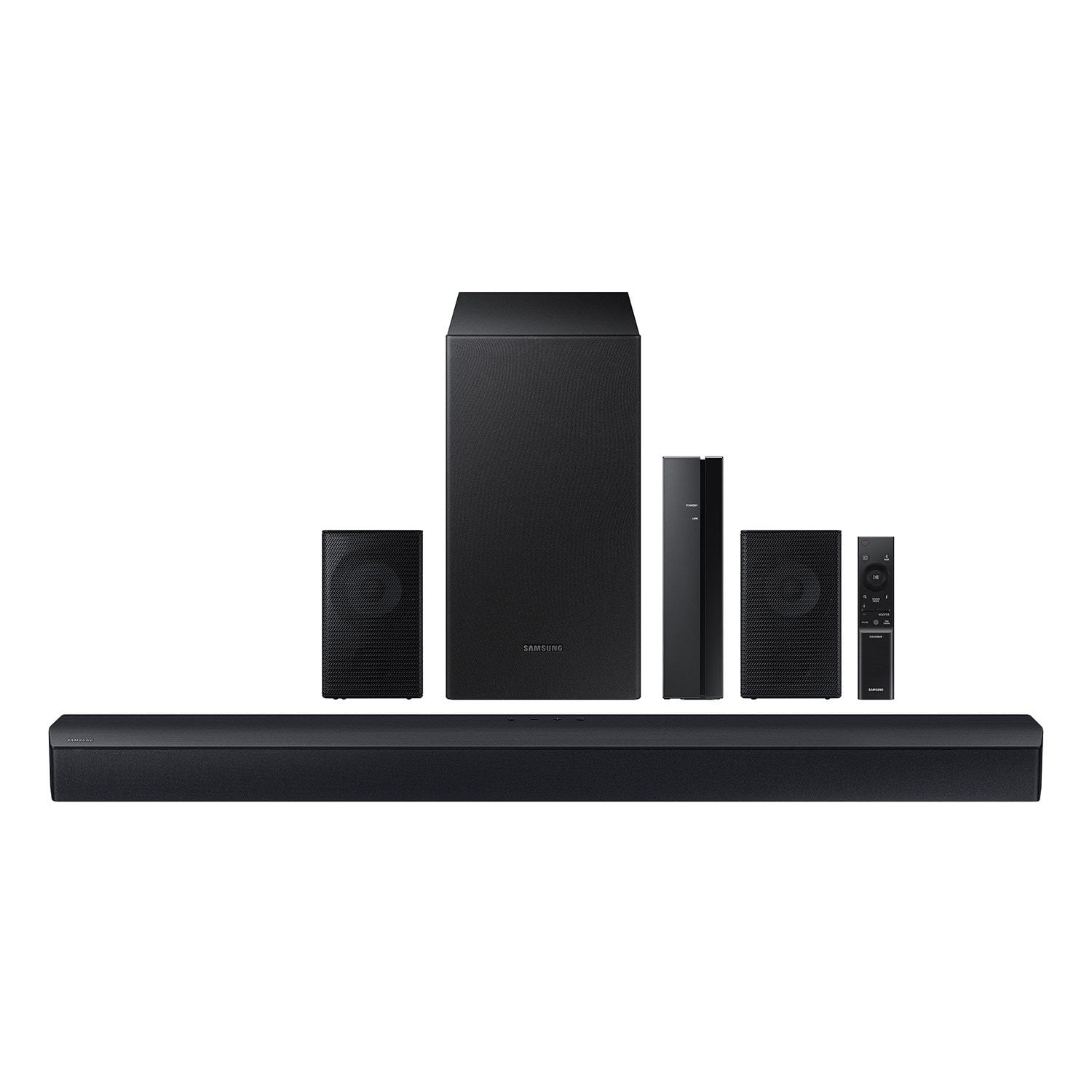
Samsung 4.1 Channel Soundbar w/Subwoofer - HW C47M
4.2 out of 5 stars
stars776 ratings776 reviews
  1. 5 stars67% (520)
  2. 4 stars12% (90)
  3. 3 stars6% (46)
  4. 2 stars5% (38)
  5. 1 star11% (82)
Write a review
Sort by |
Showing 541-550 of 776 reviews
Mar 14, 2025
Teresa
5 out of 5 stars review

Verified Purchase

nice surround sound with rear speakers... awesome

Review from walmart.com
Helpful?6U2SK3AEJBKZ19585623078
Nov 19, 2023
Adam
5 out of 5 stars review

Verified Purchase

Great sound System

works great! very easy set up!!

Review from walmart.com
Helpful?6U2SK3AEJBKZ19585623078
Nov 24, 2023
Billy
5 out of 5 stars review

Verified Purchase

great sounds

Good for a home theater but loses devices Bluetoothed to it.

Review from walmart.com
Helpful?6U2SK3AEJBKZ19585623078
Dec 24, 2023
jds59
5 out of 5 stars review

Verified Purchase

Great surround system for our master bedroom.

Great little system for the money. Got it for $100 off during cyber week specials.

Review from walmart.com
Helpful?6U2SK3AEJBKZ19585623078
Dec 19, 2024
Kayla
2 out of 5 stars review

Verified Purchase

it sounds great with the rear speakers work! rear speakers continue to cut out

Review from walmart.com
Helpful?6U2SK3AEJBKZ19585623078
reply from Samsung

Hi Kayla,<br /><br />Thank you for taking a moment to review the Samsung HW-C447M Soundbar.<br /><br />Please know, the maximum wireless signal distance between the soundbar and rear speakers is about 33 feet. If there is a wall between the soundbar and the transmitter module, it may cause interference or the sound may not work at all, depending on the material in the wall. Finally, if a device that uses the same wireless frequency, such as a Wi-Fi router, is near the soundbar, interference may cause some sound interruption.<br /><br />Please also make sure your soundbar is updated to the latest firmware version featuring the latest connection improvements. Should you continue to experience issues with the sound occasionally dropping, you may want to try reconnecting the speakers manually; this will reset the connection.<br /><br />I hope these tips help, should you need additional assistance with this, or have additional questions, please contact Samsung Customer Support at 1-800-SAMSUNG (Ask for Soundbars), 8AM - 12AM EST, 7 days a week. Our Live Chat agents are also available by clicking on the ‘Support’ link on our website.<br /><br />~ Samsung Solutions

Nov 20, 2023
Stacy
5 out of 5 stars review

Verified Purchase

Christmas present

my son is going to love this!

Review from walmart.com
Helpful?6U2SK3AEJBKZ19585623078
Apr 21, 2024
Thomas
2 out of 5 stars review

Verified Purchase

Not worth the money!

Nothing but problems. For the money should sound better!

Review from walmart.com
Helpful?6U2SK3AEJBKZ19585623078
reply from Samsung

Hi there,<br /><br />I&#39;m sorry to hear that your dissatisfied with the performance of your HW-C47M Soundbar.<br /><br />You can optimize your audio performance to your liking by pressing the SOUND MODE button on your soundbar remote and then selecting the desired sound effect by choosing SURROUND SOUND, GAME, or STANDARD. <br /><br />By pressing the TONE CONTROL button, you can adjust the volume of the treble or bass sound between -6~&#43;6 by using the Up/Down buttons. <br /><br />Additionally, using the WOOFER button on the remote, you can adjust the subwoofer’s volume between -6 to &#43;6 by toggling the button up or down. To set the subwoofer volume level to 0, press the button down. <br /><br />When you press the CH LEVEL button, you can adjust the volume of the VIRTUAL CENTER LEVEL. This will allow you to adjust the overall dialogue between -6 to &#43;6 using the UP/DOWN button on the provided Soundbar remote. When you press the CH LEVEL button when the Wireless Rear Speaker Kit connected to the Soundbar, you can adjust the rear speakers between -6 to &#43;6 using the UP/DOWN buttons. <br /><br />Press and hold the SOUND CONTROL button for about 5 seconds to adjust the sound for each frequency band. 150Hz, 300Hz, 600Hz, 1.2kHz, 2.5kHz, 5kHz, and 10kHz are selectable using the Left/Right buttons and each can be adjusted to a setting between -6 to &#43;6 using the Up/Down buttons. (Make sure the Sound mode is set to “STANDARD”. <br /><br />If we can help with anything else, please call us at 1-800-SAMSUNG (Ask for Soundbars), 8 AM – 12 AM EST, 7 days a week. LiveChat with an agent as well as manuals, software, and warranty info can be found at the ‘Support’ link on our Samsung website. <br /><br />~ Samsung Solutions

Feb 14, 2025
WalmartCustomer
4 out of 5 stars review

Verified Purchase

I'm moving, so I'm unable to rate at this time.

Review from walmart.com
Helpful?6U2SK3AEJBKZ19585623078
Nov 18, 2023
WalmartCustomer
5 out of 5 stars review

Verified Purchase

[This review was collected as part of a promotion.] Excellent sound, and value.

Review from walmart.com
Helpful?6U2SK3AEJBKZ19585623078
Nov 25, 2023
RAY
5 out of 5 stars review

Verified Purchase

Great item

Great item Great sound easy to hook up.

Review from walmart.com
Helpful?6U2SK3AEJBKZ19585623078