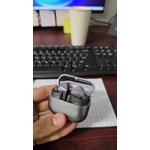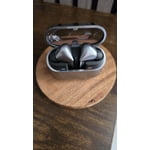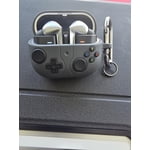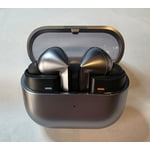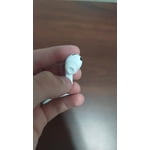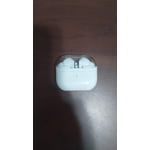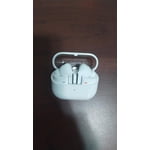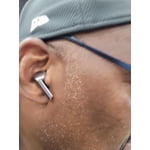
Member photos


+3727 images
Great Headphones and Microphones
[This review was collected as part of a promotion.] These headphones are phenomenal for their size... but what makes them even better is using them as 360 degree microphones for high end video captures. It makes the viewer feel like they are in your video.
Incredible AI Adaptiveness
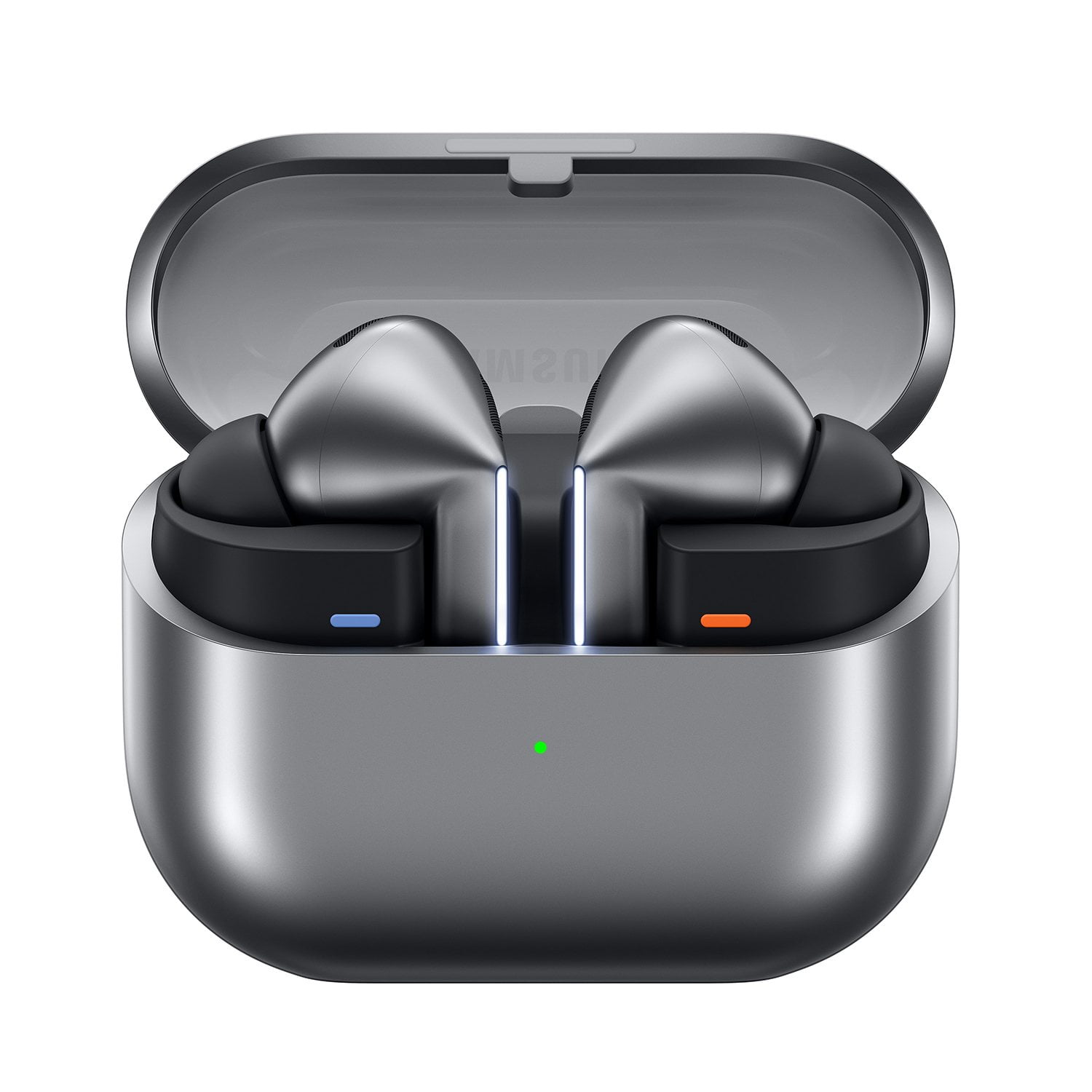
[This review was collected as part of a promotion.] Amazing how I can have ANC going and if someone starts talking to me it just lets their voice in no problem. I can hear everything around me very quickly when riding around town. Adaptive ambient noise is so useful. And sound quality is so good I'm hearing parts in songs I've never heard before. Pairs to my pc and phone seemlessly. Incredible design guys and thank you for the transparent lid so I can quickly see if I'm missing one in my pocket or something. Galaxy AI for the win cause I can just say "Pause music" or "Next song" without a wake command and the buds just do it.
Buds review
[This review was collected as part of a promotion.] I got this as a gift and it's ok, I don't like how when I have to readjust the ear buds it stop my music, it hangs up my calls, it falls out my ears if i laugh, smile, sneeze. The charging case is not good either. It's always telling me to charge the case even when I had it on charge the whole night with the ear buds in it. So I'm just confused. Also ive watched the tutorials plenty of times and it still doesnt do what its suppose to do. I've always been a samsung user. All my devices are samsungs but this is by far the worse device I've ever used.
Thank you for sharing your thoughts on the Galaxy Buds3 Pro, Medusa! We completely understand that getting the perfect fit is essential for an exceptional listening experience. That's why the Galaxy Buds3 Pro come with multiple ear tip sizes, allowing you to customize the fit to your unique ear shape. Start by selecting the right size tips so that they fit snugly without any gaps—this is crucial for preventing sound leaks and ensuring rich, high-quality audio. If you're unsure how to change the tips, our guide for the Buds3 Pro is here to help you through the process. Once you have the right tips installed, you'll want to pay attention to the directional marks on the earbuds. Make sure you insert the R bud into your right ear with the R facing toward you, and the L bud into your left ear with the L in view. Adjusting the angle slightly will help position the microphone toward your mouth for optimal clarity. Feel free to rotate the buds back and forth until you find the fit that feels just right for you. Additionally, the Galaxy Wearable app offers an earbud fit test to ensure everything is perfect. In regard to the case, it's important to check for any damage, moisture, or debris that might be present on or near the charging contacts. It's also important to make sure that you are using a Samsung-approved charger and charging cord. Samsung offers a 12-month limited warranty for manufacturer's defects. We also provide the option to add additional coverage with Samsung Care+ on eligible devices, which offers extended protection and additional support. If you continue to experience this, please be sure to reach out to us at Samsung Support. -Kelvin smsng.us/Samsung-Support smsng.us/Facebook-Messenger smsng.us/X-Messages smsng.us/Samsung-Community smsng.us/Warranty-Info smsng.us/Samsung-Care-Plus
great sound quality.
[This review was collected as part of a promotion.] At work, I use the Galaxy AI to me, translate between languages at a faster pace, so I don't have to slow down my daily use. And then at school, I would use them for the amazing sound quality and the features that you can get with the lights and with the sound noise cancelation and adaptive. Noise cancelation so then if you needed to hear you could have it set to that setting. But then also, if things are annoying in class, you can change it to not hear them. So it's pretty great.
This is a nightmare to insert in the dark.
[This review was collected as part of a promotion.] I guess the research team didn't take into consideration that someone would have to place the buds back into the case in the dead of night. Trying to find the correct orientation for insertion into the charging case could have really been simplified. I understand you want to be different but this is just not worth the hassle of reinserting these after deep meditation at night. I have had to return to my Buds Pro 2.
Hello there, Thank you for reviewing the Galaxy Buds3 Pro. The sleek design and magnetic alignment were created to ensure a compact, secure fit inside the charging case. Your feedback on usability supports our ongoing mission to make Galaxy Buds both stylish and easy to use, whether you’re charging, relaxing, or focused. We appreciate your review and thank you for choosing Samsung. -Ty Samsung Support smsng.us/Samsung-Support Samsung Community smsng.us/Samsung-Community Facebook smsng.us/Facebook-Messenger X https://smsng.us/X-Messages
Perfect Buds
[This review was collected as part of a promotion.] I love my buds and samsung products in general. They have great sound, especially when listening to music. What I love the most about my buds is that they stay in my ear. Definitely worth the money.
Everything has bugs but when it works it works
Honestly they're awesome the noise cancellation is great however in the Ambient sound I've noticed at least around any kind of air compressor it's Statics out instead of producing proper sound no this does change when I look straight at it and I'm right in front of it but if I'm off to the left or off to the right its bad but other then that grate product so far
Different World
[This review was collected as part of a promotion.] After swapping from normal earphones to these, it's never been the same. Everytime I've put these on, feels like I just shut off everything outside and put myself in a trance with my own music. The noise cancelling is very mind-blowing!! Turning them on and off just blows my mind still, no sounds, no ambient noises, nothing. Just you and whatever you're listening to. Having voice control for the Galaxy AI is very helpful in my day to day duties, no need to type things, just have the AI do it for you. Easily search, change music, and even getting answers become a breeze!
Great earbuds with few flaws
[This review was collected as part of a promotion.] Nice earbuds.Fit nice.The sound quality is awesome.Noise canceling doesn't work as good as it needs to.Also it would be nice of the case could play a sound so when it falls between a couch cushion or between the seats of a vehicle ots easier to find.So far I really like the earbuds.More color options like a dark blue and a dark green color would be fun.
Pass on these
The look of the headphones are nice. But it does not last long. Its suppose to last at least 6 hours. Tje headphones and case are fully charge. When I start work at 8am, I listened to music and then around 10:30am, I would call my partner or mom to talk on the phone for about 20 to 30 minutes. And then by 11:30am, I have to recharge the headphones before my lunch break. Sometimes when the headphones are charging, it would only charge one side (mostly right side) and then charge the other side. So then I have to take out the right one to let the left one to charge. Even when I use both of them at the same time, one of them runs out of battery faster. Idk. If you're paying this much for headphones. Please make it last longer like 10 hours with listening and talking on the phone. I dont even use the special features. I miss my galaxy buds 3. Those were amazing and lasted forever without having to charge once while im at work.
Thanks for sharing your experience with the Galaxy Buds3 Pro, Totoro. We really appreciate your insights as we continue to make improvements and changes. We love to see that you had a great experience with your Galaxy Buds3! To ensure you have an equally enjoyable experience with your Galaxy Buds3 Pro. The Galaxy Buds3 Pro provides up to 26 hours of playtime per charge, which can be extended to up to 30 hours with a fully charged case. To conserve battery power and ensure they last when you need them, make sure to store the earbuds in the charging case with the cover closed when not in use, adjust the notification settings through the Galaxy Wearable app on your connected phone, and if using iOS, modify the notification settings in the Galaxy Buds app. We hope these tips enhance your experience! For any questions or concerns, please reach out to us at Samsung Support. -Kelvin smsng.us/Samsung-Support smsng.us/Facebook-Messenger smsng.us/X-Messages smsng.us/Samsung-Community smsng.us/Warranty-Info smsng.us/Samsung-Care-Plus