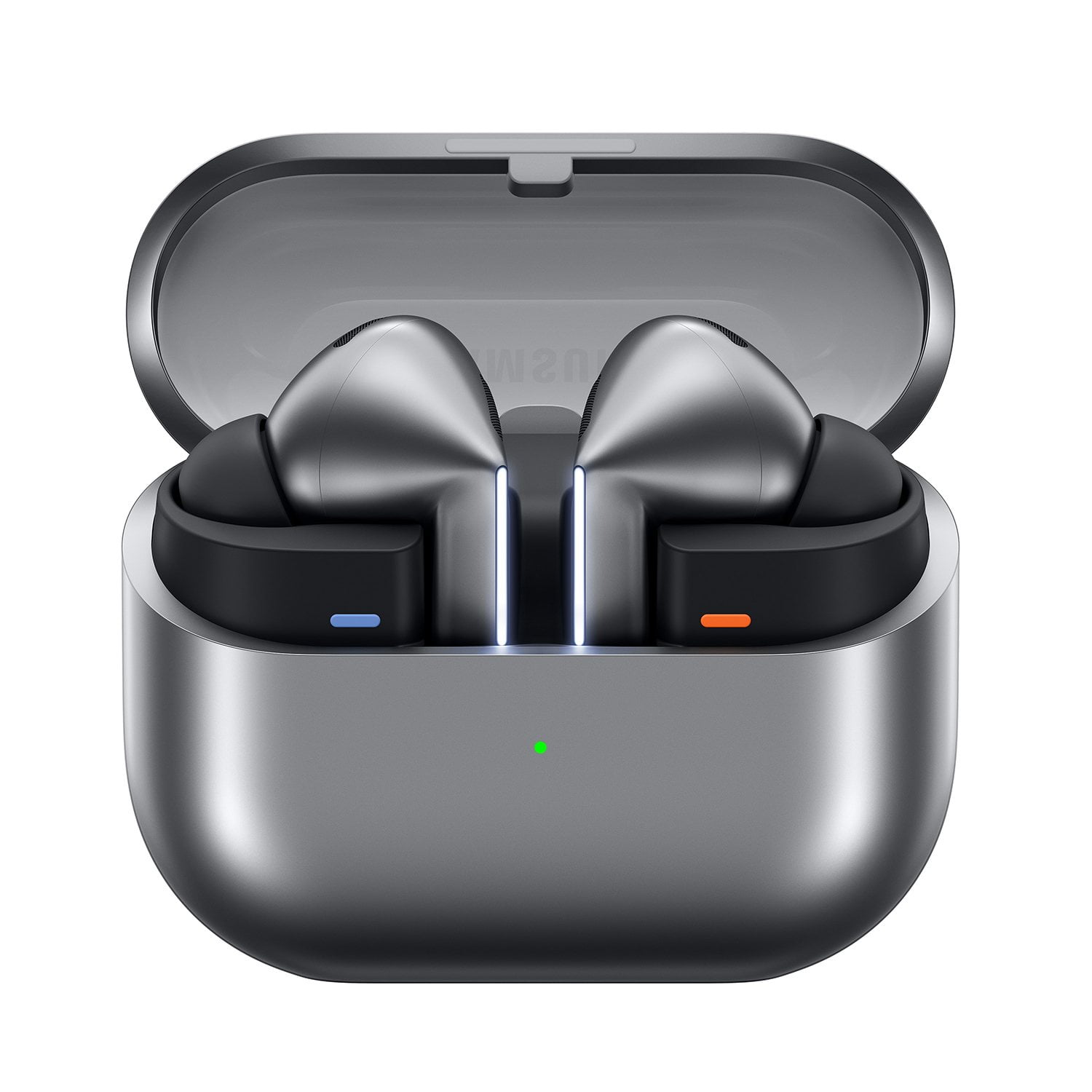
Member photos


+3548 images
Verified Purchase
Sound good but hurt
I like the earbuds. They are any little limited on volume for my tastes. I like my music loud. I do find they hurt my ears when I wear them for long periods of time. Ill have to see if smaller tips will help. I'm a bit new to earbud use so I haven't learned all the controls and how the work as hands free communication.
Hey James, Thank you for sharing your thoughts on the Galaxy Buds3 Pro. These earbuds are crafted to provide rich sound, advanced controls, and immersive listening. Comfort and sound preferences vary greatly, especially during long wear, and trying different ear tip sizes can help personalize your listening experience as you become more familiar with the features. Properly fitting your earbuds is crucial for better sound quality, comfort, and security. Poor fit can cause discomfort, sound leaks, and increase the risk of falling out. To avoid losing an earbud, especially while jogging, ensure they fit correctly. For the Galaxy Buds3 Pro, a snug fit enhances volume and makes adjusting settings in the Galaxy Wearable app easier. They come with different-sized ear tips; selecting the right size so there is no gap between your ear and the tip ensures optimal audio and minimizes sound leaks. For tips on changing them, see our guide. After fitting the correct tips, check the bottom of the earbuds for directional marks (L and R). Place the R earbud in your right ear with the R facing you, and the L earbud in your left ear with the L facing you. Angle each slightly so that the microphone points toward your mouth rather than straight down. Rotate the earbuds until the fit feels right, and consider performing a fit test for optimal placement. Refer to our online guide on achieving the perfect fit for safe maximum volume, along with tips on voice commands and more. Thank you for your feedback. We appreciate you being a Samsung customer. -Ty Samsung Support smsng.us/Samsung-Support Samsung Community smsng.us/Samsung-Community Facebook smsng.us/Facebook-Messenger X https://smsng.us/X-Messages
Verified Purchase
Get the Samsung Buds 2 pro instead
I bought this for my husband for Christmas. The battery life is worse than my Samsung Buds 2 pro. The ear tips dont fit right and they keep falling out of his ears (no extra ones were sent). The only cool feature is the sensors that pause music when someone is nearby you (can also be a hindrance at times). My advice, buy the older version, these aren't worth it!
Greetings UndefinedBeauty, Thank you for sharing your experience with Galaxy Buds3 Pro. Smart sensors and adaptive features aim to enhance awareness and convenience during daily listening. Wearing your earbuds correctly is essential for several reasons: it improves sound quality, ensures a comfortable fit, and keeps them securely in place. Ill-fitting earbuds can cause discomfort, sound leaks, and increase the risk of falling out. This is especially important when jogging, so make sure they fit well. Many users prefer the Galaxy Buds2 Pro, but with some tips, you might find the Galaxy Buds3 Pro just as suitable. The earbuds come with different-sized tips. The first step is to select the right size for your ears; aim for a snug fit without gaps to prevent sound leakage and ensure the best audio experience. If you need help changing tips, see our guide for the Buds3 Pro tips. After installing the correct tips, check the bottom of each earbud for L and R marks. Insert the R earbud into your right ear with the R facing you, and the L into your left ear with the L facing you. Tilt the stem slightly so the microphone on the bottom points toward your mouth, not straight down. Adjust the earbuds by rotating until the fit feels comfortable. You can also run a fit test to verify proper fit. For more tips on fitting your Galaxy Buds3 Pro, see the linked online article. Feedback on battery life and fit highlights how comfort and durability influence your overall audio experience. Thank you for choosing Samsung. How to wear your Samsung Galaxy Buds3, Buds3 Pro, or Buds3 FE https://www.samsung.com/us/support/answer/ANS10003519/ -Ty Samsung Support smsng.us/Samsung-Support Samsung Community smsng.us/Samsung-Community Facebook smsng.us/Facebook-Messenger X https://smsng.us/X-Messages
Verified Purchase
Love!!!
These are great. Light-weight, comfortable, with long lasting battery life. You fit test them within seconds with your phone and use the ear piece that fits best based on the fit test. Settings are easy to adjust- you can listen to music with ambient sounds so you won't miss hearing someone trying to talk to you, or with noise cancelling to get some peace and quiet. They are infinitely adaptable. My old Bose has slightly better sound quality (very slighly), but these are so much better in every other way!
Verified Purchase
Great buds for music and podcasts!
I think the sound quality of these buds is excellent, on par with anything else I've listened to. The Samsung interface with the buds is pretty good and the features are extensive. My only complaint I have is the way you control the buds. Sliding up and down the stem is less efficient than the touch method. I have had a few issues with the buds not being able to connect to my tablet and have had to reset them but all in all these are fantastic buds great for audio or podcasts.
Greetings Craig in Social, Thank you for sharing your experience with the Galaxy Buds3 Pro. Their excellent sound quality and feature-rich interface are key reasons why many users favor these earbuds for listening to music and podcasts. Control preferences differ, and this feedback highlights how users interact with their devices in various ways. The Galaxy Buds3 Pro still offer a robust audio experience, enhanced by intelligent Galaxy features. We appreciate your loyalty as a Samsung customer. -Ty Samsung Support smsng.us/Samsung-Support Samsung Community smsng.us/Samsung-Community Facebook smsng.us/Facebook-Messenger X https://smsng.us/X-Messages
Verified Purchase
Absolutely Amazing
These really aren't my style, I prefer the over the ear type, but they have beyond exceeded my expectation. I usually can't wear in ear because my ears hurt after a while. I am able to wear these all day no problem, I sometimes forget they are there. The sound quality is far beyond what I thought possible from an ear bud.
Verified Purchase
Samsung's Buds3 Pro: Comfort, Clarity, and Class.
The Galaxy Buds3 Pro Silver stand out as Samsung's most advanced earbuds yet, offering premium sound, strong AI‑powered features, and a sleek new stemmed design. Based on my usage I can feel the excellent audio quality and comfort, though ANC performance trails some competitors which can still be improved. Overall I liked the headset very much.
Good day Ramakrishnan Rathinavel, Thank you for sharing such detailed feedback. The Galaxy Buds3 Pro bring together advanced audio, intelligent features, and a refined stem design that many users find both comfortable and stylish. Thanks for being a Samsung customer. -Ty Samsung Support smsng.us/Samsung-Support Samsung Community smsng.us/Samsung-Community Facebook smsng.us/Facebook-Messenger X https://smsng.us/X-Messages
Verified Purchase
Do not buy until they fix them
They connect to bluetooth when not in use. I'm talking they are inside your pocket in the case they will connect and boot off other bluetooth devices. I've had them in my center console of my vehicle undisturbed and they will randomly connect overriding the bluetooth in my car. Incredibly frustrating user experience. They are brand new and thus they are clean. They also have the latest firmware update. After further research I found other users with same experience. If you can see past this glaring issue, they are decent headphones in terms of anc and other features, but lack security in terms of falling out of your ears (at least for me).
Hi Andrew W, Thank you for sharing your experience with the Galaxy Buds3 Pro. The Bluetooth connection ensures seamless pairing and adaptive switching between devices within the Galaxy ecosystem. If your earbuds connect to your device even when not in use, keeping them in the case should prevent this. However, if the behavior persists, please contact our Samsung Support Team for further assistance. Samsung Care+ https://www.samsung.com/us/support/samsung-care-plus/ Samsung Warranty https://www.samsung.com/us/support/samsung-care/\ -Ty Samsung Support smsng.us/Samsung-Support Samsung Community smsng.us/Samsung-Community Facebook smsng.us/Facebook-Messenger X https://smsng.us/X-Messages
Verified Purchase
Buds3 Pro
Sound quality and background noise cancelling is excellent. When talking on the phone I've had a couple people tell me it was hard to hear me but not everyone. I was hoping to utilize these at the office but although they have the ability connect to multiple devices it really only applies to multiple Samsung devices for them to automatically switch between devices. Unfortunately this makes it difficult to utilize for work when I listen to music from my phone but take work calls/meetings my non samsung computer. I have not found a workaround.
Hey there AntMrav, Thank you for sharing your experience with the Galaxy Buds3 Pro. Many users appreciate its excellent sound quality and noise cancellation for an immersive listening experience. Regarding Auto-switching on your Galaxy Buds3 Pro, when enabled on Galaxy devices, your phones, tablets, and earbuds will remember if you've paired multiple Galaxy wearable devices previously, allowing you to switch easily between them. Just put on your other connected device, and it will connect automatically. You can also manage device switching through the Galaxy Wearable app. Note that Auto-switching is only supported on Samsung phones, tablets, and TVs from 2022 onwards. Your feedback about call clarity and device switching shows how users use Galaxy Buds in both personal and professional settings, with connectivity needs varying based on daily workflows. Thank you for your review and for choosing Samsung. Use Auto switch with your Galaxy buds and paired devices https://www.samsung.com/us/support/answer/ANS10002627/#:~:text=Switch%20devices%20manually,not%20available%20on%20iOS%20devices. -Ty Samsung Support smsng.us/Samsung-Support Samsung Community smsng.us/Samsung-Community Facebook smsng.us/Facebook-Messenger X https://smsng.us/X-Messages
Verified Purchase
Meh
Design is worse than my original Galaxy buds pro, and they occasionally make an annoying screeching sound with noise canceling on. There also doesn't seem to be a way to turn noise canceling off permanently, so I have to do it manually every time to avoid the screeching.
Hello Mark, Thank you for sharing your thoughts on the Galaxy Buds3 Pro. These earbuds feature Active Noise Control that adapts to your environment to enhance listening clarity. The latest Samsung Galaxy earbuds include active noise canceling, which, when turned on, blocks out surrounding noise to help you focus on your music. If you need awareness of your surroundings, simply turn off Active Noise Canceling. Certain sounds, like humming or vibrations from electric toothbrushes, can accidentally trigger the earbuds' sensors, causing the Detect Conversations feature to activate unintentionally. This temporarily disables Active Noise Canceling. Additionally, if the earbuds are too loose, the detection may be slower. You can disable Detect Conversations in the Galaxy Wearable app when not needed. For more details on using ANC with your Galaxy Buds3 Pro, please see the online resource linked below. Your feedback regarding sound behavior and controls illustrates how customizable audio settings can improve your listening experience. Thank you for choosing Samsung. Use Active noise canceling on your Samsung Galaxy earbuds https://www.samsung.com/us/support/answer/ANS10001322/ -Ty Samsung Support smsng.us/Samsung-Support Samsung Community smsng.us/Samsung-Community Facebook smsng.us/Facebook-Messenger X https://smsng.us/X-Messages
Verified Purchase
Excellent version of earbuds
Samsung have nailed the earbuds with the third try. The Galaxy Buds 3 deliver reliable performance, rich sound quality, and clear audio across all uses—whether you’re taking phone calls, listening to music, or enjoying podcasts. The noise canceling is particularly impressive, easily drowning out background hums such as the steady drone of an airplane.Battery life is strong enough for long days and commutes, and the fit is comfortable without feeling heavy in the ear. Call quality holds up even in noisy environments, making them a dependable option for work and travel alike.