Skip to Main Content
Sam's Club
Sam's Club
All Departments
All Services
Customer reviews for LG 27" UltraGear FHD, 180Hz, AMD FreeSync, HDR10, Gaming Monitor for
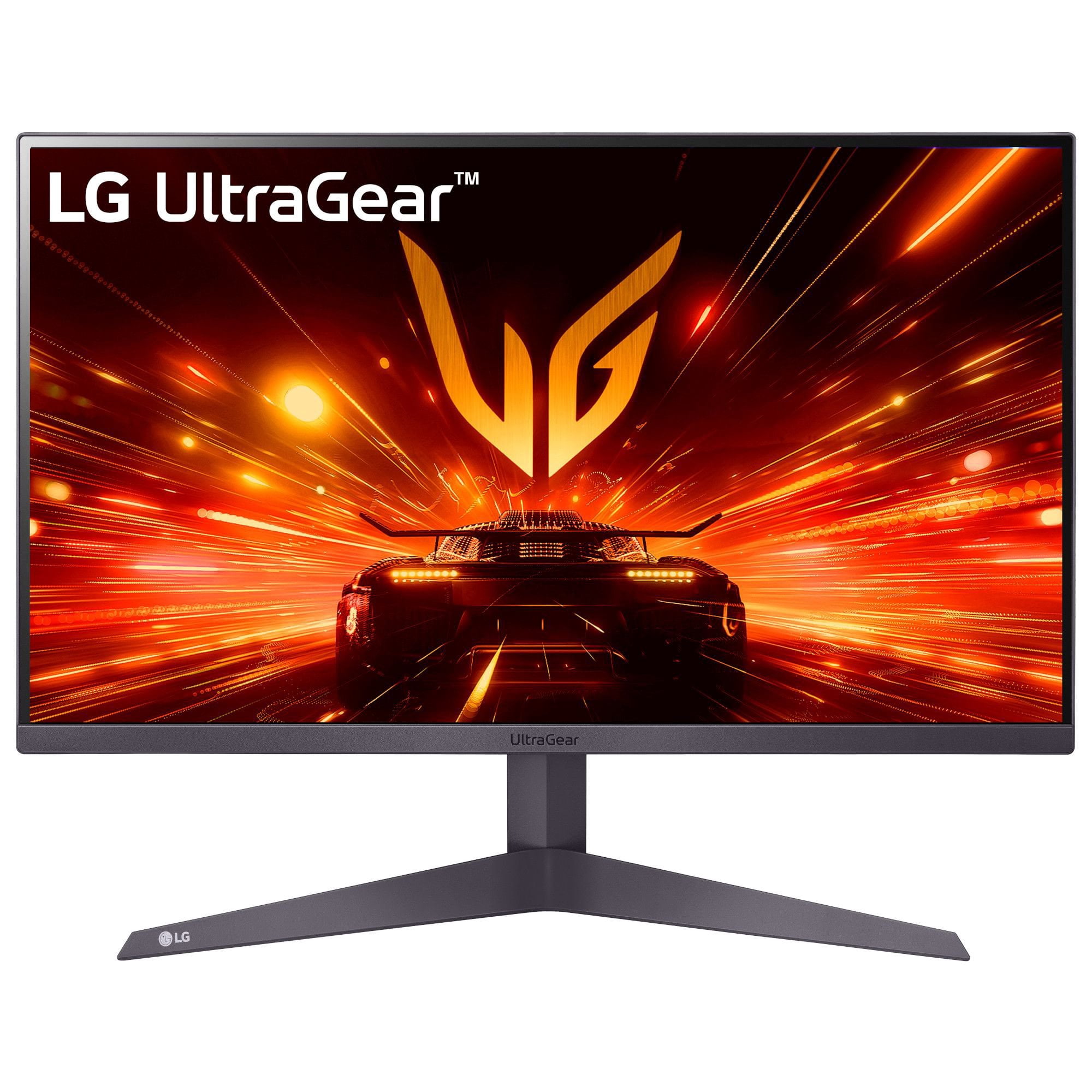
LG 27" UltraGear FHD, 180Hz, AMD FreeSync, HDR10, Gaming Monitor
4 out of 5 stars
stars
61 ratings60 reviews
  1. 5 stars64% (39)
  2. 4 stars11% (7)
  3. 3 stars5% (3)
  4. 2 stars5% (3)
  5. 1 star15% (9)
Sort by |
Showing 1-10 of 60 reviews
Jul 6, 2024
Reviewer name: Mahedy Hasan
5 out of 5 stars
5 out of 5 stars review

Verified Purchase

Excellent value for money!

I only wished if a HDMI cable was included. But other than that, excellent quality. Value for money! I am super psyched to use it for gaming and office use, too. Thin bezels and a second monitor of the same brand can be added seamlessly. Packaging was fantastic and so was delivery.

Review from lg.com/uk
Helpful?3T4Z49SJY6JN18678560083
Aug 25, 2024
Reviewer name: Devil Dudley
5 out of 5 stars
5 out of 5 stars review

Verified Purchase

Just buy it ps5

Excellent monitor for ps5 my son loves it good pictures and fps he lives the cross hairs for his shooting games

Review from lg.com/uk
Helpful?3T4Z49SJY6JN18678560083
Jun 26, 2025
Reviewer name: Hebby
5 out of 5 stars
5 out of 5 stars review

Verified Purchase

One happy husband

The gsming monitor was a birthday gift for my husband who was really impressed with the difference in quality after going from an old Samsung tv to a monitor. The only problem is our sons are really jealous and now want one each for themselves. They also fight over who is going to use it when dad's not about. It has excellent clarity. It updates the picture more frequently than he is used to so it has improved his gaming experience immeasurably. Long story short im the best wife and now he's gaming more I get more time to read in peace. Thank you!

Review from lg.com/uk
Helpful?3T4Z49SJY6JN18678560083
Apr 13, 2024
Reviewer name: artamis
5 out of 5 stars
5 out of 5 stars review

Verified Purchase

Awesome and powerfull small screen

Awesome monitor. Very bright and super saturated colours. IPS panel and 144Hz make everything smooth and clear. Very simple but clear and intuitive menu, but enough for my needs. I am very happy with this screen and for this price I have to say it is bang for your bucks 😁

Review from lg.com/uk
Helpful?3T4Z49SJY6JN18678560083
Jul 1, 2020
Reviewer name: GeoffP
5 out of 5 stars
5 out of 5 stars review

Verified Purchase

Great monitor

I don't use this for games (yet) but it is a great monitor. Define areas of the screen for picture in picture, rotate the screen for portrait or landscape. It doesn't tell you but there is an app on the CD to set all the features up. Would thoroughly recommend this monitor.

Review from lg.com/uk
Helpful?3T4Z49SJY6JN18678560083
Aug 15, 2025
Reviewer name: Rsousa
5 out of 5 stars
5 out of 5 stars review

Verified Purchase

This monitor has everything!

[This review was collected as part of a promotion.] Extremely satisfied with my new 180hz 27" Gaming monitor. Previously owned a 75hz 22"Monitor also from LG but as I updated my Rig and usually play coop with my kid, I felt the need to have a bigger screen with better performance, resolution, AMD Freesync and G-Sync ready aswell the HDR compability which gives supported games that final nice touch "Considering too the HDR mode implemented in the screen options which is astonishing". All for all, couldn't be more happy about my new LG ULTRAGEAR!

Review from lg.com/uk
Helpful?3T4Z49SJY6JN18678560083
Jul 8, 2020
Reviewer name: Fivve80
5 out of 5 stars
5 out of 5 stars review

Verified Purchase

Game on with LG

Overall it is a well designed monitor with a large base which gives it good stability. The menu is easy to navigate witth a nice summary telling you the Hz, FreeSync and response rate status. It comes with power saving and automatic standby features, it even gives you total power on time. You will need to provide your own HDMI or DisplayPort cable as they are not included.

Review from lg.com/uk
Helpful?3T4Z49SJY6JN18678560083
May 1, 2024
Reviewer name: SukiR
5 out of 5 stars
5 out of 5 stars review

Verified Purchase

Recommended

Just what I needed, exactly as described and great large screen to make WFH easier. Especially for those spreadsheets! I would have given 4 stars for the slightly odd stand however if fixing to a monitor arm then not an issue.

Review from lg.com/uk
Helpful?3T4Z49SJY6JN18678560083
Jul 28, 2025
Reviewer name: Diyar
4 out of 5 stars
4 out of 5 stars review

Verified Purchase

Budget

[This review was collected as part of a promotion.] I've been using this LG monitor for a few weeks now and overall, I'm quite satisfied. The picture quality is crisp and vibrant, especially for everyday tasks like web browsing, video streaming, and office work. The Full HD resolution looks sharp, and the IPS panel provides great viewing angles.

Review from lg.com/uk
Helpful?3T4Z49SJY6JN18678560083
May 9, 2026
Reviewer name: Matt
1 out of 5 stars
1 out of 5 stars review

Verified Purchase

Horribly washed out picture

The 180hz was snappy, but no amount of setting changes was going to fix it. HDR was laughable, all it did was lower the brightness. And all dark colors looked light gray. Returned it immediately for the 144hz sold DIRECTLY by Walmart.

Review from walmart.com
Helpful?3T4Z49SJY6JN18678560083
reply from LG Digital Customer Care

Hi, Matt. Thank you for reaching out and sharing your experience with the LG Monitor (27GS50FX‑B) model. We understand the importance of having a monitor that delivers strong HDR performance. Regarding the black levels and HDR behavior on your unit, these results can sometimes be caused by the "Black Stabilizer" setting being too high, which is designed to brighten dark areas in games but can make them appear gray. We recommend adjusting the Black Stabilizer in the monitor's OSD menu to a lower setting. Additionally, ensuring that the "HDMI Ultra HD Deep Color" or "DisplayPort 1.4" settings are enabled in the monitor menu is necessary for proper HDR communication with your PC. For more guidance, visit https://www.lg.com/us/support/help-library/lg-monitor-troubleshooting-a-dark-picture--20153185248037 and https://www.lg.com/us/support/product/lg-27GS50FX-B.AUSQ. We’d be glad to assist you further with any LG product questions. Please send us an email at lgdigitalcare@lg.sprinklrsupport.com. We're here to help. ^Juvy