Join Now
Skip to Main Content
Sam's Club
Sam's Club
All Departments
All Services
Customer reviews for SAMSUNG 48” Class S90FD Series 4K OLED Smart TV for
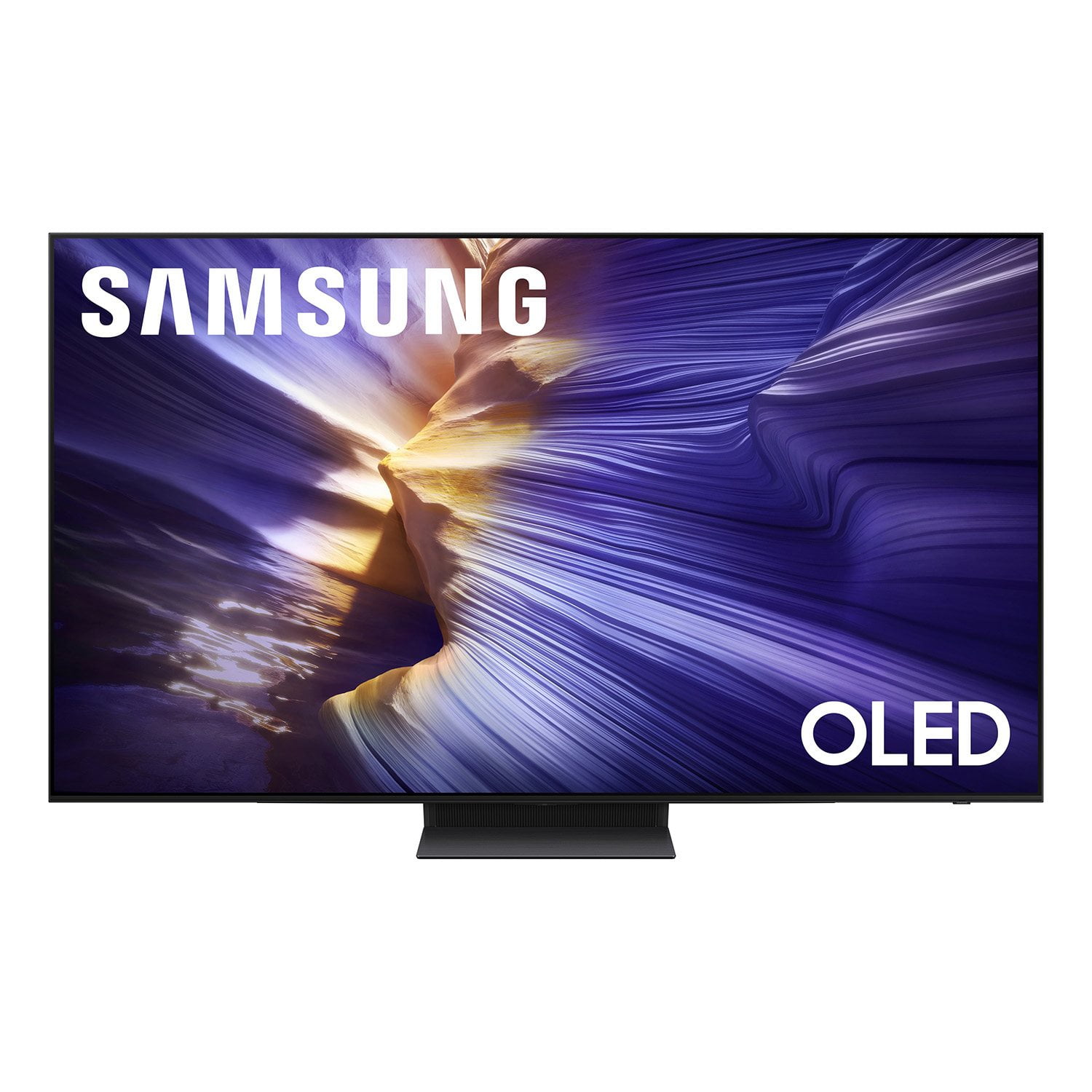
SAMSUNG 48” Class S90FD Series 4K OLED Smart TV
4.7 out of 5 stars
stars
687 ratings687 reviews
  1. 5 stars78% (538)
  2. 4 stars14% (99)
  3. 3 stars4% (26)
  4. 2 stars2% (15)
  5. 1 star1% (9)

Member photos

  • +224 images
Sort by |
Showing 241-250 of 687 reviews
Sep 2, 2026
Reviewer name: Ms Tanya
5 out of 5 stars
5 out of 5 stars review

Fabulous!

[This review was collected as part of a promotion.] This is an amazing TV; I love everything about it! I was able to cancel my TV services due to Samsung TV!

Review from Samsung US
Helpful?47UFZLBAKP7S17341154852
Aug 21, 2026
Reviewer name: Sideahow
5 out of 5 stars
5 out of 5 stars review

This is a great TV.

[This review was collected as part of a promotion.] I have had no problems whatsoever since I got this TV. I absolutely love it. It is bright great contrast very responsive. No lag at all

Review from Samsung US
Helpful?47UFZLBAKP7S17341154852
Sep 22, 2026
Reviewer name: Bako
5 out of 5 stars
5 out of 5 stars review

Great screen

[This review was collected as part of a promotion.] 100% very good I love it Very good progress we can do because we can't do in one hour It's very nice Everybody loved itCan we do

Review from Samsung US
Helpful?47UFZLBAKP7S17341154852
Sep 28, 2026
Reviewer name: jamrrj
3 out of 5 stars
3 out of 5 stars review

.

[This review was collected as part of a promotion.] when watching live sports the picture seems to pixelate. sometimes the words do not match to the sound

Review from Samsung US
Helpful?47UFZLBAKP7S17341154852
reply from Samsung Pro

jamrrj, We’re sorry to hear about the distorted picture on your Samsung S90FD TV. This can sometimes happen due to video compression - especially with fast-moving content like sports or action scenes. Here are a few quick steps to try: 1. Unplug and reconnect power and HDMI cables 2. Use a certified 4K HDMI cable if your external device supports UHD 3. Check your internet connection if streaming - restart your router if needed 4. Review video output settings on your external device to ensure compatibility Also, please make sure your TV is running the latest firmware: Settings > Support > Software Update > Update Now The audio syncing issues you're experiencing may be related to the content source, but if you're noticing the audio delay across all sources or channels, especially when using an external speaker setup (soundbar, receiver, etc.), there are a few settings that may help: 1. Adjust Digital Audio Delay. You can manually increase the audio delay to better match the video: Settings > All Settings > Sound > Expert Settings > Digital Output Audio Delay 2. Enable Audio Pass-Through. Samsung TVs include an audio pass-through option, which sends the audio signal directly to your connected soundbar or receiver without additional processing by the TV. This can reduce delay when using external audio devices: Settings > All Settings > Sound > Expert Settings > Digital Audio Output Format > Pass-Through 3. Check for Firmware Updates. Ensure your TV is running the latest software, which may include performance improvements If these issues continue, feel free to reach out to Samsung Support at 1-800-SAMSUNG (8AM – 9PM EST Mon – Fri, 8AM – 6PM Sat). LiveChat is also available via the ‘Support’ link on our website. ~ Samsung Pro

Sep 5, 2026
Reviewer name: JimT
3 out of 5 stars
3 out of 5 stars review

Operating system is awful

[This review was collected as part of a promotion.] Picture is phenomenal and sound is good. The operating system is so glitchy, invasive and heavy handed it overwhelms all the positives.

Review from Samsung US
Helpful?47UFZLBAKP7S17341154852
reply from Samsung Advisor

Hi JimT, We appreciate your feedback regarding your S90FD TV’s performance. If you're experiencing freezing or lag in general response time, please try the following steps: 1. Check for firmware updates – Keeping your TV up to date can resolve many performance issues: Home > Settings > Support > Software Update > Update Now 2. Run Device Care – This tool checks system memory, frees up cached data, and closes background apps that could be slowing things down: Home > Settings > Support > Device Care > Start Device Care 3. Cold boot your TV – With the TV powered on, press and hold the Power button on your remote for 5+ seconds until the TV restarts. This helps refresh the system. If you're still noticing performance snags after these steps, please contact Samsung Support at 1-800-SAMSUNG (8AM – 9PM EST Mon – Fri, 8AM – 6PM Sat – Sun). You can also connect with a LiveChat agent via the ‘Support’ link on our website. ~ Samsung Advisor

Sep 21, 2026
Reviewer name: Wave
5 out of 5 stars
5 out of 5 stars review

Wonderful tv

[This review was collected as part of a promotion.] We love our Samsung TV. The picture is amazing. My husband has some dementia, and he even truly appreciates it.

Review from Samsung US
Helpful?47UFZLBAKP7S17341154852
Sep 21, 2026
Reviewer name: Timk
5 out of 5 stars
5 out of 5 stars review

Great TV

[This review was collected as part of a promotion.] Enjoy this tv very much, an love the interface. Its easy to switch between apps. Also the battery is rechargeable, no low batteries.

Review from Samsung US
Helpful?47UFZLBAKP7S17341154852
Sep 12, 2026
Reviewer name: Applover
5 out of 5 stars
5 out of 5 stars review

Great tv

[This review was collected as part of a promotion.] The Picture is very clear and the apps work great. The set up was so easy my 9 year old was able to do it himself.

Review from Samsung US
Helpful?47UFZLBAKP7S17341154852
Sep 20, 2026
Reviewer name: Bronxwalks
3 out of 5 stars
3 out of 5 stars review

Mixed Report

[This review was collected as part of a promotion.] The TV picture is excellent. The audio quality is almost poor. The remote is just awful. It doesn't have a keyboard among other faults. I use the internet providers remote.

Review from Samsung US
Helpful?47UFZLBAKP7S17341154852
reply from Samsung Pro

Bronxwalks, We appreciate you taking the time to share your experience with us. Feedback like yours plays a vital role in helping us improve, and it will be shared with our internal teams as we continue working to enhance the customer experience. If you ever have questions or need help with your S90FD TV, please don't hesitate to contact us at 1-800-SAMSUNG (8AM – 9PM EST Mon – Fri, 8AM – 6PM Sat – Sun). You can also connect with us via LiveChat through the ‘Support’ link on our website. ~ Samsung Pro

Sep 21, 2026
Reviewer name: Captain
5 out of 5 stars
5 out of 5 stars review

Light weight

[This review was collected as part of a promotion.] This TV is wonderful - crisp & clean all the way to the edges of the screen. Audio is excellent too.

Review from Samsung US
Helpful?47UFZLBAKP7S17341154852