Skip to Main Content
Sam's Club
Sam's Club
All Departments
All Services
Customer reviews for SAMSUNG 48” Class S90FD Series 4K OLED Smart TV for
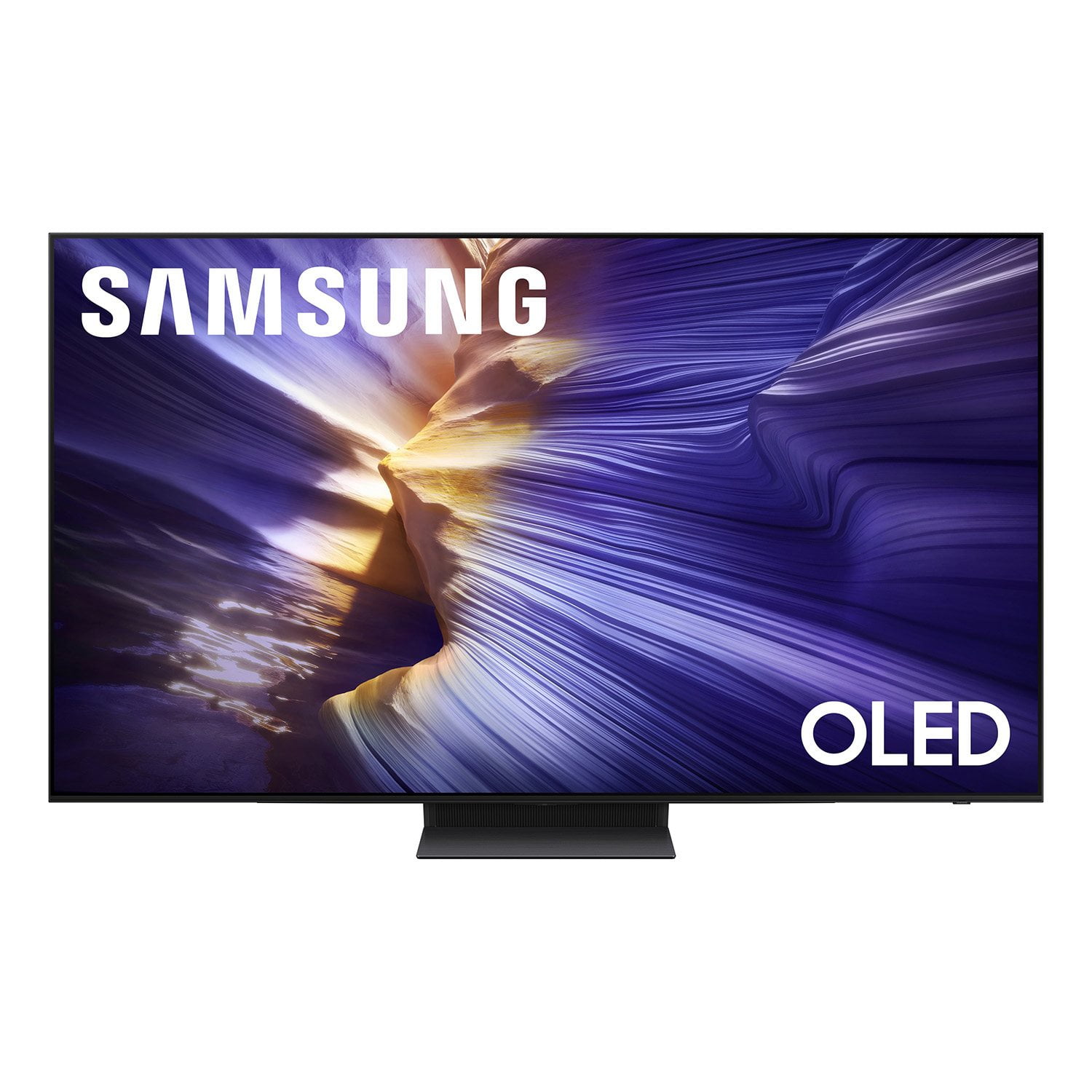
SAMSUNG 48” Class S90FD Series 4K OLED Smart TV
4.7 out of 5 stars
stars
339 ratings339 reviews
  1. 5 stars79% (269)
  2. 4 stars13% (44)
  3. 3 stars4% (13)
  4. 2 stars3% (9)
  5. 1 star1% (4)
Sort by |
Showing 1-10 of 339 reviews
Jul 7, 2026
Larry L
5 out of 5 stars review

Beautiful picture.

Outstanding picture! The video quality of this TV is Amazing. This OLED TV can be viewed from any angle even in a bright room. I worked in Broadcast TV for 43 years and my job was to monitor for poor or inconsistent video. I haven't seen anything to complain about yet (after 40 days). I do have one issue, the remote control is totally black, hard to read and not intuitive. However, the remote app for Android works MUCH better. Given the price, a little more attention to the remote would have been nice.

Review from Samsung US
Helpful?47UFZLBAKP7S17341154852
Jul 2, 2026
T Dub
5 out of 5 stars review

Another great QD OLED

Absolutely love my new 65" S90F, the updated SoC vs my 55" S95B makes it far more responsive in menus and apps. I also really enjoy the increased brightness of the newer generation panel. This makes my third Samsung QD OLED, as I also have the 32" G81SF computer monitor.

Review from Samsung US
Helpful?47UFZLBAKP7S17341154852
Jul 5, 2026
Kellie
5 out of 5 stars review

Samsung OLED 4K 65" TV

It's gorgeous. We love this TV. And the 4K option? It is top notch. Wish more programs were in 4k. My 1st experience with the 4k was the halftime show of the 2025 NFL Thanksgiving Day game that featured Jack White. I turned to the 4k station during his performance and it literally took my breath away. It was almost like I was there! Amazing!

Review from Samsung US
Helpful?47UFZLBAKP7S17341154852
Jul 20, 2026
Biker7
5 out of 5 stars review

Outstanding picture

The Picture is outstanding. Crystal clear and details are great. The sound system is also a vast improvement due to the speakers being mounted on the bottom as opposed to the back of the TV like older models. Easy set up. And great access to installing Apps and switching between them.

Review from Samsung US
Helpful?47UFZLBAKP7S17341154852
Jul 6, 2026
NatC
5 out of 5 stars review

Sound system

[This review was collected as part of a promotion.] Has a good speaker system for elder people and not many TVs have good speakers. The TV industry are to focus on the picture quality and not the sound quality. Speakers are either in the back or on the side so that makes it a less efficient sound. Samsung should make a tv with speakers that face on the bottom and outward to the audience

Review from Samsung US
Helpful?47UFZLBAKP7S17341154852
Jul 6, 2026
None
5 out of 5 stars review

Great purchase

I love my new Samsung smart TV! There is definitely a learning curve, Alexa has helped with all my issues so far. The picture is very sharp and bright, even with night scenes, which I struggled to see with my old smart TV. Very please with this purchase.

Review from Samsung US
Helpful?47UFZLBAKP7S17341154852
Jul 6, 2026
GFran
5 out of 5 stars review

Great Value TV and selection of Samsun TV Plus

I bought this at Costco. great value for a TV, especially with all the SAMSUNG TV Plus selections. Two things that they can improve on: 1) Remote - the volume and channel change buttons are too small. They should improve on this 2) the Apps menu that goes along with the Samsung TV Plus, TV, Apple Play, Live Air, Netflix, etc. When I select on Home in the Remote, all those apps are too small...the highlight is not bright good enough to select the apps, often going on level lower. I wish those App icons were larger.

Review from Samsung US
Helpful?47UFZLBAKP7S17341154852
Jul 7, 2026
Big Al
4 out of 5 stars review

Snap together pedestal,captioning,remote control

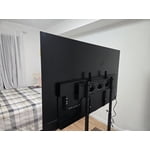
[This review was collected as part of a promotion.] Hello, This is not our first big screen was totally surprised that the pedestal supporting 65” snaps together instead of attaching securely with screws ,not impressed at all with flimsy snap together manufacturing method. We use captioning often due to don’t want to disturb other people resting,sleeping,doing homework etc.When using on local over the air broadcast channels have to use (Live Translate) which is black background and tiny small letters and not adjustable type captioning.But when on internet channels all caption options are programmable when Caption is selected. Remote control is difficult for some to use,older style with numbers to use for channels etc. are more user friendly than compact newer style.Some folks probably become frustrated return tv due to new style. Far as picture it’s best of TV’s we’ve ever owned. Big Al

Review from Samsung US
Helpful?47UFZLBAKP7S17341154852
Jul 5, 2026
Vaper
4 out of 5 stars review

Very good TV

Good picture, very good color. I feel like the picture size is slightly too large for the screen, some bulletins & station identifier are cut off. Remote is very simple & does the basics but another one is needed for searching. Installation & hanging was simple & painless.

Review from Samsung US
Helpful?47UFZLBAKP7S17341154852
Jul 20, 2026
juness
2 out of 5 stars review

Disappointed

Disappointed with top of the line 77 inch tv. Sound is horrible and volume needs to be turned up high in the 30s just to barely hear dialogue. Set doesn’t turn on sporadically and it sometimes takes up to 15 minutes to power up and on. Samsung soundbar B650/za does not enhance anything.

Review from Samsung US
Helpful?47UFZLBAKP7S17341154852
reply from Samsung Advisor

Hi juness, Thank you for choosing the Samsung S90FD TV and for sharing your feedback. If the overall volume seems low, there are several settings and features you can adjust to improve your sound experience: Volume Features to Check: • Auto Volume: Automatically balances volume when switching channels or inputs. Go to: Settings > All Settings > Sound > Expert Settings > Auto Volume • Sound Modes: Choose from preset sound profiles to better suit your preferences: Settings > All Settings > Sound > Sound Mode • AI Mode Settings: Enable AI Mode to let your TV analyze your environment and content, optimizing sound in real time. This includes: o Adaptive Sound o Active Voice Amplifier (AVA) – Raises dialogue levels when ambient noise is detected o Adaptive Volume Go to: Settings > All Settings > Advanced Features > AI Mode Settings > AI Mode Also Check: • External Devices: If you're using a cable box, streaming device, Blu-ray player, or game console, make sure the volume on those devices isn’t turned down. Also verify that all cables are properly connected and try reseating them. • Software Update: Make sure your TV is running the latest firmware for the best audio performance: Settings > Support > Software Update > Update Now If you continue to have issues with your TV, resetting the Smart Hub may help: Settings > Support > Device Care > Self Diagnosis > Reset Smart Hub. If you continue to experience issues, Samsung Support is here to assist at 1-800-SAMSUNG (8AM – 9PM EST Mon – Fri, 8AM – 6PM Sat – Sun). LiveChat and additional support resources are also available through the Support link on our website. ~ Samsung Advisor