reply from ASUS Answers
Dear Asusdobetter, Thank you for your feedback. We do understand your disappointment with this Desktop PC and the inconvenience this may have caused. If you are experiencing stability ands performance issues, check if Windows, drivers, BIOS, applications and games are up to date. Updates for this PC are posted at: https://rog.asus.com/us/desktops/full-tower/rog-g700-2025-g700/helpdesk_download/. Additionally, check if you are running the most current Armoury Crate utility software. The most current version is available for download at: https://www.asus.com/supportonly/armoury%20crate/helpdesk_download/. While accessing cloud games or web applications, ensure this PC has access to an established router and internet service is working properly since poor and unstable internet connection will affect system stability and performance. Keeping the PC always updated will maintain optimum system stability and performance. If these steps were performed to no avail, try to run a diagnostics or optimization test using the "MyASUS" utility software or application. If this is not pre-installed on the laptop, please download the application at the Microsoft Store. For details on how to use "My ASUS", please go to: https://www.asus.com/support/FAQ/1041686/. If you need further assistance, please email me at cl-rodel@asus.com and I would be happy to help. Or you are most welcome to call Product Support Hotline at: 1(888) 678-3688. Also, you can chat with an ASUS live support agent from the link: https://www.asus.com/us/support/article/1135/. Thank you for choosing an ASUS product. Regards, Rodel ASUS Customer Loyalty

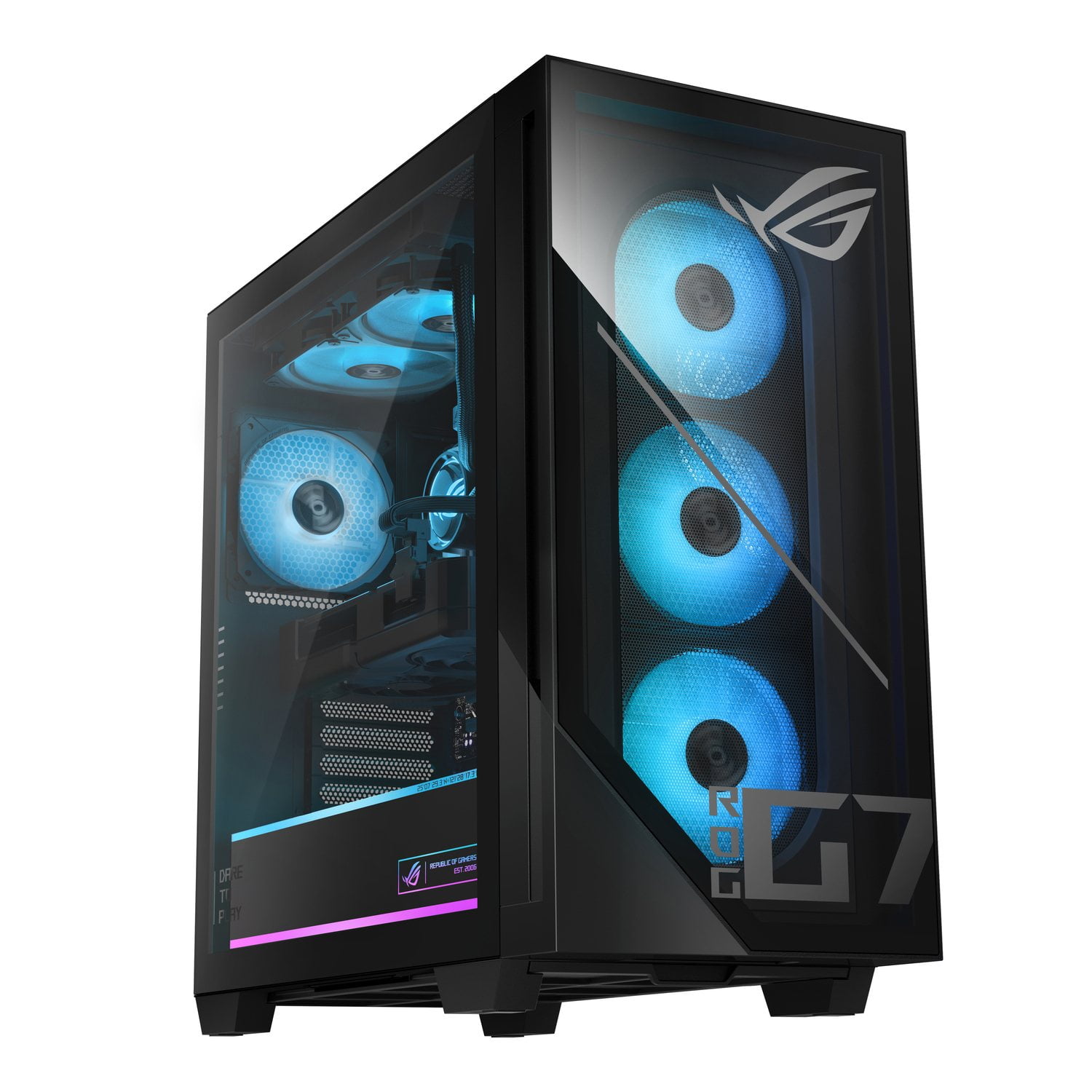 Customer reviews for ASUS ROG G700 Gaming Desktop Tower | Intel® Core™ Ultra 7 265F | NVIDIA® GeForce RTX™ 5070 | 32GB DDR5 RAM | 2TB SSD | Windows 11 Home | 2-Year Warranty for