Skip to Main Content
Sam's Club
Sam's Club
Customer reviews for SAMSUNG 50" Class U7900F Series 4K Crystal UHD Smart TV for
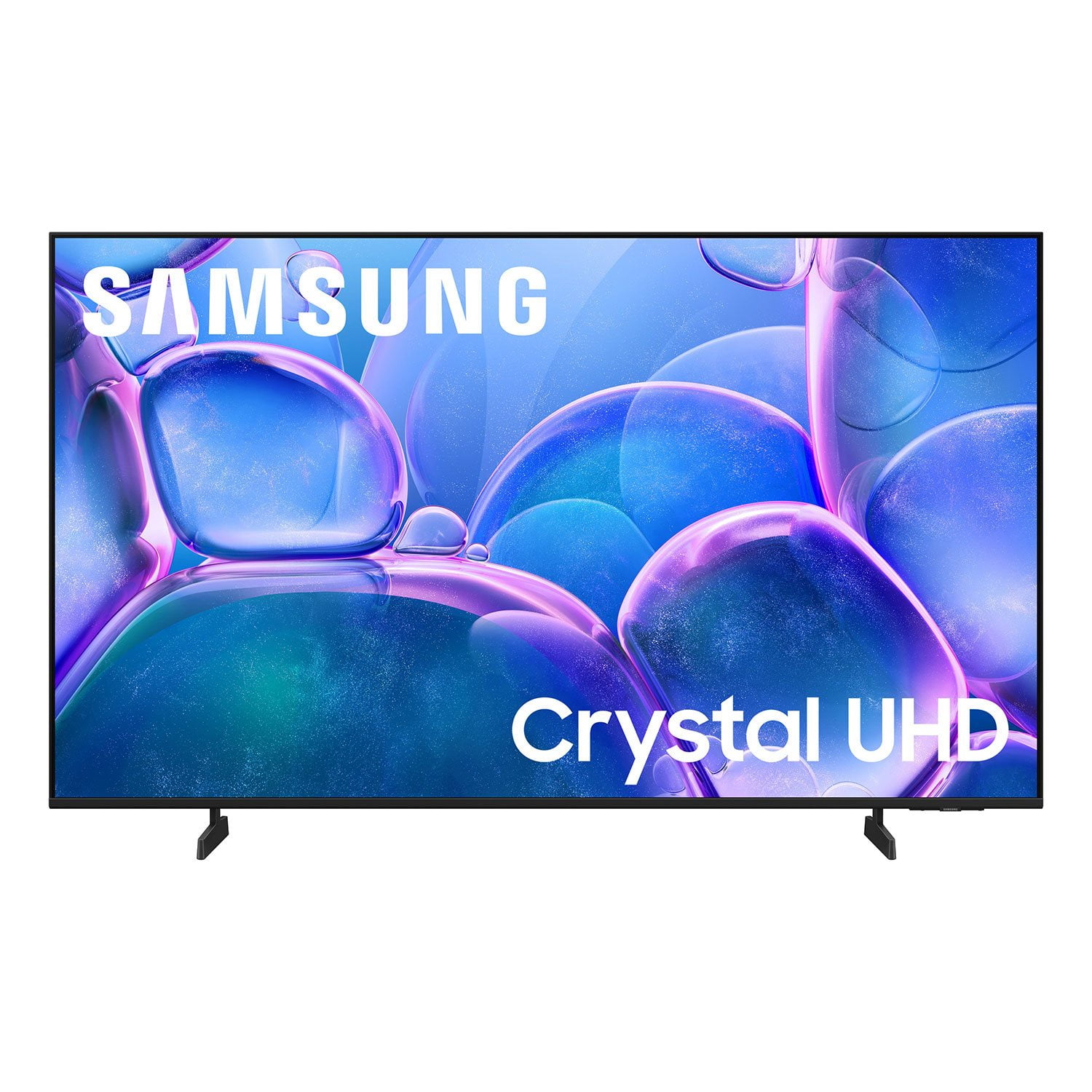
SAMSUNG 50" Class U7900F Series 4K Crystal UHD Smart TV
4.6 out of 5 stars
stars2,146 ratings2,082 reviews
  1. 5 stars77% (1,644)
  2. 4 stars15% (314)
  3. 3 stars4% (96)
  4. 2 stars2% (36)
  5. 1 star3% (56)

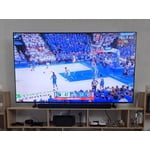
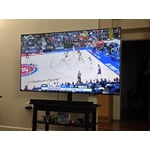
Member photos

  • +822 images
Sort by |
Showing 71-80 of 2,082 reviews
Apr 26, 2026
MrShotCalla
5 out of 5 stars review

Samsung 65 Crystal Has Beautiful Picture !

[This review was collected as part of a promotion.] My fiancée bought me a beautiful 65- in. Samsung Crystal Smart TV for a Father's Day gift and I love it ! The picture is clear and brightly displays images and more while watching this wonderful TV screen. I would definitely stay with brand and recommend it to others.

Review from Samsung US
Helpful?5C20ZRAZZ46Q16498555478
Apr 20, 2026
Samsung4Eva
5 out of 5 stars review

SUPER GREAT TV

[This review was collected as part of a promotion.] This TV has an excellent picture resolution. The color if very vivid. The pictures are bright, crisp and clear. It also has a film maker mode on it that's really cool. Its thin and sleek design make it a very nice addition to my other Samsung products. It connects seamlessly to my samsung soundbar or my Samsung buds 4 pro it I prefer. Also connects to my Galaxy s24 ultra with ease.ive had no issues with security. I love it

Review from Samsung US
Helpful?5C20ZRAZZ46Q16498555478
Apr 20, 2026
VampyreMan
2 out of 5 stars review

retains high quality picture. Updated normally

[This review was collected as part of a promotion.] Firstly, graphics have always been great. But pretty much everything else has been a rapid decline. There was a recent update that helped it alot though, so that's a good thing. Still turns off randomly (not due to updates) though. But im a Samsung only kind of man, so I'll deal with it until I can get my AU8000 repaired that was under warranty but they refused to do the simple fix.

Review from Samsung US
Helpful?5C20ZRAZZ46Q16498555478
reply from Samsung Advisor

Hi VampyreMan, We’re sorry to hear your U7900F TV is turning off on its own. Please try the following troubleshooting steps which may help resolve the issue: 1. Unplug the TV from the wall outlet or surge protector for at least 30 seconds. 2. Inspect the power cord for any visible damage. If damaged, the cord may need to be replaced. 3. Plug the TV directly into a wall outlet, bypassing any power strip or surge protector for now. 4. If the TV remains on long enough, try updating the TV’s software: Home > left directional key > Settings > Support > Software Update > Update Now. Note: If your TV powers off during the update, it could result in damage, so only proceed if the TV is stable. Next, check the TV’s Power and Energy Saving settings to ensure no timers or auto-off features are enabled: • Sleep Timer: Settings > All Settings > General & Privacy > Power and Energy Saving > Sleep Timer • Auto Power Off and Off Timer: Settings > All Settings > General & Privacy > Power and Energy Saving > Auto Power Off/Off Timer Also, if you have devices connected via HDMI, check if Anynet+ (HDMI-CEC) is enabled, as this can allow external devices to control the TV and may cause it to turn off: Settings > All Settings > General & Privacy > External Device Manager > Anynet+ (HDMI-CEC) = Off If your TV continues to power off unexpectedly, please call us at 1-800-SAMSUNG, 8AM – 9PM EST Mon – Fri, 8AM – 6PM Sat – Sun. Our LiveChat agents are also available through the ‘Support’ link on our website. ~ Samsung Advisor

Apr 22, 2026
Darth Pikachu
5 out of 5 stars review

Best TV I've ever had.

[This review was collected as part of a promotion.] It's amazing, great picture, there is no motion blur, nor any color correction, both of which makes tv worse. The sound is fantastic, the brightness could be better, but it's better than a roku. The 4k resolution is perfect, and so far there is no problem with security. I love it.

Review from Samsung US
Helpful?5C20ZRAZZ46Q16498555478
Apr 20, 2026
HarryB
5 out of 5 stars review

My TV

[This review was collected as part of a promotion.] The TV is great, everything from ease of use to quality of picture it is the best TV I have purchased. It has a great security feature. The color is vibrant! The screen brightness can be changed with ease. The resolution is spectacular! I woukd recommend this TV to my friends!

Review from Samsung US
Helpful?5C20ZRAZZ46Q16498555478
Apr 13, 2026
SDWalker
5 out of 5 stars review

An Amazing Resolution

[This review was collected as part of a promotion.] “The Samsung TV looks incredible in my living room. It has a bright resolution, and the colors look amazing in every picture mode. It also feels very secure whether it’s mounted on the wall or placed on a stand, because the design and weight make it stable and easy to handle. I’m even considering replacing my other brands because they don’t perform as well as this one.”

Review from Samsung US
Helpful?5C20ZRAZZ46Q16498555478
Apr 5, 2026
Bought the tshirt
3 out of 5 stars review

Great price, disappointing viewing

[This review was collected as part of a promotion.] It’s a large screen TV at a great price. My primary quarrel is with watching dark shows (so many are these days) during the daytime in a well lit room. It proves nearly impossible to see any detail. It’s unfortunate and what that means is I can only watch my primary shows during the evening. TV is a serious hobby and I go to sleep fairly early so it’s upsetting to be confined to evenings only which provides only 1-2 of quality watch time. Unfortunately there is not enough adjustment within the TV’s picture capabilities to combat this though I’ve optimized settings as much as possible. I also had an issue with weird red lines appearing onscreen occasionally. I had to unplug the TV to make them go away. This issue seems to have resolved after 3-4 months.

Review from Samsung US
Helpful?5C20ZRAZZ46Q16498555478
reply from Samsung Advisor

Hi Bought the tshirt, We’re sorry to hear you’re not fully satisfied with the picture quality on your Samsung U7900F TV. If the image appears too dark, we suggest disabling certain energy-saving features, which can automatically adjust brightness and affect how the screen looks. Go to: Settings > All Settings > General & Privacy > Power and Energy Saving, then turn off Brightness Optimization, Energy Saving Solution, Motion Lighting, and/or Contrast Enhancer. You can also adjust the Picture Mode to better suit your environment: Settings > All Settings > Picture > Picture Mode • Standard – Default mode for general viewing • Dynamic – Brighter and clearer, ideal for well-lit rooms • Movie – Best for dark room viewing • Eco – Energy-saving mode • Filmmaker Mode – Preserves content as intended by creators To fine-tune brightness, go to: Home > left directional key > Settings > All Settings > Picture > Expert Settings, then adjust the Brightness level (0–50) to your preference. Lastly, please make sure your TV is running the latest firmware: Home > Home > left directional key > Settings > Support > Software Update > Update Now. I hope these suggestions help. If you have any other questions, feel free to call us at 1-800-SAMSUNG between 8AM – 9PM EST Mon – Fri, 8AM – 6PM Sat – Sun, any day of the week. You can also reach our LiveChat team by selecting the ‘Support’ link on our website. ~ Samsung Advisor

Apr 23, 2026
SamsungFan
3 out of 5 stars review

All in all a good entry level TV.

[This review was collected as part of a promotion.] It's a decent TV with a good picture but is very laggy on controls when pushing a button on the remote. It takes a long time to register which button was pressed. Also when I turn my Xbox on, it either takes a long time to realize it was turned on or doesn't come on at all and there's no selection to choose the Xbox even when I try different or new HDMI cords from the Xbox to the TV. I do enjoy being able to seamlessly connect my phone and galaxy buds pro3 to the TV. It's also very thin and lightweight. Picture is very bright and the colors pop. The resolution with my Xbox is pretty good and I love the built in live tv with Samsung tv. Also very secure on keeping people from connecting their phones without permission.

Review from Samsung US
Helpful?5C20ZRAZZ46Q16498555478
reply from Samsung Advisor

Hi SamsungFan, We appreciate your feedback regarding response time. For optimal performance, please ensure your U7900F TV is running the latest firmware. You can check this by going to: Home > left directional key > Settings > Support > Software Update To further optimize performance, try running Device Care, which checks memory, clears unused cached data, and closes background apps: Home > left directional key > Settings > Support > Device Care > Start Device Care If issues continue, please reach Samsung Support at 1-800-SAMSUNG, available 8AM – 9PM EST Mon – Fri, 8AM – 6PM Sat – Sun. LiveChat is also available via the ‘Support’ link on our website. ~ Samsung Advisor

Apr 21, 2026
JoeDevo
1 out of 5 stars review

Failed after a short time

[This review was collected as part of a promotion.] I’ve had this TV for @ 1 year and it has ceased to work properly. We tried to reset with no effect. Screen simple blinks on and off a dull blue. Remote does nothing and we can only turn it off by unplugging it. It is a bedroom TV so it has had relatively little use compared to our other TVs. A total disappointment.

Review from Samsung US
Helpful?5C20ZRAZZ46Q16498555478
reply from Samsung Advisor

Hi JoeDevo, We’re sorry to hear of the screen interruptions you've encountered. This can be caused by loose connections, faulty cables, or external device settings. These are typically quick to resolve, and we’re here to help. Please contact Samsung Support at 1-800-SAMSUNG so we can assist you further. You can also access LiveChat and additional resources by visiting the Support section on our website. ~ Samsung Advisor

Apr 20, 2026
Juju
5 out of 5 stars review

More Than a Display—It’s an Aesthetic Experience

[This review was collected as part of a promotion.] ​When I decided to upgrade my home entertainment setup, I wasn't just looking for a screen; I was looking for a centerpiece. The Samsung 65" Crystal UHD 4K Smart TV hasn’t just filled the space on my wall—it has completely redefined how I engage with visual storytelling. ​Visual Brilliance meets Tailored Design The first thing that strikes you is the MetalStream design. In a world of bulky plastic, this TV feels like an intentional piece of architecture. It’s sleek, minimal, and blends seamlessly with my home decor, proving that technology can be as beautiful as the art it displays. The Crystal Processor 4K is the true workhorse here; the 4K upscaling is genuinely transformative, pulling detail out of older classics that I’ve seen a dozen times but never truly seen until now. ​Intuitive Intelligence What truly elevates this experience is the Tizen-powered interface. It’s snappy, intuitive, and doesn't get in the way of what matters. Whether I am jumping from a high-stakes gaming session using the Auto Game Mode or settling in for a cinematic night with HDR-enhanced content, the transition is effortless. The adaptive brightness is a standout feature—it respects the lighting in my room, ensuring that whether it’s high noon or late evening, the picture remains perfectly balanced without me ever having to touch a setting. ​The Bottom Line This TV is the rare intersection of luxury aesthetics and high-performance engineering. It provides an immersive, vivid experience that makes every frame feel deliberate. For anyone looking to invest in a television that treats their content—and their living space—with the respect it deserves, the 65" Crystal UHD is the gold standard.

Review from Samsung US
Helpful?5C20ZRAZZ46Q16498555478