Skip to Main Content
Sam's Club
Sam's Club
Customer reviews for SAMSUNG 50" Class U7900F Series 4K Crystal UHD Smart TV for
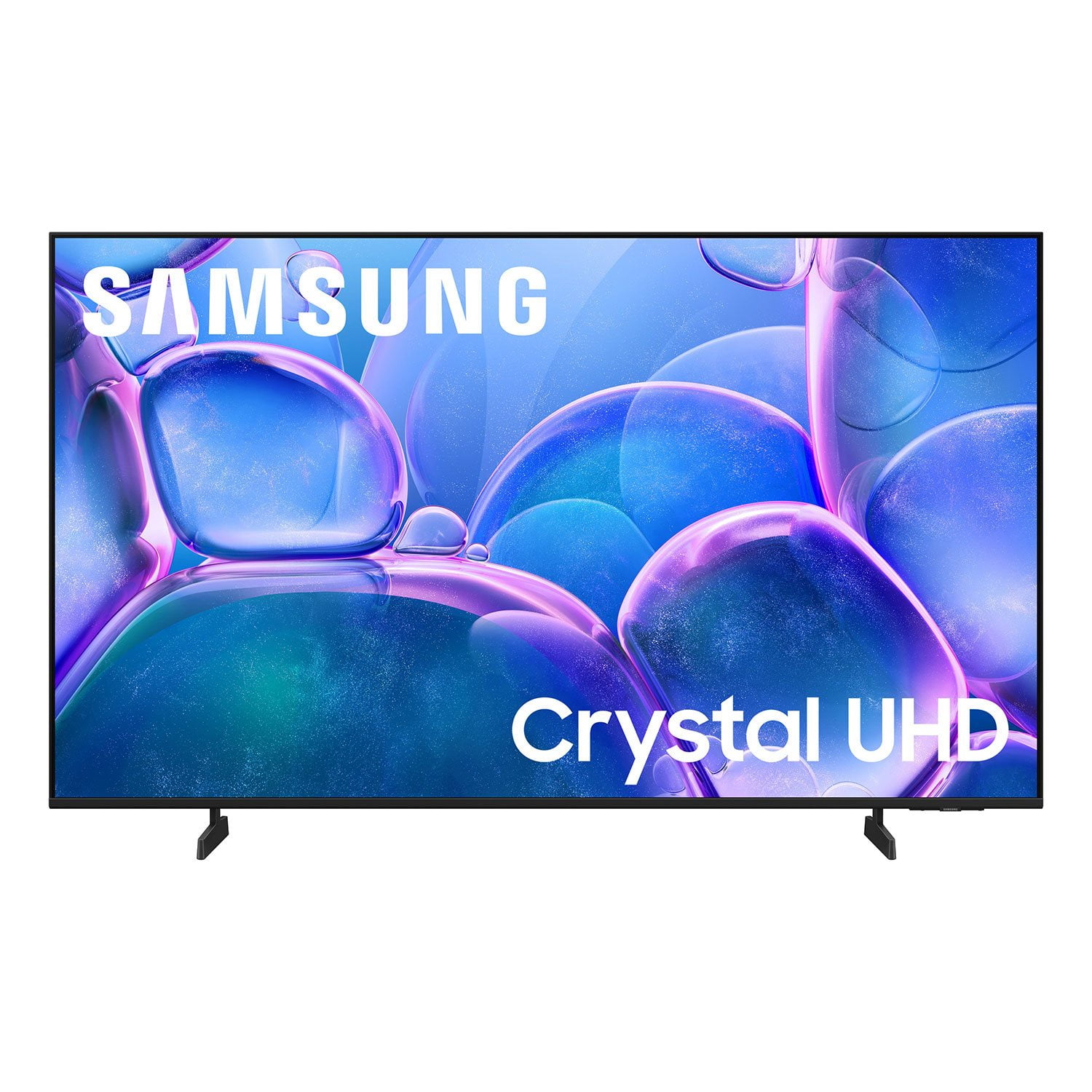
SAMSUNG 50" Class U7900F Series 4K Crystal UHD Smart TV
4.6 out of 5 stars
stars2,344 ratings2,280 reviews
  1. 5 stars76% (1,779)
  2. 4 stars15% (342)
  3. 3 stars5% (113)
  4. 2 stars2% (44)
  5. 1 star3% (66)

Member photos

  • +886 images
Sort by |
Showing 2,221-2,230 of 2,280 reviews
Jan 20, 2026
Hanko
4 out of 5 stars review

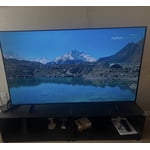
Great picture

I turn off the tv and a minute later it comes on with the screen saver. Very annoying

Review from Samsung US
Helpful?5C20ZRAZZ46Q16498555478
Jan 5, 2026
kpkp
1 out of 5 stars review

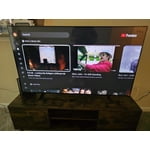
Bad interface

we stopped using it because nobody can figure out the interface.

Review from Samsung US
Helpful?5C20ZRAZZ46Q16498555478
reply from Samsung Specialist

kpkp, Thank you for sharing your feedback with us. To help you get the most from your TV, you can download the full e-Manual and more by visiting Samsung’s website, then navigating to: Support > Manual & Software > TVs & Home Theater. From there, you can search for and select your U7900F TV model to view or download the available guides. The e-Manual & User Guide are also conveniently built into your TV: Settings > Support > Tips and User Guides. Your TV includes Learn Menu Screen, an accessibility feature that provides audio guidance for on-screen menus. When enabled, your TV will announce the name and function of each menu item as you scroll, without making any changes. This feature is particularly helpful for users who are visually impaired or new to Smart TV menus. To enable, go to: Settings > All Settings > General & Privacy > Accessibility > Learn Menu Screen. To exit, press the Return key twice. If you’d like more assistance with this feature, please reach Samsung Support at 1-800-SAMSUNG, available 8AM – 12AM EST, 7 days a week. LiveChat agents are also available through the ‘Support’ link on our website. ~ Samsung Specialist

Dec 3, 2025
Abners acount
5 out of 5 stars review

Great tv

Great TV for the money works great love it i would buy it if it was me

Review from Samsung US
Helpful?5C20ZRAZZ46Q16498555478
Jan 5, 2026
Linda
5 out of 5 stars review

My Samsung tv

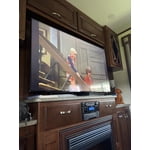
This is a very interesting tv. It can play music and display a fire place

Review from Samsung US
Helpful?5C20ZRAZZ46Q16498555478
Aug 19, 2025
Wagdog1
5 out of 5 stars review

Love our newSamsungTV!

[This review was collected as part of a promotion.] Very easy to set up and we love the features of our new Samsung TV!

Review from Samsung US
Helpful?5C20ZRAZZ46Q16498555478
Jul 5, 2025
GumpNJ
4 out of 5 stars review

Great picture menu a bit truicky

[This review was collected as part of a promotion.] I love the TV, but haven’t figured out how to setup defaults to go to cable automatically etc…

Review from Samsung US
Helpful?5C20ZRAZZ46Q16498555478
reply from Samsung Advisor

Hi GumpNJ, Thank you for your review. While your U7900 TV may currently default to Samsung TV Plus when powered on, you can customize what your TV does at startup by adjusting the Start Screen Options. To do this, navigate to: Settings > All Settings > Advanced Features > Start Screen Option and choose from the following: 1. Start with Smart Hub Home – Automatically launches Smart Hub when the TV is turned on. You can enable or disable this option based on your preference. 2. Autorun Multi View Casting – If you cast YouTube content from your mobile device, the TV will automatically display the content using Multi View. 3. Autorun Multi View Mirroring – When you screen mirror your mobile device, Multi View will automatically open to show your device’s screen. If you need help adjusting these settings or have any other questions, please contact Samsung Support at 1-800-SAMSUNG, 8AM – 12AM EST, 7 days a week. LiveChat agents are also available by clicking on the ‘Support’ link on our website. ~ Samsung Advisor

Jul 30, 2025
Qm5nyc
5 out of 5 stars review

This TV is great!

[This review was collected as part of a promotion.] This tv is easy to use and set up with the app i already had.

Review from Samsung US
Helpful?5C20ZRAZZ46Q16498555478
Aug 30, 2025
Tiddle
5 out of 5 stars review

This product has great features & picture quality

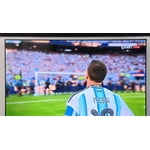
[This review was collected as part of a promotion.] I love watching movies, playing music concerts, watching TV sitcoms and shows

Review from Samsung US
Helpful?5C20ZRAZZ46Q16498555478
Aug 22, 2025
Love2game
5 out of 5 stars review

This product has a great resolution.

[This review was collected as part of a promotion.] I use my tv for streaming and playing video games.

Review from Samsung US
Helpful?5C20ZRAZZ46Q16498555478
Aug 22, 2025
Boydpoe1
5 out of 5 stars review

Vernon-boyd

[This review was collected as part of a promotion.] I love the tv ,my son loves to play call of duty on it

Review from Samsung US
Helpful?5C20ZRAZZ46Q16498555478