Skip to Main Content
Sam's Club
Sam's Club
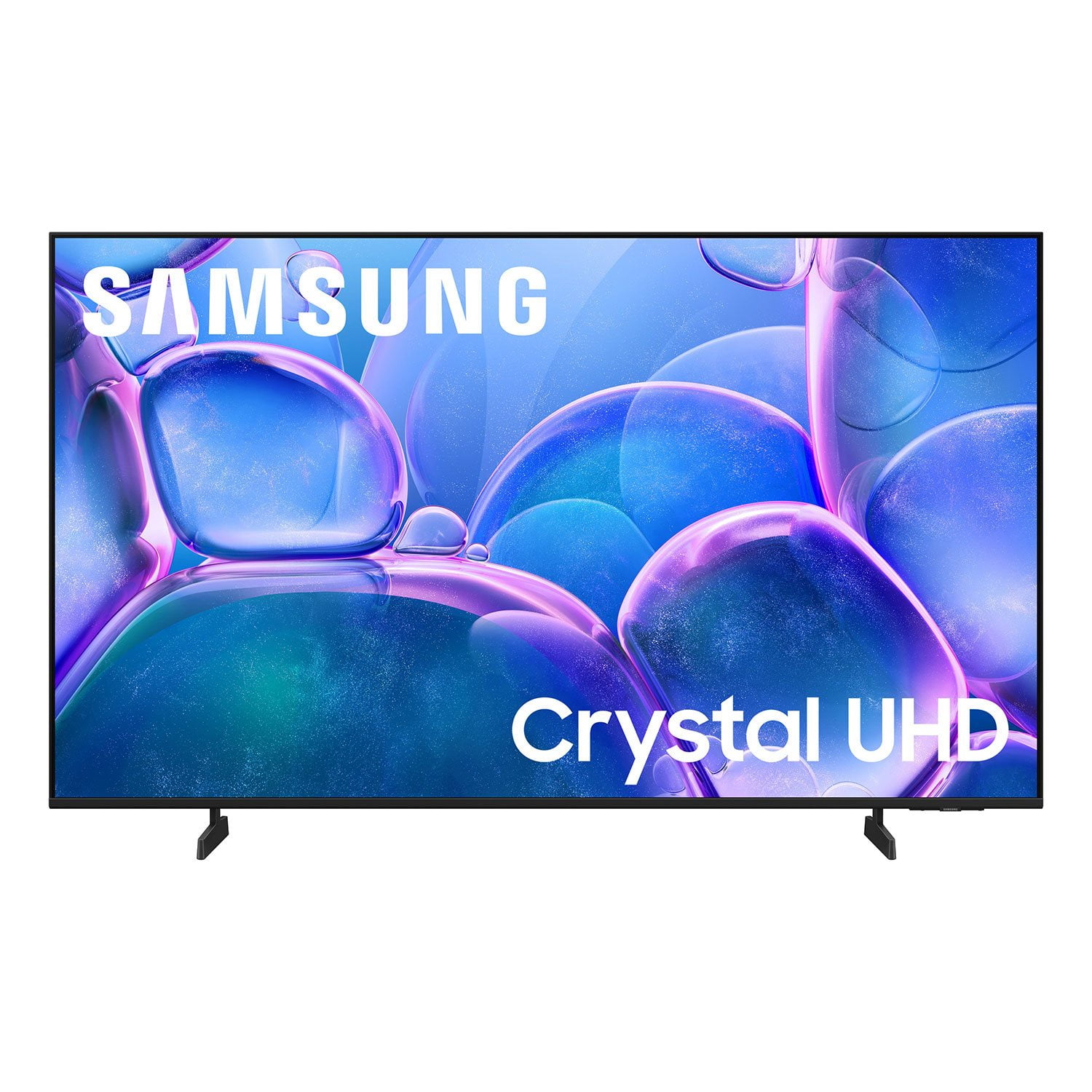
Customer reviews for SAMSUNG 50" Class U7900F Series 4K Crystal UHD Smart TV for
SAMSUNG 50" Class U7900F Series 4K Crystal UHD Smart TV
4.6 out of 5 stars
stars2,146 ratings2,082 reviews
  1. 5 stars77% (1,644)
  2. 4 stars15% (314)
  3. 3 stars4% (96)
  4. 2 stars2% (36)
  5. 1 star3% (56)

Member photos

  • +822 images
Sort by |
Showing 1,901-1,910 of 2,082 reviews
Oct 15, 2025
CutTy22
5 out of 5 stars review

This product has good features.

[This review was collected as part of a promotion.] When I play PS5 it's one of the most clearest I've ever seen.

Review from Samsung US
Helpful?5C20ZRAZZ46Q16498555478
Oct 15, 2025
Charlie
5 out of 5 stars review

Charles rodgers

[This review was collected as part of a promotion.] I used my Samsung TV to watch moving streaming and watch video on YouTube

Review from Samsung US
Helpful?5C20ZRAZZ46Q16498555478
Dec 6, 2025
Jmafire
5 out of 5 stars review

Good tv for the money

[This review was collected as part of a promotion.] The picture quality is insane...it has easy set up...best TV I've had yet

Review from Samsung US
Helpful?5C20ZRAZZ46Q16498555478
Oct 14, 2025
Charles
3 out of 5 stars review

Would not update

[This review was collected as part of a promotion.] The home bar crashes and not responsive. ...........

Review from Samsung US
Helpful?5C20ZRAZZ46Q16498555478
reply from Samsung Advisor

Hi Charles, Thank you for your review. If you've successfully logged in to your Samsung Account but Smart Hub isn’t loading or functioning correctly, try the following steps: 1. Check your internet connection: Go to Settings > Network > Network Status to confirm the TV is connected to a stable network. 2. Cold boot your TV: With the TV on, press and hold the Power button on your remote until the TV turns off and back on. This can help clear temporary glitches. 3. Reset Smart Hub: Go to Settings > Support > Device Care > Self Diagnosis > Reset Smart Hub. This will reset Smart Hub apps and settings (you may need to log back into your apps). 4. Check for firmware updates: Go to Settings > Support > Software Update > Update Now to ensure you’re running the latest version. If Smart Hub still doesn’t load after these steps, we’re happy to assist further. Please contact Samsung Support at 1-800-SAMSUNG, 8AM – 12AM EST, 7 days a week. LiveChat and additional support resources are also available through the Support link on our website. ~ Samsung Advisor

Nov 25, 2025
Bedroom
5 out of 5 stars review

Love samsung products

[This review was collected as part of a promotion.] Love samsung products never have an issue at all will be trying the appliances next.

Review from Samsung US
Helpful?5C20ZRAZZ46Q16498555478
Oct 22, 2025
phishybug69
5 out of 5 stars review

The best tv made yet

[This review was collected as part of a promotion.] no comparison to any other TV on the market.eveyone should own one

Review from Samsung US
Helpful?5C20ZRAZZ46Q16498555478
Dec 3, 2025
TheCity
4 out of 5 stars review

Great for bedroom

[This review was collected as part of a promotion.] T v looks huge in my bedroom but need a soundbar.Getting that real sole, great t v to have

Review from Samsung US
Helpful?5C20ZRAZZ46Q16498555478
Oct 14, 2025
Shelly
5 out of 5 stars review

Love my new Samsung!

[This review was collected as part of a promotion.] I watch movies on Netflix and stream live news on Roku.

Review from Samsung US
Helpful?5C20ZRAZZ46Q16498555478
Oct 14, 2025
CynNaGM
5 out of 5 stars review

has great features

[This review was collected as part of a promotion.] I use samsung for karaoke night and watching the football with friends.

Review from Samsung US
Helpful?5C20ZRAZZ46Q16498555478
Oct 15, 2025
Love2watch
5 out of 5 stars review

Excellent picture quality

[This review was collected as part of a promotion.] I use it for streaming sports as well entertainment....

Review from Samsung US
Helpful?5C20ZRAZZ46Q16498555478