Skip to Main Content
Sam's Club
Sam's Club
Customer reviews for SAMSUNG 50" Class U7900F Series 4K Crystal UHD Smart TV for
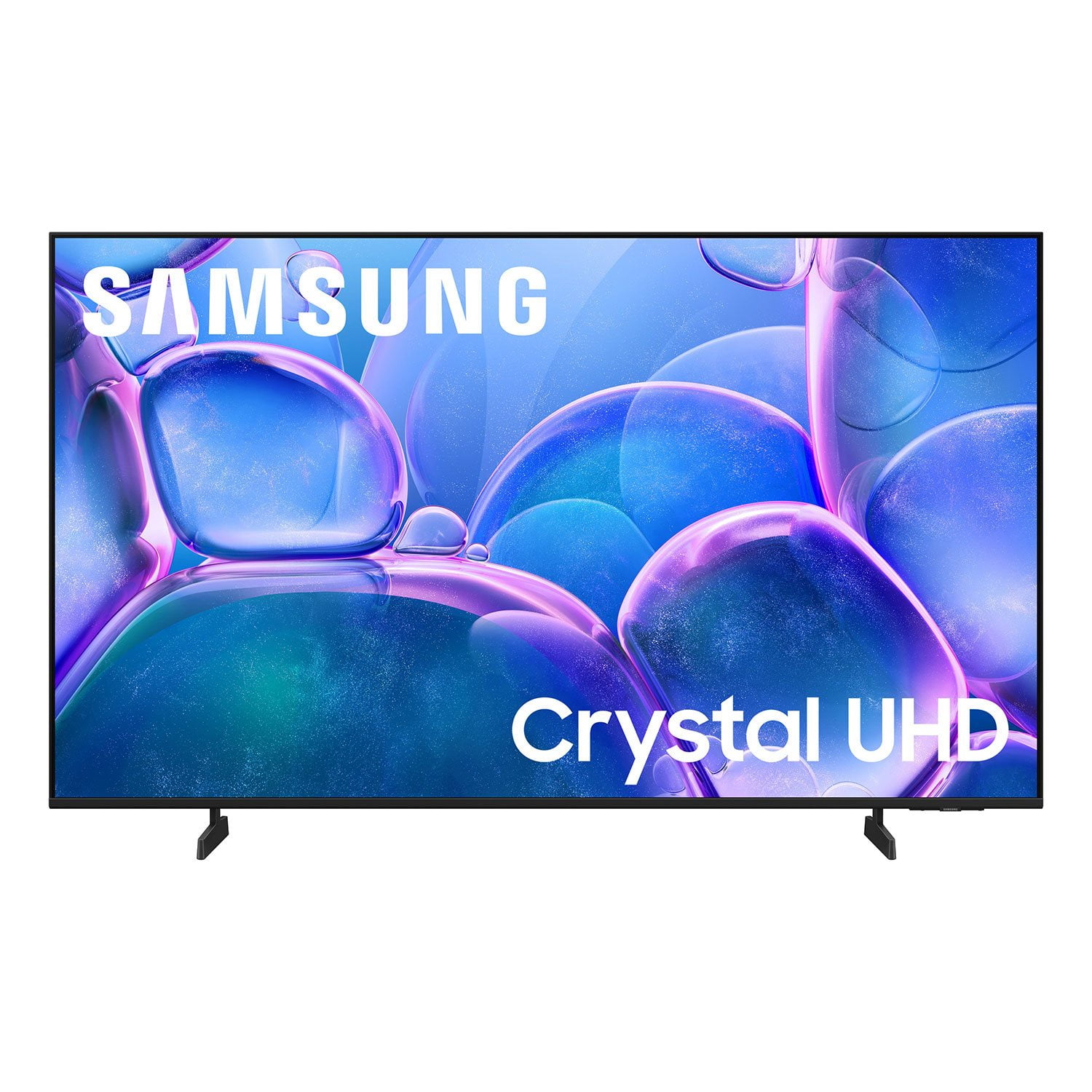
SAMSUNG 50" Class U7900F Series 4K Crystal UHD Smart TV
4.6 out of 5 stars
stars2,146 ratings2,082 reviews
  1. 5 stars77% (1,644)
  2. 4 stars15% (314)
  3. 3 stars4% (96)
  4. 2 stars2% (36)
  5. 1 star3% (56)

Member photos

  • +822 images
Sort by |
Showing 1,891-1,900 of 2,082 reviews
Feb 17, 2026
Tiff
5 out of 5 stars review

EXCELLENT PICTURE

[This review was collected as part of a promotion.] This TV has a great picture and the price was great for the quality.

Review from Samsung US
Helpful?5C20ZRAZZ46Q16498555478
Feb 18, 2026
Garry
5 out of 5 stars review

Nice unit

[This review was collected as part of a promotion.] This is good tv. Its bright. Nice colors and good sound

Review from Samsung US
Helpful?5C20ZRAZZ46Q16498555478
Feb 11, 2026
Cheetah
4 out of 5 stars review

Great screen

[This review was collected as part of a promotion.] Great screen and 4k resolution and brightness features

Review from Samsung US
Helpful?5C20ZRAZZ46Q16498555478
Feb 17, 2026
TanL
3 out of 5 stars review

Good price

[This review was collected as part of a promotion.] It is good for the price, but it is not that good of the quality though

Review from Samsung US
Helpful?5C20ZRAZZ46Q16498555478
reply from Samsung Advisor

Hi TanL, We appreciate your feedback on the picture quality of Samsung’s U7900F TV. If the image doesn’t quite match your preferences, there are several adjustments you can make to better suit your viewing environment and content type. First, please ensure your TV is running the latest firmware, as updates may include important picture quality enhancements. Go to: Home > Left directional button > Settings > Support > Software Update > Update Now To explore picture mode options, navigate to: Home > Left directional button > Settings > All Settings > Picture > Picture Mode. Options include: • Standard – Ideal for general viewing • Dynamic – Brighter and more vibrant for well-lit spaces • Eco – Optimized for energy efficiency • Movie – Best for viewing in low light • Filmmaker Mode – Preserves the content creator’s intent and disables motion smoothing for supported content You can further customize your image by going to: Settings > All Settings > Picture > Expert Settings, where you can adjust Brightness, Contrast, Color Tone, Sharpness, Contrast Enhancer and more. If you’d like help finding the best picture settings for your preferences, please don’t hesitate to contact Samsung Support at 1-800-SAMSUNG, available 8AM – 12AM EST, 7 days a week. You can also LiveChat with an agent or explore additional resources on our website by clicking the ‘Support’ link. ~ Samsung Advisor

Mar 24, 2026
aBlueEyed1
5 out of 5 stars review

Great features

[This review was collected as part of a promotion.] Great resolution and never skips a beat for streaming

Review from Samsung US
Helpful?5C20ZRAZZ46Q16498555478
Feb 10, 2026
Luvtosmashask
5 out of 5 stars review

Gret picture

[This review was collected as part of a promotion.] Amazing clarity. Games are like im thee. 100 rating

Review from Samsung US
Helpful?5C20ZRAZZ46Q16498555478
Feb 23, 2026
Olazaran80
5 out of 5 stars review

Nice

[This review was collected as part of a promotion.] Love this tv.. good picture.. great for movies night..

Review from Samsung US
Helpful?5C20ZRAZZ46Q16498555478
Mar 23, 2026
None
5 out of 5 stars review

Great Features

[This review was collected as part of a promotion.] The tv has great features, great picture, great sound & very easy to use.

Review from Samsung US
Helpful?5C20ZRAZZ46Q16498555478
Feb 17, 2026
Anonymous
5 out of 5 stars review

Screen resolution

[This review was collected as part of a promotion.] Chrystal clear screen resolution. Easy user interface and plenty of options for streaming.

Review from Samsung US
Helpful?5C20ZRAZZ46Q16498555478
Oct 15, 2025
Charlie
5 out of 5 stars review

Charles rodgers

[This review was collected as part of a promotion.] I used my Samsung TV to watch moving streaming and watch video on YouTube

Review from Samsung US
Helpful?5C20ZRAZZ46Q16498555478