Skip to Main Content
Sam's Club
Sam's Club
Customer reviews for SAMSUNG 50" Class U7900F Series 4K Crystal UHD Smart TV for
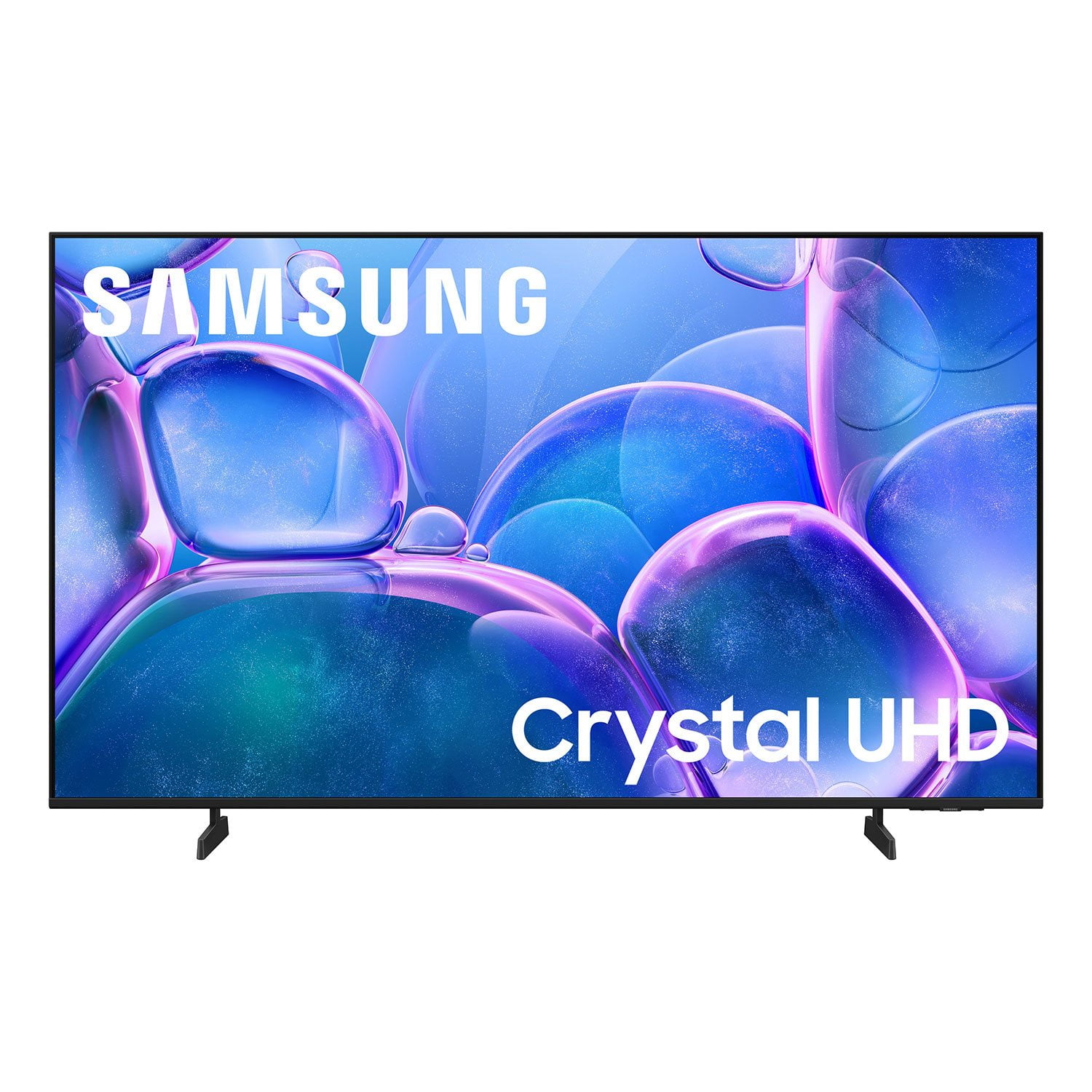
SAMSUNG 50" Class U7900F Series 4K Crystal UHD Smart TV
4.6 out of 5 stars
stars2,352 ratings2,288 reviews
  1. 5 stars76% (1,783)
  2. 4 stars15% (344)
  3. 3 stars5% (113)
  4. 2 stars2% (44)
  5. 1 star3% (68)

Member photos

  • +886 images
Sort by |
Showing 1,461-1,470 of 2,288 reviews
May 11, 2026
Momof4
5 out of 5 stars review

Awesome size!

[This review was collected as part of a promotion.] I love being able to connect my Samsung galaxy phone seamlessly

Review from Samsung US
Helpful?5C20ZRAZZ46Q16498555478
May 1, 2026
Nick
5 out of 5 stars review

Love my tv!

[This review was collected as part of a promotion.] Great resolution and color! Fast when I switch between apps! Everything I want in tv!

Review from Samsung US
Helpful?5C20ZRAZZ46Q16498555478
Apr 20, 2026
Woo dog
5 out of 5 stars review

Great service

[This review was collected as part of a promotion.] Great quality and loudness i have two of them so let you know i like it

Review from Samsung US
Helpful?5C20ZRAZZ46Q16498555478
Apr 20, 2026
Entertainment Junkie
5 out of 5 stars review

Great TV

[This review was collected as part of a promotion.] this is a great TV I love it picture is very bright and clear so glad I made this purchase

Review from Samsung US
Helpful?5C20ZRAZZ46Q16498555478
Apr 23, 2026
Martin
5 out of 5 stars review

Excellent

[This review was collected as part of a promotion.] Very Good Product. I am recommend all time Samsung

Review from Samsung US
Helpful?5C20ZRAZZ46Q16498555478
Apr 29, 2026
Smileyface
5 out of 5 stars review

It has an nice, crisp bright pic, streams perfect

[This review was collected as part of a promotion.] I give it 5 stars, It all around is a perfect tv..

Review from Samsung US
Helpful?5C20ZRAZZ46Q16498555478
May 11, 2026
Audidude90
3 out of 5 stars review

Smooth pictures

[This review was collected as part of a promotion.] Smooth picture. Apps are okay. Not the best. Really laggy. Over all not bad.

Review from Samsung US
Helpful?5C20ZRAZZ46Q16498555478
reply from Samsung Advisor

Hi Audidude90, We appreciate your feedback regarding response time. For optimal performance, please ensure your U7900F TV is running the latest firmware. You can check this by going to: Home > left directional key > Settings > Support > Software Update To further optimize performance, try running Device Care, which checks memory, clears unused cached data, and closes background apps: Home > left directional key > Settings > Support > Device Care > Start Device Care If issues continue, please reach Samsung Support at 1-800-SAMSUNG, available 8AM – 9PM EST Mon – Fri, 8AM – 6PM Sat – Sun. LiveChat is also available via the ‘Support’ link on our website. ~ Samsung Advisor

Feb 6, 2026
Thankful Nat
3 out of 5 stars review

The price was the best thing!

[This review was collected as part of a promotion.] Loved the price and though my previous Samsung TV picture was brighter, this one is still good!

Review from Samsung US
Helpful?5C20ZRAZZ46Q16498555478
reply from Samsung Advisor

Hi Thankful Nat, It's great to hear you are enjoying your new Samsung TV. If the image appears too dark, we suggest disabling certain energy-saving features, which can automatically adjust brightness and affect how the screen looks. Go to: Settings > All Settings > General & Privacy > Power and Energy Saving, then turn off Brightness Optimization, Energy Saving Solution, Motion Lighting, and/or Contrast Enhancer. You can also adjust the Picture Mode to better suit your environment: Settings > All Settings > Picture > Picture Mode • Standard – Default mode for general viewing • Dynamic – Brighter and clearer, ideal for well-lit rooms • Movie – Best for dark room viewing • Eco – Energy-saving mode • Filmmaker Mode – Preserves content as intended by creators To fine-tune brightness, go to: Home > left directional key > Settings > All Settings > Picture > Expert Settings, then adjust the Brightness level (0–50) to your preference. Lastly, please make sure your TV is running the latest firmware: Home > Home > left directional key > Settings > Support > Software Update > Update Now We hope these tips help improve your viewing experience. If you need further support, feel free to contact us at 1-800-SAMSUNG, 8AM – 12AM EST, 7 days a week. LiveChat is also available via the ‘Support’ link on our website. ~ Samsung Advisor

May 12, 2026
Leprechaun
5 out of 5 stars review

Great picture

[This review was collected as part of a promotion.] Great streaming format and Samsung TV plus is a great free channel lineup.

Review from Samsung US
Helpful?5C20ZRAZZ46Q16498555478
Apr 20, 2026
Hiiimamazingg
5 out of 5 stars review

Best tv ive had

[This review was collected as part of a promotion.] I love the size abd resolution quality. Connectivity is easy to all my devices and computer.

Review from Samsung US
Helpful?5C20ZRAZZ46Q16498555478