
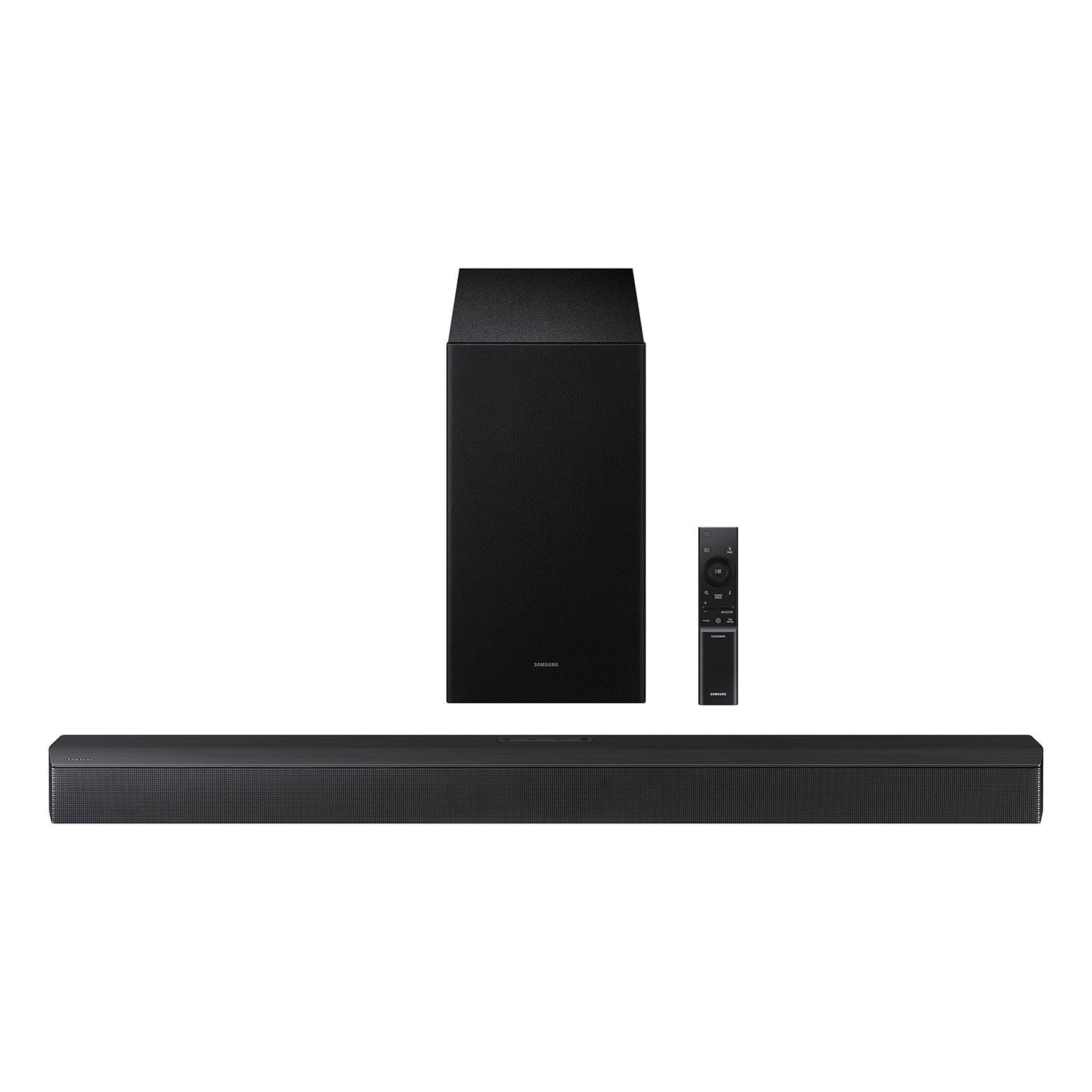
 Customer reviews for SAMSUNG 3.1 Channel Soundbar w/Dolby Digital for
SAMSUNG 3.1 Channel Soundbar w/Dolby Digital
4.5 out of 5 stars
stars
112 ratings72 reviews
Member photos
- +42 images






Sort by |
Showing 51-60 of 72 reviews
Jun 27, 2025
Reviewer name: Mkobrick05
5 out of 5 stars review
Great sound!
Review from The Insiders
Helpful?
Jul 18, 2025
Reviewer name: roberfajardo
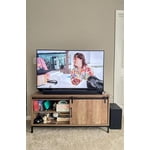
4 out of 5 stars review
Great soundbar for the money

Review from The Insiders
Helpful?
Jul 14, 2025
Reviewer name: Heckyea
5 out of 5 stars review
My living room is a theater
Review from The Insiders
Helpful?
Jun 19, 2025
Reviewer name: ReneeW
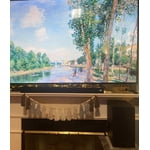
5 out of 5 stars review
Crystal Clear Dialogue and Powerful Sound
Review from The Insiders
Helpful?
Jul 25, 2025
Reviewer name: tai113
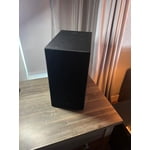
5 out of 5 stars review
Perfect fit the sound is phenomenal

Review from The Insiders
Helpful?
Aug 16, 2025
Reviewer name: synchronicity02
5 out of 5 stars review
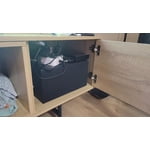
Great sound for movie watching

Review from The Insiders
Helpful?
Aug 16, 2025
Reviewer name: QueenPanama2018
5 out of 5 stars review
Great soundbar

Review from The Insiders
Helpful?
Jul 11, 2025
Reviewer name: naveenyamana
5 out of 5 stars review
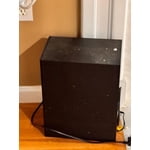
Powerful and Clear Sound

Review from The Insiders
Helpful?
Jul 17, 2025
Reviewer name: Bass1man2
5 out of 5 stars review
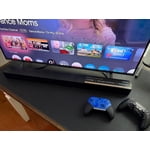
Movie Theater at home


Review from The Insiders
Helpful?
Jun 23, 2025
Reviewer name: vcampos679
5 out of 5 stars review
Feel the Boom: A Soundbar That Shakes the Room

Review from The Insiders
Helpful?