Skip to Main Content
Sam's Club
Sam's Club
All Departments
All Services
Customer reviews for SAMSUNG 3.1 Channel Soundbar w/Dolby Digital for
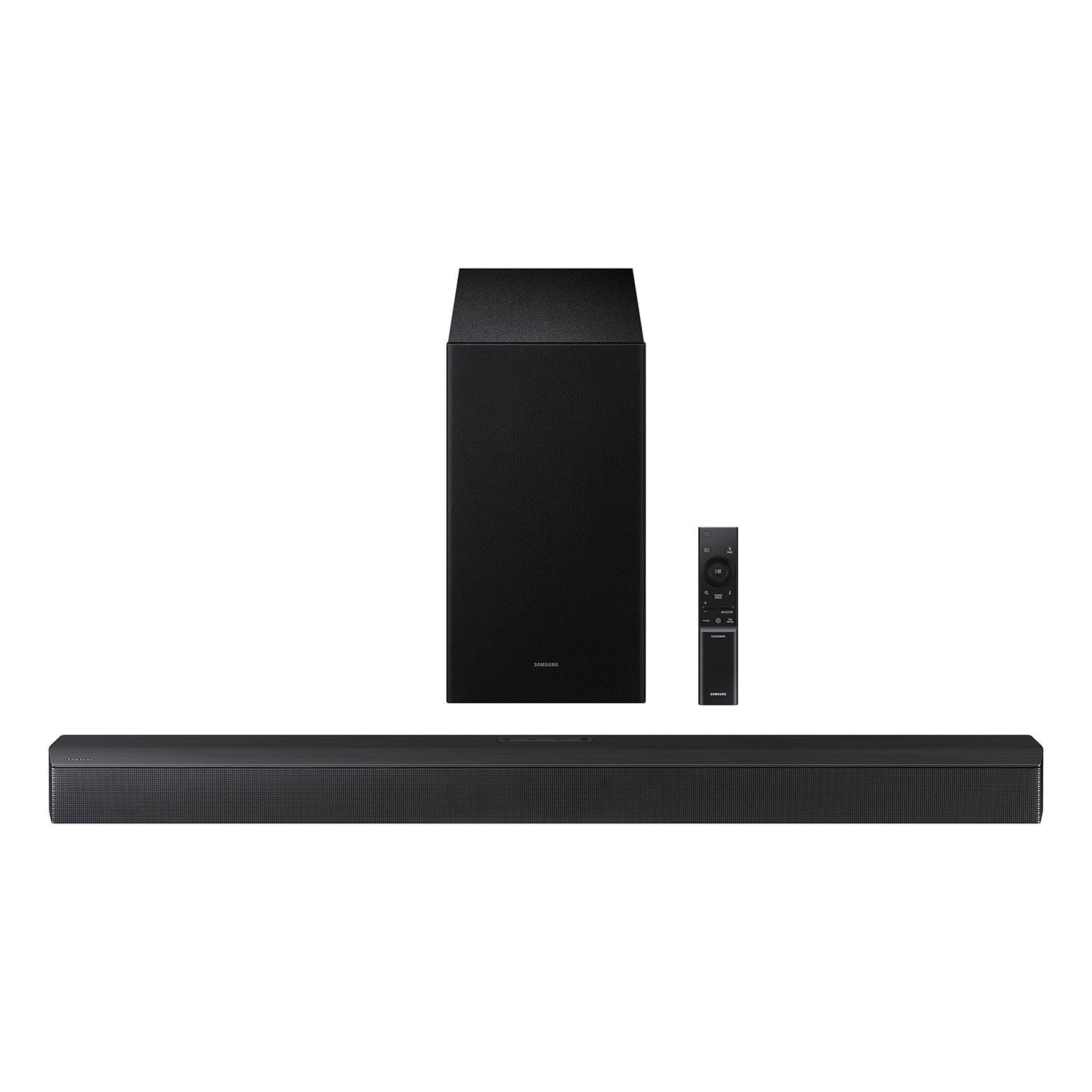
SAMSUNG 3.1 Channel Soundbar w/Dolby Digital
4.5 out of 5 stars
stars
119 ratings76 reviews
  1. 5 stars72% (86)
  2. 4 stars16% (19)
  3. 3 stars6% (7)
  4. 2 stars3% (3)
  5. 1 star3% (4)

Member photos

  • +44 images
Sort by |
Showing 21-30 of 76 reviews
Jul 18, 2026
Reviewer name: Anthony
1 out of 5 stars
1 out of 5 stars review

The subwoofer would not connect to the soundbar. Incredibly unintuitive to use on top of it. Soundbar connected fine. Every instruction tells you in all connects automatically, but there is zero competent support or instruction for when it doesn't. Save yourself the frustration and buy something else.

Helpful?2PBVKFGY754316491701025
reply from Samsung

Hi Anthony, We appreciate you taking a few moments to review the HW-B620F Samsung Soundbar. When powered on for the first time, the subwoofer should automatically connect to the soundbar wirelessly. If the auto-connection process fails, you can try manually connecting the sub to the soundbar. Before performing the manual connection procedure, check whether the power cables for the Soundbar and subwoofer are connected properly and make sure that the Soundbar is turned off. Press and hold ID SET on the rear of the subwoofer for at least 5 seconds. The red indicator on the rear of the subwoofer turns off and the blue indicator blinks. Press and hold the Up button on the remote control for at least 5 seconds. The ID SET message appears on the display of the Soundbar for a moment, and then it disappears. The Soundbar will automatically power on when ID SET is complete. The LINK LED indicator stops blinking and glows a solid blue when a connection is established between the Soundbar and the Wireless Subwoofer. If you need more help, Samsung is here for you. Please call us at 1-800-SAMSUNG, Mon – Fri 8 AM – 9 PM EST, Sat & Sun 8 AM – 6 PM EST. Live Chat with an agent as well as manuals, software, creating a service ticket, and warranty info can be found at the ‘Support’ link on our Samsung website. ~ Samsung Solutions

Jul 10, 2026
Reviewer name: Randall
5 out of 5 stars
5 out of 5 stars review

Great Sound

[This review was collected as part of a promotion.] I recently purchased the Samsung B Series soundbar and subwoofer, and I couldn't be happier with my decision. The sound quality is outstanding. The dialogue is crystal clear, making movies and TV shows much easier to follow, while the subwoofer delivers deep, powerful bass that adds real impact without overpowering everything else. Whether I'm watching an action movie, listening to music, or streaming sports, the audio fills the room with rich, immersive sound. Setup was quick and easy, and the wireless subwoofer connected without any issues. For the price, this system offers incredible value. It has completely transformed my home entertainment experience, and I highly recommend the Samsung B Series soundbar and subwoofer to anyone looking for premium sound without spending a fortune. It's an excellent upgrade that delivers impressive performance.

Review from Samsung US
Helpful?2PBVKFGY754316491701025
Jul 12, 2026
Reviewer name: SKane
4 out of 5 stars
4 out of 5 stars review

Verified Purchase

Good for the price

Good value for the price. Instructions could be better. Sounds nice.

Helpful?2PBVKFGY754316491701025
Jun 25, 2026
Reviewer name: Chuck
4 out of 5 stars
4 out of 5 stars review

Verified Purchase

Good sound!

Good sound quality, easy to set up, remote is intuitive.

Helpful?2PBVKFGY754316491701025
May 3, 2026
Reviewer name: Samsungdad
4 out of 5 stars
4 out of 5 stars review

Grrat value, Add rear speaker for full experience
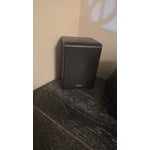
[This review was collected as part of a promotion.] ​I recently integrated the wireless rear speaker kit with this Samsung soundbar, and the results have been impressive. For the price point, this system offers remarkable value. The voice clarity is a particular standout, ensuring dialogue is never lost in the mix, and the Bass Boost feature provides a satisfying punch that elevates the entire home theater experience. ​My only technical reservation involves the power synchronization. While the soundbar powers down automatically with the television, it requires a manual power-on each time. Aside from this minor eArch handshake hurdle, it is a stellar performer that I highly recommend for anyone looking to upgrade their television.

Review from Samsung US
Helpful?2PBVKFGY754316491701025
May 31, 2026
Reviewer name: Barbdabuilder
5 out of 5 stars
5 out of 5 stars review

Amazing upgrade to otherwise great tv

[This review was collected as part of a promotion.] The clarity and amplification are crazy good for B series. It truly immerses you and the directionality is on point so u feel like your on a soundstage and surround sound makes u feel like it's coming from behind you it's nuts

Review from Samsung US
Helpful?2PBVKFGY754316491701025
Apr 10, 2026
Reviewer name: Rodney Lee
5 out of 5 stars
5 out of 5 stars review

Verified Purchase

Samsung surround sound

I love that it's Bluetooth & it sounds amazing

Helpful?2PBVKFGY754316491701025
Dec 14, 2025
Reviewer name: Anthony
1 out of 5 stars
1 out of 5 stars review

It doesn’t work when Bluetooth connects with Samsung tv

Helpful?2PBVKFGY754316491701025
reply from Samsung

Hello Anthony, Thank you for taking a few moments to review the HW-B620F Samsung Soundbar. If available, we recommend using the HDMI connection to your TV. Connecting your soundbar to a TV through HDMI will provide the best audio and user experience, often eliminating any connection or delay issues you may be experiencing. There are 2 ways to connect your soundbar with HDMI: you can connect a device to your soundbar (like a Blu-ray player) and then connect the soundbar to the TV, or you can use HDMI ARC. The first method will give you the best possible sound from external devices you regularly use. ARC is the way to go if you want great sound from streaming apps on your TV and a soundbar. There are a few things you may want to check: 1) The maximum wireless signal transmission distance is about 33 ft. 2) Electronic devices may cause radio interference. Devices that generate electromagnetic waves should be kept away from the Soundbar main unit - e.g., microwaves, wireless LAN devices, etc. 3) Also, please be sure you have the latest firmware update. You can update your firmware by Auto Update, using the SmartThings app, or by using a USB device. You can find the update on the product page of your HW-B620F on the Samsung website. Should you need further assistance with this issue or have any questions about features or operation, please know that Samsung is here to help. Just give us a call at 1-800-SAMSUNG (Ask for Soundbars), 8AM - 12AM EST, 7 days a week. Our Live Chat agents are also available by clicking on the ‘Support’ link on our website. ~ Samsung Solutions

Jun 17, 2026
Reviewer name: Jcj2903
5 out of 5 stars
5 out of 5 stars review

Sounds like a Theater surround sound system

[This review was collected as part of a promotion.] Bought for my wife, 100 disabled veteran. She loves movies. She's not able go to the movies often so this purchase brought the movies to her and she loves it.

Review from Samsung US
Helpful?2PBVKFGY754316491701025
Jul 8, 2026
Reviewer name: Chuy
5 out of 5 stars
5 out of 5 stars review

Great sound!

[This review was collected as part of a promotion.] This product has such amazing quality. The soundbar itself has more than enough clarity. The immersion it gives makes it feel as if youre in the movie theaters. Overall its a great buy!

Review from Samsung US
Helpful?2PBVKFGY754316491701025