Skip to Main Content
Sams Club
Sams Club
Customer reviews for SAMSUNG 55" Class U7900F Series 4K Crystal UHD Smart TV for
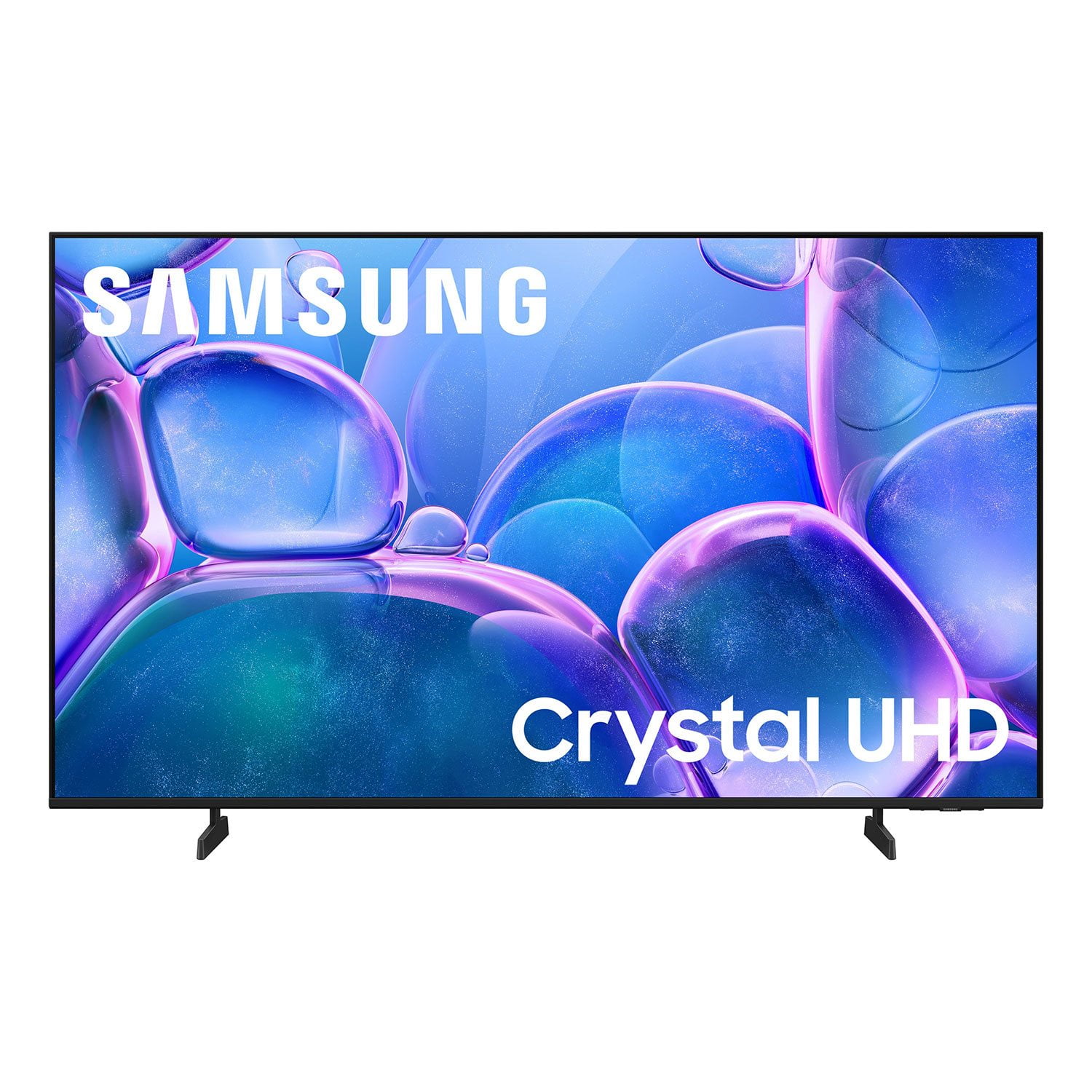
SAMSUNG 55" Class U7900F Series 4K Crystal UHD Smart TV
4.6 out of 5 stars
stars1,807 ratings1,707 reviews
  1. 5 stars78% (1,414)
  2. 4 stars14% (251)
  3. 3 stars4% (78)
  4. 2 stars1% (25)
  5. 1 star2% (39)

Member photos

  • +654 images
Sort by |
Showing 621-630 of 1,707 reviews
Oct 20, 2025
ConstantCaptions
3 out of 5 stars review

Permanent captions

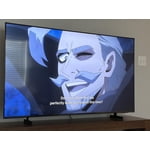
[This review was collected as part of a promotion.] I’m a longtime diehard Samsung fan so I was happy to be gifted this TV however from day one, there are captions/subtitles for every show. Annoying! I haven’t them switched off in the controls. I checked online and some recommended unplugging then plugging back in after a few minutes. No joy so this television is NEVER watched.

Review from Samsung US
Helpful?3X98WOQFG1UG16471557124
reply from Samsung Advisor

Hi ConstantCaptions, Thank you for sharing your experience with us. Please ensure captions have been disabled on any connected devices and streaming apps or cable boxes. If you continue to have issues, please ensure are up to date with the latest Firmware. Go to Settings > Support > Software Update > Update Now. If the issue persists, a factory reset may help: Home > left directional key > Settings > All Settings > General & Privacy > Factory Data Reset. If you continue to experience issues, please don’t hesitate to contact Samsung Customer Support at 1-800-SAMSUNG, available 8AM – 12AM EST, 7 days a week. LiveChat agents and additional resources are also available through the ‘Support’ link on our Samsung website. ~ Samsung Advisor

Nov 21, 2025
UzairMehboob
5 out of 5 stars review

Excellent LED TV with Amazing Picture Quality

[This review was collected as part of a promotion.] Samsung has once again delivered a fantastic LED TV. The picture quality is sharp and vibrant, the contrast is excellent, and the viewing angles are great. The built-in apps run smoothly without any lag, and the remote is easy to use. The sound quality is surprisingly good even without external speakers. For the price, this TV offers outstanding value. Highly impressed and definitely recommended!

Review from Samsung US
Helpful?3X98WOQFG1UG16471557124
Nov 14, 2025
SaltyPants
3 out of 5 stars review

Great picture, great sound, bad controls.

[This review was collected as part of a promotion.] I honestly despise how this TV works at times. The picture and sound is amazing, but it relentlessly turns Game Mode on when it has been switched to off. This destroys picture quality and changes settings I dont want changed. I absolutely hate the Game Mode and wish there was a way to fully remove it.

Review from Samsung US
Helpful?3X98WOQFG1UG16471557124
reply from Samsung Specialist

SaltyPants, Thanks for your review. To improve your experience, please ensure your TV is running the latest firmware. You can check this by going to: Home > left directional key > Settings > Support > Software Update To further optimize performance, try running Device Care, which checks memory, clears unused cached data, and closes background apps: Home > left directional key > Settings > Support > Device Care > Start Device Care If issues continue, please reach Samsung Support at 1-800-SAMSUNG, available 8AM – 12AM EST, 7 days a week. LiveChat is also available via the ‘Support’ link on our website. ~ Samsung Specialist

Jan 6, 2026
PaulM
4 out of 5 stars review

Great Value 4K TV

Samsung is known for its TVs and this TV is very good. The High Dynamic Range (HDR) and the 4K resolution are better than average and for the price this is an excellent value TV. A Fiber optic would have been nice for my soundbar, but this TV doesn't have one of those kinds of outputs. Also worth to note it only have 2 HDMI inputs. One of the negivitves about this TV is the Smart Hub is underpowered and tends to freeze and have to be reserted to fix the issue. I love my AppleTV (4K HDR) with this TV and have no issues this way, plus I get higher quality output then the SmartHub with Apps are able to output.

Review from Samsung US
Helpful?3X98WOQFG1UG16471557124
Oct 8, 2025
Azitokbl
3 out of 5 stars review

Still Figuring It Out

[This review was collected as part of a promotion.] So far, I'm in the fence about this TV. The picture is amazing, but the functions are confusing and, at times, inconvenient. I don't like how downloading an app doesn't automatically bring it to the home page. I don't like how, on the remote, the left volume button has so many functions, so trying to mute the TV will bring up an avatar doing sign language. I don't like how I need to but a soundbar to utilize Bixby. The volume isn't that great either. I do, however, like that it's a Samaung TV and I'm able to watch Roku TV. As mentioned, picture is beautiful. I really feel like I need too many spent gadgets to fully appreciate what this TV is capable of, so I'll hold on to it until I unlock it's full potential. Overall, I'd buy again... so far.

Review from Samsung US
Helpful?3X98WOQFG1UG16471557124
reply from Samsung Advisor

Hi Azitokbl,\n\nWe appreciate your feedback and have a few tips that may improve your experience. \n\nFirst, to customize your Home Screen: \n1. Go to App Settings (these can be found at the bottom of the Apps screen) and select the app you want to move. The following options will be available:\na. Add to Home: Move the app to your desired location on the Home screen.\nb. Delete: Delete app (applicable for manually installed apps only)\n\nNext, to disable the accessibility feature you mentioned go to Menu > Settings > All Settings > General & Privacy > Accessibility.\n\nFinally, please know you do not need a soundbar to utilize Bixby. You can access Bixby via the Samsung SmartThings app. \n\nIf you need additional support, Samsung is here to help. Please call us at 1-800-SAMSUNG, available daily from 8AM - 12AM EST. You can also chat with a LiveChat agent by clicking the ‘Support’ link on our website for:\n• Live Chat\n• Manuals, Software, & Warranty Info\n• Creating a Service ticket\n\n~ Samsung Advisor\n

Nov 15, 2025
Samsungloyal
5 out of 5 stars review

I love this television for many reasons!

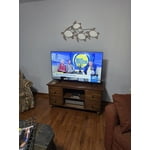
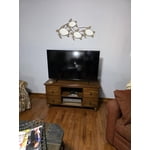
[This review was collected as part of a promotion.] I am so happy with our 50" Samsung Crystal television. It was easy to set up, the picture is beautiful, and I love all the options to create the perfect settings for your environment. We bought this for my hunny's mancave so it's nice to have the picture setting options to adjust so we get the best picture regardless of it being bright outside or darker at night...we can always make the proper adjustments and it really helps! I am able to watch programs without needing my glasses! That's a first for me! I love that I can control the settings in my Samsung Smart Things app on my phone! Plus..it's great that I can locate my phone through my TV settings when I misplace it! And...I seem to lose my phone more often than I'd like to admit! The ONLY suggestion would be to make the remote easier to understand when it comes to adjusting the volume! We both couldn't figure out that you have to push the button up and down. It wasn't clear about how to use it in the set-up details. But, that's a tiny thing to manage once you figure it out. Otherwise, we couldn't be happier! I'm including a pic...but keep in mind...it's in our mancave!

Review from Samsung US
Helpful?3X98WOQFG1UG16471557124
Dec 5, 2025
Louie2025
5 out of 5 stars review

Satisfied customer

[This review was collected as part of a promotion.] We love the bright and sharp screen. Our only complaint is that we can’t connect a DVD player to the tv. We have Roku plugged in so there’s no where to plug in a DVD player. Any suggestions would be appreciated!!

Review from Samsung US
Helpful?3X98WOQFG1UG16471557124
Dec 17, 2025
Gemfreak
5 out of 5 stars review

Love it just right

[This review was collected as part of a promotion.] I just love my TV it's so lightweight and sleek. It's the perfect size and the picture it's the best picture I've ever seen the colors are so bright and vivid just vibrant it's one of the best investments I've made recently Love my tv

Review from Samsung US
Helpful?3X98WOQFG1UG16471557124
Jan 16, 2026
Ginat
2 out of 5 stars review

Horrible remote

Bought this TV. It came with no user manual. The remote is horrible. They took away most of the functions. Can't figure out how to use it. Can't put in a specific channel, no previous channel button. Trying to find a user manual here. Not too easy. We are using a remote from another Samsung TV. Only way we can make it work. Very hard to navigate once you are in.

Review from Samsung US
Helpful?3X98WOQFG1UG16471557124
reply from Samsung Specialist

Hi Ginat, We appreciate you sharing your experience. To help you get the most from your TV and remote functions, you can download the full e-Manual and more by visiting Samsung’s website then navigating to: Support > Manual & Software > TVs & Home Theater. From there, you can search for and select your U7900F TV model to view or download the available guides. The e-Manual & Remote Control Guide are also conveniently built into your TV: Settings > Support > Tips and User Guides. For additional guidance, your TV also includes Accessibility features designed to assist with navigation and remote use. • Learn Menu Screen provides audio guidance for on-screen menus by announcing the name and function of each item as you scroll – without making any changes. This is especially helpful for users who are visually impaired or new to Smart TV menus. Enable via: Settings > All Settings > General & Privacy > Accessibility > Learn Menu Screen. To exit, press the Return key twice. • Learn TV Remote helps users become familiar with the layout and function of each button on the Samsung remote. Pressing a button (other than Power) will prompt the TV to announce its name and purpose, again without affecting TV operation. Enable via: Settings > All Settings > General & Privacy > Accessibility > Learn TV Remote. To exit, press the Return key twice. If you’d like more assistance with these features, please reach Samsung Support at 1-800-SAMSUNG, available 8AM – 12AM EST, 7 days a week. LiveChat agents are also available through the ‘Support’ link on our website. ~ Samsung Specialist

Jan 18, 2026
Frankie
1 out of 5 stars review

Hardware malfunction

The first 4-6 weeks, the TV had no issues other than a slower interface. As I write this, I am roughly 2 months in and there is a hardware issue; a line runs across the top and there is a green dot. Save yourself a headache and do not purchase this item. First photo shows the green spot and part of the line. The second photo shows the entire line running across the TV.

Review from Samsung US
Helpful?3X98WOQFG1UG16471557124
reply from Samsung Specialist

Hi Frankie, We regret to hear about your experience with the Samsung U7900F TV. Samsung stands behind the quality and performance of our products and offers a 1-year limited warranty covering manufacturer defects when purchased new from an authorized seller. You can enter your model number to review the full terms here: https://www.samsung.com/us/support/warranty/ If you haven’t already, please contact Samsung Customer Support at 1-800-SAMSUNG (available 8AM – 12AM EST daily) or via LiveChat on our website under the ‘Support’ section. We’d welcome the chance to assist. ~ Samsung Specialist