reply from LG Digital Team
We got you! LG Channels offers over 300 free live and on-demand channels on your LG Smart TV—no subscriptions or logins needed. You’ll find a wide variety of content, including news, sports, movies, music, lifestyle, and kids' entertainment. To view the complete list of channels, press the Home button on your LG Magic Remote and open the LG Channels app. From there, you can browse categories or access the built-in channel guide. The lineup may vary by region and is updated regularly with new content. For the latest list, visit the official LG Channels here: http://spr.ly/64284kUIw.. You can check out these tips and tricks to surf our LG Channels here: http://spr.ly/64294kUIb. It’s all designed to bring more entertainment to your screen and is free and easy to access. For more feedback or questions, private message us on social media @LGUSSupport . We're always here to help! ^David

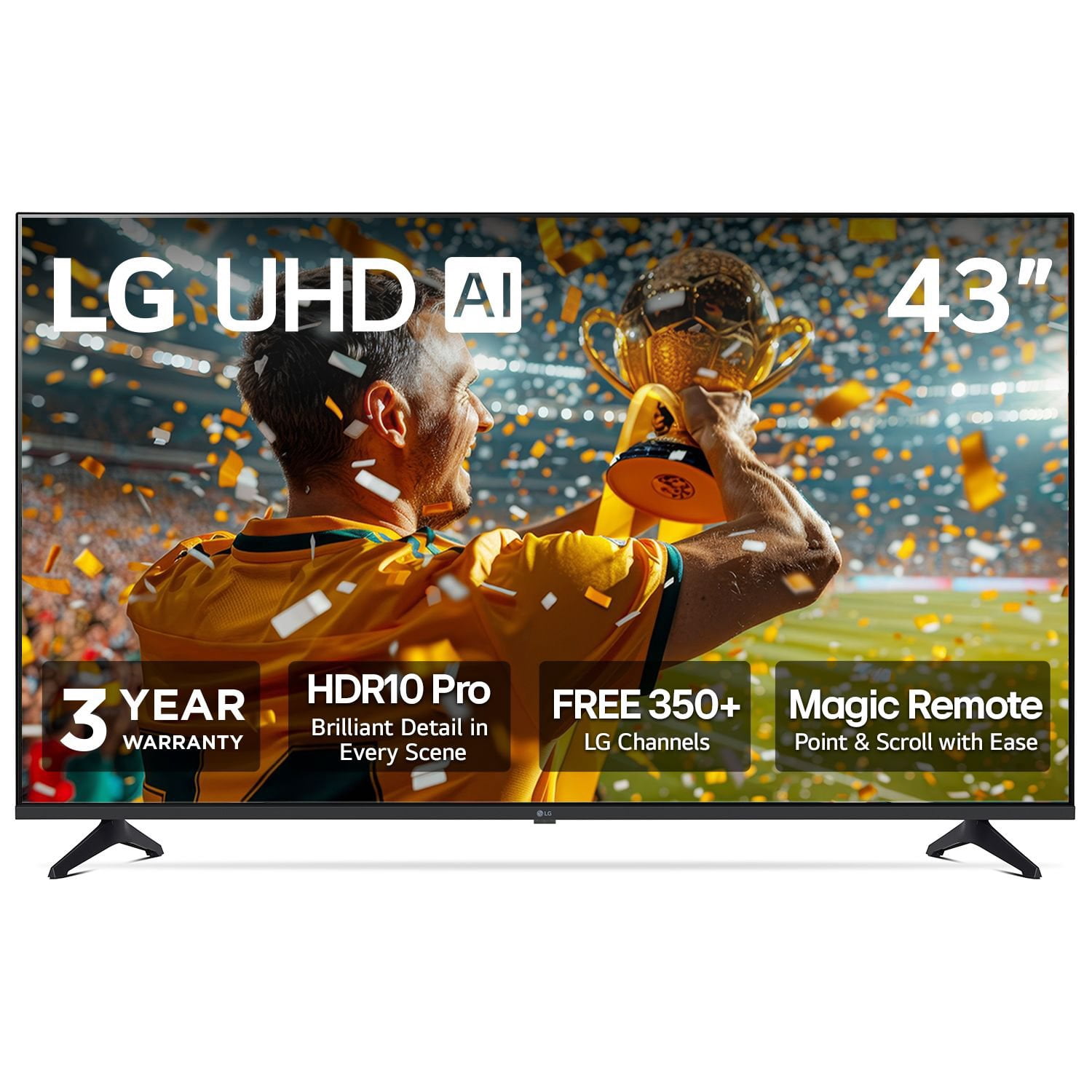 Customer reviews for LG 43" Class UA7700 Series 4K UHD Smart TV for