Skip to Main Content
Sam's Club
Sam's Club
All Departments
All Services
Customer reviews for LG 43" Class UA7700 Series 4K UHD Smart TV for
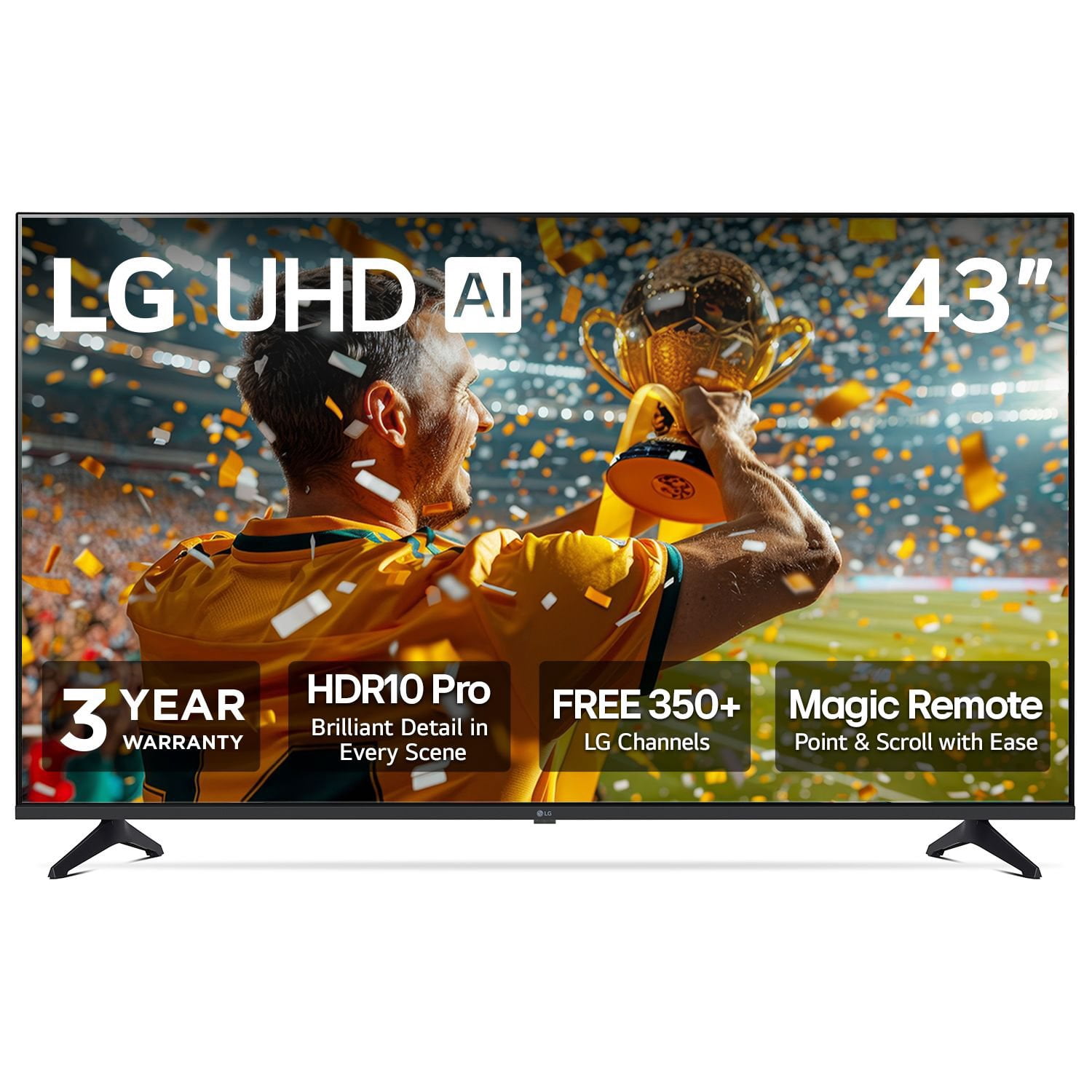
LG 43" Class UA7700 Series 4K UHD Smart TV
3.5 out of 5 stars
stars
57 ratings57 reviews
  1. 5 stars37% (21)
  2. 4 stars21% (12)
  3. 3 stars12% (7)
  4. 2 stars12% (7)
  5. 1 star18% (10)
Sort by |
Showing 1-10 of 57 reviews
Aug 3, 2026
Reviewer name: Anonymous
5 out of 5 stars
5 out of 5 stars review

Verified Purchase

Great

[This review was collected as part of a promotion.] At the moment great Hope it lasts longer then the others I've brought Great picture easy to use Would always but lg

Review from lg.com/uk
Helpful?4FLK5BUGQCQT16314555511
Jan 5, 2026
Reviewer name: Aidan Paul Hall
5 out of 5 stars
5 out of 5 stars review

Verified Purchase

50'' TV

[This review was collected as part of a promotion.] I've just purchased this product and totally happy I did so, excellent quality picture and sound, but such an experience when I'm hooked up with my gaming console and the US40T surround sound speakers setup, literary blown away lol,

Review from lg.com/uk
Helpful?4FLK5BUGQCQT16314555511
Jan 24, 2026
Reviewer name: Anonymous
5 out of 5 stars
5 out of 5 stars review

Verified Purchase

Fabulous purchase

[This review was collected as part of a promotion.] Bought the 86" as I decided the 65" looked small on my wall. Great picture quality brilliant that the 2025 has 400mm x 400mm versa fitment so fits alot of different brackets and possibly the one you already have on the wall like the one I had

Review from lg.com/uk
Helpful?4FLK5BUGQCQT16314555511
Jun 29, 2026
Reviewer name: Ramde
4 out of 5 stars
4 out of 5 stars review

Verified Purchase

Great 4K Picture & Easy Smart TV

[This review was collected as part of a promotion.] I bought the 55UA75006LA last month and it's been excellent so far. The 4K picture is really sharp and bright, and WebOS is very easy to use for Netflix and YouTube. Great TV for the price, very happy with it.

Review from lg.com/uk
Helpful?4FLK5BUGQCQT16314555511
Jul 22, 2026
Reviewer name: Kxxx
4 out of 5 stars
4 out of 5 stars review

Verified Purchase

Lovely TV

[This review was collected as part of a promotion.] Lovely TV - great picture, easy to set up. No booklet to show the detail of how to navigate, so I had to keep googling questions -but I got there in the end.

Review from lg.com/uk
Helpful?4FLK5BUGQCQT16314555511
Jul 3, 2026
Reviewer name: Wemil
4 out of 5 stars
4 out of 5 stars review

Verified Purchase

Good tv

[This review was collected as part of a promotion.] All good. Only thing I will say is it's a little slow with turning on / over and getting on apps compared to my last TV.

Review from lg.com/uk
Helpful?4FLK5BUGQCQT16314555511
May 28, 2026
Reviewer name: Kathjoel
4 out of 5 stars
4 out of 5 stars review

Verified Purchase

Good value

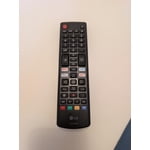
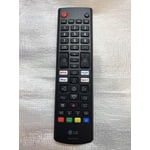
[This review was collected as part of a promotion.] Does the job, the only rhing i dont like is the remote too confusing and cant see button in low light

Review from lg.com/uk
Helpful?4FLK5BUGQCQT16314555511
Aug 25, 2025
Reviewer name: Dave S
2 out of 5 stars
2 out of 5 stars review

Verified Purchase

The tv had issues and I returned it.

The remote was terrible the curser kept jumping around and you had to start over it took hours to set up the tv. The sound was turned all the way up and you could barely hear it.The picture was nice and clear.

Helpful?4FLK5BUGQCQT16314555511
reply from LG Digital Customer Care

Hi Dave, thanks for sharing your experience—we appreciate your honest feedback. It’s great to hear the picture quality met your expectations, but we understand how setup challenges and sound issues can take away from the overall experience.<br /><br />The cursor behavior you described may be linked to remote sensitivity or signal interference, and the low audio output could be related to sound settings or connected devices. You can explore setup tips and troubleshooting guides here: https://www.lg.com/us/support/product-help/CT10000018-20150137965681-smart-tv<br /><br />If you&#39;d like us to take a closer look or assist further, feel free to send us a DM at &#64;LGUSSupport. We&#39;re here to help make sure your LG TV delivers the experience you deserve.<br /><br />~Ken

Dec 23, 2025
Reviewer name: David9987
2 out of 5 stars
2 out of 5 stars review

Verified Purchase

Disappointing Smart set-up

The use of the smart function is hit or miss. Even when I have being using it for BBC iplay on one day it may not work the next. I keep getting the message "I keep getting "host name does not match server certificate". I have switched server and TV on and off and checked for software updates but still works sometimes and not others.

Review from lg.com/uk
Helpful?4FLK5BUGQCQT16314555511
reply from LG Electronics UK

Hi David, We’re sorry to hear about the inconsistent experience with the smart functions on your LG TV. The “host name does not match server certificate” message can sometimes appear due to network or server issues, even if software is up to date. We recommend restarting both your TV and router, ensuring your TV’s date and time are set correctly, and trying a different network if possible. If the problem continues, please contact LG Customer Support on 0344 847 5454 or visit https://www.lg.com/uk/support/ so our team can help troubleshoot further. Thank you for your patience, we want to help ensure your smart features work reliably. Regards

Sep 16, 2025
Reviewer name: THOMAS
2 out of 5 stars
2 out of 5 stars review

Ridiculously bright

The panel is extremely bright, and I've spent two days trying to adjust the settings for the best picture without success. I’m not interested in AI features like the TV listening to conversations in the room for commands or controlling appliances like the LG washing machine, as it feels intrusive and compromises privacy, though it can be disabled.

Helpful?4FLK5BUGQCQT16314555511
reply from LG Digital Customer Care

Hi, Thomas. Thank you for sharing your experience with the LG TV (43UA7700AUA) model. We appreciate your insights on panel brightness and your preference for disabling AI features. To address the brightness, adjust the Picture Mode Settings by going to: Settings &gt; All Settings &gt; Picture &gt; Picture Mode Settings. Try Cinema or Filmmaker Mode for a softer viewing experience, or manually lower the OLED Light or Backlight under Picture Options. <br /><br />To disable AI features, go to: Settings &gt; All Settings &gt; General &gt; AI Service and toggle off the unwanted features. More guidance is available here: https://www.lg.com/us/support/help-library/lg-tv-the-best-picture-settings-for-your-lg-tv--20150577528034. If you need further assistance with picture settings, please email us at lgdigitalcare&#64;lg.sprinklrsupport.com. We&#39;re here to help in any way we can. ^Juvy